
Free AI Video Upscaler
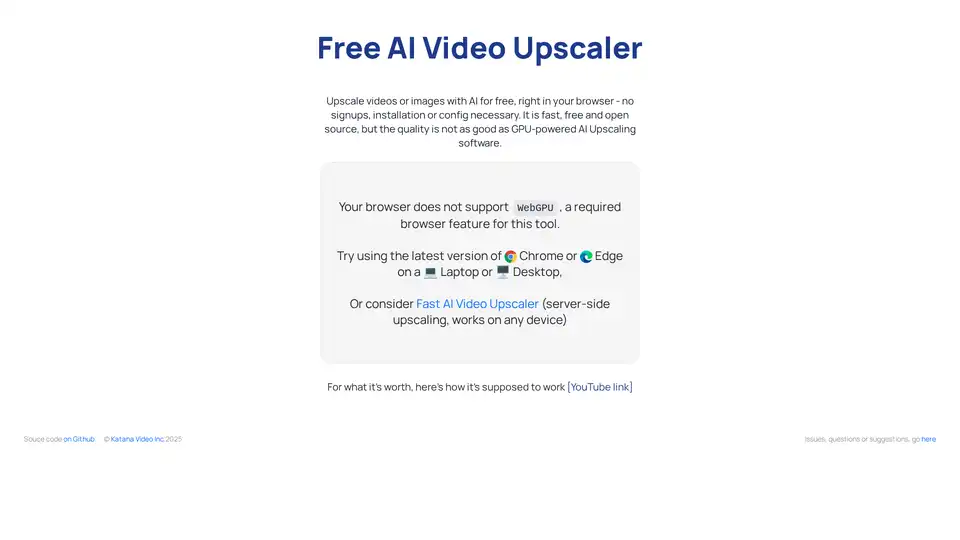
Overview of Free AI Video Upscaler
Free AI Video Upscaler: Enhance Your Videos and Images with AI
Free AI Video Upscaler is a browser-based tool designed to upscale video and image resolution using artificial intelligence. It stands out due to its client-side operation, meaning all processing happens directly within your browser. This approach ensures user privacy, eliminating the need to upload files to external servers.
What is Free AI Video Upscaler?
Free AI Video Upscaler is a tool that leverages AI to increase the resolution of videos and images directly in your web browser. It offers a fast, free, and open-source solution for upscaling, though it acknowledges that the quality may not match that of GPU-powered, server-side alternatives. It is particularly useful for upscaling AI-generated images from platforms like Midjourney, Stable Diffusion, and DALL-E, or for enhancing low-resolution videos and photos.
How does Free AI Video Upscaler work?
This tool uses WebGPU, a browser feature that provides access to GPU (Graphics Processing Unit) capabilities for web applications. The AI upscaling process runs directly within the browser, leveraging the device's GPU to enhance the resolution of the input video or image. Since the process occurs client-side, it eliminates the need to upload data to external servers, ensuring user privacy.
Key Features of Free AI Video Upscaler:
- Client-Side Processing: Operates entirely within the browser, ensuring privacy by eliminating the need for server uploads.
- Free and Open Source: Offers a free and open-source solution, making it accessible to a wide range of users.
- AI-Powered Upscaling: Uses AI algorithms to enhance the resolution of videos and images.
- WebGPU Support: Leverages WebGPU for GPU-accelerated processing directly in the browser.
- No Signup or Installation: Requires no signup, login, or installation, providing a hassle-free experience.
How to use Free AI Video Upscaler?
- Open the tool in a compatible browser (Chrome or Edge).
- Ensure your browser supports WebGPU.
- Upload the video or image you want to upscale.
- The tool will process the file and display the upscaled version.
Why choose Free AI Video Upscaler?
- Privacy: Client-side processing ensures your data remains private.
- Accessibility: Free and open-source, making it accessible to all users.
- Convenience: No signup or installation required.
Who is Free AI Video Upscaler for?
- Users seeking a free and private way to upscale videos and images.
- AI artists using tools like Midjourney, Stable Diffusion, and DALL-E.
- Anyone needing to enhance the resolution of low-resolution videos and photos quickly.
While the tool is fast and convenient, it's important to note that the upscaling quality may not be on par with more robust, server-side solutions that utilize dedicated GPU resources. For users needing higher quality upscaling, the tool suggests considering "Fast AI Video Upscaler," a server-side alternative.
AI Generated Art Image Enhancement and Repair Image Style Transfer AI Background Removal and Replacement AI Avatar and Cartoonization 3D Modeling and Rendering Logo and UI Design
Best Alternative Tools to "Free AI Video Upscaler"
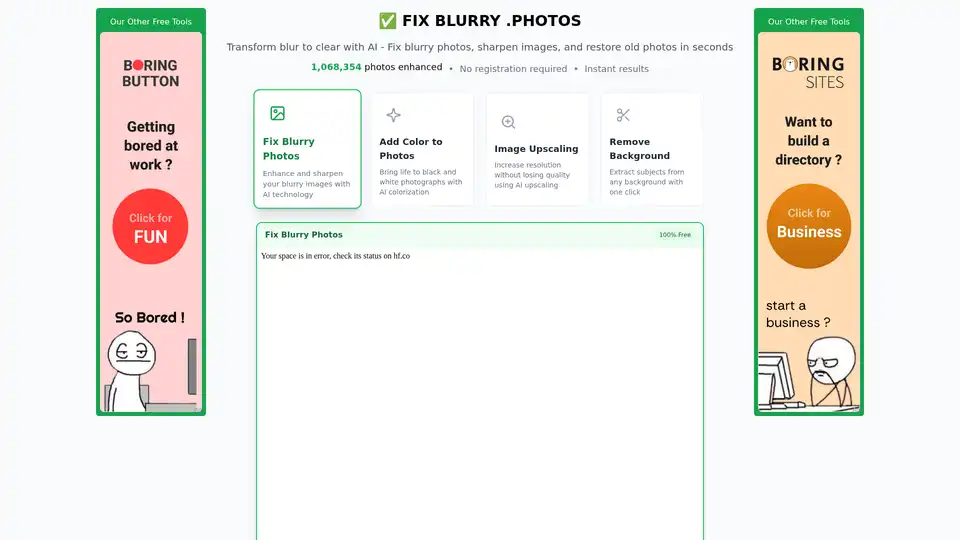
Fix blurry photos online for free with AI-powered tools. Enhance sharpness, restore old images, and remove blur in seconds—no registration needed. Ideal for portraits, text, and low-res photos.
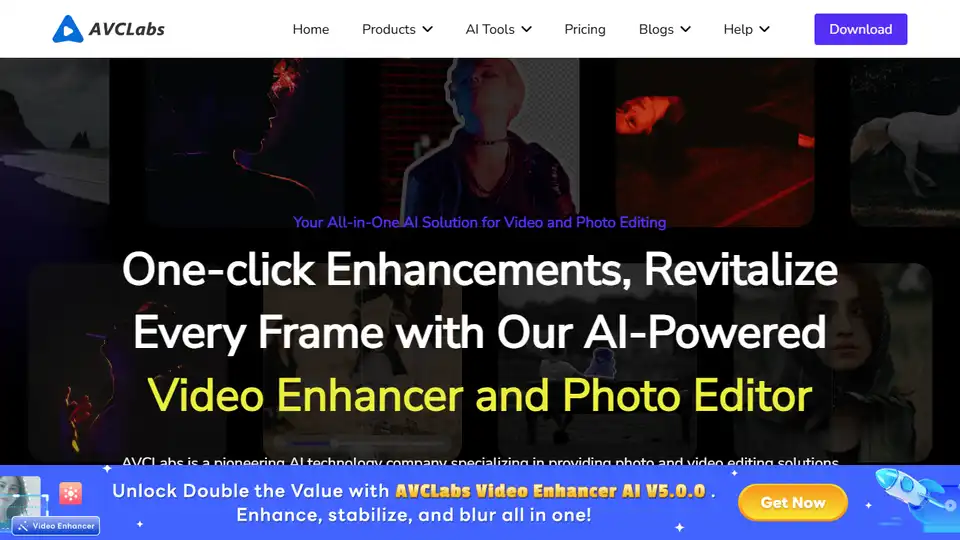
AVCLabs AI offers AI-powered video and photo enhancement solutions, including AI Video Enhancer, AI Photo Enhancer, AI Photo Editor, and Video Blur AI, for effortless superior quality.
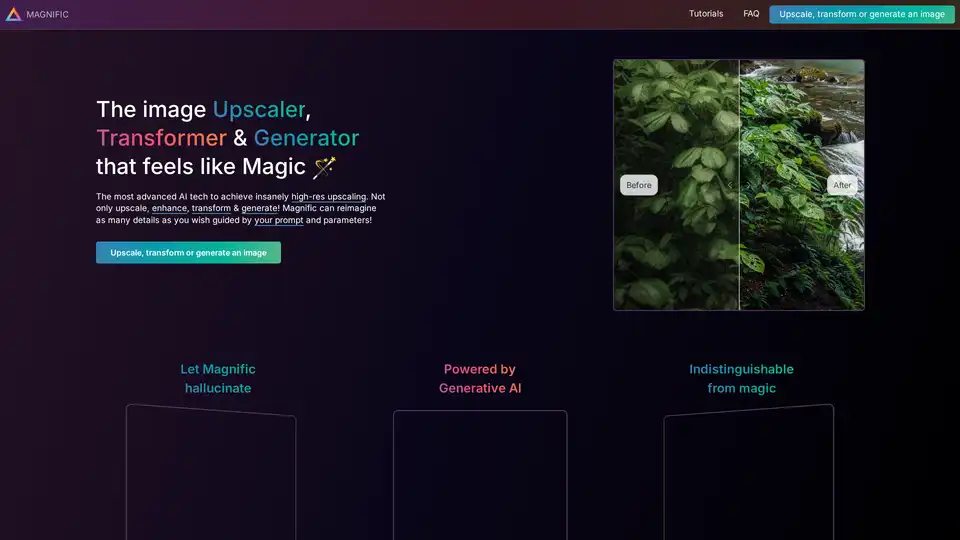
Discover Magnific AI, the leading AI upscaler and enhancer that transforms images with prompt-guided details and high-resolution magic. Ideal for portraits, illustrations, and more.

Optimus by Crunch MediaWorks offers AI-powered tools for video and image optimization, upscaling to 4K, facial enhancement, and compression. Process media seamlessly from cloud storage with no coding required for superior web publishing and streaming.