
Fotor
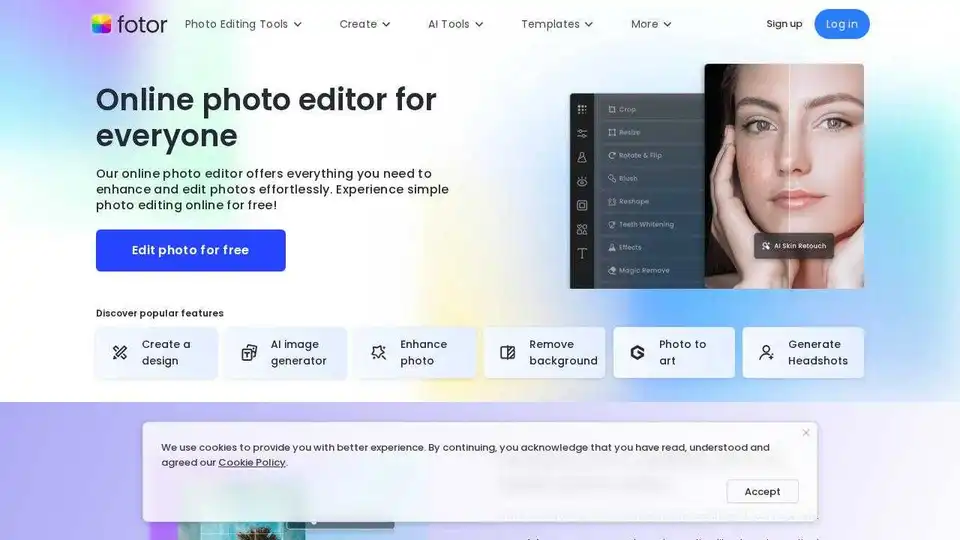
Overview of Fotor
Fotor: Your Free Online Photo Editor
What is Fotor? Fotor is a free online photo editor that offers a comprehensive suite of tools to enhance and edit your photos effortlessly. Whether you're a beginner or a professional, Fotor provides powerful and easy-to-use features to create stunning visuals.
Key Features:
- AI Photo Enhancer: Improve photo quality in one click. Automatically adjust lighting, unblur images, and enhance details.
- AI Background Remover: Remove image backgrounds in 3 seconds and replace them with new ones.
- AI Object Remover: Easily remove unwanted objects from photos without leaving a trace.
- Text to Image: Generate stunning AI art from text descriptions.
- AI Replace: Replace objects in your photos with text prompts for quick refreshes.
- AI Expand: Expand images beyond boundaries using AI outpainting technology.
- AI Avatar: Transform selfies into a variety of AI avatars.
How to Use Fotor:
- Upload Photo: Upload or drag and drop your photo into the online photo editor.
- Edit Photo: Adjust lighting, color, and exposure. Apply photo effects and customize with text, stickers, and frames.
- Download & Share: Download your edited photo in JPG, PNG, or PDF and share it instantly on social media.
Why is Fotor important?
Fotor simplifies photo editing with its intuitive interface and powerful AI tools. It allows users to quickly enhance and transform their photos, making it an essential tool for both personal and professional use.
Where can I use Fotor?
You can use Fotor online, on desktop, or on mobile. Fotor offers a seamless photo editing experience across multiple platforms, allowing you to edit photos anytime, anywhere.
Best way to enhance your photos?
The best way to enhance your photos with Fotor is to utilize its AI-powered tools. The AI Photo Enhancer, AI Background Remover, and AI Object Remover are designed to make complex edits simple and efficient. Additionally, exploring the diverse range of filters and effects can add a unique touch to your images.
Fotor Image Editor FAQs
- Is Fotor’s online photo editor free to use? Yes, Fotor offers a free version with access to many of its core features.
- Can I use Fotor’s free photo editor on PC and mobile? Yes, Fotor is available as an online tool, desktop application, and mobile app.
Fotor is a trusted and loved photo editor used by over 800 million customers worldwide. Try it out today and transform your photos from good to great!
AI Generated Art Image Enhancement and Repair Image Style Transfer AI Background Removal and Replacement AI Avatar and Cartoonization 3D Modeling and Rendering Logo and UI Design
Best Alternative Tools to "Fotor"
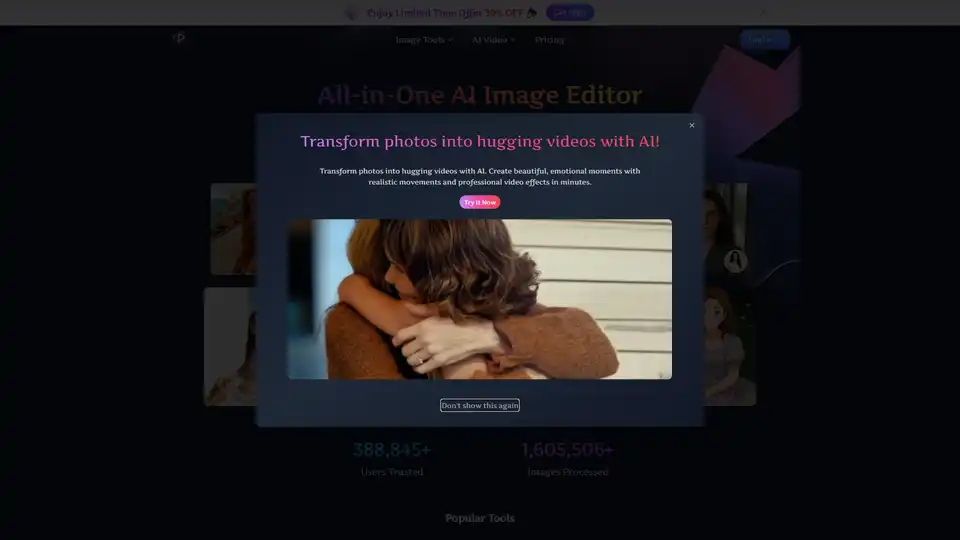
Pixfy AI is an all-in-one AI image editor to enhance photos, remove backgrounds, erase objects, swap faces, and more. Get professional results in seconds.
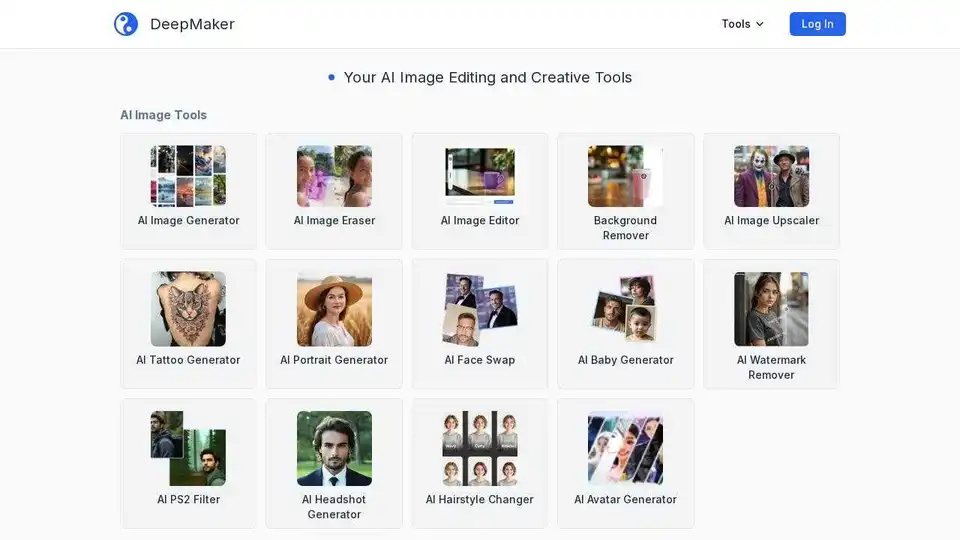
DeepMaker offers advanced AI image tools: background remover, image enhancer, object eraser, image editor, image generator, avatar creator, face swapper, and more. Pay as you go, no subscription required.
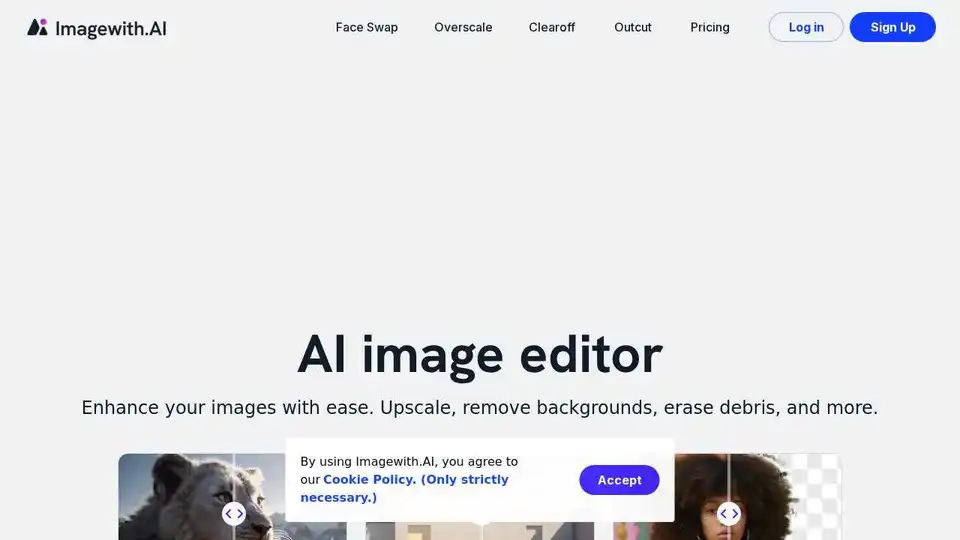
Enhance your images with Imagewith.AI, the best AI image generator and online photo editor. Upscale, remove backgrounds, erase objects, and more. Try it now and witness the magic!

Experience AI Photo Editor, the online AI image editor that simplifies image editing with one-click AI processing. Remove backgrounds, enhance photos, and more effortlessly!
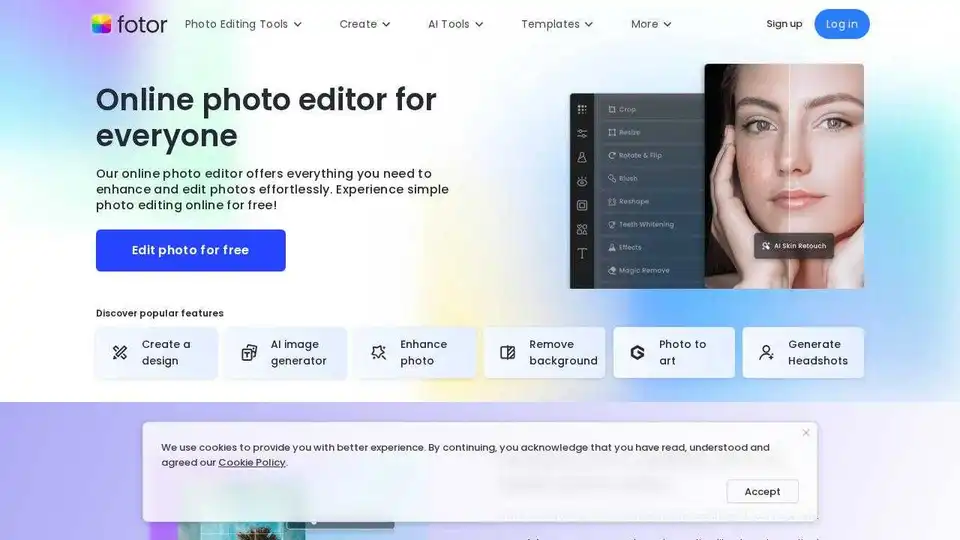
Enhance and edit photos with Fotor’s free online photo editor. Crop, add text & effects, retouch images, and more using powerful photo editing and AI tools.