
Fluig
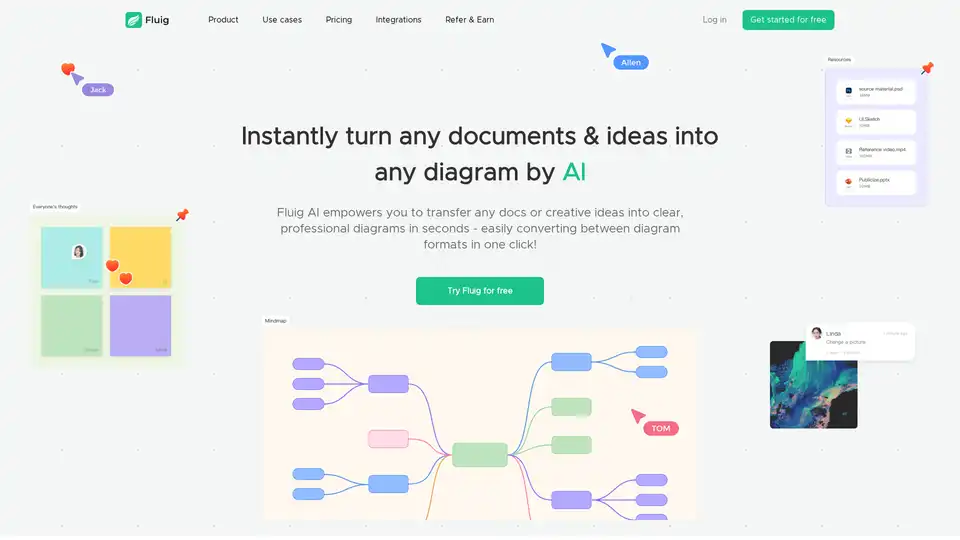
Overview of Fluig
What is Fluig?
Fluig is a revolutionary free AI diagramming platform designed to simplify the creation of visual content from everyday documents and ideas. Powered by native artificial intelligence, it allows users to instantly generate professional diagrams such as mind maps, flowcharts, tables, kanban boards, timelines, and cards without requiring any design expertise. Whether you're transforming a PDF report, a Word document, or even a simple text idea, Fluig handles the heavy lifting, turning complex information into visually appealing structures in seconds. This tool stands out in the crowded AI productivity space by focusing on effortless visual collaboration, making it a go-to for teams looking to streamline brainstorming, project management, and knowledge sharing.
In an era where visual communication is key to productivity, Fluig addresses the pain points of traditional diagramming tools. No more struggling with steep learning curves or manual drawing—Fluig's AI interprets your inputs and produces polished outputs ready for sharing. It's particularly valuable for remote teams who need real-time collaboration features like infinite canvases, sticky notes, and cross-device comments to foster idea growth collectively.
How Does Fluig Work?
At its core, Fluig leverages advanced AI algorithms to analyze and interpret various input types, converting them into structured diagrams. The process is straightforward and intuitive:
Input Submission: Users upload files like PDFs, PPTs, Word docs, TXT files, images, or even URLs from websites. Alternatively, describe ideas in natural language via chat.
AI Processing: The platform's native AI scans the content, extracting key elements such as hierarchies, relationships, and sequences to build relevant diagram types. For instance, a dense PDF report might be summarized into a mind map highlighting main topics and subpoints.
Diagram Generation: In mere seconds, Fluig outputs a professional diagram. You can specify formats like flowchart for processes or kanban for task management.
One-Click Conversion: Easily switch between diagram types. Just click a button or use simple commands like "Convert to flowchart" to adapt visuals on the fly.
Editing and Collaboration: Post-generation, diagrams are fully editable. Add notes, rearrange elements, or invite team members for real-time feedback using features like online comments and infinite canvas.
This AI-driven workflow ensures accuracy and efficiency, with the system learning from user interactions to improve over time—your AI companion gets "smarter" with more use, refining suggestions based on patterns in your projects.
Key Features of Fluig
Fluig packs a suite of features tailored for diverse visual needs:
Versatile Input Support: Handles PDFs for quick content grasping in reports, websites for extracting site maps, Word/TXT for text-based outlines, and images for visual inspirations.
Wide Diagram Variety: Generate mind maps for brainstorming, flowcharts for workflows, cards/kanban for task tracking, timelines for project schedules, tables for data organization, and more.
Seamless Format Switching: Natural language commands allow effortless conversions, keeping your workflow fluid without starting from scratch.
Real-Time Collaboration: Share diagrams instantly, add sticky notes, comment across devices, and explore ideas on an infinite canvas—perfect for distributed teams.
Free Tier Accessibility: Sign up for free to access 3 diagram generations and 1,000 AI credits, unlocking premium features without immediate payment.
These elements make Fluig not just a tool, but a productivity booster, integrating AI to eliminate the tedium of manual diagramming.
Use Cases for Fluig
Fluig shines across numerous scenarios, covering professional, educational, and personal applications:
Knowledge Learning and Research
Researchers and students can upload academic papers or notes to create mind maps that distill complex topics into logical structures. For example, transform a lengthy research PDF into a branching mind map for easier note arrangement, logical analysis, or paper writing. This aids in brainstorming sessions, helping users become "walking encyclopedias" by visualizing connections they might otherwise miss.
Business Management and Project Planning
Project managers (PMs) and HR professionals benefit from kanban boards and timelines derived from business docs. Visualize team workflows, track HR processes like onboarding, or map out marketing campaigns—saving hours on report reading and knowledge acquisition.
Daily Productivity for Creatives and Marketers
Marketers can turn campaign ideas into flowcharts or cards for quick ideation. Lawyers might diagram case timelines from legal texts, while financial analysts (FA) organize data tables from reports. Even in daily life, users sketch personal goals via mind maps.
Nearly all roles—from researchers to marketers—are covered, with Fluig adapting to specific needs like note arrangement or logical brainstorming.
Why Choose Fluig Over Other Tools?
Compared to competitors like Miro, FigJam, Xmind, or Napkin, Fluig differentiates through its deep AI integration. While others rely on manual editing, Fluig automates generation from raw inputs, reducing time from hours to seconds. It's free to start, unlike some paid-only platforms, and emphasizes native AI for smarter, context-aware outputs. Security is prioritized for sensitive docs, ensuring data protection during uploads. Plus, editable outputs mean you retain control without needing design skills.
User testimonials highlight its edge: "No knowledge is gonna fly over your head," capturing how it democratizes visual thinking. For teams, the collaboration tools rival established players but with AI acceleration.
Who is Fluig For?
Fluig is ideal for:
- Teams and Creatives: Seeking efficient visual communication in collaborative environments.
- Knowledge Workers: PMs, HR, marketers, lawyers, researchers handling docs and ideas.
- Beginners: No tech or design skills required—AI does the work.
- Productivity Enthusiasts: Anyone wanting to automate diagramming for faster insights.
If you're tired of bloated tools or manual drudgery, Fluig's simplicity and power make it a smart choice.
Practical Value and Getting Started
The real value of Fluig lies in its time-saving potential and enhanced clarity in communication. By visualizing abstract ideas, it boosts understanding, fosters innovation, and streamlines workflows—proven in use cases from brainstorming to report analysis. With AI credits that replenish through usage, it encourages experimentation without barriers.
To get started, visit the Fluig website, sign up for free, and upload your first file. Explore integrations for broader workflows, and check the blog for tips on AI diagramming best practices. For support, FAQs cover everything from auto-conversion to security, with feedback channels open for improvements.
In summary, Fluig redefines AI diagramming by making professional visuals accessible and collaborative. Whether for business management, learning, or daily tasks, it's a free tool that delivers tangible productivity gains, helping users focus on ideas rather than tools.
AI Article Generation AI Text Polishing AI Writing Assistance Paper and Report Generation News and Blog Generation Email and Business Writing
Best Alternative Tools to "Fluig"
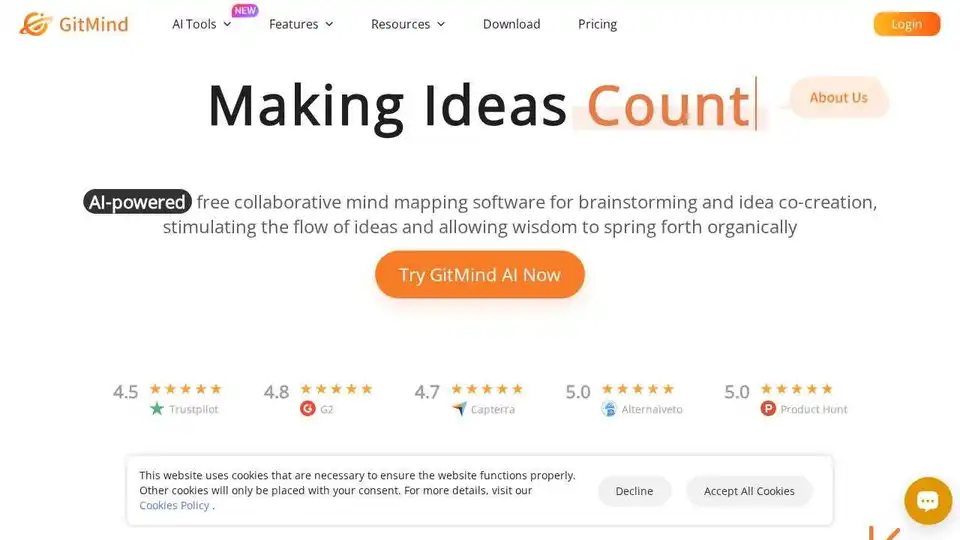
GitMind is a free AI-powered mind mapping & brainstorming app. Create and collaborate on mind maps online in real-time.
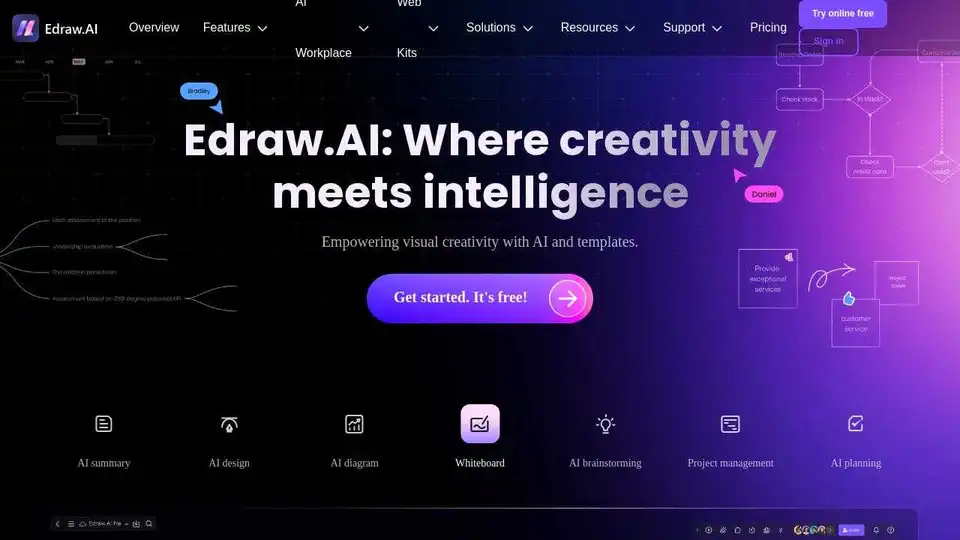
Edraw.AI is an AI-powered visual collaboration platform with 40+ AI tools and templates. Generate flowcharts, mind maps, and more in minutes. Streamline your workflow with AI diagramming.
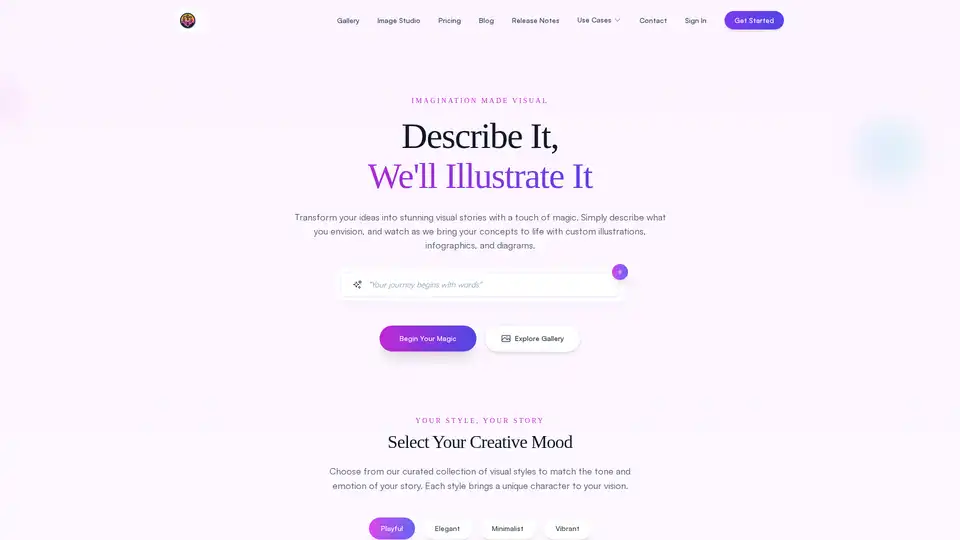
FlowCraft is an AI-powered diagramming tool that transforms text descriptions into stunning visuals including flowcharts, infographics, and concept diagrams. Perfect for content creators, business professionals, and educators.
EdrawMax is a versatile diagramming tool that allows users to create over 210 types of diagrams, including flowcharts, mind maps, and org charts. It also features AI-powered generation and beautification of designs.