
Dynaboard
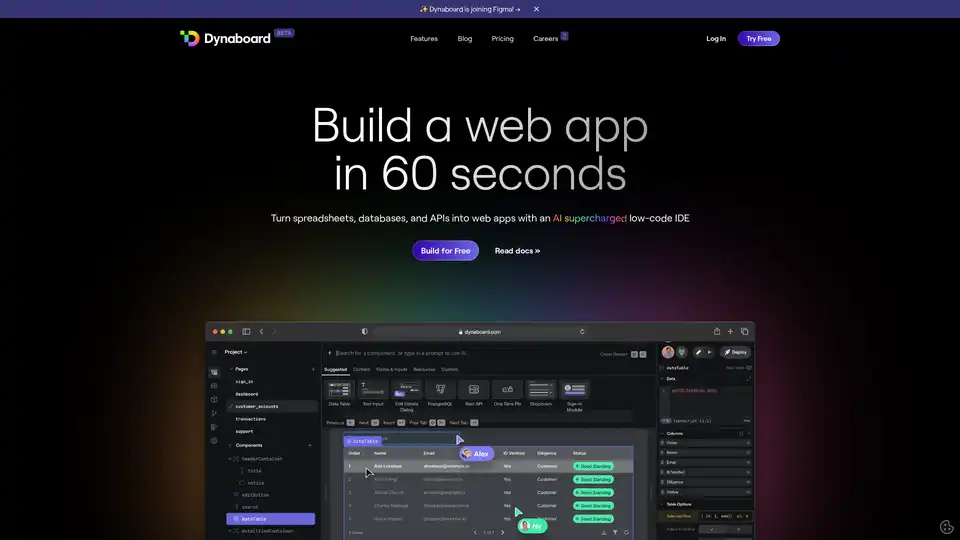
Overview of Dynaboard
Dynaboard: The Collaborative Low-Code IDE for Developers
What is Dynaboard? Dynaboard is a cutting-edge, collaborative low-code Integrated Development Environment (IDE) designed to empower developers to rapidly build and deploy full-stack web applications. It uniquely combines the simplicity of a drag-and-drop interface with the flexibility of code-first UI frameworks and the power of generative AI, making it an ideal platform for both novice and experienced developers.
Key Features and Benefits
- AI-Powered Development: Dynaboard leverages AI to assist in building and modifying UI components. Developers can write TypeScript or use AI to create responsive interfaces that react in real-time to various triggers like filters, data changes, or user input. This accelerates the development process and reduces the need for manual coding.
- Drag-and-Drop Builder: The platform features an intuitive drag-and-drop builder, allowing users to quickly assemble UI elements and design the layout of their applications without writing extensive code. This visual approach simplifies the development process and makes it accessible to users with limited coding experience.
- Code-First UI Framework: For developers who prefer coding, Dynaboard offers the flexibility of a code-first UI framework. This allows for more granular control over the application's behavior and appearance, catering to complex requirements and customizations.
- Seamless Integrations: Dynaboard seamlessly integrates with popular databases, SaaS applications, and any API with GraphQL or REST endpoints. This eliminates the need for separate ETL steps or pipelines, simplifying data management and connectivity.
- Secure Authentication: Dynaboard provides robust security features, allowing developers to secure both internal and external-facing applications. It supports various OIDC-compliant providers, including Google, GitHub, Microsoft, Facebook, and Okta, as well as Dynaboard’s one-time PIN authentication system for simplified security management.
- Collaborative Development: Dynaboard promotes team collaboration with unlimited editors in shared workspaces. This enables real-time code collaboration, pair programming, and efficient debugging, enhancing team productivity and reducing development bottlenecks.
- Production-Grade Confidence: Dynaboard supports multi-environment deployment, automatic versioning, and easy roll-backs, ensuring that applications are production-ready and can be easily managed and maintained.
- Templates and Open Source Code: Dynaboard offers a range of templates for common use cases, providing out-of-the-box web applications with open source code. This allows developers to quickly start new projects and customize existing solutions to meet their specific needs.
How Does Dynaboard Work?
Dynaboard abstracts away much of the complexity traditionally associated with web application development. The platform’s AI-powered features help developers generate code, design interfaces, and connect to data sources more efficiently. The drag-and-drop builder simplifies UI design, while the code-first framework offers the flexibility to implement custom logic and behavior.
Here’s a basic workflow:
- Design the UI: Use the drag-and-drop builder to create the user interface, adding and arranging components as needed.
- Connect to Data: Integrate with databases, SaaS applications, or APIs using Dynaboard's data connectors.
- Add Logic: Write TypeScript code or use AI to add custom logic and behavior to the application.
- Secure the App: Configure authentication and authorization settings to secure the application.
- Deploy: Deploy the application to multiple environments with automatic versioning and rollback support.
Who is Dynaboard For?
Dynaboard is designed for a wide range of users, including:
- Developers: Both novice and experienced developers can benefit from Dynaboard's low-code approach and AI-powered features.
- Teams: The collaborative features of Dynaboard make it ideal for teams working on web application development projects.
- Businesses: Businesses can use Dynaboard to quickly build internal tools, customer portals, and other web applications to improve efficiency and productivity.
Use Cases
Dynaboard can be used to build a variety of web applications, including:
- Custom Content Management Systems (CMS): Build a custom CMS tailored to your specific needs.
- Business Intelligence Dashboards: Create data-driven dashboards on top of your own databases and APIs.
- Admin Panels: Build user admin panels to support your growing user base.
- Customer Portals: Develop personalized customer portals for your business.
- Approval Flows: Build review queues to ensure policies are enforced.
- Dynamic Widgets: Create dynamic widgets to embed within your website or blog.
Why Choose Dynaboard?
- Rapid Development: Dynaboard accelerates the web application development process, allowing developers to build and deploy applications faster than traditional methods.
- Ease of Use: The platform is designed to be user-friendly, with an intuitive interface and AI-powered features that simplify development.
- Flexibility: Dynaboard offers the flexibility of both drag-and-drop building and code-first development, catering to different skill levels and project requirements.
- Collaboration: The collaborative features of Dynaboard make it easy for teams to work together on web application projects.
- Security: Dynaboard provides robust security features to protect applications and data.
In conclusion, Dynaboard is a powerful and versatile low-code IDE that empowers developers to rapidly build and deploy full-stack web applications. Its AI-powered features, drag-and-drop builder, code-first framework, and collaborative tools make it an ideal platform for a wide range of projects and users.
AI Programming Assistant Auto Code Completion AI Code Review and Optimization AI Low-Code and No-Code Development
Best Alternative Tools to "Dynaboard"
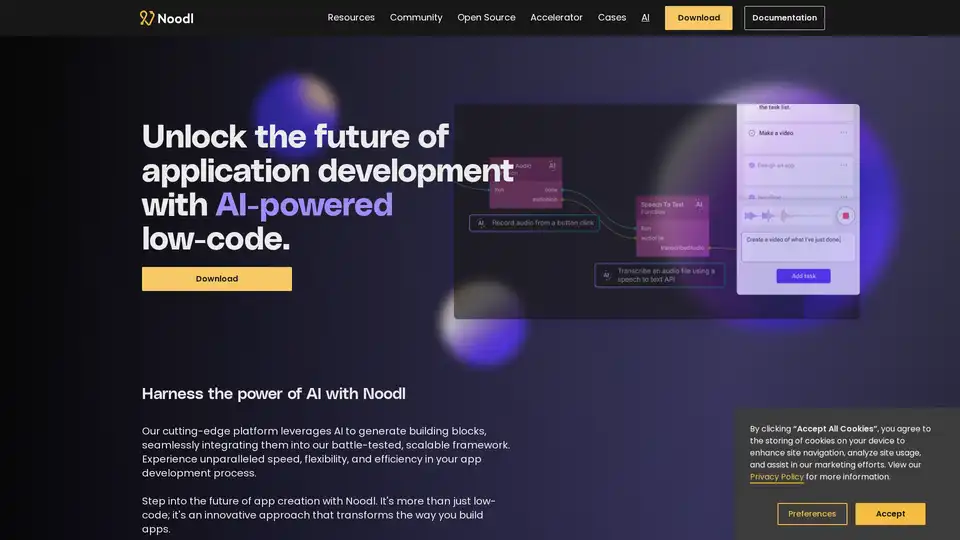
Noodl is an AI-powered low-code platform that enables fast, efficient app development with a visual interface. Build enterprise-grade applications without coding.
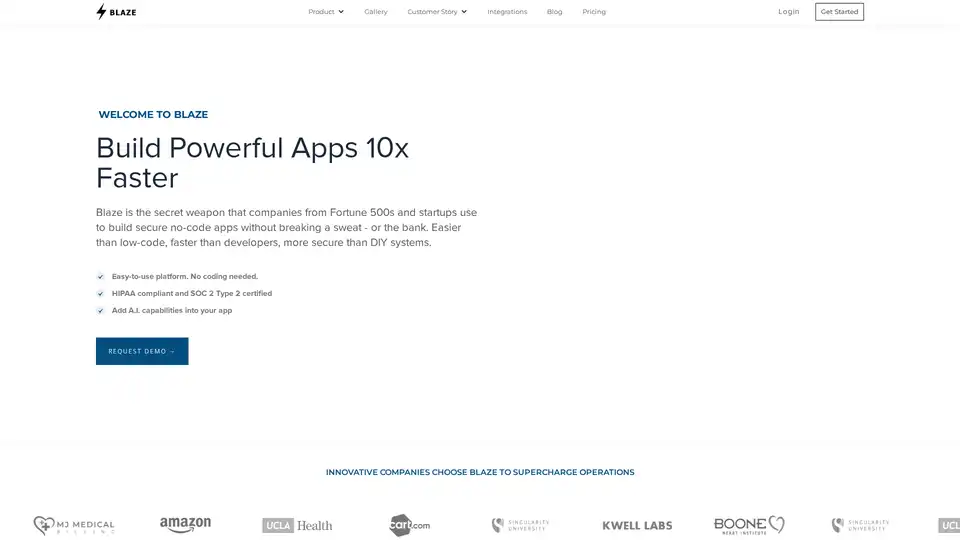
Blaze is a powerful no-code platform for building secure apps 10x faster. Automate workflows, integrate with APIs, and add AI capabilities. HIPAA and SOC 2 compliant.
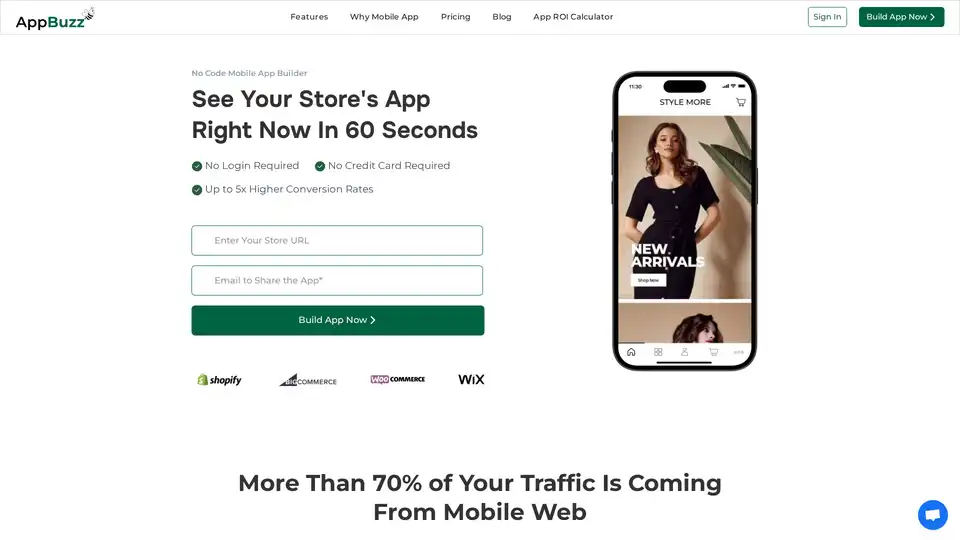
AppBuzz is an AI-powered no-code mobile app builder for Shopify, WooCommerce, BigCommerce, and Wix stores. Create free, low-cost apps with real-time syncing, push notifications, and abandoned cart recovery to boost conversions up to 5x.
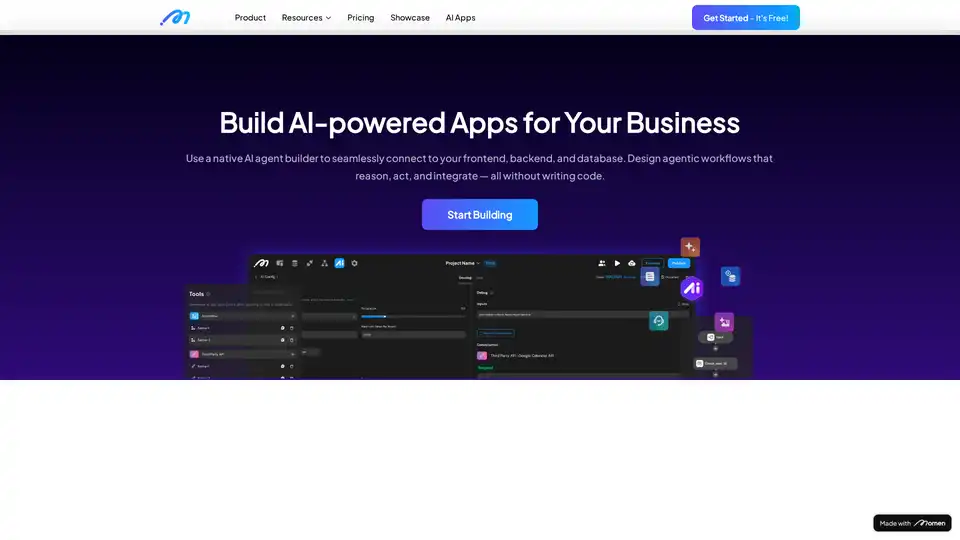
Create AI-powered apps and AI agents that automatically plan and execute your tasks. Build your full-stack AI apps and monetize it with Momen's flexible GenAI app dev framework. Get started today!