
DreamCut
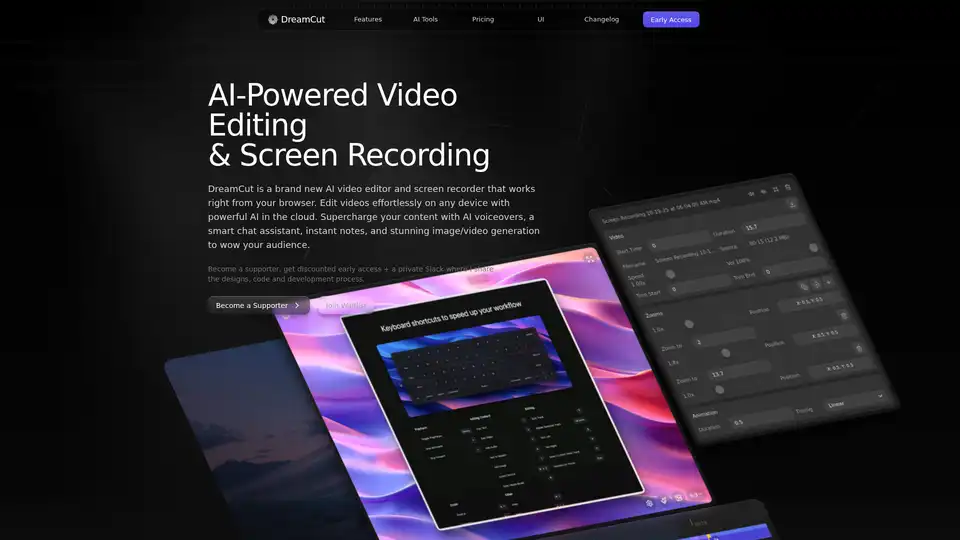
Overview of DreamCut
DreamCut: AI-Powered Video Editing and Screen Recording
What is DreamCut? DreamCut is a brand-new AI video editor and screen recorder designed to work seamlessly within your browser. This innovative tool empowers users to edit videos effortlessly on any device, leveraging the power of AI in the cloud to supercharge content creation. With features like AI voiceovers, a smart chat assistant, instant notes, and stunning image/video generation, DreamCut is built to help you wow your audience.
Key Features:
- AI Voiceovers: Transform text into lifelike speech to enhance your video content with professional voiceovers.
- AI Image Generation: Create custom visuals, backgrounds, and graphics tailored to your project’s needs using simple text prompts.
- Smart Chat Assistant: Get real-time assistance and collaboration tools to enhance your video editing experience.
- Screen Recording: Capture your screen and windows with customizable settings, offering flexibility and high-quality recording.
- Cloud Storage: Access your video files anytime, anywhere with secure cloud storage, ensuring your work is always up-to-date.
- AI-Powered Notes: Convert video captions into well-organized notes, blog posts, or social media content.
How does DreamCut work?
DreamCut operates by integrating several state-of-the-art AI models and technologies:
- AI-Driven Editing: DreamCut's AI algorithms automate various editing tasks, suggesting transitions, zooms, and effects to streamline the video creation process.
- Cloud-Based Accessibility: As a web-based tool, DreamCut allows you to access and edit your projects from any device with an internet connection. All your files are securely stored in the cloud.
- Text-to-Speech Technology: By utilizing advanced AI, DreamCut can convert text into natural-sounding speech, providing professional voiceovers in multiple languages.
- AI Image Generation: DreamCut employs powerful AI models to generate images from text descriptions, allowing you to create custom visuals for your videos quickly.
How to Use DreamCut:
- Screen Recording: Configure your recording settings and click 'Start Recording' to capture your screen, window, or audio.
- Video Editing: Use the intuitive canvas to drag and drop elements, apply effects, and make real-time changes to your video.
- AI Voiceovers: Input text and select a voice to generate natural-sounding voiceovers for your video.
- AI Image Generation: Enter a text prompt to generate custom images that fit your project’s needs.
- Exporting: Customize your video’s resolution, FPS, and quality, and then export it for various platforms like Twitter, TikTok, and Instagram.
Why Choose DreamCut?
DreamCut stands out due to its:
- All-in-One Suite: It combines a screen recorder, video editor, AI assistant, voice generator, and image/video generator into a single package.
- AI-Powered Features: It leverages AI to automate and enhance video editing tasks, saving time and effort.
- Accessibility: Being a web-based tool, it offers accessibility across devices without the need for software installation.
- User-Friendly Interface: DreamCut's intuitive interface makes it easy for both beginners and experienced video editors to create high-quality videos.
Who is DreamCut For?
DreamCut is ideal for:
- Content Creators: Streamline your video creation process with AI-powered tools for voiceovers, image generation, and automated editing.
- Educators: Create engaging tutorials and educational content with screen recording and voiceover features.
- Marketers: Produce high-quality marketing videos with custom visuals and professional voiceovers.
- Businesses: Enhance internal communications and training videos with AI-generated content.
DreamCut Pricing:
DreamCut offers a range of pricing plans to suit different needs:
- Free Plan:
- 3 Projects
- Record & Export
- 1080p, High quality, 30 FPS
- Up to 5 mins recordings
- 10 MB video/audio clips
- 500 MB storage
- Pro Plan:
- Unlimited Projects
- Record & Export
- 4K, Perfect quality, 60 FPS
- Unlimited recordings
- 500 MB video/audio clips
- 50 GB storage
- AI Voices (120 mins per month)
- Image/Video Generation, Chat, Notes (1,000,000 tokens per month)
- Remove background noise
- Transcribe Audio/Video
- Premium backgrounds and videos
- Pro+ Plan:
- Unlimited Projects
- Record & Export
- 4K, Perfect quality, 60 FPS
- Unlimited recordings
- 1 GB video/audio clips
- 100 GB storage
- AI Voices (240 mins per month)
- Image/Video Generation, Chat, Notes (2,000,000 tokens per month)
- Remove background noise
- Transcribe Audio/Video
- Premium backgrounds and videos
Supporters receive a 30% discount on early access, plus an extra 20% off the yearly plan. They also get behind-the-scenes access to the product, code, insights, and the opportunity to help shape its development.
In conclusion, DreamCut is a powerful, AI-driven video editor and screen recorder that simplifies video creation. Whether you're a content creator, educator, marketer, or business professional, DreamCut offers the tools and features you need to create stunning videos effortlessly.
AI Generated Art Image Enhancement and Repair Image Style Transfer AI Background Removal and Replacement AI Avatar and Cartoonization 3D Modeling and Rendering Logo and UI Design
Best Alternative Tools to "DreamCut"
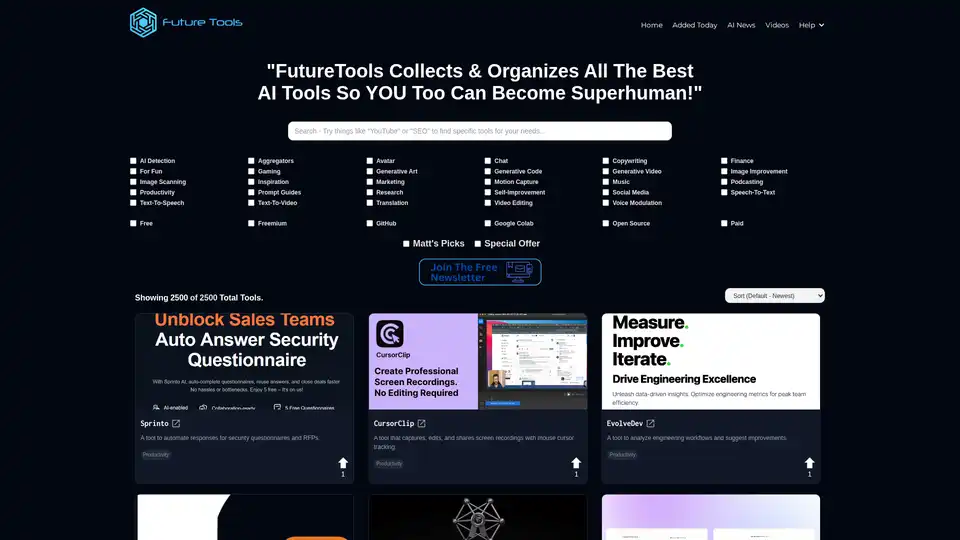
FutureTools Collects & Organizes All The Best AI Tools So YOU Too Can Become Superhuman!
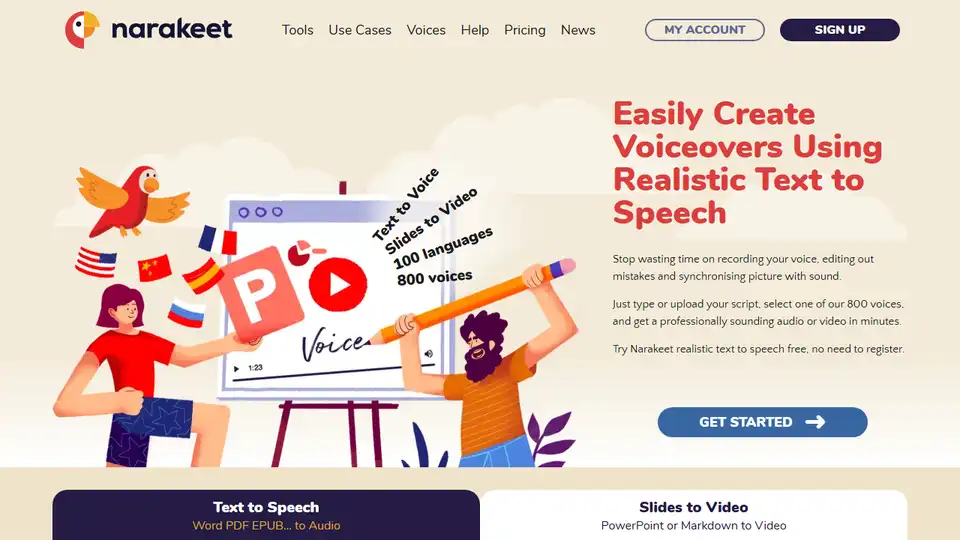
Narakeet is a text-to-speech and video creation tool that helps you easily create voiceovers and narrated videos using realistic AI voices. Convert text, documents, and presentations into engaging audio and video content.
EaseUS offers data recovery, backup, partition management & AI-powered tools to enhance digital experiences for Windows & Mac.
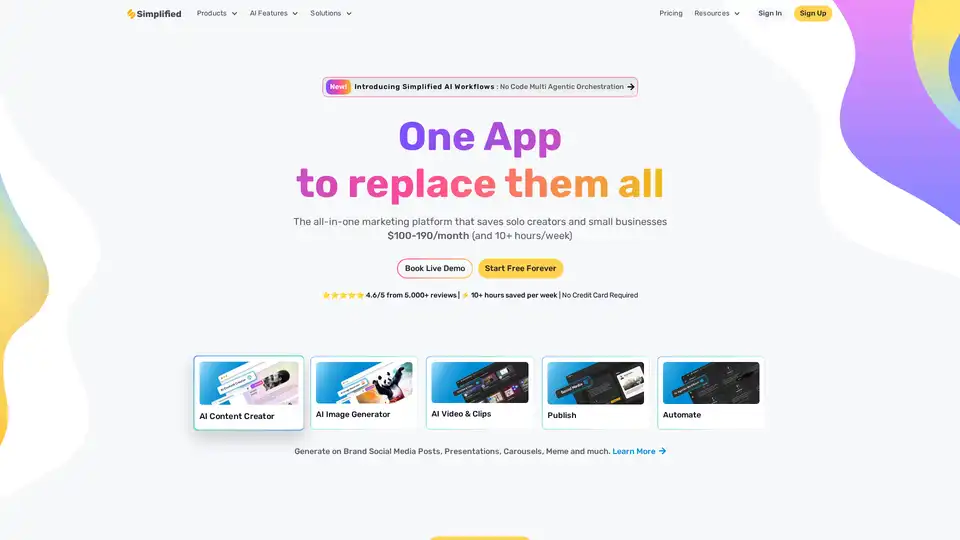
Simplified is an all-in-one AI marketing platform designed for business teams and solo creators. It offers AI-powered tools for content creation (text, image, video), graphic design, social media management, and automation, streamlining workflows and saving time.