
Document CoPilot
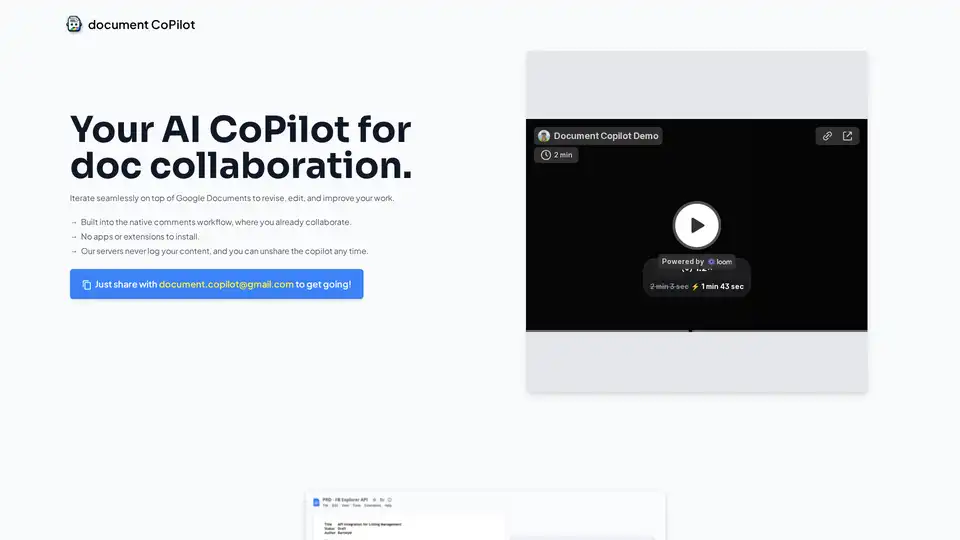
Overview of Document CoPilot
Document CoPilot: Your AI Partner for Seamless Google Docs Collaboration
What is Document CoPilot?
Document CoPilot is an innovative AI tool designed to enhance your document collaboration experience within Google Docs. It works as an AI co-editor, providing in-line suggestions and edits directly within your documents, streamlining the revision and improvement process.
How Does Document CoPilot Work?
Document CoPilot leverages the power of Large Language Models (LLMs) and integrates them into your Google Docs workflow via an AI with a Google account. Here’s how it works:
- Sharing: You simply share your Google Doc with the Document CoPilot's email address (
document.copilot@gmail.com), granting it 'edit' access and ensuring you check the 'notify people' checkbox. - AI Engagement: Within seconds, the AI joins the document and starts adding comments and replies, offering thoughtful and focused in-line edits.
- Interactive Collaboration: You can engage with the Copilot by adding comments or replying to its suggestions. The AI responds contextually, providing elaborations and improvements as needed.
- Temporary Engagement: The Copilot remains active as long as the dialogue continues. It politely exits and unshares itself after about 30 minutes of inactivity but can be re-engaged by simply re-sharing the document.
Key Features and Benefits
- Seamless Integration: Works directly within Google Docs, eliminating the need for new installations or extensions.
- Iterative Content Improvement: Encourages piecemeal content iteration, preventing wholesale rewrites and maintaining your original voice.
- Low-Friction Discovery: Easy to use with no new accounts, passwords, or interfaces to learn.
- Privacy-Focused: The servers do not log your content, and you retain control over the AI's access.
Why Choose Document CoPilot?
In today's digital landscape, many users find themselves copying and pasting content between various editors and AI tools, leading to a fragmented and inefficient writing process. What is the best way to solve this problem? Document CoPilot addresses these pain points by:
- Streamlining Workflow: No more constant switching between browser and document editor.
- Enhancing Collaboration: Facilitating interactive and iterative improvements, just like a trusted colleague.
- Reducing Onboarding Friction: Eliminating the complexities of new software adoption.
Who is Document CoPilot For?
Document CoPilot is ideal for:
- Students: Perfecting papers and essays.
- Professionals: Refining product specs, investment memos, and business communications.
- Writers: Enhancing blog posts, book reviews, and other written content.
Use Cases
Document CoPilot can be used for a variety of documents, including:
- Product Specifications
- Student Papers
- Investment Memos
- Substack Essays
- Book Reviews
Tips and Tricks for Getting the Most Out of Document CoPilot
- Be Specific: When prompting the Copilot, provide clear instructions or questions to guide its suggestions.
- Engage Actively: Respond to the Copilot's comments and suggestions to refine the edits further.
- Experiment: Try different types of documents and prompts to discover the full potential of the AI.
Is Document CoPilot Safe and Private?
The creators of Document CoPilot prioritize user privacy. The tool is designed to not log user content, and users have the ability to unshare the copilot at any time, revoking its access to the document.
Behind the Scenes
Document CoPilot combines Large Language Models (LLMs) with headless browsers to interact with your Google Docs just like a human would. This innovative approach demonstrates the potential for AI agents to plug into existing workflows and collaborate interactively.
Document CoPilot is a project by @baygross and @matthewslotkin and is not affiliated with OpenAI, Google, or Anthropic.
AI Article Generation AI Text Polishing AI Writing Assistance Paper and Report Generation News and Blog Generation Email and Business Writing
Best Alternative Tools to "Document CoPilot"
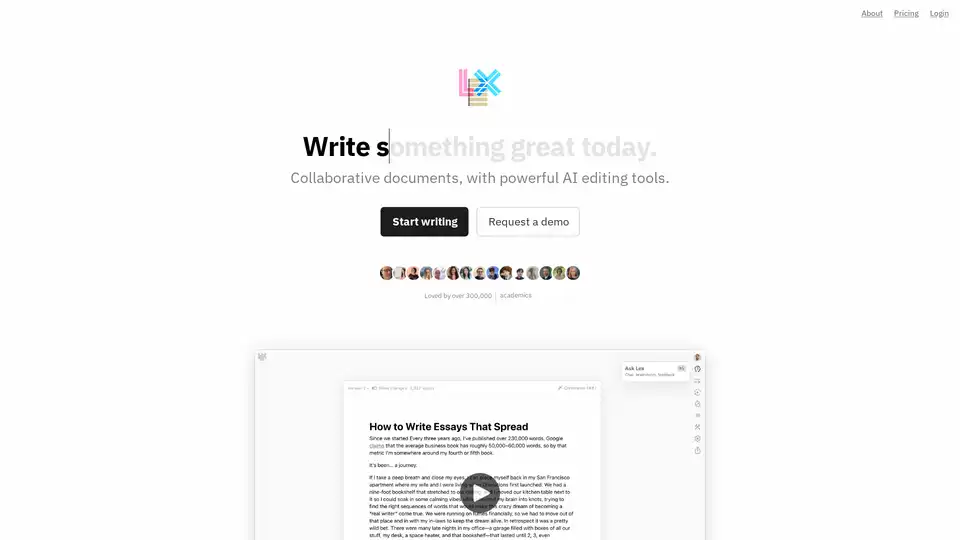
Lex is an AI-powered collaborative document editor designed to enhance your writing process with AI feedback, real-time collaboration, and publishing features. Loved by over 300,000 writers.
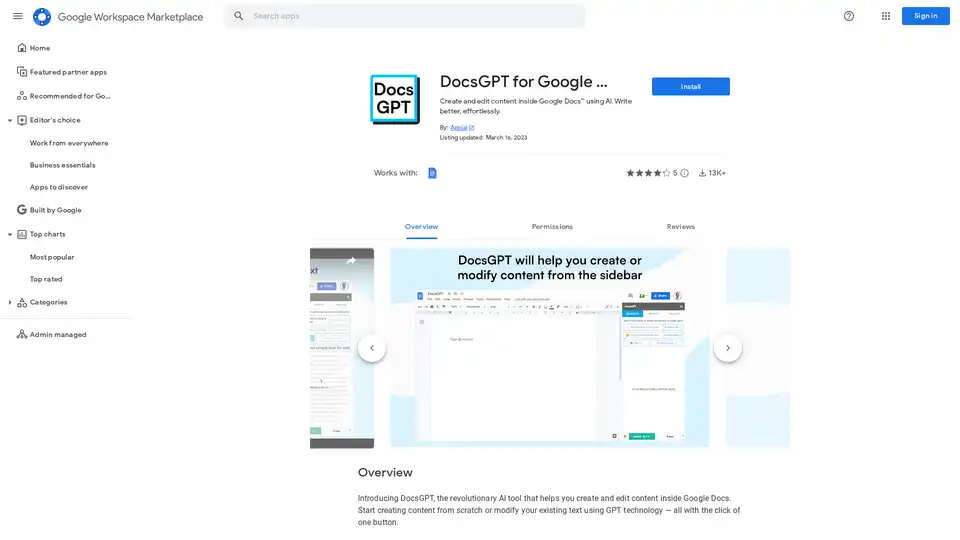
DocsGPT is an AI tool for Google Docs that enables effortless content creation and editing using GPT technology. Generate text, adjust tones, translate, and proofread to write better in any language.
Keep your unique voice while creating better content faster. Chibi AI helps content creators maintain authenticity while leveraging AI to stand out in the digital space.
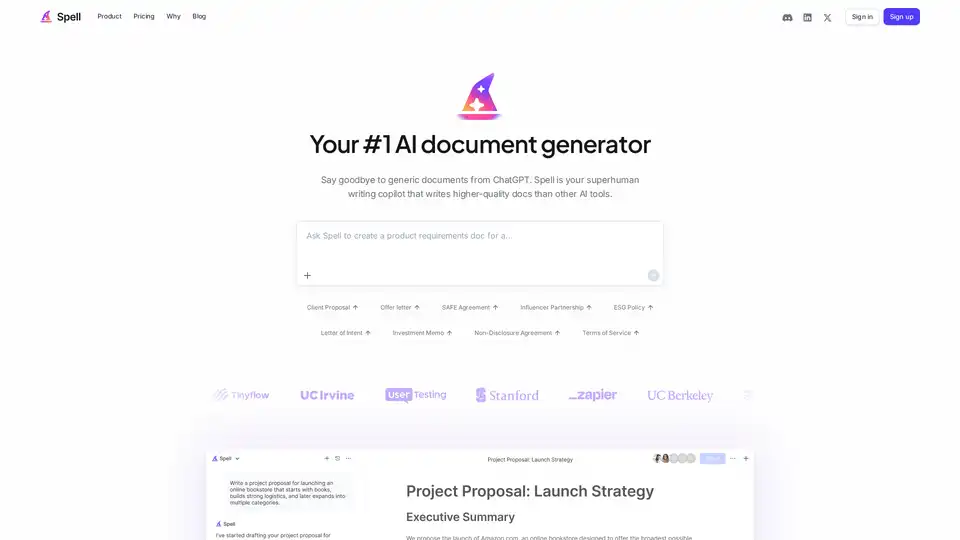
Spell AI is an AI-powered document platform that lets you create, edit, and collaborate on documents fast. Generate drafts in seconds with AI, edit using natural language prompts, and work with your team in real time.