
DaVinsiri
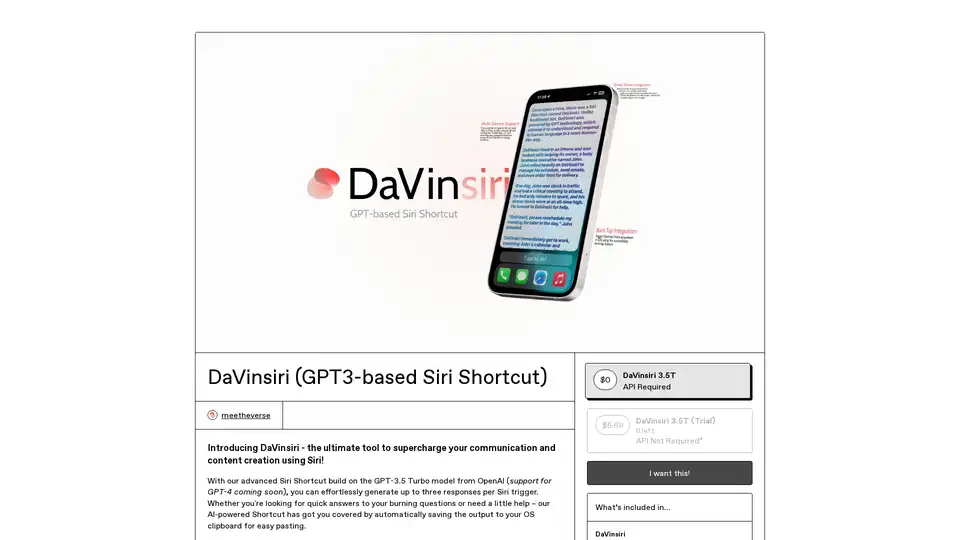
Overview of DaVinsiri
DaVinsiri: Supercharge Siri with GPT-3 for Enhanced Communication and Content Creation
What is DaVinsiri?
DaVinsiri is a cutting-edge Siri Shortcut designed to revolutionize your communication and content creation processes. Leveraging the power of the GPT-3.5 Turbo model from OpenAI, DaVinsiri allows you to effortlessly generate up to three responses per Siri trigger. It's more than just a tool; it's your AI-powered assistant for quick answers and creative support.
How does DaVinsiri work?
DaVinsiri works by integrating seamlessly with Siri, using OpenAI's GPT-3.5 Turbo model to generate contextually relevant and intelligent responses. Here's a breakdown:
- Trigger DaVinsiri: Activate the shortcut via Siri, Back Tap, Share Sheet, or a custom home screen icon.
- Prompt Input: Pose a question, provide a text snippet, or describe the task you need assistance with.
- AI-Powered Generation: DaVinsiri sends the prompt to the GPT-3.5 Turbo model, which generates up to three distinct responses.
- Clipboard Integration: The generated response is automatically saved to your device's clipboard for easy pasting into any application.
Key Features and Benefits:
- GPT-3.5 Turbo Powered: Benefit from the advanced language processing capabilities of OpenAI's GPT-3.5 Turbo model.
- Multiple Responses: Generate up to three different responses per trigger, providing you with options and perspectives.
- Clipboard Integration: Automatically save the output to your clipboard for seamless pasting.
- Back Tap Integration: Trigger DaVinsiri from anywhere in iOS using the accessibility back tap feature.
- Share Sheet Integration: Input text directly from your share sheet for quick and easy processing.
- Multi-Device Support: Use DaVinsiri on your Mac or iPad by activating Siri and typing your assigned shortcut name.
How to use DaVinsiri?
- Installation: Add the DaVinsiri shortcut to your Shortcuts app via the provided iCloud link.
- Permissions: Ensure you've allowed external sources in your Shortcuts app settings.
- Activation: Launch DaVinsiri from widgets, Spotlight, by asking Siri, or via a custom home screen icon.
Who is DaVinsiri for?
DaVinsiri is perfect for:
- Professionals: Streamline communication, generate email drafts, and create compelling content quickly.
- Students: Get help with research, writing, and understanding complex topics.
- Creatives: Brainstorm ideas, generate alternative text variations, and enhance your creative workflow.
- Anyone Seeking AI Assistance: Anyone who wants to improve communication using AI.
Why choose DaVinsiri?
- Efficiency: Accelerate your communication and content creation processes with AI-powered assistance.
- Flexibility: Customize DaVinsiri to fit your specific needs and workflow.
- Accessibility: Access DaVinsiri from various locations within iOS, including Back Tap and Share Sheet.
Future Updates:
- GPT-4 Integration: Support for images is coming, enhancing DaVinsiri's capabilities with multimodal processing.
FAQ
- What is Shortcuts? Shortcuts is an iOS app that allows you to create multi-step automations for your favorite apps.
- Why use a Siri Shortcut? Siri Shortcuts offer a quick and efficient way to accomplish tasks via Siri, tapping, or automation.
- How do I set up Siri Shortcuts? Add the DaVinsiri shortcut via the iCloud link, ensuring external sources are enabled in Shortcuts settings. If it's your first external source, launch an internal source shortcut first.
Customer Feedback
The developers value user feedback and are committed to continuous improvement. They encourage users to share their experiences and suggestions for future updates.
DaVinsiri is more than just a Siri Shortcut; it’s a gateway to AI-powered communication and content creation. Whether you're a professional, student, or creative, DaVinsiri offers the tools and flexibility to transform your workflow and achieve your goals. Take Siri to the next level using GPT-3 with DaVinsiri.
AI Article Generation AI Text Polishing AI Writing Assistance Paper and Report Generation News and Blog Generation Email and Business Writing
Best Alternative Tools to "DaVinsiri"
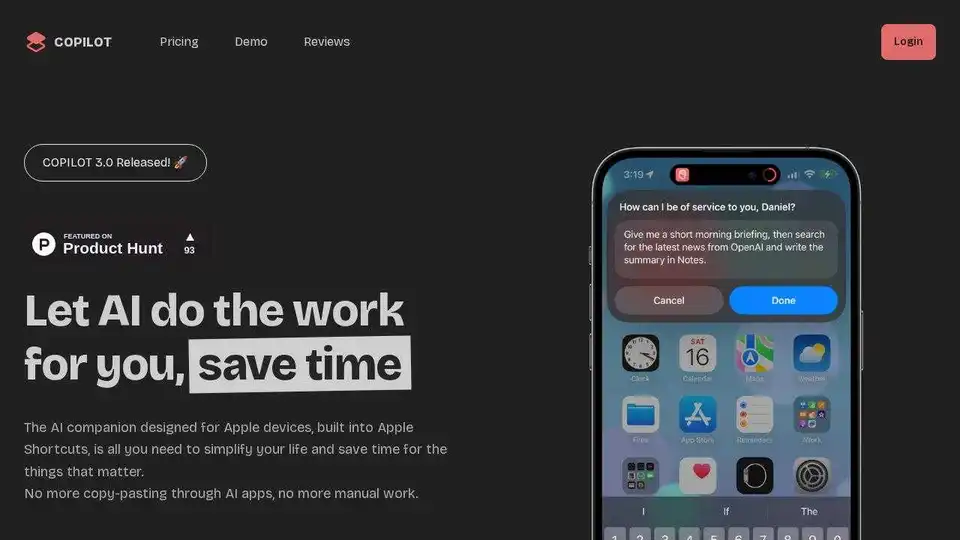
COPILOT is an AI companion for Apple devices deeply integrated into Apple Shortcuts, designed to automate tasks and save time. Simplify your life with AI.

Lunabot is an AI assistant available on web, mobile, and desktop, offering AI capabilities without requiring an API key or ChatGPT account. Boost your productivity with its cross-platform support and all-inclusive features.
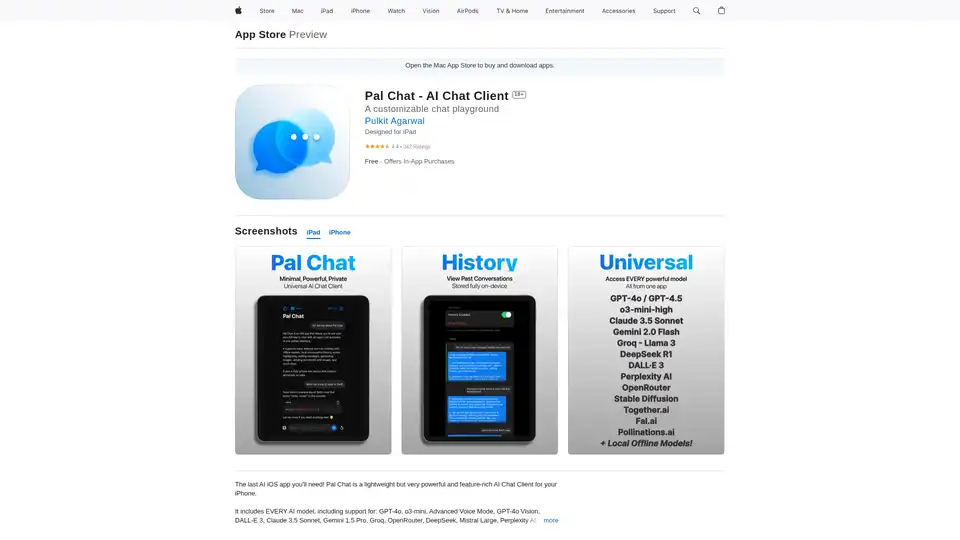
Discover Pal Chat, the lightweight yet powerful AI chat client for iOS. Access GPT-4o, Claude 3.5, and more models with full privacy—no data collected. Generate images, edit prompts, and enjoy seamless AI interactions on your iPhone or iPad.
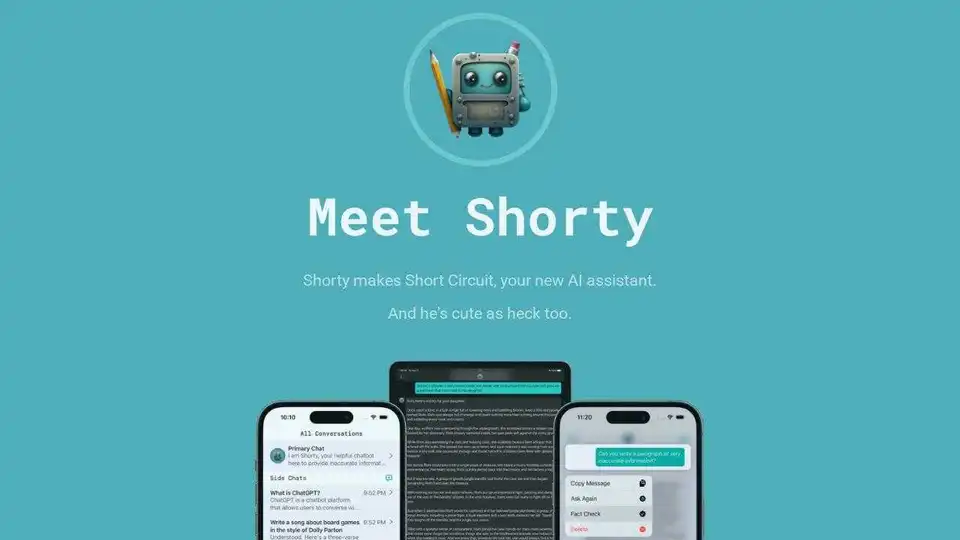
Short Circuit is a ChatGPT app for iPhone, iPad, and Mac. Use ChatGPT through Siri, Shortcuts, and other system features. Privacy focused with fact checking.