
Dashform
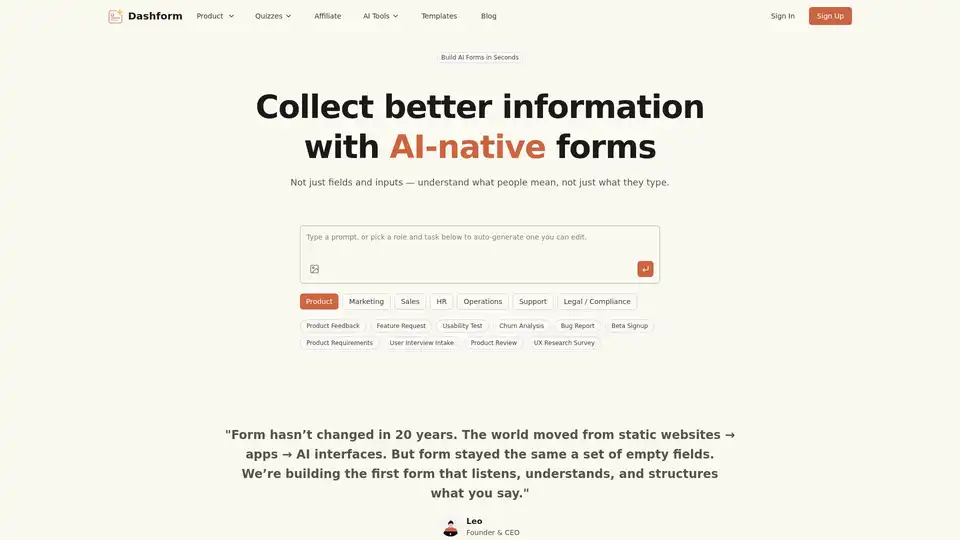
Overview of Dashform
What is Dashform? The Future of Data Collection with AI-Native Forms
Dashform is revolutionizing the way businesses and individuals collect information. In a world where digital interfaces have evolved from static websites to dynamic apps and advanced AI, traditional forms have remained largely unchanged – a mere collection of empty fields. Dashform emerges as the world's first AI-native form builder, designed to listen, understand, and structure what users say, transforming rudimentary data collection into intelligent, conversational experiences.
At its core, Dashform is an innovative platform that allows you to create sophisticated AI forms in minutes. It leverages artificial intelligence to understand user intent, ask smarter, context-aware follow-up questions, and automatically convert raw responses into structured, actionable insights. This capability moves beyond simple data entry, enabling businesses to collect richer, more meaningful information that truly drives better decisions.
How Does Dashform Work? Building Intelligent Forms Effortlessly
Dashform simplifies the entire form creation process, making it accessible even for users without technical skills. The platform's intuitive workflow allows you to build powerful AI forms in just seconds through a simple, three-step process:
- Describe Your Goal: Begin by typing a short, natural language prompt that outlines your objective. For instance, you might type, “a customer feedback form for my coffee shop,” or “a lead qualification form for a SaaS product.” The AI interprets your request and understands the underlying intent.
- AI Generates Instantly: Based on your prompt, Dashform’s AI automatically generates a comprehensive form framework. This includes smart questions, relevant choices, and optimal layout suggestions tailored to your specific goal. The AI handles the initial design, saving you significant time and effort.
- Customize & Share: Once the initial form is generated, you have full control to customize it. You can edit the tone of the AI, refine the design, adjust the logic, and then effortlessly share your form. Forms can be published as independent web pages, embedded components on your website, or even auto-filled using the Dashform plugin.
This intelligent creation process means you're no longer confined to rigid templates or complex coding. Dashform builds and refines your form through natural conversation, adapting automatically to your needs.
What are the Key Features of Dashform? Beyond Traditional Forms
Dashform is packed with features designed to enhance every aspect of data collection and analysis:
- AI Generation from Diverse Inputs: Beyond text prompts, Dashform can generate form frameworks by analyzing a website address or an uploaded image, providing unparalleled flexibility in initiating form creation.
- AI-Driven Follow-up Questions: Unlike static forms, Dashform's AI automatically generates follow-up questions based on users' previous responses. This dynamic, conversational approach allows you to dig out more useful details, mimicking a real human interaction and ensuring no critical information is missed.
- Multi-Format Publishing: Dashform offers versatile options for deploying your forms, supporting publication as independent web pages or as embeddable components within existing websites.
- AI/Normal Mode Toggle: The platform provides the flexibility to switch between a standard form mode and a full-AI mode at any time, giving you control over the level of AI interaction.
- Seamless Integrations: To streamline your workflow, Dashform supports connections to popular external databases and tools, including Notion, Airtable, and Google Sheets, ensuring your collected data is readily available where you need it.
- AI Behavior Customization: Tailor the AI to align perfectly with your brand. You can customize the AI's tone, the way it asks questions, and even provide it with company-specific information. This ensures the AI “speaks like your brand,” enhancing professionalism and maintaining brand consistency across all interactions.
- Conversational AI Insights: For open-ended feedback, Dashform allows users to talk freely and then provides concise AI summaries. It intelligently groups themes, measures sentiment, highlights key quotes, and recommends actionable steps, transforming qualitative data into quantifiable insights.
Why Choose Dashform? The Advantages of AI-Native Forms
Switching to Dashform's AI forms offers significant advantages over traditional form builders:
- Effortless Creation: Eliminate the need for complex logic or coding. From a simple text prompt or URL, Dashform generates intelligent flows that adapt automatically, making form building intuitive and fast.
- Context-Aware Conversations: Dashform transforms mundane form-filling into a two-way dialogue. The AI remembers context, understands intent, and asks relevant follow-up questions, leading to a much richer and more engaging user experience.
- Superior Data Quality: Every response collected by Dashform is automatically transformed into structured, meaningful, and ready-to-use data. This significantly reduces manual data cleaning and processing, allowing for better, faster decisions.
- Increased Conversion Rates: As demonstrated by users, replacing lengthy dropdowns with open text boxes powered by Dashform can lead to substantial increases in conversion rates, as users find the forms more enjoyable and less cumbersome to complete.
- Unified Platform: Dashform serves as a versatile platform capable of handling diverse data collection needs across various departments, centralizing insights and possibilities.
Who is Dashform For? Ideal Users and Diverse Use Cases
Dashform is a versatile tool designed for a wide range of professionals and teams looking to optimize their data collection processes. Its capabilities extend across numerous departmental functions, offering solutions that cater to specific needs:
- Product Teams: Ideal for collecting product feedback, managing feature requests, conducting usability tests, analyzing churn, generating bug reports, facilitating beta sign-ups, defining product requirements, conducting user interview intakes, and gathering product reviews or UX research surveys.
- Marketing & Sales Teams: Crucial for lead qualification (instantly routing qualified leads to the right sales path), generating quotes, requesting services, and gathering valuable customer insights for campaign optimization.
- HR Teams: Streamlines processes like employee onboarding, feedback collection, and internal surveys.
- Operations & Support Teams: Enhances efficiency by structuring incoming requests, tagging urgency and product categories, and analyzing sentiment from customer support interactions.
- Legal / Compliance Teams: Helps in collecting structured information for legal documents, compliance audits, or internal reporting.
Whether you’re building products, running marketing campaigns, or onboarding clients, Dashform empowers you to collect answers that are instantly structured, context-aware, and ready to use, providing endless possibilities for intelligent data utilization.
What Teams Say About Dashform: Real-World Impact
Users across various industries have experienced significant improvements by integrating Dashform into their workflows:
“We used to spend hours cleaning up messy feedback from clients. Now Dashform turns it into clean, structured data automatically — our CRM updates itself.” — Alex Rivera, Product Manager @ Lumio
“Every response from users now comes with context — intent, tone, even sentiment. It’s like our forms finally learned to listen.” — Sam Patel, UX Research Lead @ Northbay
“We replaced 12 dropdown questions with one open text box powered by Dashform. Conversion rate went up by 40%, and users actually enjoy filling forms.” — Marta Solis, Growth Marketer @ Candidly
“Dashform turned our customer support inbox into a structured data feed. It tags urgency, product category, and emotion — all automatically.” — Leon Tran, Operations Manager @ SwiftAI
These testimonials highlight Dashform's ability to not only simplify data collection but also to enrich the quality of insights derived from customer interactions, directly impacting business efficiency and decision-making.
Frequently Asked Questions (FAQs) About Dashform
Here are some common questions about Dashform and its capabilities:
What is Dashform? Dashform is an AI-native form and quiz builder that creates intelligent, conversational data collection tools. It uses AI to understand user intent, ask smart follow-up questions, and transform responses into structured, actionable insights from simple text prompts.
How is Dashform different from traditional form builders? Traditional form builders rely on static fields and predefined logic. Dashform differentiates itself by leveraging AI to create dynamic, conversational forms that understand context and intent, ask smarter questions, and automatically structure responses, leading to richer, more actionable data.
Can I create forms and quizzes without any technical skills? Absolutely. Dashform is designed for effortless creation using natural language prompts. You describe your goal in plain text, and the AI handles the complex generation of questions and layout, requiring no coding or advanced technical expertise.
What types of forms and quizzes can I create? Dashform is highly versatile, supporting a wide array of forms and quizzes. You can create customer feedback forms, lead qualification forms, comprehensive surveys, onboarding processes, product research questionnaires, service requests, quote requests, and even AI-powered quizzes.
Does Dashform support AI-powered quizzes? Yes, Dashform makes creating AI-generated quizzes fast and effortless. Its AI capabilities extend to quizzes, allowing for more engaging and intelligent assessment tools.
Can I customize the design to match my brand? Yes, Dashform offers extensive customization options. You can edit the form's design, adjust its logic, and even customize the AI's tone to ensure it aligns perfectly with your brand voice and company information, maintaining professionalism and consistency.
Is there a free plan available? The website indicates a "Get Started Free" option, suggesting that Dashform offers a free tier or trial period for users to experience its core functionalities.
What do I get with Dashform Pro? While specific details on Dashform Pro are not provided in the text, professional plans typically offer enhanced features such as higher usage limits, advanced integrations, priority customer support, and access to more sophisticated analytics and customization options.
Can I share and embed my forms anywhere? Yes, Dashform supports multi-format publishing. You can share your forms as independent web pages or easily embed them as components on your existing website. An auto-fill plugin is also available for seamless integration.
Is my data secure with Dashform? As a professional online service, Dashform is expected to employ industry-standard security measures to protect user data. For detailed information regarding data privacy and security protocols, users are encouraged to review Dashform’s Privacy Policy and Terms of Service, which are typically found on their official website.
Transform Your Data Collection with Dashform
Stop losing valuable insights to outdated and inefficient forms. Dashform offers a powerful, AI-native solution that transforms every response into actionable intelligence. By embracing conversational AI, structured data, and effortless creation, Dashform empowers businesses to make smarter decisions, enhance user experiences, and unlock endless possibilities in data collection. Try Dashform today and turn every response into action instantly.
AI Task and Project Management AI Document Summarization and Reading AI Smart Search AI Data Analysis Automated Workflow
Best Alternative Tools to "Dashform"
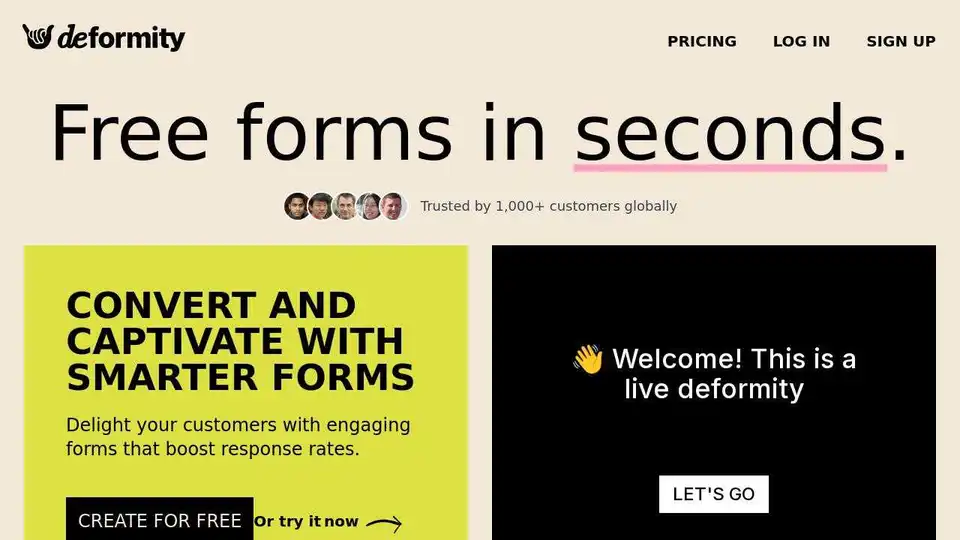
Create AI-driven forms with Deformity to revolutionize customer interaction. Boost engagement with dynamic, conversational flows that adapt in real time. Generate leads and collect valuable feedback.
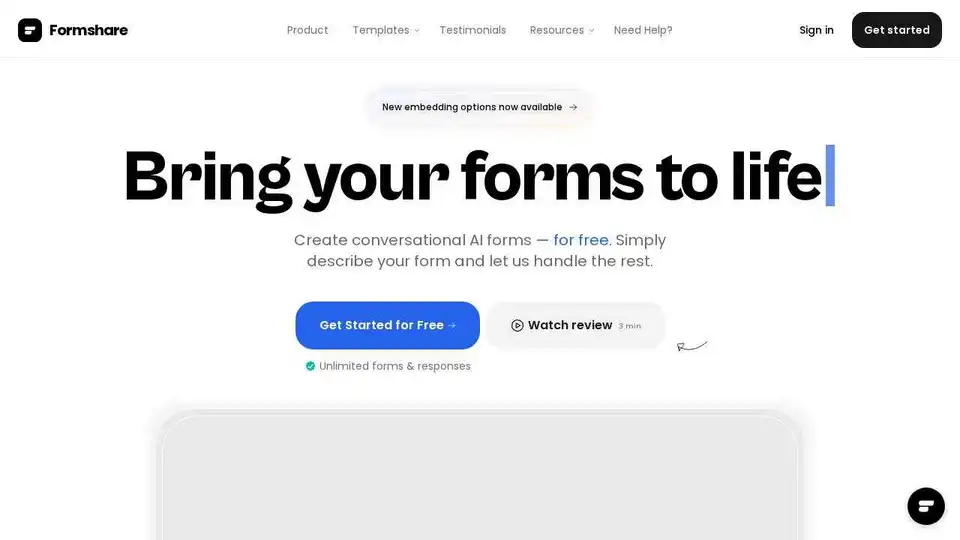
Create conversational AI forms effortlessly with Formshare and share them in an instant! Free, unlimited forms & responses. AI-driven and multilingual support.
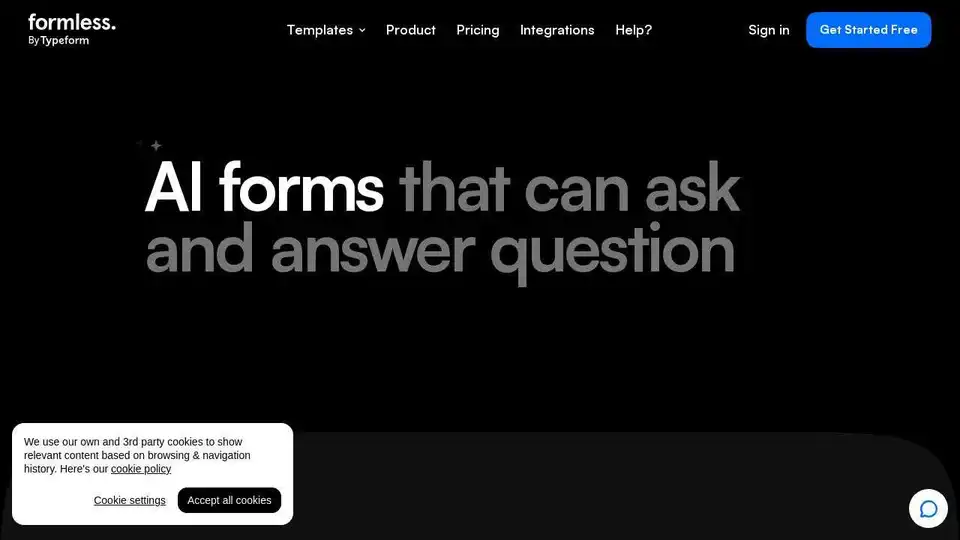
Create AI-driven forms with Formless by Typeform that engage users in natural conversations to generate leads and gather feedback. Train the AI on your data to answer user questions in 120+ languages.
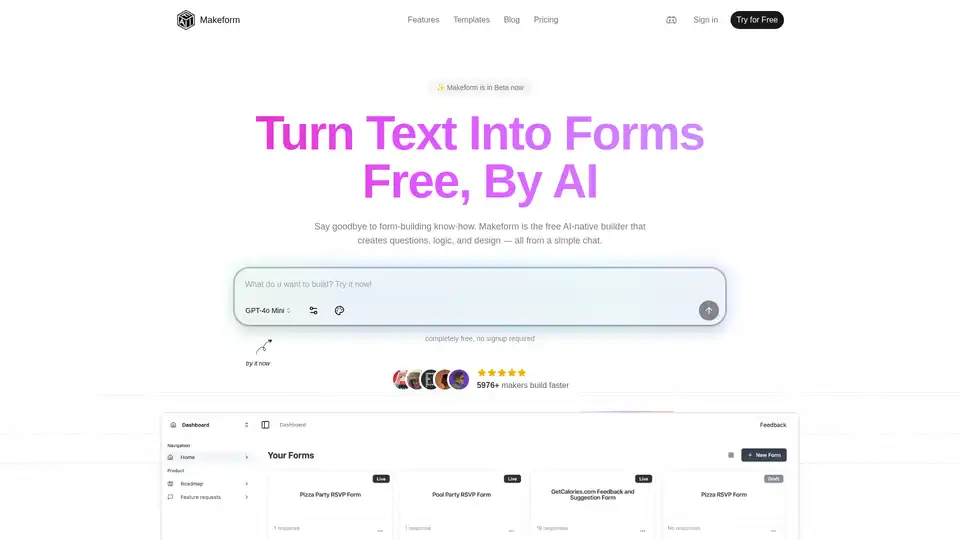
Makeform is a free AI-powered form builder that lets you create surveys, quizzes, polls, and registration forms effortlessly via chat—no coding needed. Generate professional forms in seconds with smart logic and integrations.