
Dart
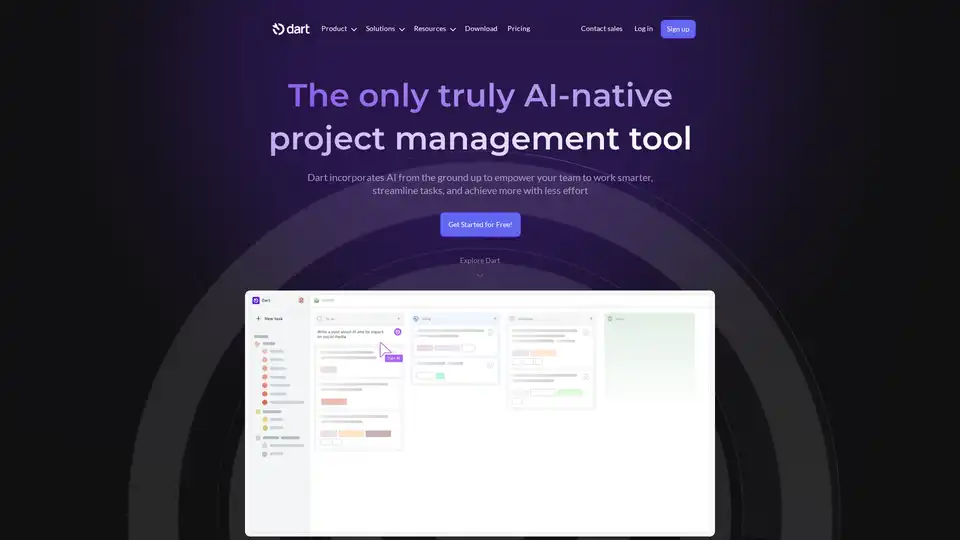
Overview of Dart
Dart: The AI-Native Project Management Tool
What is Dart?
Dart is an AI-powered project management tool designed to enhance efficiency, accuracy, and team collaboration. It helps teams work smarter, streamline tasks, and achieve more with less effort. Dart distinguishes itself by incorporating AI from the ground up, offering a range of features that automate and optimize project workflows.
How does Dart work?
Dart leverages AI to automate routine tasks, provide insights from project data, and improve team communication. Its key features include:
- Intelligent Task Management: Manage tasks in list and board views, create subtasks, track due dates, priorities, and sizes. AI automatically fills task properties.
- Roadmaps and Calendar Views: Implement roadmaps, Gantt charts, and calendar views. AI helps build out project roadmaps automatically.
- Documents and Meeting Notes: Store documents and complete writing tasks directly in Dart. AI generates reports for changelog updates and standup meetings.
- Integration with Workplace Tools: Connects with platforms like GitHub, Slack, Discord, ChatGPT, and Zapier.
Key Features and Benefits
- AI-Powered Automation: Automates scheduling, task assignments, progress tracking, and document management.
- Customizable Workspaces: Create spaces for different teams or projects, choose themes, configure notifications, and enable sprint planning.
- Risk Reduction: Identifies dependencies and blockers, automates repetitive tasks, and provides insights from project data.
- Enhanced Reporting: Automates data collection, visualizes progress through dashboards, and identifies trends.
Who is Dart for?
Dart is suitable for various roles and industries, including:
- Entrepreneurs, CEOs, and Founders: To keep the big picture in mind and drive outcomes.
- Product Managers: To automate task creation and manage complex projects.
- Engineering Teams: To streamline workflows and track progress.
- Design Teams: To organize tasks and manage creative projects efficiently.
- Sales Teams: To track leads and manage sales processes.
- HR Managers: To organize projects, prioritize work, and establish documentation practices.
Why Choose Dart?
- Efficiency: Dart helps teams complete tasks faster with AI-powered automation and intelligent task management.
- Accuracy: Reduces errors and improves project outcomes with AI-driven insights and risk management.
- Collaboration: Enhances team collaboration through seamless integration with workplace tools and real-time reporting.
What Users Say
- John Morgan, Head of Engineering: "Dart is my #1 tool for managing my projects! Plus, the user experience is crisp and it's a pleasure to make, track, and then close out tasks 😃"
- Sijia Qiu, Analytics Consultant: "I really enjoy using the app - it has replaced my other kanban apps because of the AI features. Auto fill properties and generate subtasks are a massive boon."
- David Paffenholz, CEO & Co-Founder: "We use Dart for both team and personal tasks, and it ties with Slack as our most-frequently used app."
How to Use Dart
- Sign Up: Create an account on the Dart website.
- Create a Workspace: Set up a workspace for your team or project.
- Import Tasks: Import existing tasks or create new ones within Dart.
- Integrate Tools: Connect Dart with other tools like Slack, GitHub, and ChatGPT.
- Utilize AI Features: Use AI to automate task assignments, generate reports, and identify project risks.
Dart Integrations
Dart seamlessly integrates with various tools to streamline your workflow, including:
- GitHub
- Slack
- Discord
- ChatGPT
- Zapier
Frequently Asked Questions (FAQ)
- How customizable are Dart’s workspaces? They are highly customizable, fully adapting to the needs of your project. You can create spaces for different teams or projects, choose between dark and light mode themes, configure notifications, and enable sprint planning for agile workflows.
- What makes Dart stand out among other AI project management tools? Dart stands out from other AI tools for project management with its intuitive design, powerful AI-driven features, and robust integration capabilities. It offers comprehensive sprint planning checklists, automated task management, and real-time reporting to keep projects on track.
- Can Dart’s AI project management software reduce project risks? Yes, it can do so by identifying dependencies and blockers, automating repetitive tasks, and providing insights from project data. Its collaborative tools help ensure smoother workflows and better resource allocation.
- How does Dart’s AI enhance project reporting? Many of Dart’s features can contribute to enhanced project reporting, most notably the automation of data collection, visualization of progress through dashboards, and identifying trends. You will receive actionable insights and real-time updates, helping you make informed decisions based on analytics.
- Is Dart suitable for all types of projects? Dart is one of the most highly adaptable AI project management tools, suitable for various types of projects, including agile software development, marketing campaigns, and operations management. In addition, Dart can be utilized by both small teams and large organizations, making it very flexible and useful in various scenarios.
- Is Dart capable of integrating with other tools? Absolutely. Dart integrates seamlessly with various tools to streamline your workflow. It connects with platforms like GitHub, Slack, Discord, ChatGPT, and Zapier, ensuring cohesive collaboration and enhanced data accessibility.
- What tasks can be automated with Dart's project management software? Dart's AI can fully automate routine tasks like scheduling, task assignments, progress tracking, and document management. This reduces manual work, allowing teams to focus on higher-priority project tasks.
Dart provides a comprehensive AI-driven solution for project management, making it easier for teams to stay organized, collaborate effectively, and achieve their goals.
AI Task and Project Management AI Document Summarization and Reading AI Smart Search AI Data Analysis Automated Workflow
Best Alternative Tools to "Dart"
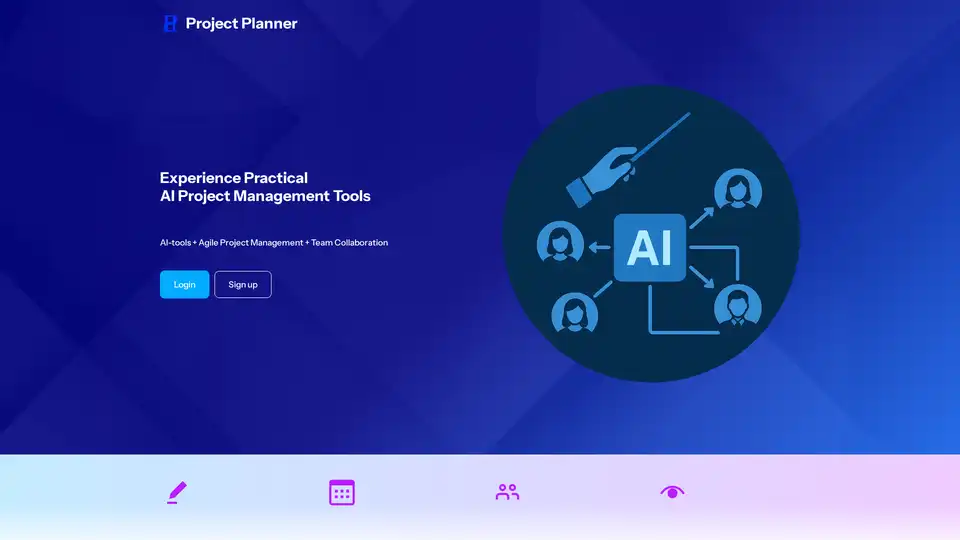
Project Planner is an AI-powered project management tool offering features like AI task completion, project plan creation, team collaboration, and automated reporting, designed to streamline project execution and boost team efficiency.
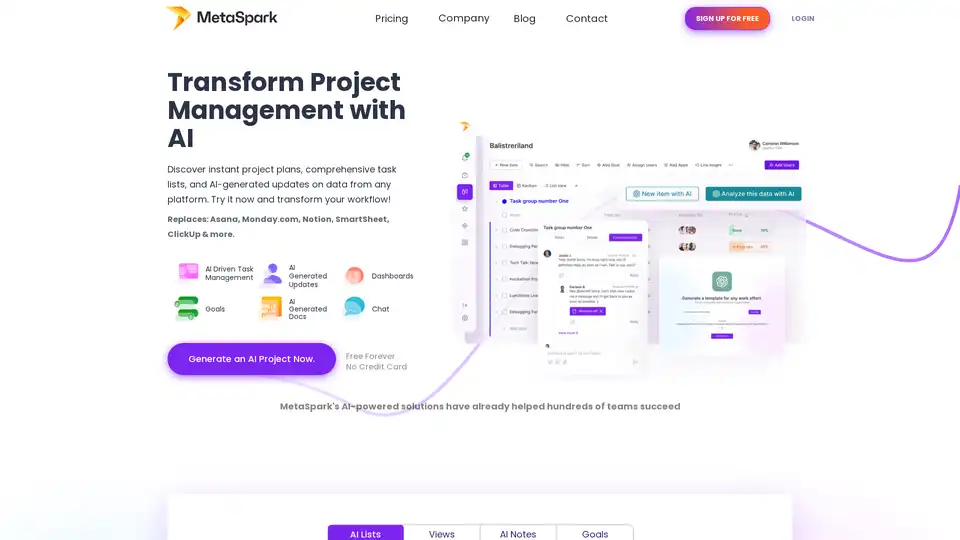
MetaSpark is an AI-powered platform that transforms project management by automating project planning, task lists, and updates. Integrate with tools like JIRA, Workday, and Salesforce for seamless workflow automation.
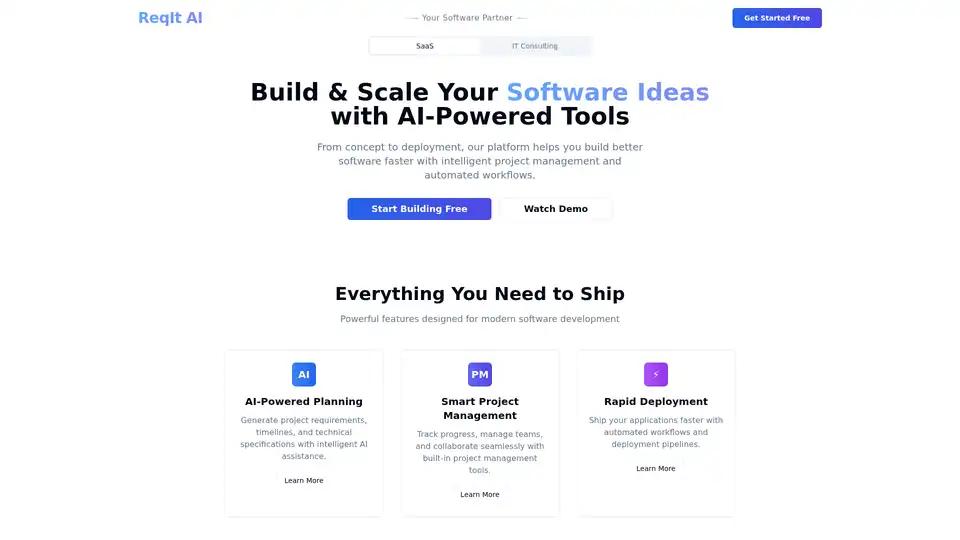
ReqIt AI is a SaaS platform serving as your technical co-founder. It offers AI-powered planning for generating project requirements and timelines, smart project management, and automated deployment workflows to accelerate software development from idea to launch.
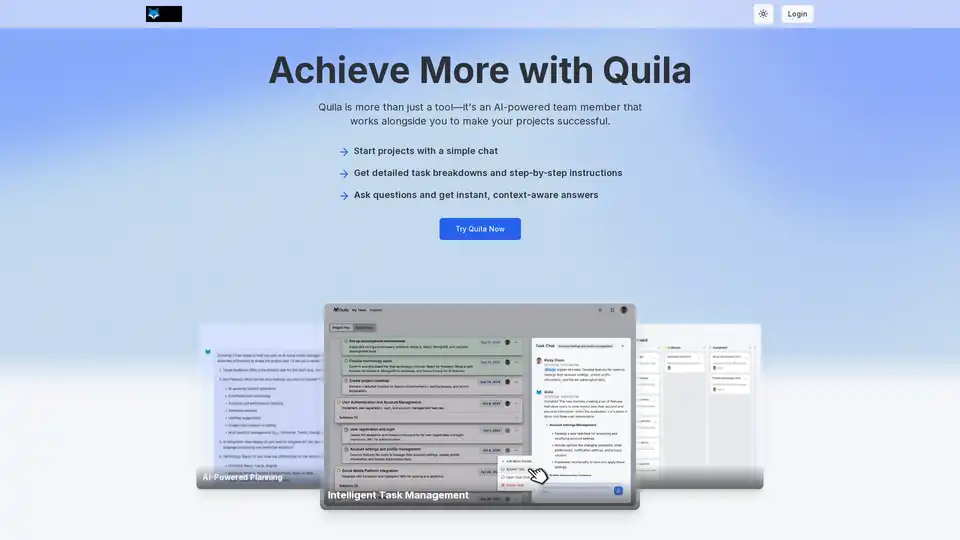
Quila is an AI-powered project manager that helps teams plan projects, manage tasks, and collaborate effectively. Get AI assistance in team chats and streamline workflows with templates.