
ConceptMap.AI
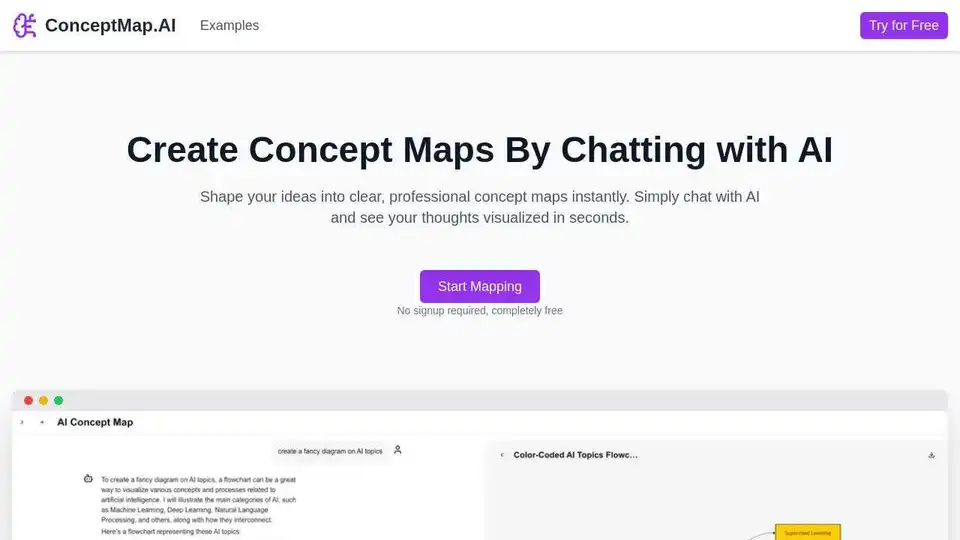
Overview of ConceptMap.AI
What is ConceptMap.AI?
ConceptMap.AI is an innovative, AI-powered tool designed to help knowledge workers, educators, researchers, and students visualize complex ideas through interactive concept maps. By simply chatting with the AI, users can transform their thoughts into structured, professional diagrams in seconds. This tool eliminates the need for manual diagramming, making it easier to organize information, brainstorm ideas, and plan projects efficiently.
Key Features of ConceptMap.AI
Chat-Based Creation
The core feature of ConceptMap.AI is its conversational interface. Users can describe their ideas in natural language, and the AI will automatically generate a concept map. This approach removes the learning curve associated with traditional mapping tools, allowing users to focus on their content rather than the technicalities of diagram creation.
Instant Visualization
ConceptMap.AI provides real-time visualization of concepts. As users input their ideas, the AI processes the information and generates a visual map instantly. This feature is particularly beneficial for knowledge workers who need quick results and immediate feedback.
Flexible Customization
Users can easily modify their concept maps through conversation. Whether it's adjusting the layout, adding new nodes, or refining relationships between concepts, the AI adapts to the user's needs, ensuring the final map matches their specific requirements.
One-Click Sharing
Collaboration is made simple with ConceptMap.AI. Users can export and share their concept maps with team members with just one click. This feature enhances teamwork and ensures everyone is on the same page, making it ideal for project planning and knowledge management.
How Does ConceptMap.AI Work?
ConceptMap.AI leverages advanced natural language processing (NLP) and machine learning algorithms to interpret user inputs and convert them into visual concept maps. The process involves:
- Input: Users start by describing their ideas or topics in a chat interface.
- Processing: The AI analyzes the input, identifying key concepts, relationships, and hierarchies.
- Visualization: The AI generates a concept map, organizing the information into a clear and structured diagram.
- Customization: Users can refine the map through further conversation, adjusting the layout and content as needed.
- Sharing: Once satisfied, users can export the map for sharing or further use.
Use Cases for ConceptMap.AI
Brainstorming
ConceptMap.AI is an excellent tool for capturing and organizing free-flowing ideas during creative thinking sessions. It helps users visualize connections between different concepts, fostering innovation and creativity.
Project Planning
For project managers, ConceptMap.AI offers a way to visualize project components, dependencies, and timelines. This visual representation aids in better execution and planning, ensuring all team members understand the project's scope and requirements.
Knowledge Management
Organizations can use ConceptMap.AI to create visual knowledge bases. By mapping out complex information, teams can better understand and retain knowledge, improving overall efficiency and collaboration.
Learning & Education
Educators and students can benefit from ConceptMap.AI by structuring study materials and connecting concepts. This visual approach enhances understanding and retention, making it easier to grasp complex subjects.
Problem Solving
ConceptMap.AI helps break down complex problems into manageable components. By visualizing the relationships between different elements, users can identify solutions more effectively.
Strategic Planning
Businesses can use ConceptMap.AI to map out strategies, goals, and the steps needed to achieve them. This visual representation ensures clarity and alignment across the organization.
Research Organization
Researchers can visualize findings, literature connections, and knowledge gaps. This feature is particularly useful for organizing research data and identifying areas for further investigation.
Decision Making
ConceptMap.AI aids in decision-making by mapping out options, consequences, and factors. This visual approach helps users make more informed and strategic decisions.
Why Choose ConceptMap.AI?
User-Friendly Interface
The conversational interface of ConceptMap.AI eliminates the need for extensive training or technical knowledge. Users can start creating concept maps immediately, making it accessible to everyone.
Time-Saving
By automating the process of concept map creation, ConceptMap.AI saves users valuable time. Instead of manually drawing diagrams, users can focus on refining their ideas and content.
Versatility
ConceptMap.AI supports various types of concept maps, including hierarchical maps, spider maps, flowcharts, system maps, mind maps, concept webs, argument maps, and knowledge graphs. This versatility makes it suitable for a wide range of applications.
Privacy and Security
ConceptMap.AI prioritizes user privacy. Concept map data is processed securely, not stored permanently, and never used to train models without explicit consent. This commitment to privacy ensures users can trust the tool with their sensitive information.
Who is ConceptMap.AI For?
ConceptMap.AI is designed for a diverse range of users, including:
- Knowledge Workers: Professionals who need to organize and visualize complex information.
- Educators: Teachers and professors who want to enhance their students' understanding through visual learning.
- Students: Learners who need to structure their study materials and connect concepts.
- Researchers: Individuals who need to visualize research findings and literature connections.
- Project Managers: Professionals who need to plan and execute projects efficiently.
- Business Strategists: Individuals who need to map out business strategies and goals.
Best Way to Use ConceptMap.AI
To get the most out of ConceptMap.AI, follow these steps:
- Start Chatting: Begin by describing your ideas or topics in the chat interface.
- Refine Your Map: Use the conversational interface to adjust the layout and content of your concept map.
- Export and Share: Once satisfied, export your map and share it with your team or colleagues.
- Collaborate: Use the shared maps to enhance collaboration and ensure everyone is aligned.
Conclusion
ConceptMap.AI is a powerful tool that leverages AI to simplify the process of creating concept maps. Its user-friendly interface, instant visualization, and flexible customization make it an invaluable resource for knowledge workers, educators, researchers, and students. By transforming ideas into visual maps, ConceptMap.AI enhances understanding, fosters creativity, and improves collaboration. Whether you're brainstorming, planning a project, or organizing research, ConceptMap.AI is the ultimate tool for visualizing your big picture.
Best Alternative Tools to "ConceptMap.AI"
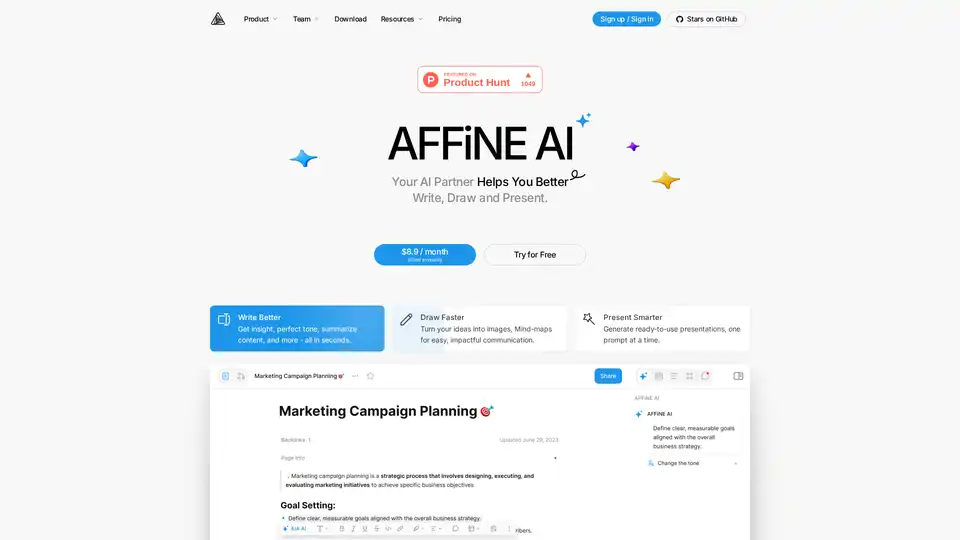
AFFiNE AI is a multimodal canvas AI tool that enhances note-taking, brainstorming, and team collaboration with AI-powered writing, drawing, and presentation features.
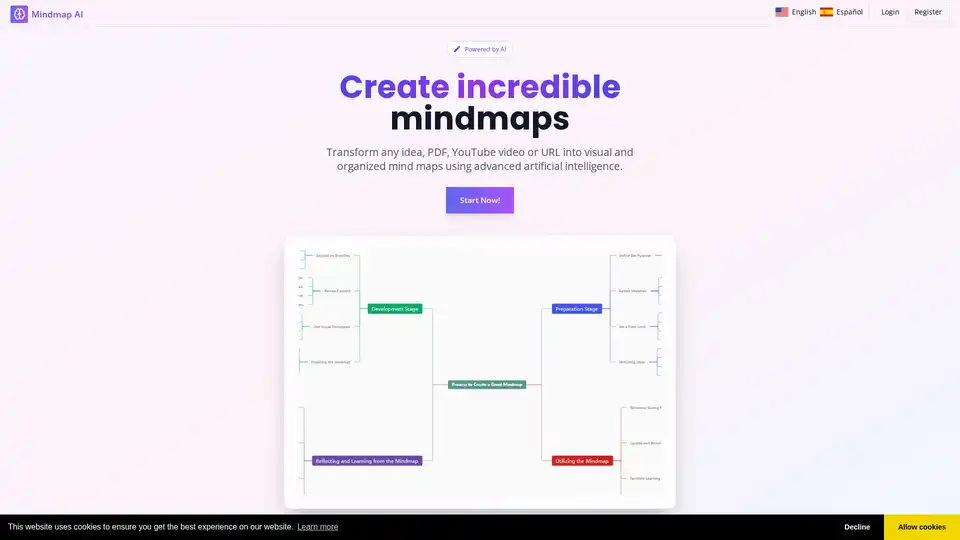
MindmapAI transforms ideas, PDFs, YouTube videos, and URLs into structured visual mind maps using advanced AI technology for enhanced productivity and organization.

Learn faster with AI by creating concept maps, flashcards, quizzes, summaries, and study notes. Summarize YouTube videos, chat with AI, and turn ideas into learning tools all in one platform.
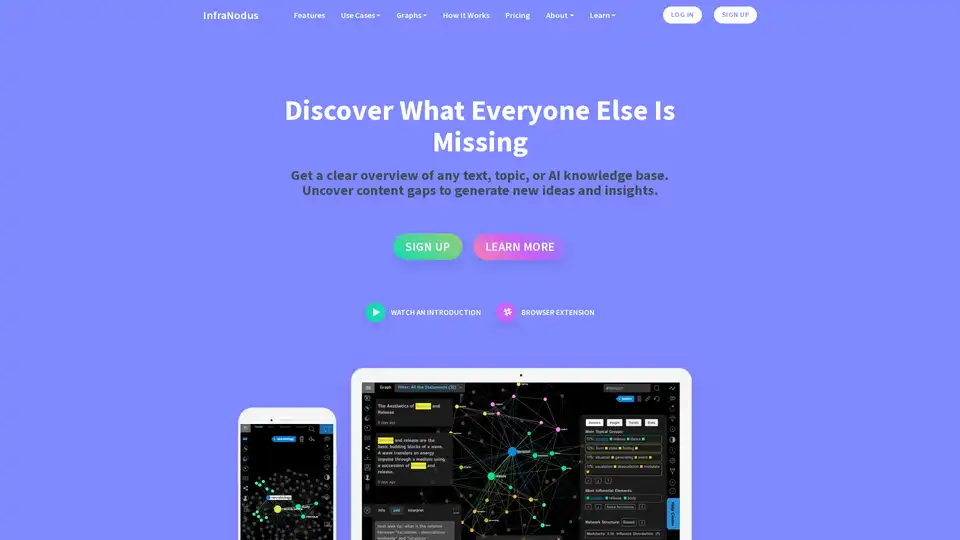
InfraNodus is an AI text analysis tool that leverages knowledge graphs to visualize texts, uncover content gaps, and generate new insights for research, ideation, and SEO optimization.