
CodeViz
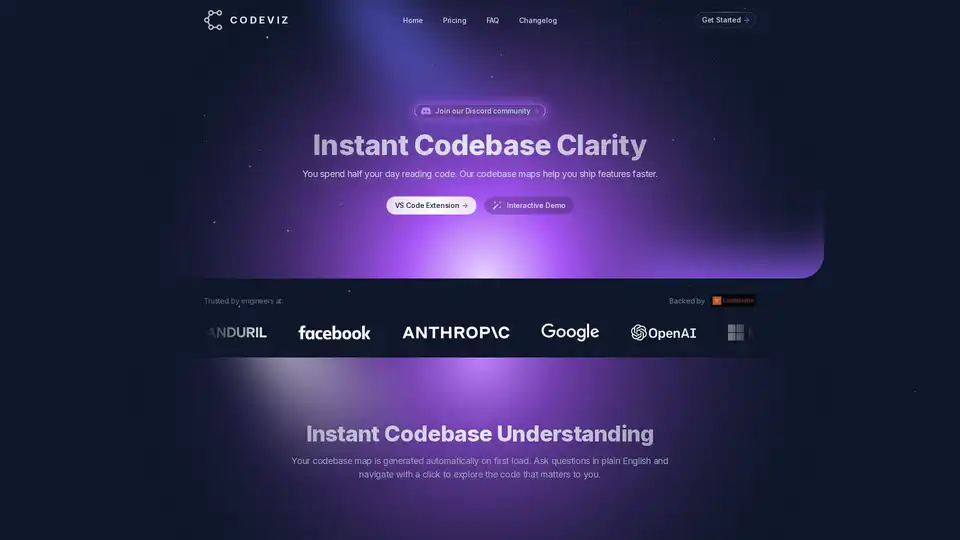
Overview of CodeViz
CodeViz: Instant Codebase Clarity for Faster Feature Shipping
What is CodeViz? CodeViz is a VS Code extension designed to provide developers with instant clarity and understanding of their codebase. It helps you ship features faster by automatically generating codebase maps, enabling query-based analysis, and offering multi-level code visualization.
How does CodeViz work?
CodeViz automatically generates a codebase map on the first load, providing a high-level overview of your system architecture. It allows you to ask questions in plain English and navigate with a single click to explore the code that matters most to you. The multi-level code visualization feature enables you to explore your codebase at any level, from system architecture to detailed function calls.
Key Features
- Instant Codebase Understanding: Automatically generated codebase maps help you quickly grasp the structure and relationships within your code.
- Multi-Level Code Visualization: Explore your codebase at different levels of detail, from high-level architecture to specific function calls.
- Query-Based Analysis: Ask questions in plain English and navigate to the relevant code with a single click.
- LLM Prompt Generation: Generate LLM prompts to gain better insights into your code.
- Multi-Level Architecture Maps: Visualize your system architecture with ease.
- Git Pull Request & Issue Tracking: (Teams Plan) Integrate CodeViz with your Git workflow to track pull requests and issues.
- Collaborative Notes & Diagrams: (Teams Plan) Collaborate with your team by adding notes and diagrams to the codebase map.
Who is CodeViz for?
CodeViz is suitable for:
- Individual Developers: Who want to quickly understand and navigate large codebases.
- Teams: Who need to collaborate on code and track changes.
- Enterprises: Who require on-premise deployment and custom integrations.
Pricing Plans
CodeViz offers a range of pricing plans to suit different needs:
- Free: For getting started.
- Individual ($19/mo): For unlimited analysis.
- Teams ($50/mo): For professionals and small teams.
- Enterprise (Let's Talk): For API access and custom needs.
Here's a breakdown of the features included in each plan:
| Feature | Free | Individual | Teams | Enterprise |
|---|---|---|---|---|
| Full codebase architecture | ✅ | ✅ | ✅ | ✅ |
| Query-based analysis | ✅ | ✅ | ✅ | ✅ |
| Export diagrams | ✅ | ✅ | ✅ | ✅ |
| Live query suggestions | ✅ | ✅ | ✅ | ✅ |
| Generate LLM prompts | ✅ | ✅ | ✅ | ✅ |
| Unlimited analysis at every level | ✅ | ✅ | ✅ | |
| Dedicated computing resources | ✅ | ✅ | ✅ | |
| Git pull request & issue tracking | ✅ | ✅ | ||
| Collaborative notes & diagrams | ✅ | ✅ | ||
| 24/7 support | ✅ | ✅ | ||
| On-Premise Deployment | ✅ | |||
| Platform APIs | ✅ | |||
| Custom Integrations | ✅ | |||
| Custom Onboarding | ✅ | |||
| Admin Management | ✅ |
How to use CodeViz?
- Install the CodeViz VS Code extension.
- Open your codebase in VS Code.
- CodeViz will automatically generate a codebase map.
- Start exploring your code using the interactive features.
Why Choose CodeViz?
CodeViz helps developers to accelerate development by:
- Improving Code Understanding: Reduces the time spent reading and understanding code.
- Enhancing Collaboration: Facilitates collaboration by providing a shared view of the codebase.
- Streamlining Navigation: Enables quick and easy navigation to relevant code sections.
Conclusion
CodeViz is a powerful tool for developers looking to improve their codebase understanding and ship features faster. With its intuitive interface, automated codebase maps, and query-based analysis, CodeViz empowers developers to tackle even the most complex projects with confidence. Whether you're an individual developer or part of a larger team, CodeViz offers a pricing plan to suit your needs. Join the CodeViz community today and experience the benefits of instant codebase clarity.
AI Programming Assistant Auto Code Completion AI Code Review and Optimization AI Low-Code and No-Code Development
Best Alternative Tools to "CodeViz"
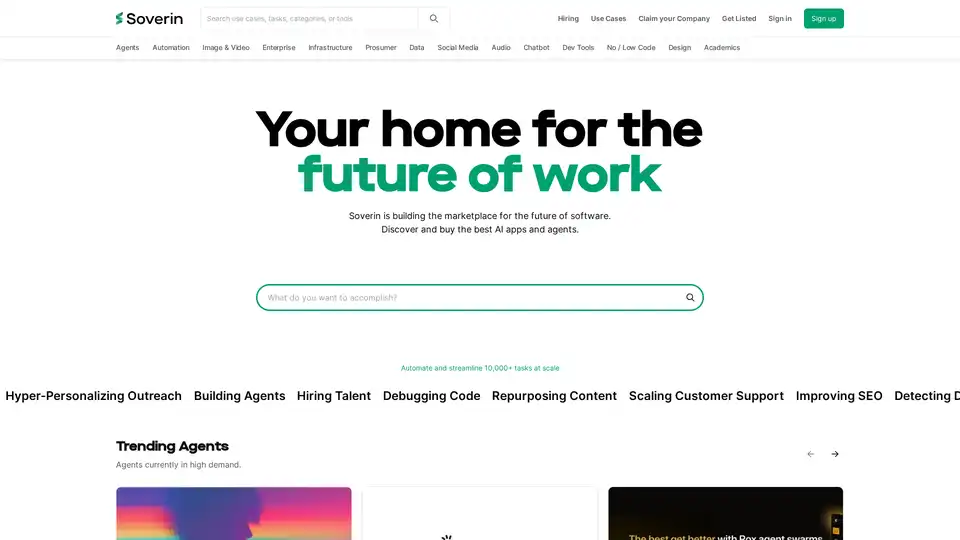
Soverin is the ultimate AI marketplace for discovering, buying, and leveraging top AI apps and agents. Automate over 10,000 tasks, from building agents to scaling customer support, and boost productivity with trending automation tools.
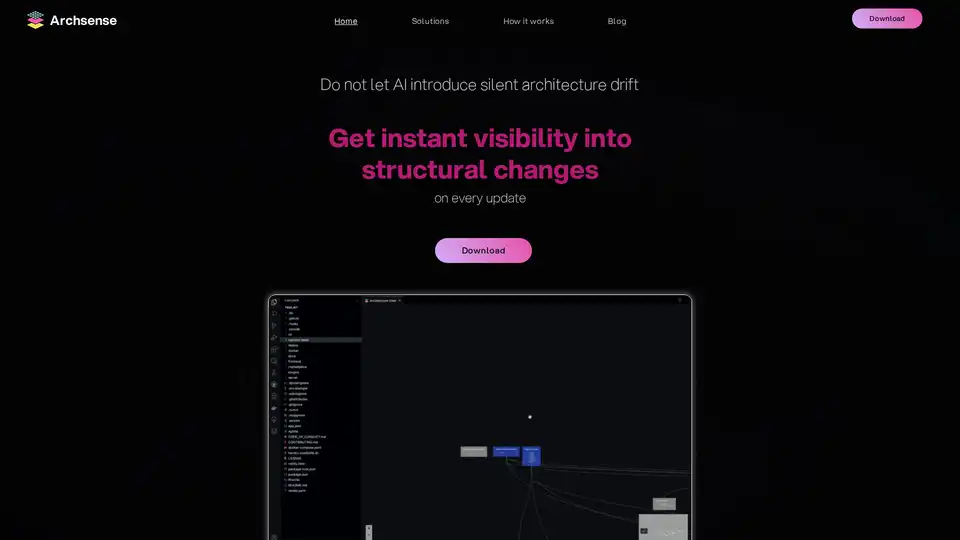
Archsense visualizes software architecture directly from code, preventing architecture drift with instant feedback and dependency mapping. Ideal for developers, team leaders, and architects.
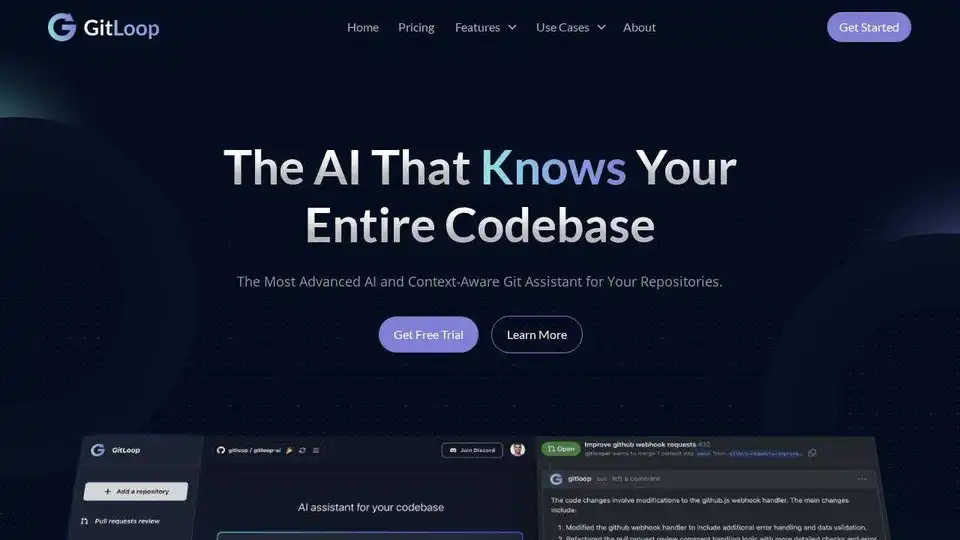
GitLoop: Context-aware AI assistant for Git repositories to chat with codebases, generate documentation, unit tests, and review code seamlessly.
Merlin AI is a versatile Chrome extension and web app that lets you research, write, and summarize content with top AI models like GPT-4 and Claude. Free daily queries for videos, PDFs, emails, and social posts boost productivity effortlessly.