
Codeanywhere
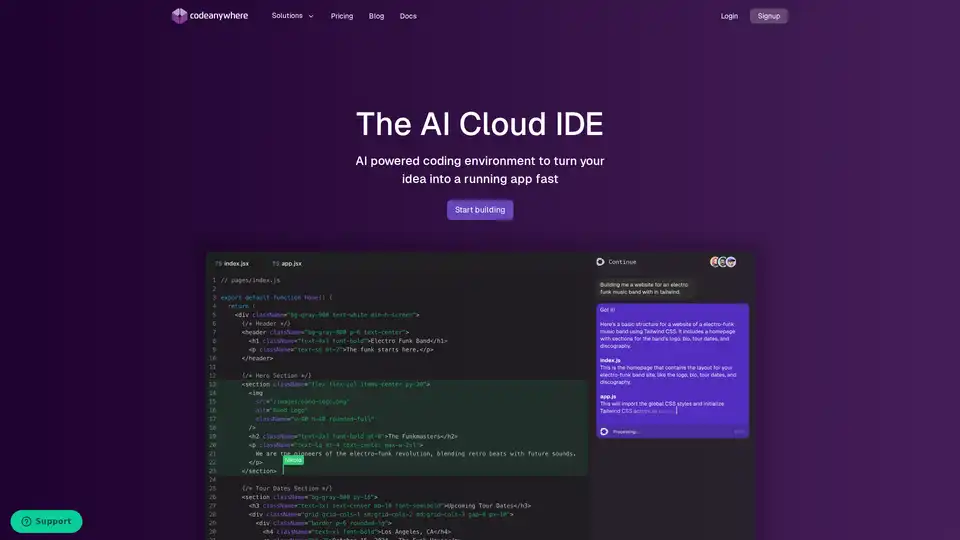
Overview of Codeanywhere
Codeanywhere: AI-Powered Cloud IDE for Modern Development
What is Codeanywhere?
Codeanywhere is a cloud-based Integrated Development Environment (IDE) that brings the power of VS Code to your browser. It's designed to facilitate coding, collaboration, and AI application development. With Codeanywhere, developers can deploy development environments rapidly and code with AI assistance, making the entire process more efficient and streamlined.
Key Features of Codeanywhere
- AI Coding Assistant: Integrates seamlessly with language models to provide intelligent code completion and suggestions, powered by the open-source Continue extension. This feature helps developers code faster and more accurately.
- VS Code Browser IDE: Offers a familiar VS Code-like interface in the browser, ensuring a smooth transition for developers already accustomed to VS Code shortcuts and extensions.
- Powerful Terminal: Equipped with a fully-featured web-based terminal that allows developers to run commands, debug applications, and display command outputs directly from their servers.
- Code Collaboration: Supports shared workspaces, enabling real-time collaboration and pair-programming with team members, friends, or classmates. Share your entire workspace and running applications for easy validation and testing.
- Instant Development Environment: Pull repositories and start coding in minutes with pre-configured development environments for various tech stacks and programming languages. One-click setup simplifies the process.
- GPU Workspaces: Codeanywhere provides optimized environments to run generative AI models, large-scale batch jobs, big data processing, and more. It is the only cloud IDE you need for Generative AI programming.
How does Codeanywhere work?
Codeanywhere simplifies the development process by providing pre-configured environments and AI-driven tools. Here’s a breakdown of how it works:
- One-Click Setup: Start development with a single click. Prebuilt development environments are available for all major programming languages, packed with tools and databases preinstalled.
- AI Code Completion: Code faster with AI code completion that suggests code based on best practices and your codebase. This feature is powered by the open-source Continue extension.
- Browser Preview and Port Forwarding: Preview your changes and get feedback from teammates by sharing ports. Share your prebuilt development environments with your team or class.
- Container Environment: Spin up powerful containers in seconds with full sudo access. Choose a preconfigured machine from the cloud tailored to your project and programming environment.
Why Choose Codeanywhere?
- Efficiency: Quickly set up and start coding without the hassle of local environment configurations.
- Collaboration: Easily share workspaces and collaborate in real-time.
- Versatility: Supports a wide range of programming languages and tech stacks.
- AI-Powered: Intelligent AI assistance for faster and more accurate coding.
- Accessibility: Access your development environment from any device with a browser.
Who is Codeanywhere for?
Codeanywhere is designed for a wide range of users, including:
- Developers: Streamline your coding workflow and collaborate with team members effectively.
- Teams: Enhance team productivity with shared workspaces and real-time collaboration.
- Educators: Easily share prebuilt environments with students for a hassle-free learning experience.
- AI developers: Run and test AI models in GPU optimized cloud environment
- Open Source Contributors: Contribute to open-source projects without needing to install anything locally.
Pricing
Codeanywhere offers various pricing plans tailored to different needs. Visit the pricing page for detailed information on the features and costs associated with each plan.
How to use Codeanywhere?
- Sign Up: Create an account on the Codeanywhere website.
- Create a Container: Choose a preconfigured container for your desired programming language or tech stack.
- Start Coding: Access the VS Code-like interface in your browser and begin coding.
- Collaborate: Share your workspace with others for real-time collaboration.
- Utilize AI Assistant: Take advantage of AI-powered code completion and suggestions to enhance your coding speed and accuracy.
User Testimonials
- Marko Bozic, Director of Engineering at Noom: "I love it. It's especially great for my open source projects, no need to install anything on my local machine. Just paste my GitHub URL and Codeanywhere takes care of the rest."
- Jesper Noehr, Founder at BitBucket: "The ability to have a VS Code like editor on any of my devices, and on top of that not need to configure my environments is a win-win for me."
- Adrienne Tacke, Developer Advocate at MongoDB: "Codeanywhere's containers with pre-built tech stacks are a giant step in the right direction! It helps remove a lot of the dreaded setup and environmental configuration developers need to do, which is always welcome."
Frequently Asked Questions
- Is there a free trial?
- How secure is my code and data on Codeanywhere?
- What languages and frameworks are supported in Codeanywhere?
- Can I use Codeanywhere to work with my existing repositories?
For more information, visit the FAQ section on the Codeanywhere website.
AI Programming Assistant Auto Code Completion AI Code Review and Optimization AI Low-Code and No-Code Development
Best Alternative Tools to "Codeanywhere"
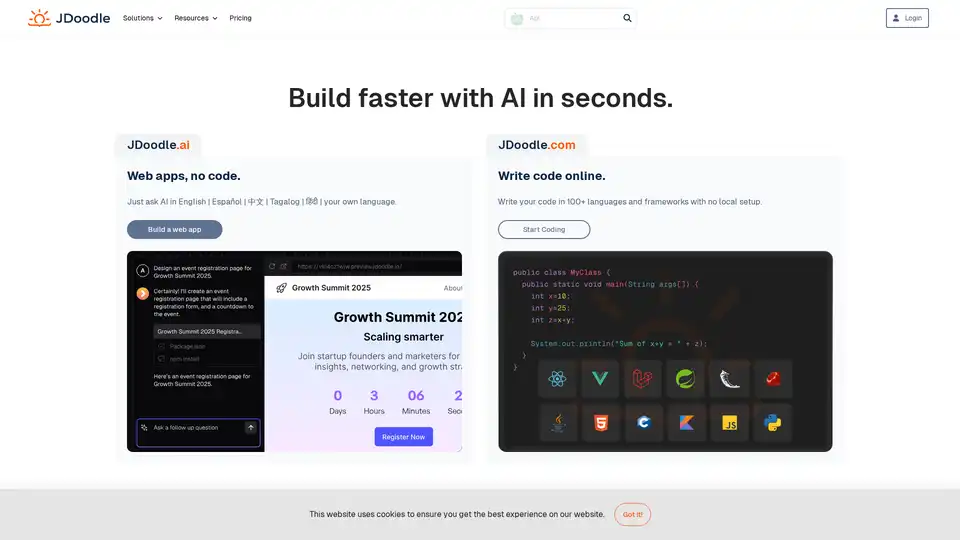
JDoodle is an AI-powered cloud-based online coding platform for learning, teaching, and compiling code in 96+ programming languages like Java, Python, PHP, C, and C++. Ideal for educators, developers, and students seeking seamless code execution without setup.
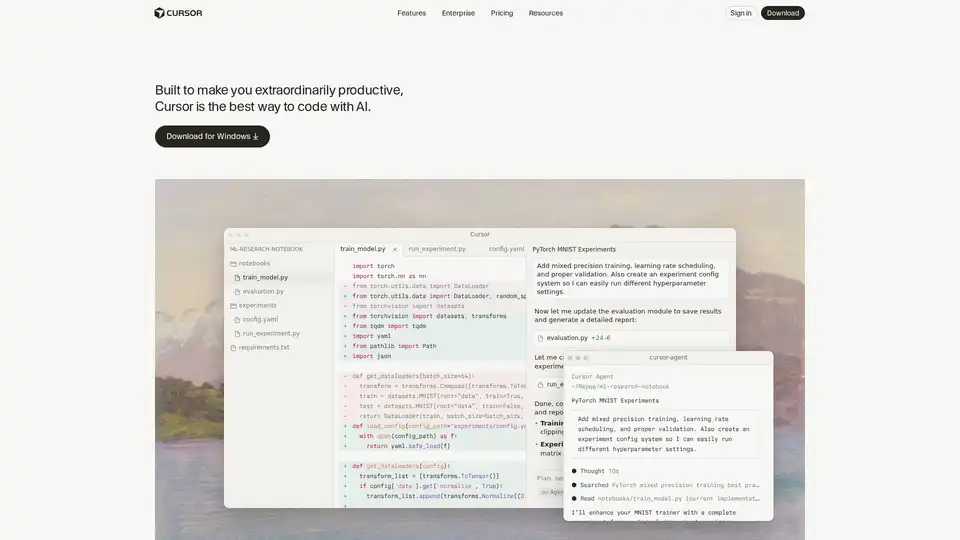
Cursor is the ultimate AI-powered code editor designed to boost developer productivity with features like intelligent autocomplete, agentic coding, and seamless integrations for efficient software building.
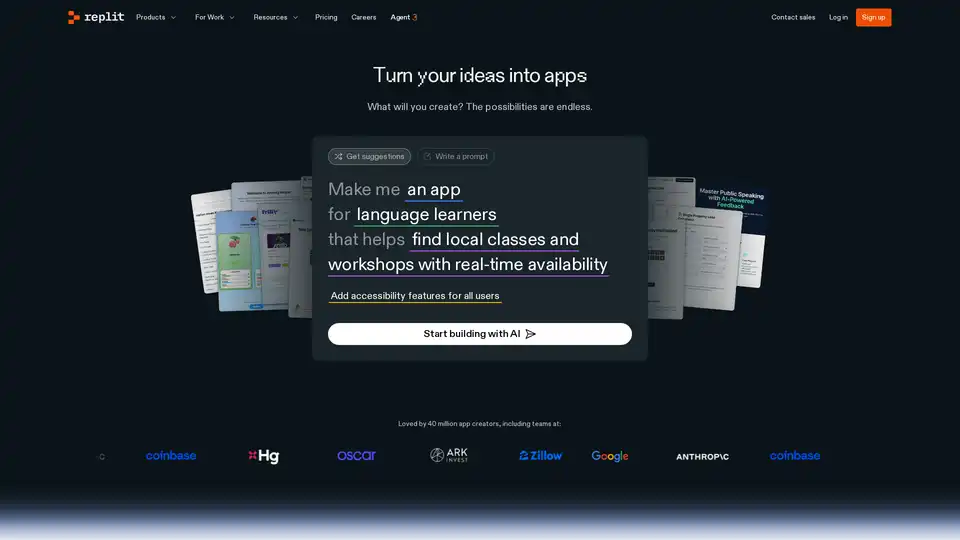
Replit is an AI-powered platform for building professional web apps and websites quickly. Use Replit Agent to automate development and streamline your workflow.
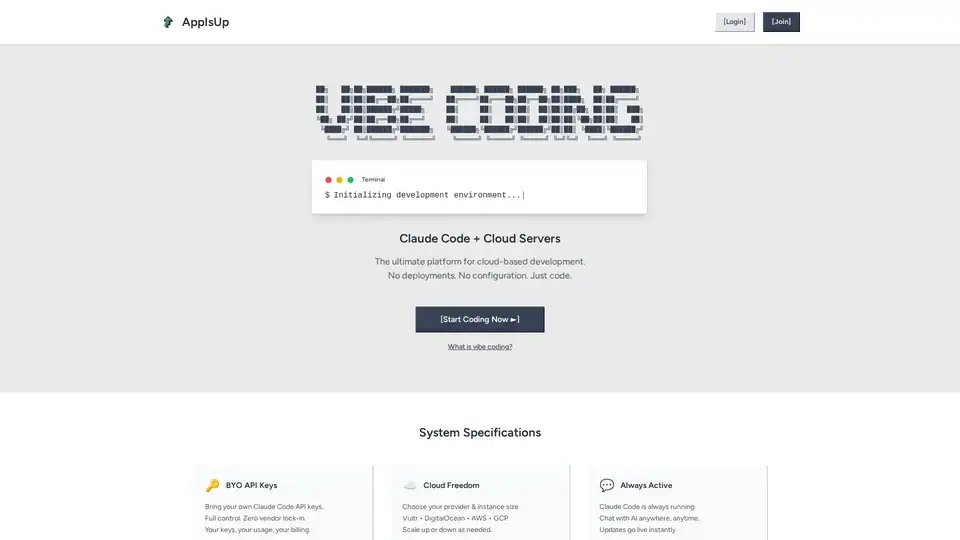
AppIsUp is a cloud-based development platform featuring Claude Code integration, instant public URLs, and mobile coding. It offers a zero-configuration environment for developers.