
Clips AI
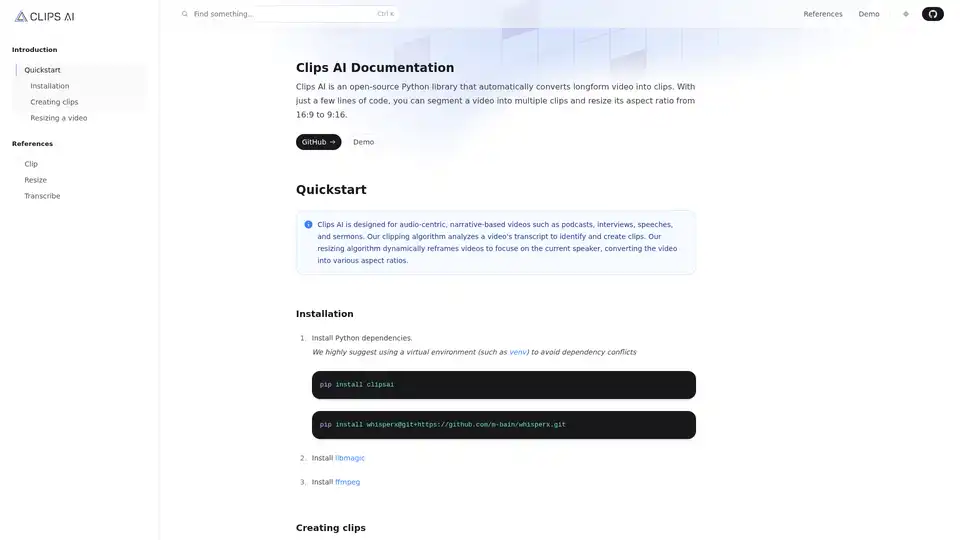
Overview of Clips AI
Clips AI: AI Video Repurposing for Developers
What is Clips AI? Clips AI is an open-source Python library designed to automatically convert long-form videos into engaging clips. It's tailored for audio-centric and narrative-based content like podcasts, interviews, speeches, and sermons. With just a few lines of code, you can segment videos into multiple clips and resize their aspect ratio from 16:9 to 9:16.
Key Features:
- Automatic Clipping: Uses transcript analysis to identify key segments in the video.
- Intelligent Resizing: Dynamically reframes videos to focus on the current speaker, converting the video into various aspect ratios.
How to Use Clips AI:
Installation:
Install Python dependencies using pip:
pip install clipsai
pip install whisperx@git+https://github.com/m-bain/whisperx.git
Install
libmagicandffmpeg.
Creating Clips:
Transcribe the video using WhisperX (integrated in Clips AI).
Use
ClipFinderto identify and create clips based on the transcription.from clipsai import ClipFinder, Transcriber transcriber = Transcriber() transcription = transcriber.transcribe(audio_file_path="/abs/path/to/video.mp4") clipfinder = ClipFinder() clips = clipfinder.find_clips(transcription=transcription) print("StartTime: ", clips[0].start_time) print("EndTime: ", clips[0].end_time)
Resizing a Video:
A Hugging Face access token is required for speaker diarization (using Pyannote).
from clipsai import resize

crops = resize(
    video_file_path="/abs/path/to/video.mp4",
    pyannote_auth_token="pyannote_token",
    aspect_ratio=(9, 16)
)

print("Crops: ", crops.segments)
Why is Clips AI Important?
Clips AI simplifies the process of repurposing long videos into short, engaging clips suitable for platforms like TikTok, Instagram Reels, and YouTube Shorts. It saves time and effort by automating the clipping and resizing process.
Where to Find More Information:
- GitHub: https://github.com/
- Demo:
- Quickstart:
AI Video Generation AI Video Editing AI Motion Capture and Animation AI Virtual Human and Digital Avatar 3D Video Generation
Best Alternative Tools to "Clips AI"
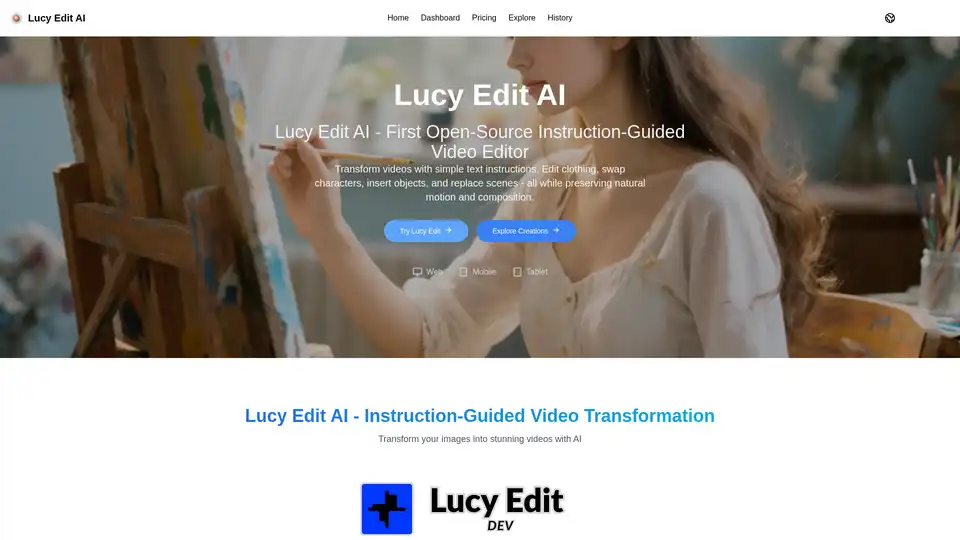
Lucy Edit AI is the first open-source, instruction-guided video editing model. Edit videos with text prompts, preserving motion and composition. Free to use for creative video transformations.
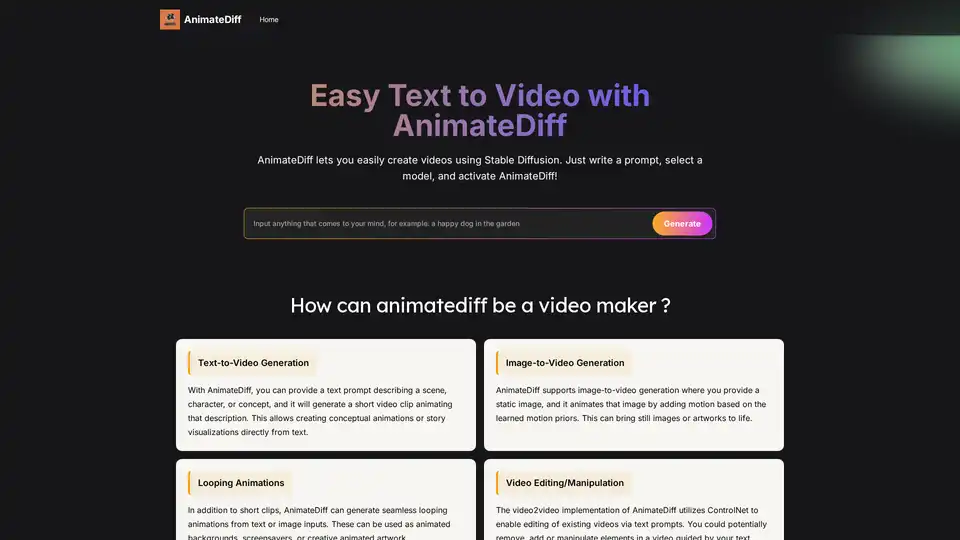
AnimateDiff is a free online video maker that brings motion to AI-generated visuals. Create animations from text prompts or animate existing images with natural movements learned from real videos. This plug-and-play framework adds video capabilities to diffusion models like Stable Diffusion without retraining. Explore the future of AI content creation with AnimateDiff's text-to-video and image-to-video generation tools.
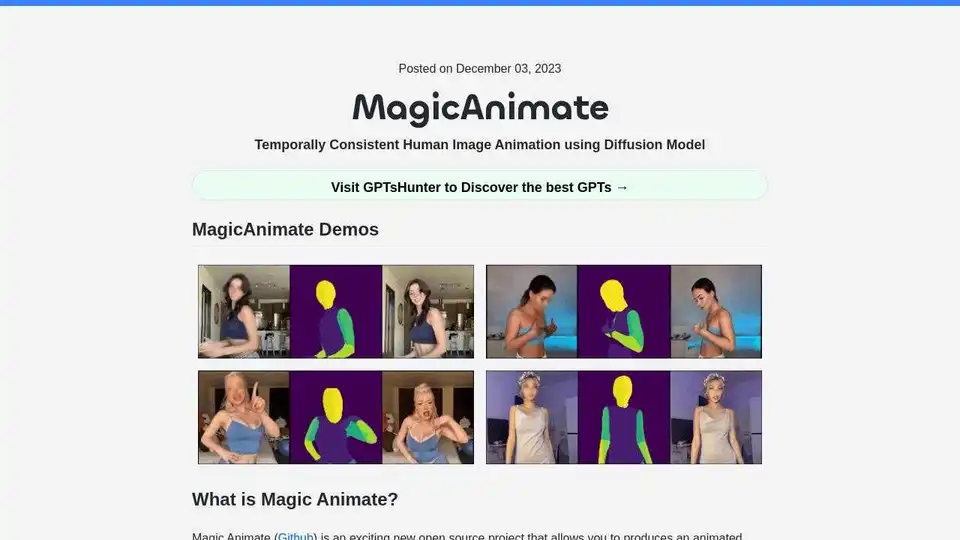
MagicAnimate is an open-source diffusion-based framework for creating temporally consistent human image animation from a single image and a motion video. Generate animated videos with enhanced fidelity.
Mochi 1 is an open-source AI video generator by Genmo, enabling users to create high-quality videos from text prompts. Free, customizable, and ideal for content creators.