
ClipBuddy
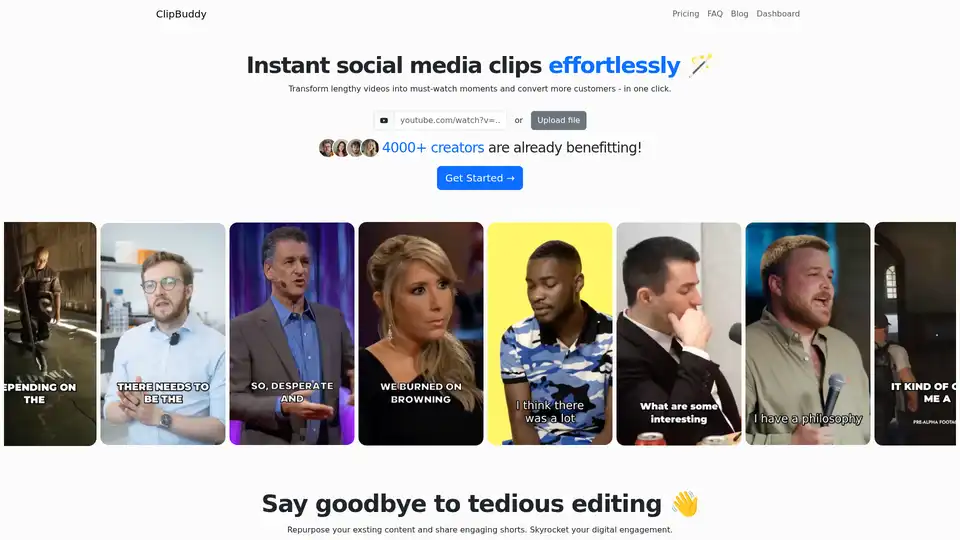
Overview of ClipBuddy
ClipBuddy: AI-Powered Video Shorts for Maximum Engagement
What is ClipBuddy? ClipBuddy is an innovative AI-powered tool designed to transform lengthy videos into engaging, must-watch short clips perfect for platforms like TikTok, Instagram, and more. It aims to help creators and businesses repurpose their existing content, skyrocket digital engagement, and convert more customers with minimal effort.
How does ClipBuddy work?
ClipBuddy uses state-of-the-art AI to simplify the video editing process. Here’s a breakdown of how it works:
- Upload Your Content: Users can upload video files directly from YouTube, Vimeo, or their computer. The platform supports various video lengths and languages.
- AI Curation: The AI identifies key moments in the video to create engaging clips that hook the audience.
- Auto Face Detection: The tool detects faces and crops the video to ensure relevant speakers are always visible.
- Auto Cropping: ClipBuddy automatically tracks the speaker and crops the video to keep them in focus, even if they are moving.
- Auto Captioning: AI identifies key moments and adds dynamic, viewer-catching captions.
Key Features of ClipBuddy
- AI Curation: Automatically identifies and curates the most engaging moments in your videos.
- Auto Face Detection: Ensures that speakers are always visible and in focus.
- Auto Cropping: Tracks moving speakers and adjusts the crop accordingly.
- Auto Captioning: Adds dynamic captions that enhance viewer engagement.
- Resizing: Automatically adjusts the video to the ideal 9:16 ratio for mobile devices.
- Transitioning: Creates seamless transitions between visuals and audio.
- Multi-Language Support: Works with English, French, German, Spanish, Italian, Japanese, Dutch, and Portuguese.
Why choose ClipBuddy?
- Saves Time: Eliminates the need for tedious manual video editing.
- Increases Engagement: Helps create viral content that captures audience attention.
- Converts Customers: Transforms viewers into customers with engaging video content.
- Easy to Use: Even non-tech-savvy users can easily create professional-looking videos.
Who is ClipBuddy for?
ClipBuddy is ideal for:
- Social Media Managers: Enhance social media presence with engaging short clips.
- Content Creators: Repurpose existing content to reach a wider audience.
- Businesses: Convert viewers into customers through engaging video content.
- Anyone looking to create short, attention-grabbing videos quickly and easily.
Pricing
ClipBuddy offers three pricing tiers:
- Standard: $9/month for 60 minutes of video uploads.
- Creator: $12/month for 120 minutes of video uploads.
- Pro: $60/month for 600 minutes of video uploads.
All plans include auto captioning, AI auto curation, email support, continuous improvements, and no hardware requirements.
How to use ClipBuddy?
- Create a New Project: Log in to the ClipBuddy dashboard and click the "New Project" button.
- Upload Your Content: Upload video files from YouTube, Vimeo, or directly from your computer.
- Download Your Clips: Let the AI curate and edit your content, then download the engaging clips.
Frequently Asked Questions
- Can I use ClipBuddy for podcasts?
- Which languages do you support?
- How much time can I expect to save?
- I'm not a tech-savvy person. How easy is it to use ClipBuddy?
- How does ClipBuddy ensure the quality of the short clips?
- Do you share or sell my video content to third parties?
ClipBuddy simplifies short-form video creation by leveraging AI to automate editing, face detection, and captioning. It's perfect for content creators, social media managers, and businesses aiming to boost engagement and reach wider audiences. If you're looking for an efficient way to repurpose content and create captivating videos, ClipBuddy is worth exploring.
AI Video Generation AI Video Editing AI Motion Capture and Animation AI Virtual Human and Digital Avatar 3D Video Generation
Best Alternative Tools to "ClipBuddy"
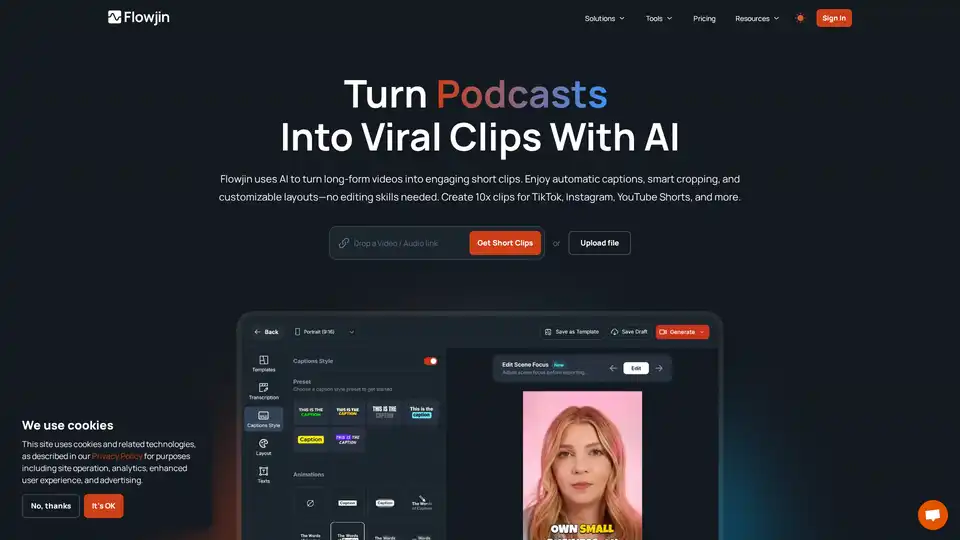
Flowjin transforms your long videos into viral social media clips with AI. Create engaging short-form content for TikTok, Instagram and YouTube in minutes—no editing skills required.
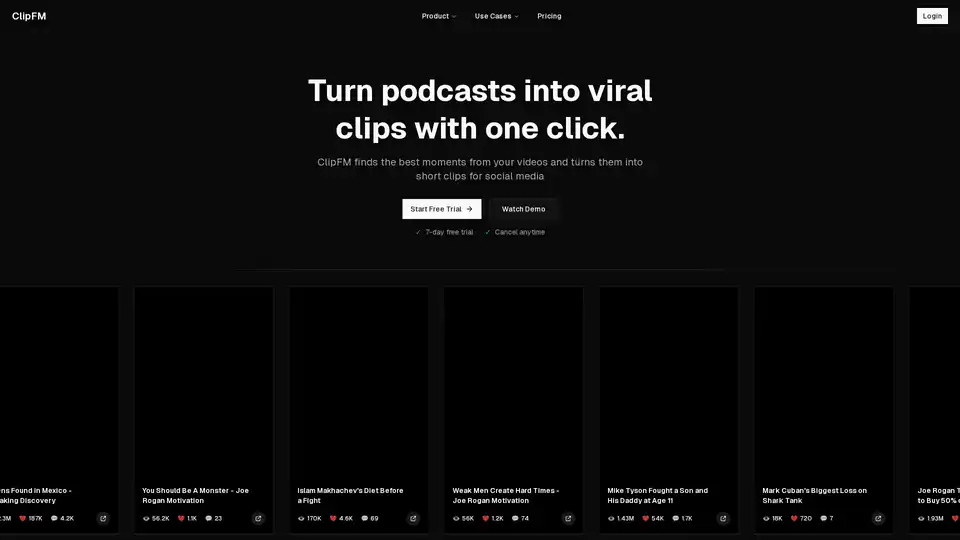
ClipFM is an AI-powered tool that transforms podcasts and long-form videos into viral clips for social media. Start a free trial and create engaging content effortlessly.
MakeShorts.ai is an AI-powered tool that turns YouTube videos into engaging Shorts with AI clipping, autofocus cropping, and automatic subtitling. Create viral clips in seconds and repurpose your video content effortlessly.
Nexus Clips is an AI tool that automatically extracts the best clips from long videos, edits them into vertical format with animated subtitles and hooks, ideal for streamers, YouTubers, and podcasters to create viral content effortlessly.