
Clearly Reader
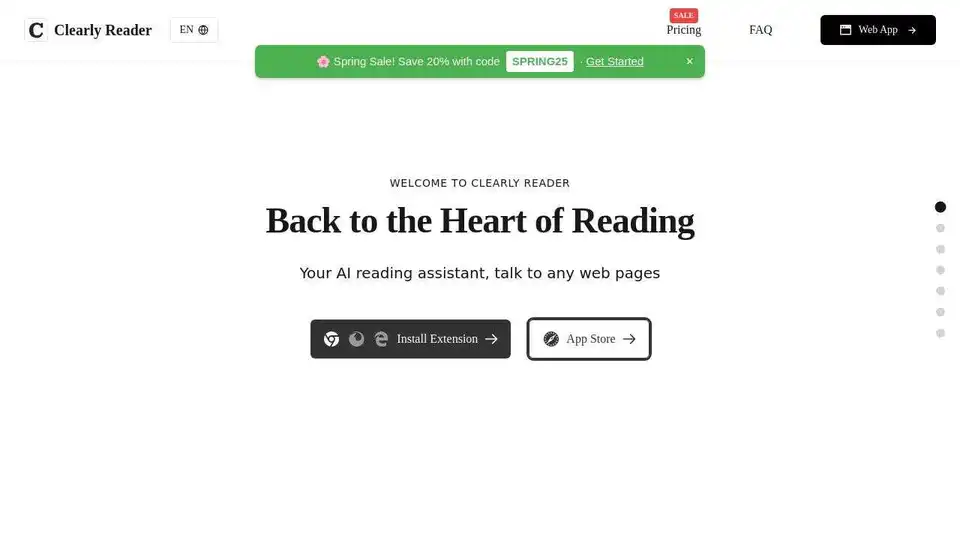
Overview of Clearly Reader
Clearly Reader: Your AI-Powered Reading Assistant
What is Clearly Reader?
Clearly Reader is a browser extension and iOS app designed to enhance your online reading experience. It removes distractions like ads and floating texts, providing a clean and focused reading environment. Powered by AI, it offers features like text-to-speech, intelligent summarization, and multilingual translation.
Key Features:
- Readability: Removes ads, floating texts, and other distractions for focused reading.
- Text-to-Speech (TTS): Converts text to speech with customizable voice and speed options using browser TTS and the Microsoft engine.
- Translation: Quick translation of text word by word or by paragraph.
- Customization: Offers a variety of themes, custom fonts, and adjustable settings for a personalized reading experience.
- Export/Copy: Allows exporting articles in various formats like PDF, Word, and Markdown, or quickly copying content.
- Article Clipping: Enables clipping favorite articles and turning them into bookmarks, RSS feeds, or podcasts.
- Article Extractor: Extracts article outlines, links, words, and estimated reading time.
- AI Reader: Enhances reading with AI-powered summarization and keyword reading.
- Third-Party Export: Exports articles to services like Craft, Obsidian, Pocket, and Instapaper.
How does Clearly Reader work?
Clearly Reader functions by:
- Removing Distractions: Eliminating advertisements, floating elements, and unnecessary content from web pages.
- Providing a Clean Interface: Presenting the article text in a readable format with customizable fonts, themes, and sizes.
- Enabling Text-to-Speech: Converting the text into spoken words, allowing users to listen to articles.
- Summarizing Content: Using AI to generate concise summaries of articles.
- Offering Translation: Translating text into multiple languages.
- Exporting and Clipping: Allowing users to save and organize articles for future reference.
Why is Clearly Reader important?
- Improved Focus: By removing distractions, it helps users concentrate on the content.
- Enhanced Understanding: Text-to-speech and AI summarization aids comprehension.
- Accessibility: Customizable themes and font sizes make it accessible for users with visual impairments.
- Convenience: Export and clip features allow users to save and organize articles efficiently.
How to use Clearly Reader?
- Install the Extension: Download and install the Clearly Reader browser extension from the Chrome Web Store, Firefox Browser Add-ons or the Edge Add-ons store. Alternatively, download the iOS app from the App Store.
- Activate Reading Mode: Click the Clearly Reader icon in your browser toolbar or open the app on your iOS device.
- Customize Settings: Adjust the theme, font, size, and voice settings to your preference.
- Utilize AI Features: Use the AI Reader for summarization and keyword extraction.
- Export or Clip: Save articles in your preferred format or clip them for future reference.
Where can I use Clearly Reader?
- Web Browsers: Chrome, Edge, and Firefox.
- iOS Devices: iPhones and iPads.
Benefits of Using Clearly Reader:
- Distraction-Free Reading: Enjoy a clean and focused reading environment.
- Enhanced Comprehension: Utilize text-to-speech and AI summarization tools.
- Personalized Experience: Customize themes, fonts, and sizes to your liking.
- Efficient Content Management: Export and clip articles for future reference.
Get Started with Clearly Reader
Install the extension from the Chrome Web Store, Firefox Browser Add-ons , Edge Add-ons or download the iOS App.
Pricing
Clearly Reader offers both free and paid options. Check the Pricing page for more details.
FAQ
For frequently asked questions, visit the FAQ page.
AI Article Generation AI Text Polishing AI Writing Assistance Paper and Report Generation News and Blog Generation Email and Business Writing
Best Alternative Tools to "Clearly Reader"
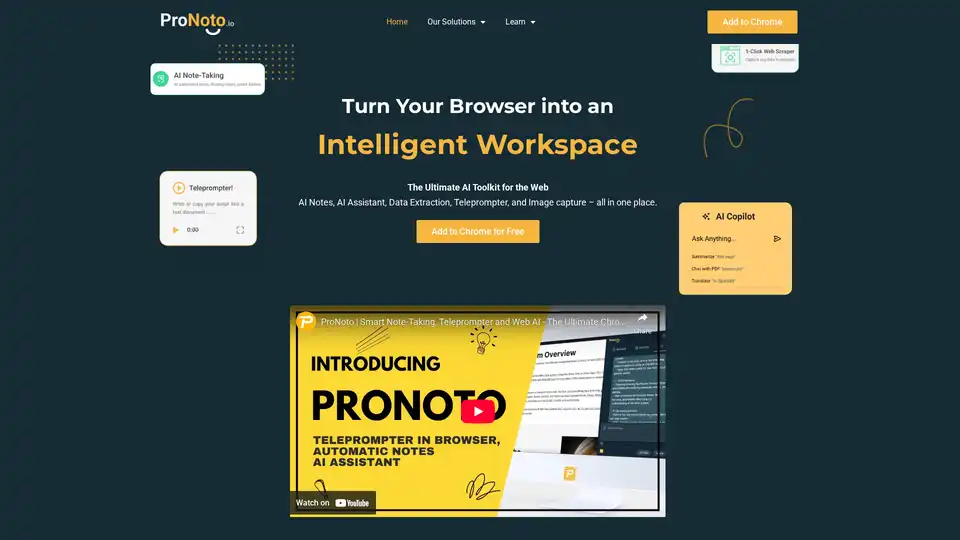
ProNoto is an AI-powered browser extension that combines AI notes, AI assistant, data extraction, teleprompter, and image capture into one tool. Enhance your productivity on the web with this all-in-one solution.
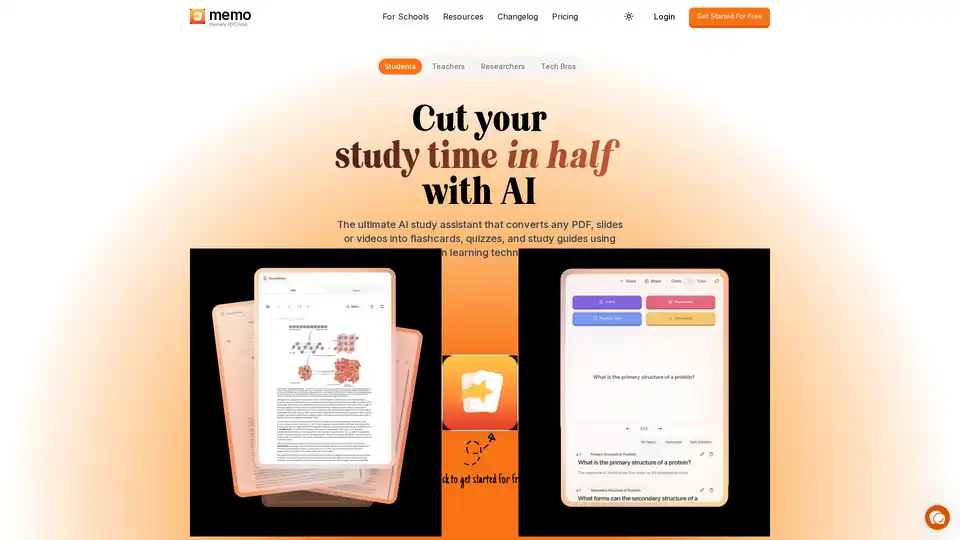
Memo AI is an advanced study assistant that converts PDFs, slides, and videos into flashcards, quizzes, and study guides using proven learning techniques. It offers features like Track Mode, AI Professor, and AI Copilot to enhance learning efficiency.
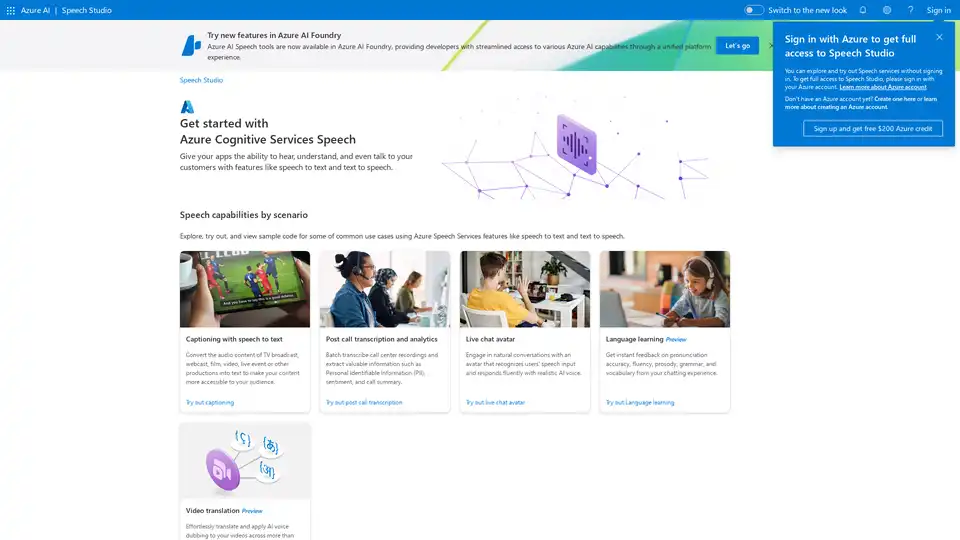
Azure AI Speech Studio empowers developers with speech-to-text, text-to-speech, and translation tools. Explore features like custom models, voice avatars, and real-time transcription to enhance app accessibility and engagement.
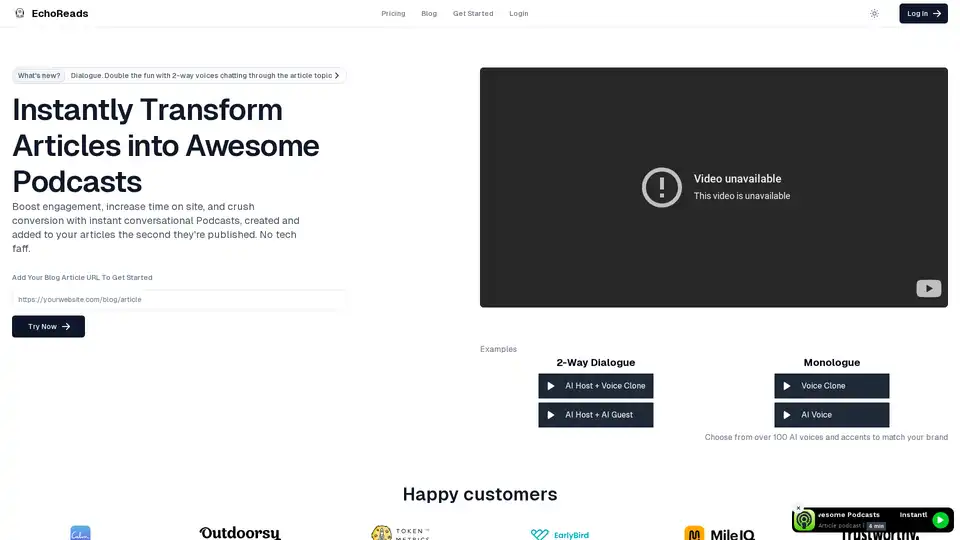
Discover EchoReads, the revolutionary platform that effortlessly converts your blog posts into engaging podcast episodes. Enhance accessibility and increase audience reach today.