
Cleanvoice AI
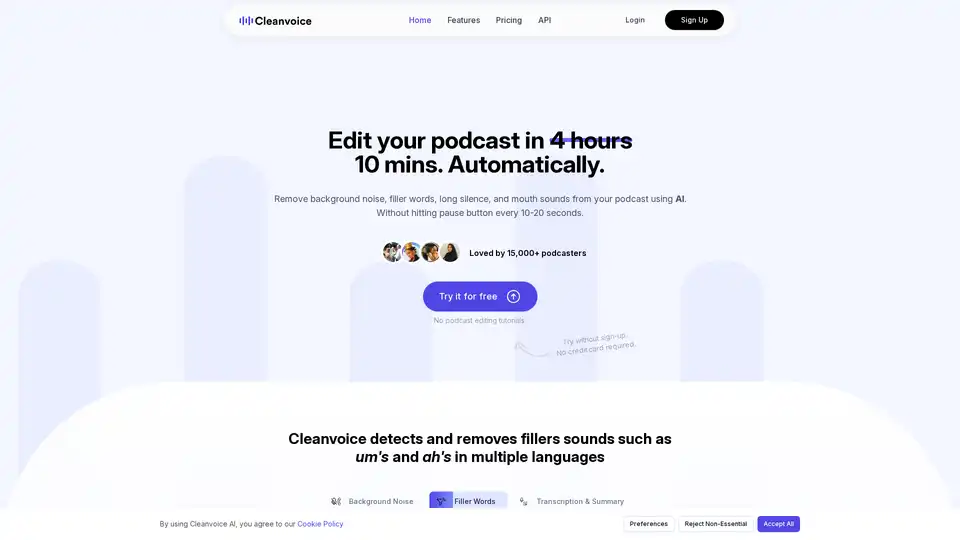
Overview of Cleanvoice AI
Cleanvoice AI: The AI Podcast Editor That Saves You Time
What is Cleanvoice AI? Cleanvoice AI is an innovative AI-powered podcast editor designed to streamline the audio and video editing process for podcasters. It automatically removes background noise, filler words, long silences, and mouth sounds, helping users achieve studio-quality sound without the need for extensive manual editing.
How does Cleanvoice AI work? Cleanvoice AI utilizes advanced artificial intelligence algorithms to analyze audio and video files. It identifies and removes unwanted elements such as background noise (e.g., vehicle sounds, baby cries, dog barks), filler words (e.g., "um," "ah"), long pauses, and distracting mouth sounds. The result is a cleaner, more professional-sounding podcast episode.
Key Features and Benefits
- Background Noise Removal: Automatically eliminate background noise, ensuring a clear and professional audio experience. No need to re-record segments due to unwanted ambient sounds.
- Filler Word Removal: Cleanvoice AI accurately detects and removes filler words in over 20 languages, improving the clarity and conciseness of your podcast.
- Audio Enhancement (Studio Sound): Enhance the overall audio quality to achieve a studio-like sound, making your podcast more appealing to listeners.
- Dead Air Removal: Automatically remove long pauses and silences, maintaining listener engagement.
- Mouth Sound and Breath Removal: Eliminate distracting mouth sounds and breaths, creating a smoother listening experience.
- Transcription and Summarization: Transcribe your podcast episodes and generate summaries, saving time and effort on post-production tasks. This also helps with creating social media content.
- Multitrack Editing: Edit multiple audio tracks simultaneously, ideal for podcasts with multiple guests.
- Timeline Export: Export timelines of removed parts for manual editing or further customization.
How to use Cleanvoice AI?
- Upload Your Files: Simply drag and drop your audio or video files into the Cleanvoice AI interface.
- Let AI Do the Magic: The AI automatically analyzes and cleans your files.
- Download or Export: Download the cleaned files or export them for further editing.
Who is Cleanvoice AI for?
Cleanvoice AI is designed for podcasters, video content creators, and anyone who needs to edit audio or video files quickly and efficiently. It is particularly useful for individuals who have limited time or experience with audio editing software.
According to the website, Cleanvoice AI is loved by 15,000+ podcasters.
Cleanvoice AI Free Tools
Cleanvoice AI provides several free tools:
- Podcast Name Generator
- Cleanscore - Podcast Audit
- Podcast Questions Generator
- Episode Title Generator
- Extract Audio From Video
- Audio Trimmer
- Volume Changer
- Audio Joiner
- Online Mic Test
- Audio Visualizer( Audiogram Maker)
- Podcast Intro & Outro mix
Cleanvoice AI Use Cases
- Video Podcast Editing
- Audio Editing API
- Echo & Reverb Remover
Why Choose Cleanvoice AI?
Cleanvoice AI simplifies the podcast editing process, saving you time and effort while ensuring a professional-sounding result. Whether you're a seasoned podcaster or just starting out, Cleanvoice AI can help you create high-quality audio content with ease.
FAQs
Cleanvoice AI has provided answers to these common questions:
- Who can use Cleanvoice?
- Can I try Cleanvoice for free? (Yes, you can clean 30 minutes of audio and video for free, with no credit card needed.)
- Do you provide any free credits initially?
- What formats do you support?
- Can I upload batch files?
- Does Cleanvoice also edits a voiceover?
- What type of noise can you remove?
- Can your audio editor improve the quality of my recording?
- Can I choose what edits I want to apply?
- What if I want to change the edits?
- Can I mute edits instead of removing them?
- Do I need to transcribe my audio or video first and then edit it based on the transcription?
- How long do you save my files?
AI Voice Synthesis AI Voice Changer AI Music Creation Speech to Text AI Voice Customer Service and Assistant Podcast and Video Dubbing
Best Alternative Tools to "Cleanvoice AI"
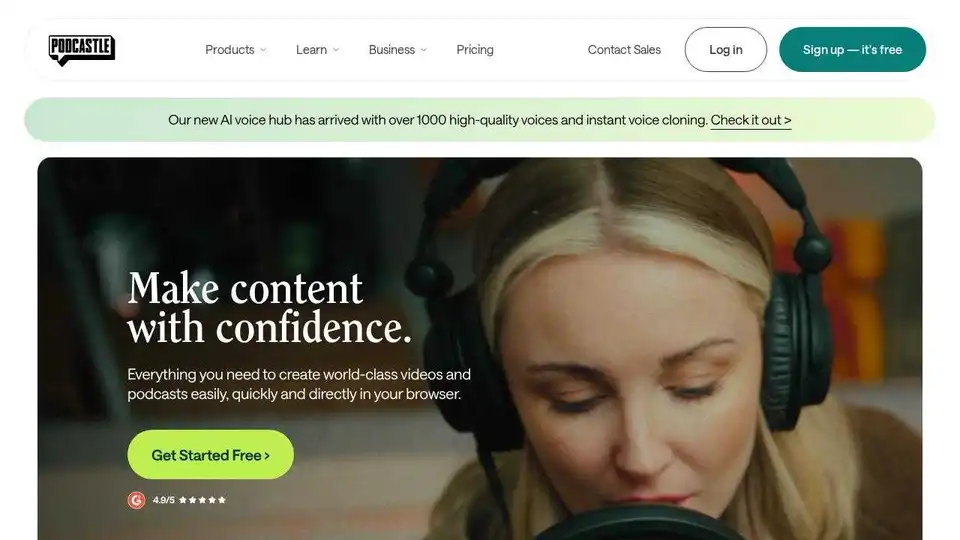
Podcastle is an AI-powered video and podcasting platform designed for long-form content creators. Features include AI voiceovers, text-based editing, and studio-quality recording.
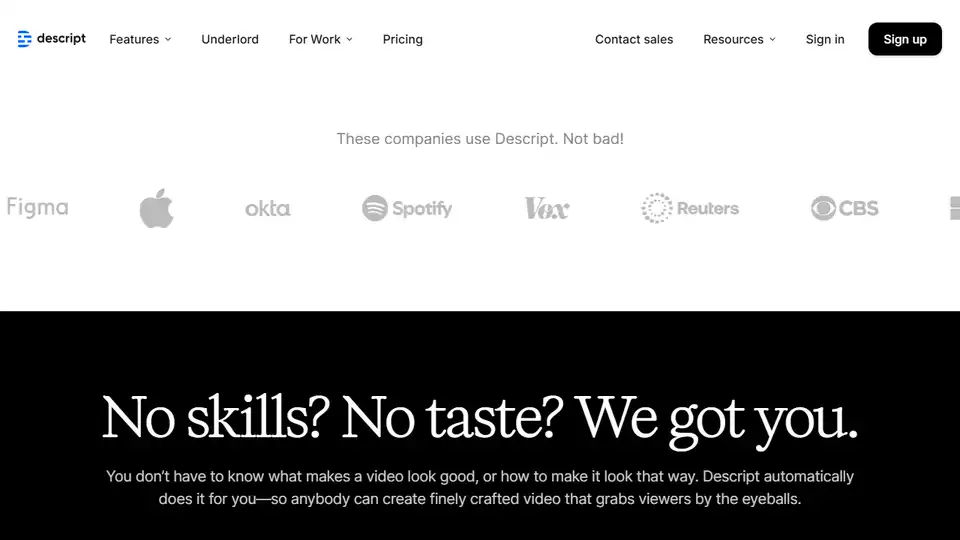
Descript is an AI-powered video and podcast editor that makes editing as easy as editing text. Record, transcribe, edit, and publish in one tool with powerful AI features.

Discover Minvo, the top AI video editing tool for extracting viral shorts from long videos. Effortlessly create clips, images, and text with online editor and social media integrations for scalable content creation.
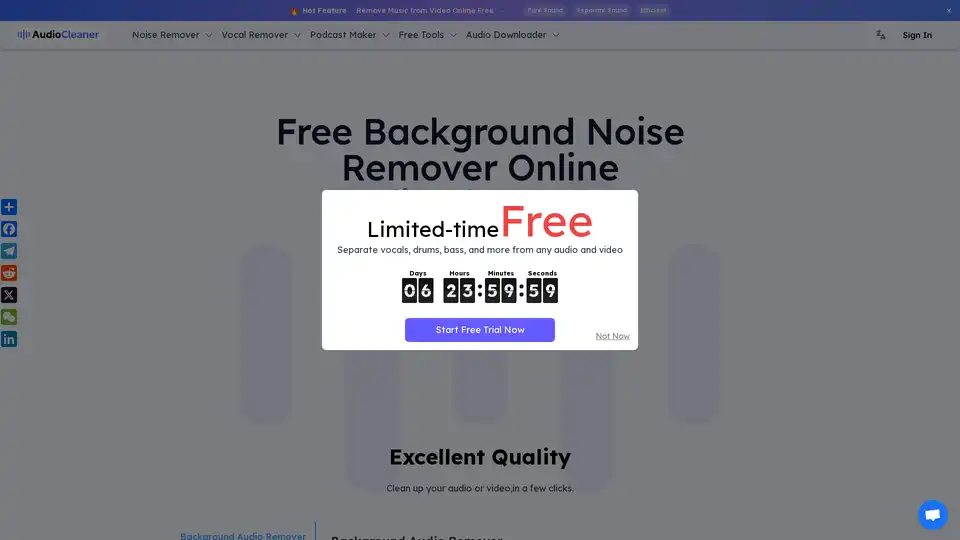
AudioCleaner AI is an online tool that uses AI to remove background noise from audio and video files, isolate vocals, and enhance sound quality, designed for content creators.