
Chillin
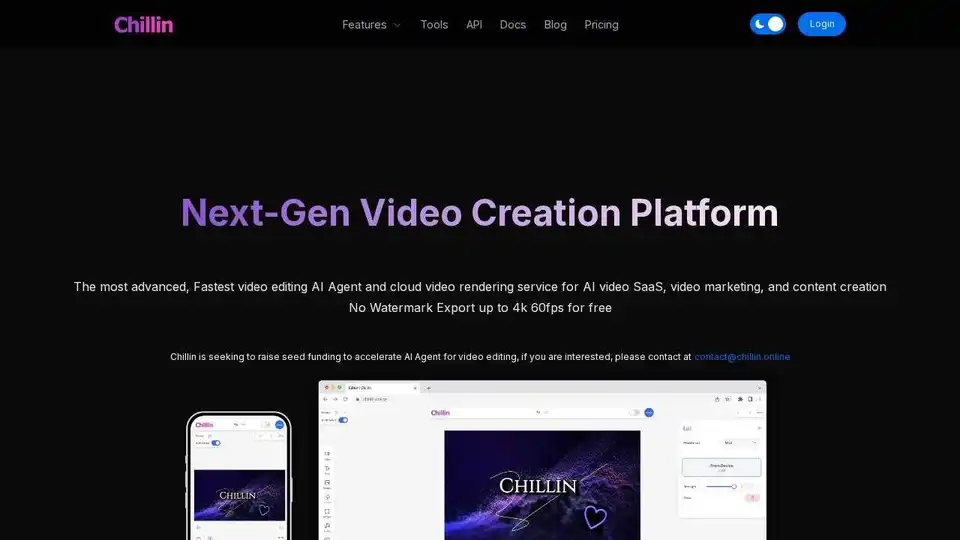
Overview of Chillin
Chillin: Next-Gen Video Creation Platform
What is Chillin? Chillin is a cutting-edge, AI-powered video creation platform designed for ease of use and powerful results. It allows users to create stunning videos and animations on any device, leveraging AI for enhanced video editing and cloud-based video rendering.
Key Features:
- AI Agent for Video Editing: Simplifies every step of the creative process with AI, transforming complex tasks into one-click solutions.
- Fastest Video Rendering Service: Chillin API provides ultra-fast, cost-effective, and powerful cloud-based video rendering services, ideal for scaling AI video SaaS, video marketing, and content creation businesses.
- AI Captioning: Supports video and audio AI captioning in over 100 languages. It's free to use directly from your web browser.
- Image Generation: Generate high-quality images from text prompts.
- Text to Speech: High-end AI voice generation creates human-like voiceovers.
- Short Video Generation: Create short videos from prompts with AI voice and captions with just one click.
- Image Background Removal: High-precision image background removal for free.
- Lottie Support: The first online editor to seamlessly combine non-linear video editing and vector motion.
How to use Chillin?
- Sign Up: Create an account on the Chillin platform.
- Explore Tools: Familiarize yourself with the various AI-powered tools available.
- Start Creating: Begin your video creation process, utilizing AI agents to simplify complex editing tasks.
- Render & Export: Use the cloud-based video rendering service to quickly render your videos. Export in up to 4K 60fps for free.
Why is Chillin important? Chillin streamlines video creation, making it accessible to a wider audience. Its AI-powered tools reduce the learning curve, while its cloud rendering service speeds up the production process. This is especially valuable for businesses and content creators looking to scale their video marketing and content creation efforts.
Where can I use Chillin?
- Marketing Videos: Create engaging marketing videos for various platforms.
- Social Media Content: Generate short, eye-catching videos for social media.
- Educational Content: Produce educational videos with AI-generated captions and voiceovers.
- AI video SaaS: Effortlessly scale your AI video SaaS, video marketing, and content creation business
Best way to create stunning videos with Chillin?
- Start with a clear idea of your video's purpose and target audience.
- Leverage AI tools for time-consuming tasks like captioning and background removal.
- Utilize advanced keyframing and other editing features to create dynamic motion graphics.
- Export your video in high resolution for maximum impact.
AI Article Generation AI Text Polishing AI Writing Assistance Paper and Report Generation News and Blog Generation Email and Business Writing
Best Alternative Tools to "Chillin"
Enhance your videos with Topaz Video, an AI-powered software for upscaling, denoising, stabilizing, and smoothing footage. Trusted by creative pros for cinema-grade results.
Plainly is a video automation software that lets you create data-driven videos on autopilot. Automate video creation workflows and generate thousands of videos in clicks using After Effects templates.
Shotstack is an AI-powered video editing API and white label video editor enabling scalable video creation. Automate video workflows, integrate with platforms, and embed a branded video editor in your application.
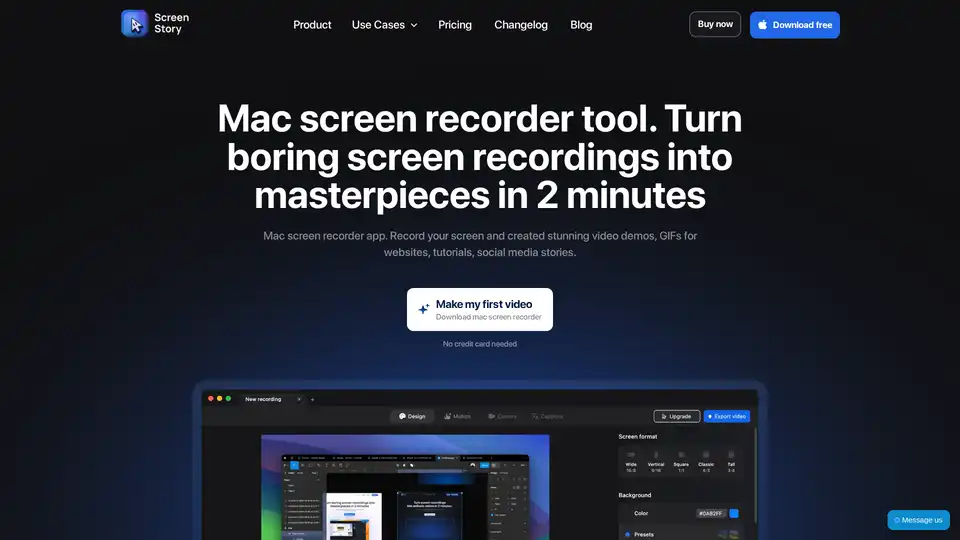
ScreenStory is a Mac screen recorder app that turns screen recordings into masterpieces. Record video, create demos, GIFs, and tutorials without editing skills. Features automatic zoom, smooth cursor movement, and easy sharing.