
Checkget
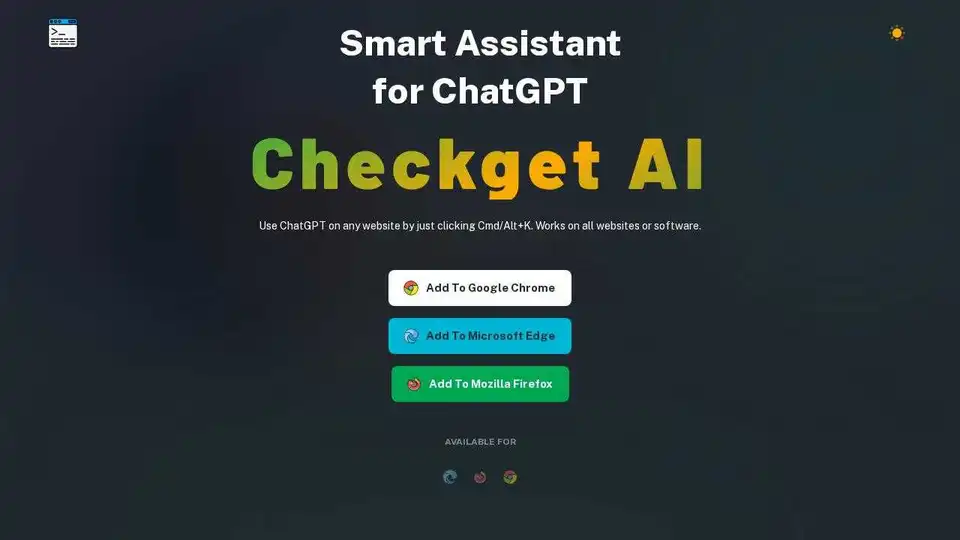
Overview of Checkget
Checkget: Your Smart AI Assistant for ChatGPT
What is Checkget? Checkget is a smart assistant designed to supercharge your ChatGPT experience. This browser extension allows you to access ChatGPT from any website or software by simply pressing Cmd/Alt+K. No more copying and pasting – Checkget saves you valuable time and streamlines your workflow.
Key Features:
- Anytime, Anywhere Access: Open Checkget from any website using the shortcut
⌘+K(Mac) /Alt+K(Windows). - Smart Scenario Recognition: Automatically recognizes different scenarios, whether you're replying to an email or explaining code. Just select the text and press the shortcut.
- Powerful AI Capabilities: Answer questions, find information, summarize, translate, fix spelling and grammar, lengthen or shorten text, rephrase, and even change the tone of voice.
- Easy Style Switching: Offers a dark mode for comfortable viewing.
- Privacy and Security: Encrypts all data, ensuring that only you and ChatGPT know the contents. Local mode is available for direct communication with ChatGPT using your API key.
How to Use Checkget:
- Install the Checkget browser extension from the Chrome Web Store, Microsoft Edge Add-ons, or Mozilla Firefox Add-ons.
- Once installed, Checkget works on all websites and software.
- Press
Cmd/Alt+Kto open Checkget from any website. - Select text on the page to trigger automated AI actions.
- Customize Checkget settings and preferences to your needs.
Pricing Plans:
Checkget offers a variety of pricing plans to suit different needs:
- Free: 30 requests per day, 5 rounds of conversation, GPT-3.5 support.
- PRO: $4.99/month - 200 requests per day, 15 rounds of conversation, GPT-4 access (5 requests per call).
- PREMIUM: $9.98/month - 500 requests per day, 30 rounds of conversation, GPT-4 access (5 requests per call).
- ULTIMATE: $29.98/month - 1500 requests per day, 100 rounds of conversation, GPT-4 access (5 requests per call).
Why is Checkget important? Checkget eliminates the need to switch between tabs or copy and paste, making it an indispensable tool for anyone who frequently uses ChatGPT for writing, research, or communication. The AI-boosted scenario recognition and powerful features like translation and summarization further enhance productivity.
Where can I use Checkget? Checkget can be used on any website or software, from email clients to code editors, making it a versatile tool for a wide range of tasks.
Additional Resources
Checkget Official Website - The provided URL is a placeholder. Please replace it with the actual official website URL.
Install Checkget today and experience the future of AI-powered productivity!
AI Article Generation AI Text Polishing AI Writing Assistance Paper and Report Generation News and Blog Generation Email and Business Writing
Best Alternative Tools to "Checkget"
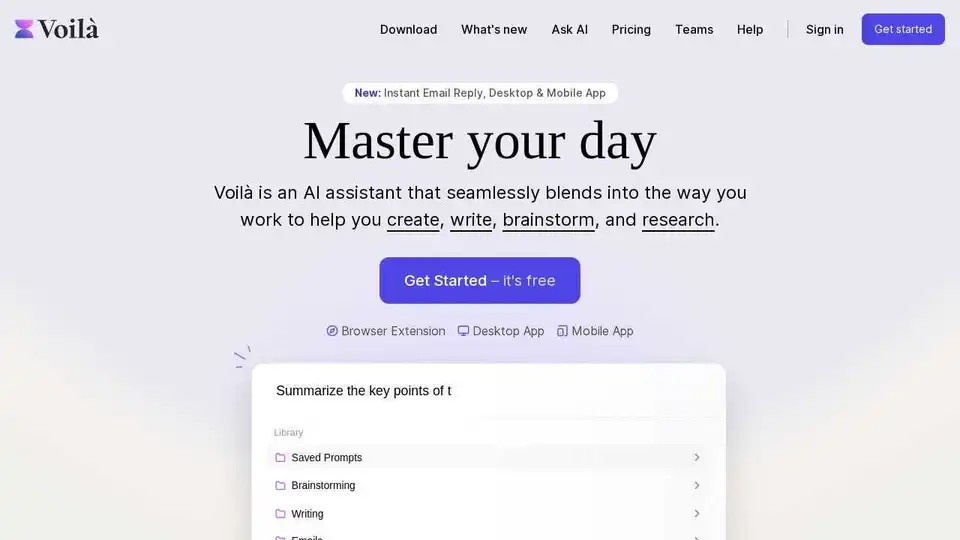
Voilà AI Assistant is a seamless AI assistant and AI chat to help you create, write, brainstorm, research and automate. All in one place.
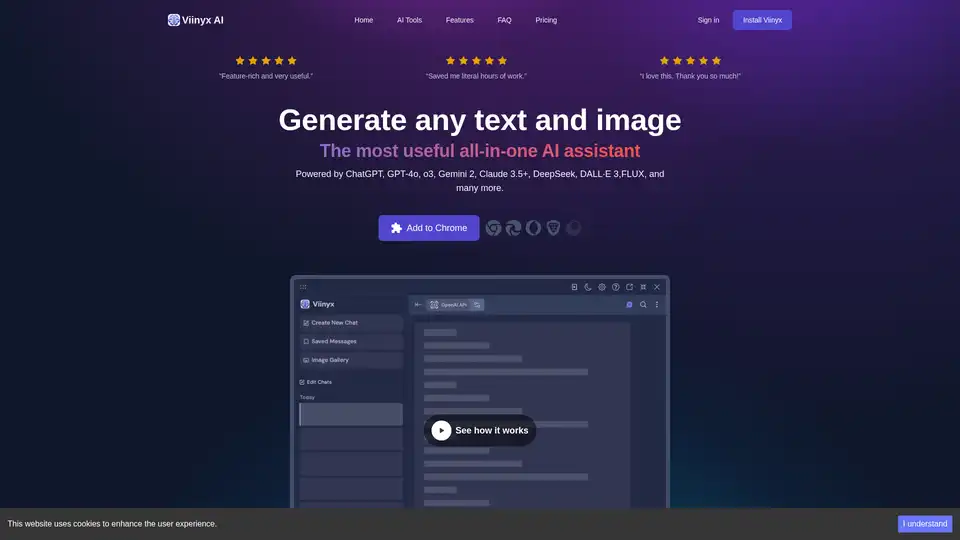
Viinyx AI is a powerful AI browser extension that integrates multiple AI models like ChatGPT, Gemini, and Claude, enabling text and image generation, summarization, and more, directly within your browser.
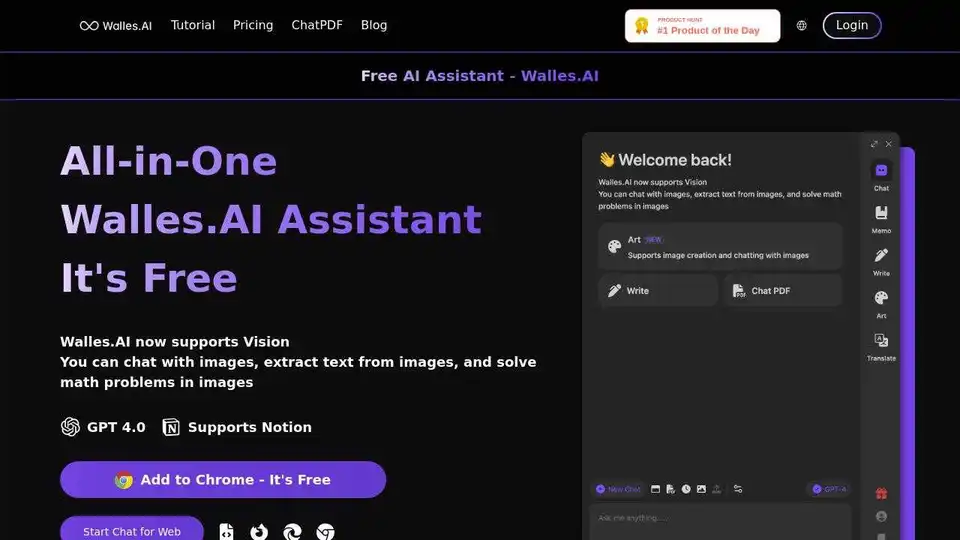
Walles.AI is a free GPT-4 AI assistant and ChatGPT plugin that answers complex questions, comprehends long texts, and exports to Notion. Available on all websites.
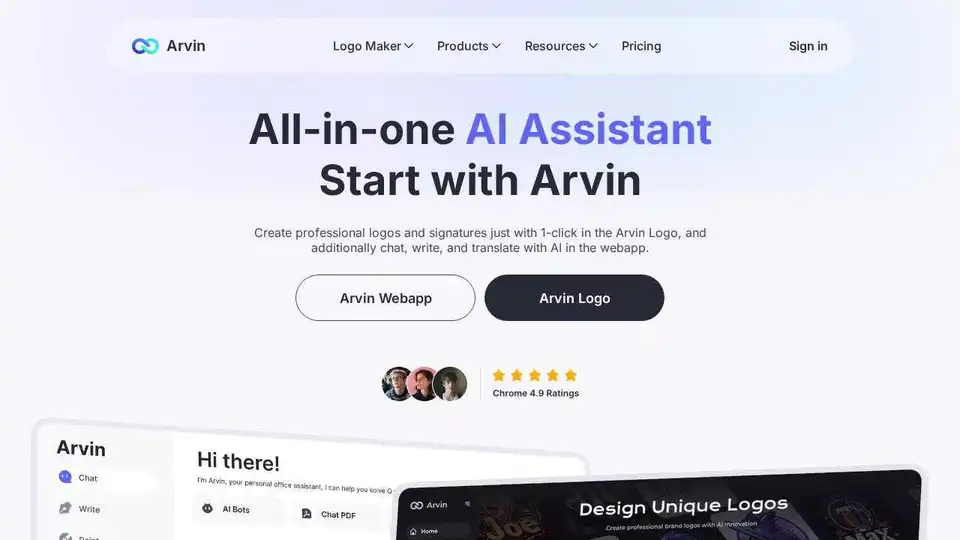
Arvin AI is a free ChatGPT Chrome extension powered by GPT-4o, offering an AI assistant for AI art, summaries, and content creation. Try it now!
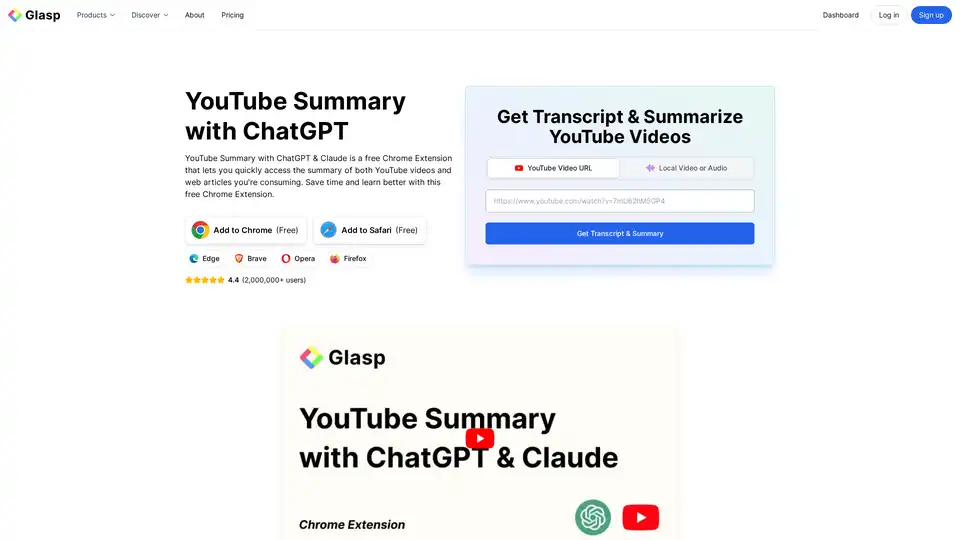
YouTube Summary with ChatGPT & Claude is a free browser extension that provides quick AI-powered summaries and transcripts for YouTube videos, PDFs, and web articles using models like ChatGPT and Gemini. Save time and boost productivity effortlessly.