
ChatGPT for Gmail and Google
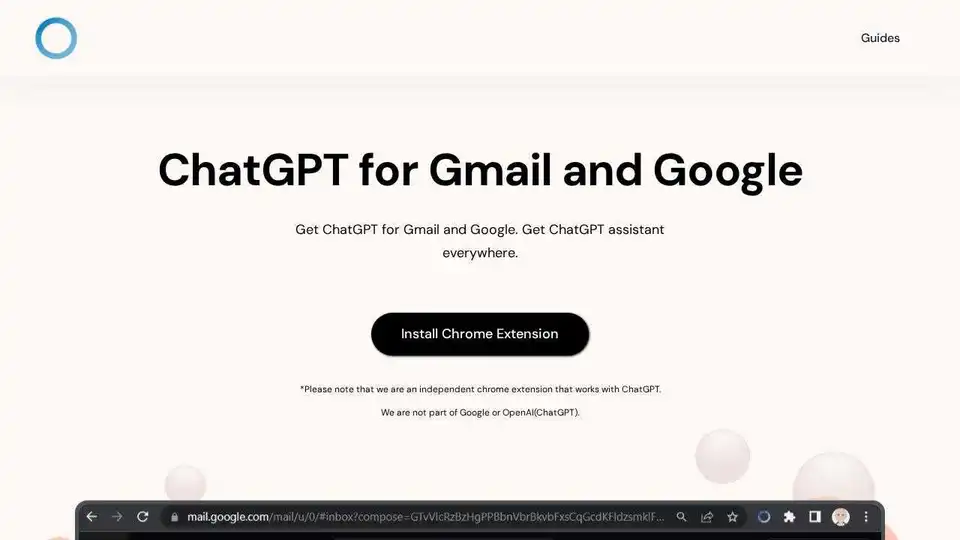
Overview of ChatGPT for Gmail and Google
ChatGPT for Gmail and Google: Your AI Assistant Everywhere
What is ChatGPT for Gmail and Google?
ChatGPT for Gmail and Google is a Chrome extension designed to bring the power of ChatGPT to your Gmail, Google Search, and virtually any webpage you visit. It provides instant access to AI-powered assistance, helping you find information, generate content, and streamline your workflow.
How does ChatGPT for Gmail and Google work?
The extension works by adding a sidebar to your browser that allows you to interact with ChatGPT. You can access it through the extension icon or directly from Google Search results. This sidebar allows users to quickly access ChatGPT's capabilities without leaving their current page. The extension leverages the ChatGPT API to provide limitless answers and intelligent assistance.
Key Features:
- Limitless Answers: Access a vast database of knowledge powered by ChatGPT for complete and accurate information.
- Google Search Query Response: Get quick answers and summaries directly within your Google Search results, saving you time and effort.
- Sidebar Everywhere: Open the ChatGPT sidebar on any webpage with a single click for instant access to AI assistance.
How to use ChatGPT for Gmail and Google
- Install the Chrome Extension: Download and install the "ChatGPT for Gmail and Google" extension from the Chrome Web Store.
- Navigate to Google or Click the Icon: Use Google Search as usual, or click the extension icon in your browser's toolbar to open the ChatGPT sidebar.
- Type and See Results: Enter your question or prompt into the ChatGPT interface and receive instant, AI-powered responses.
Frequently Asked Questions:
- Is the extension free? The description does not mention a price, so it assumed to be free.
- Can I open it regardless of the page I am on? Yes, the sidebar is accessible from any webpage.
- Why is it asking me to login after opening the sidebar? This likely refers to the ChatGPT account required to use the extension.
- Is ChatGPT Everywhere part of OpenAI? No, it is an independent Chrome extension.
Use Cases:
- Email Composition: Quickly generate email drafts, subject lines, or even full emails using ChatGPT's writing capabilities.
- Research and Information Gathering: Get instant answers and summaries to your questions while browsing the web.
- Content Creation: Brainstorm ideas, write outlines, or generate content for blog posts, articles, or social media.
- Social Media Optimization: Use the AI to optimize social media content.
Benefits:
- Increased Productivity: Streamline your workflow and get things done faster with AI-powered assistance.
- Improved Information Access: Access a vast database of knowledge and get accurate information quickly.
- Enhanced Creativity: Brainstorm ideas and generate content with the help of ChatGPT.
ChatGPT for Gmail and Google is a valuable tool for anyone who wants to improve their productivity and access information more efficiently. By integrating ChatGPT into your browser, you can have instant access to AI assistance whenever you need it.
Is ChatGPT for Gmail and Google important?
Yes, this tool is particularly useful in today's fast-paced digital environment. The integration with Gmail and Google search makes it an invaluable time-saving tool for quick access to AI-generated responses and assistance.
Where can I use ChatGPT for Gmail and Google?
You can use this tool on any webpage through the sidebar feature, or directly when conducting a Google search, making it accessible virtually anywhere you need quick information or content generation.
Best way to use ChatGPT for Gmail and Google?
The best approach to maximize its potential includes utilizing it for quick research, refining email drafts, or brainstorming content ideas while surfing the web. Using the sidebar everywhere feature ensures AI support is always one click away.
AI Task and Project Management AI Document Summarization and Reading AI Smart Search AI Data Analysis Automated Workflow
Best Alternative Tools to "ChatGPT for Gmail and Google"
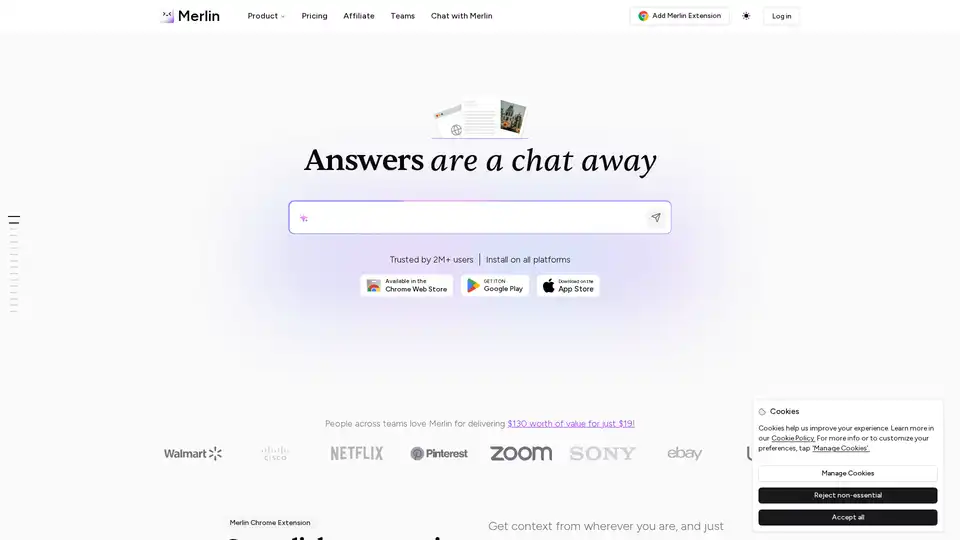
Merlin AI is an AI Chrome Extension and web app that acts as your AI-powered assistant. Summarize videos, articles, PDFs, and websites, write emails and social media content. Access top AI models like ChatGPT, Claude, and more.
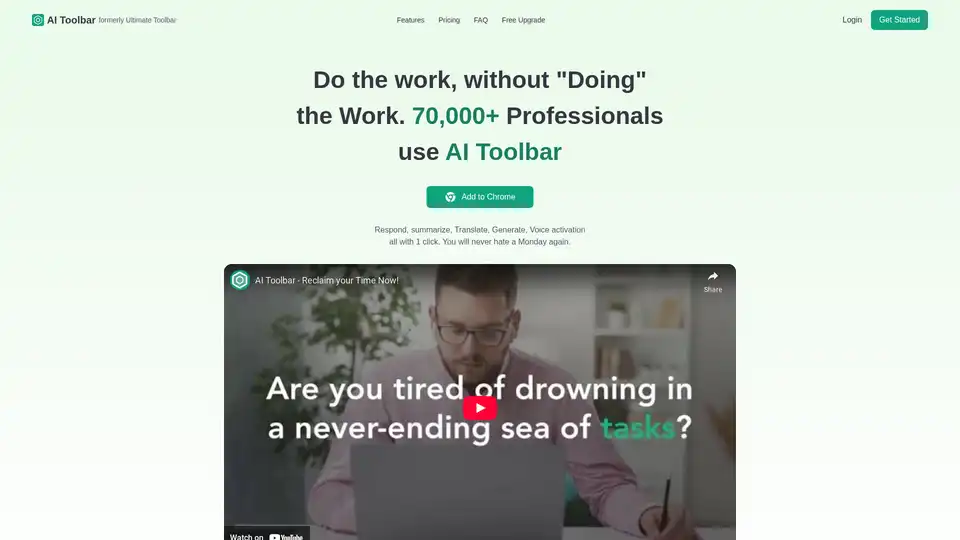
AI Toolbar is a free Chrome extension offering AI-powered virtual assistance. Effortlessly draft emails, summarize texts, translate content, and integrate with ChatGPT—all with one click to boost productivity.
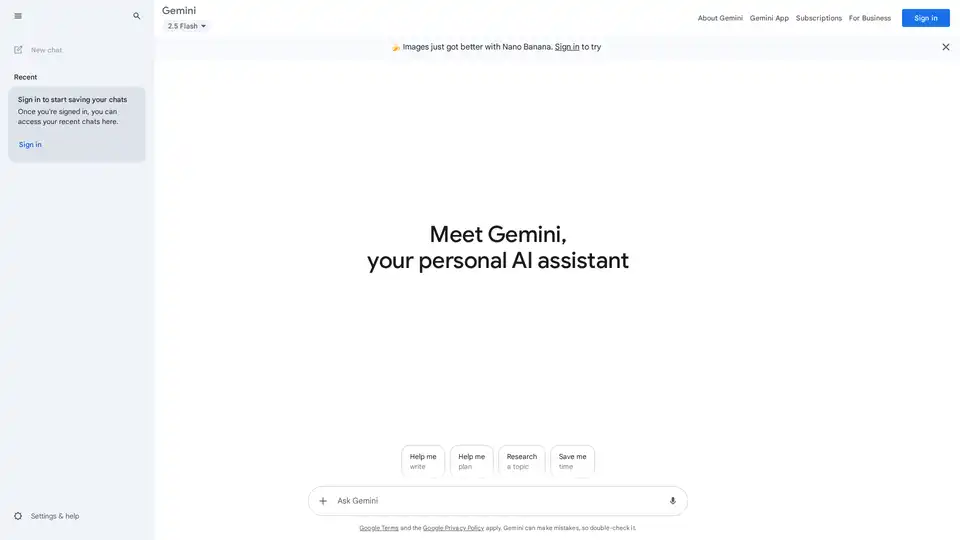
Google Gemini is a multimodal AI assistant that integrates with Google's ecosystem to provide advanced writing assistance, planning, brainstorming, and productivity tools through text, voice, and visual interactions.

Overcome writer's block with Smart Copy, Unbounce's AI copy assistant. Generate on-brand copy, blog posts, emails, and more in minutes across your tools. Free trial available—no credit card needed.