
ChatGPT Add-in for Outlook
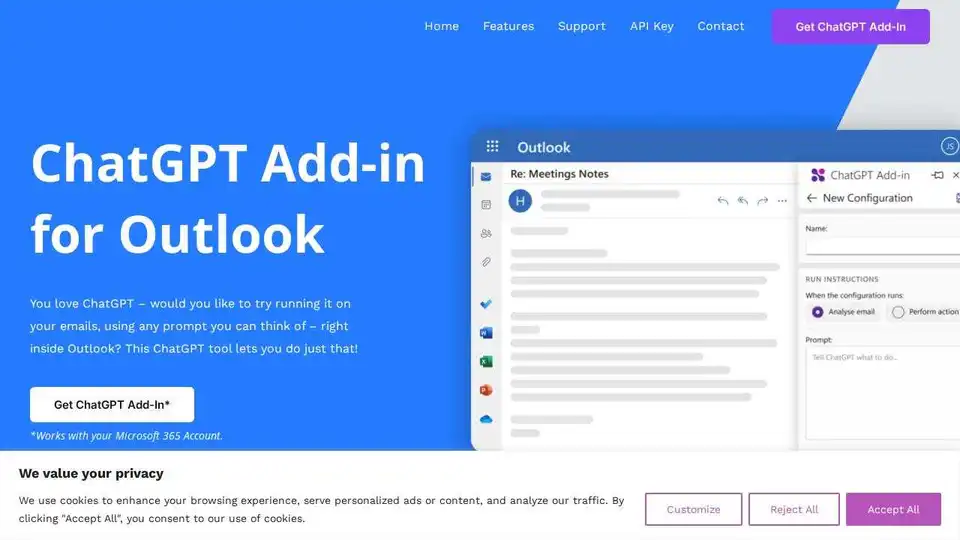
Overview of ChatGPT Add-in for Outlook
ChatGPT Add-in for Outlook: Supercharge Your Email Workflow with AI
What is the ChatGPT Add-in for Outlook? It's a browser extension that brings the power of ChatGPT directly into your Outlook email client, allowing you to leverage AI for various email-related tasks.
Key Features
- Custom Prompts: Create tailored prompts to guide ChatGPT in generating summaries, highlights, or other relevant information based on your specific needs.
- Selective Processing: Choose to process the entire email or focus on specific parts like the body, subject, or attachments to extract the most important information.
- Output Display: Display the ChatGPT output in a separate window for easy comparison and even replace the original email body with the AI-generated content.
- Intelligent Automation: Automate tasks such as identifying important information and updating email priority based on the ChatGPT output.
- Configuration Management: Manage multiple configurations for different email scenarios, with custom conditions, prompts, and display preferences.
How does ChatGPT Add-in for Outlook work?
The add-in works by sending your email content to the ChatGPT API, based on the prompts you've configured. The AI processes the information and generates a response, which is then displayed within Outlook.
- Provide your ChatGPT API key: The add-in requires you to provide your own ChatGPT API key, ensuring secure and personalized access to the AI model.
- Customize Prompts: Create specific prompts based on your needs.
- Choose Processing Options: Decide what the add-in should process.
- Display Results: See the output, compare, and update.
Who is it for?
This add-in is ideal for:
- Professionals: Improve email efficiency by quickly summarizing long threads, identifying key action items, and drafting responses.
- Businesses: Streamline communication workflows by automating email triage and content creation.
- Anyone who wants to: Save time and effort managing their inbox.
Benefits of Using the ChatGPT Add-in for Outlook
- Increased Efficiency: Quickly process and understand email content, saving valuable time.
- Improved Accuracy: Leverage AI to identify important information and avoid overlooking critical details.
- Enhanced Productivity: Automate repetitive tasks and focus on more strategic work.
How to Get Started
- Get your own ChatGPT API Key.
- Get the ChatGPT Add-In from Blueberry Consultants.
Custom Solutions
Blueberry Consultants also offers custom versions of the ChatGPT Outlook Add-in tailored to specific business needs. This includes creating add-ins with unique prompts that can be resold to unlimited users.
- Contact Us: If you're interested in a custom solution, reach out to Blueberry Consultants to discuss your requirements.
What is the price of the custom Add-in? Blueberry Consultants delivers the custom Add-in for a fixed price of £4k – or less.
Disclaimer: ChatGPT is a registered trademark of OpenAI. Blueberry’s email plugin uses ChatGPT technology but we are not affiliated with OpenAI or Microsoft. Outlook is a registered trademark of Microsoft. Blueberry is a Microsoft Partner.
AI Article Generation AI Text Polishing AI Writing Assistance Paper and Report Generation News and Blog Generation Email and Business Writing
Best Alternative Tools to "ChatGPT Add-in for Outlook"
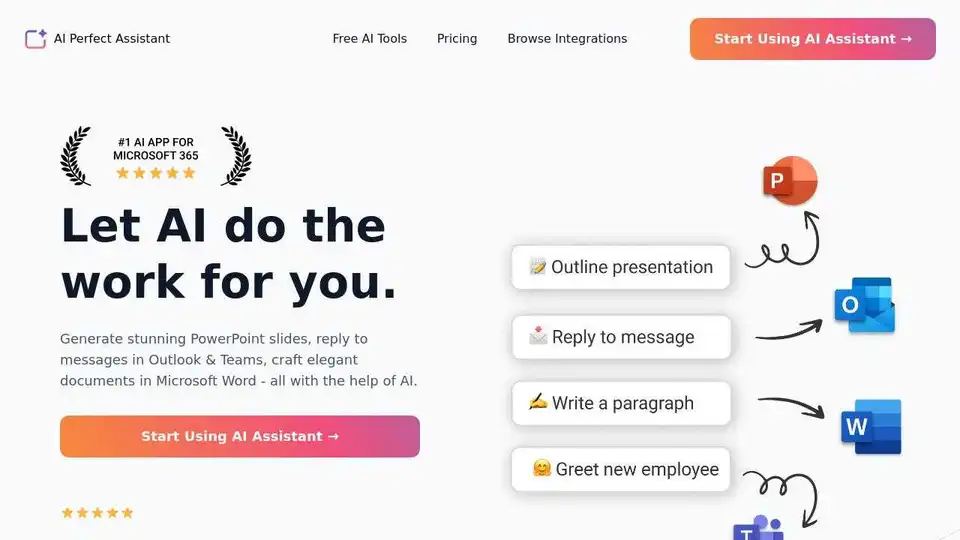
AI Perfect Assistant provides AI-powered tools for Word, Outlook, Excel, PowerPoint & more. Enhance writing, generate content, and automate tasks with 60+ AI tools seamlessly integrated into your Office 365 suite.
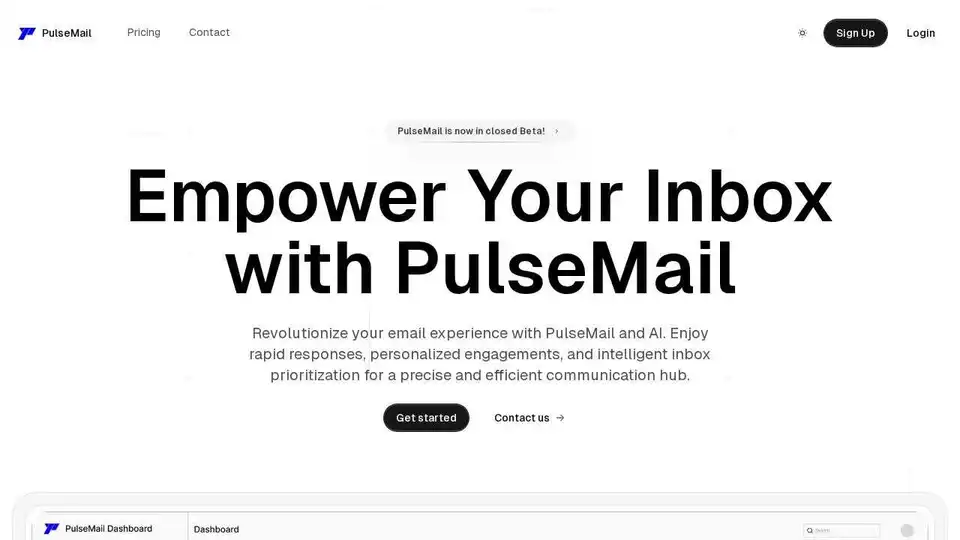
PulseMail is an AI-powered email assistant that revolutionizes your inbox. It offers rapid responses, personalized engagements, and intelligent inbox prioritization powered by GPT-4o.
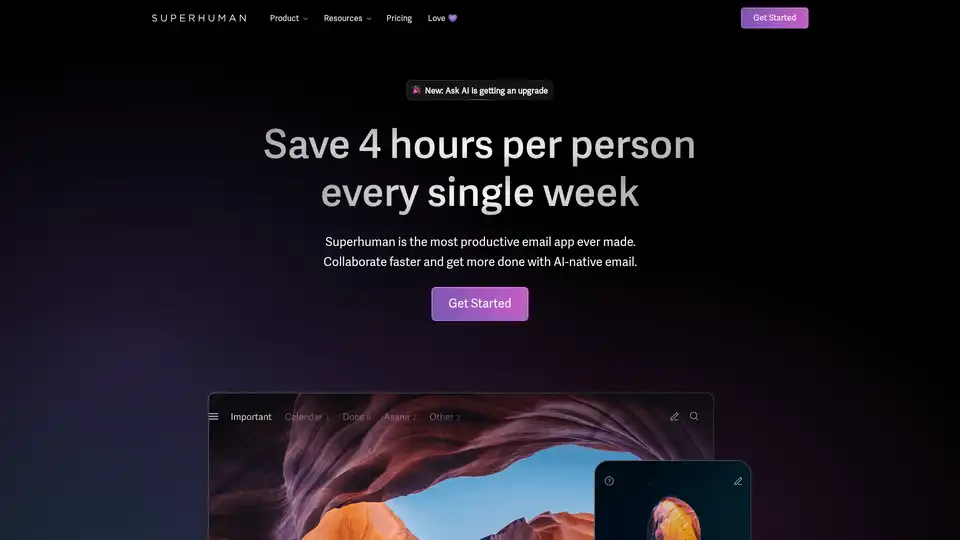
Superhuman is an AI-powered email app that boosts productivity by letting users fly through emails twice as fast, with features like instant replies, snoozing, and smart integrations for Gmail and Outlook.
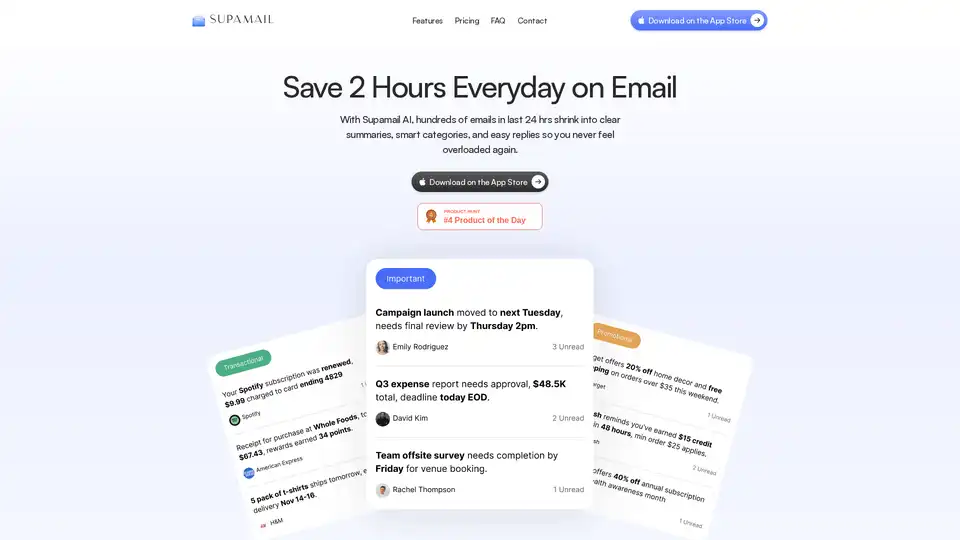
Supamail is an AI-powered Gmail app that summarizes emails into one-liners, auto-categorizes inbox into Important, Transactional, and Promotional, provides context-aware AI replies, custom notifications, and secure daily digests to save 2 hours daily.