
Buzz Captions
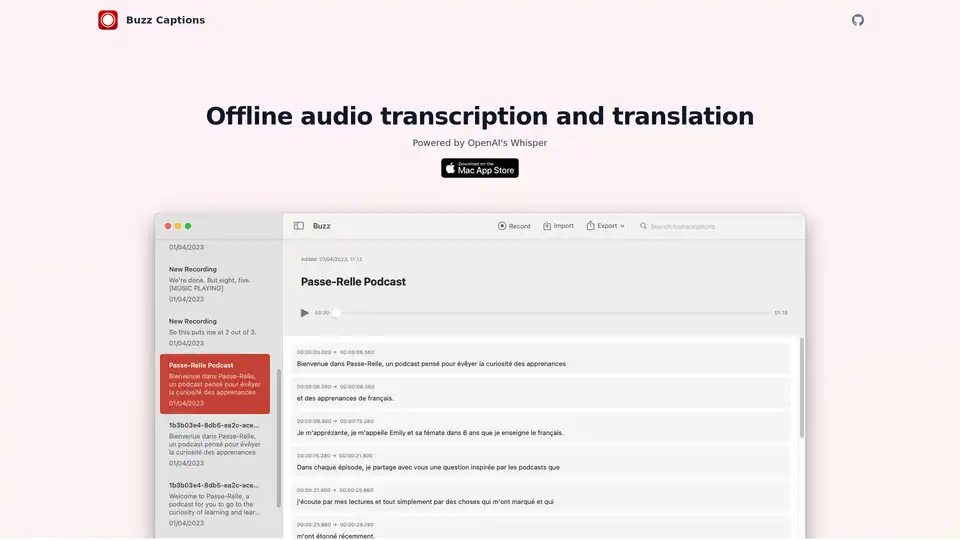
Overview of Buzz Captions
Buzz Captions: Offline Audio Transcription and Translation Tool
What is Buzz Captions?
Buzz Captions is a free and open-source application designed for offline audio transcription and translation. Powered by OpenAI's Whisper, it allows users to convert audio and video files into text transcripts without relying on an internet connection.
How does Buzz Captions work?
Buzz Captions leverages the power of OpenAI's Whisper model to perform accurate audio transcription and translation directly on your computer. It supports various audio and video file formats, importing them into the application for processing. The tool provides options for exporting the resulting transcripts in different formats such as CSV, SRT, TXT, and VTT, making them compatible with various media players and editing software. Buzz Captions also offers a live transcription feature that uses your computer's microphone to transcribe speech in real-time.
Key Features:
- Offline Operation: Transcribe and translate audio without an internet connection, ensuring privacy and security.
- OpenAI Whisper Powered: Utilizes OpenAI's Whisper model for accurate and reliable transcription.
- Multiple File Format Support: Import audio and video files in various formats.
- Versatile Export Options: Export transcripts in CSV, SRT, TXT, and VTT formats.
- Live Transcription: Transcribe audio in real-time using your computer's microphone.
- Multi-Language Support: Supports transcription and translation in over 90 languages.
- macOS Native Version: A macOS-native version supporting Whisper.cpp models and OpenAI Whisper API is available. It offers search, audio playback, and inline transcript editing.
- Broad Compatibility (Buzz Classic): The classic version runs on Windows, Linux, and macOS (Intel), supports Whisper, Whisper.cpp, Faster Whisper, Whisper-compatible Hugging Face models, and the OpenAI Whisper API.
How to Use Buzz Captions:
- Download and Install: Download the appropriate version of Buzz Captions for your operating system from the GitHub repository.
- Import Audio/Video File: Open the application and import the audio or video file you want to transcribe.
- Select Language and Model: Choose the source language of the audio and select the desired Whisper model size (if applicable).
- Start Transcription: Click the "Transcribe" button to begin the transcription process.
- Edit and Export: Once the transcription is complete, review and edit the transcript as needed. Then, export it in your preferred format.
Who is Buzz Captions For?
Buzz Captions is ideal for:
- Journalists and Researchers: Quickly transcribe interviews and audio recordings.
- Students: Convert lectures and study materials into text for easier note-taking.
- Content Creators: Generate subtitles and captions for videos.
- Anyone needing audio-to-text conversion: Individuals who need to convert audio files into text for various purposes, such as documentation or accessibility.
Why Choose Buzz Captions?
- Privacy: Because it works offline, your audio data remains private and secure on your computer.
- Cost-Effective: It is a free and open-source tool, eliminating the need for expensive transcription services or subscriptions.
- Flexibility: Supports a wide range of audio and video formats, as well as multiple languages.
What are the limitations?
- Audio transcription using Whisper is resource-intensive. Transcription may not be real-time depending on your system resources and chosen language and model size.
AI Voice Synthesis AI Voice Changer AI Music Creation Speech to Text AI Voice Customer Service and Assistant Podcast and Video Dubbing
Best Alternative Tools to "Buzz Captions"
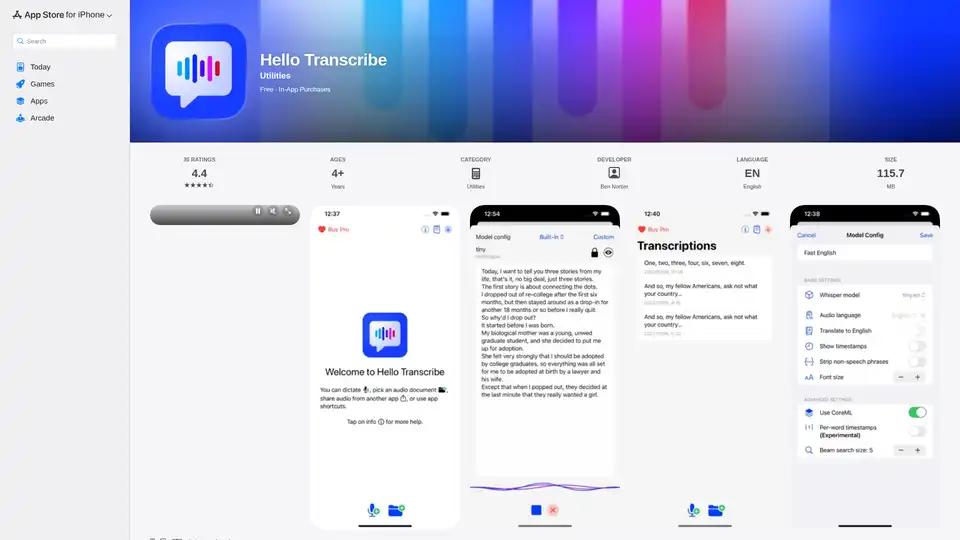
Hello Transcribe: Private speech to text transcriber using OpenAI Whisper, works offline and encrypts results in iCloud.
Superwhisper is an AI-powered voice-to-text app for macOS and iPhone, enabling faster typing and seamless integration with any application. Transcribe audio and video, translate languages, and boost productivity.
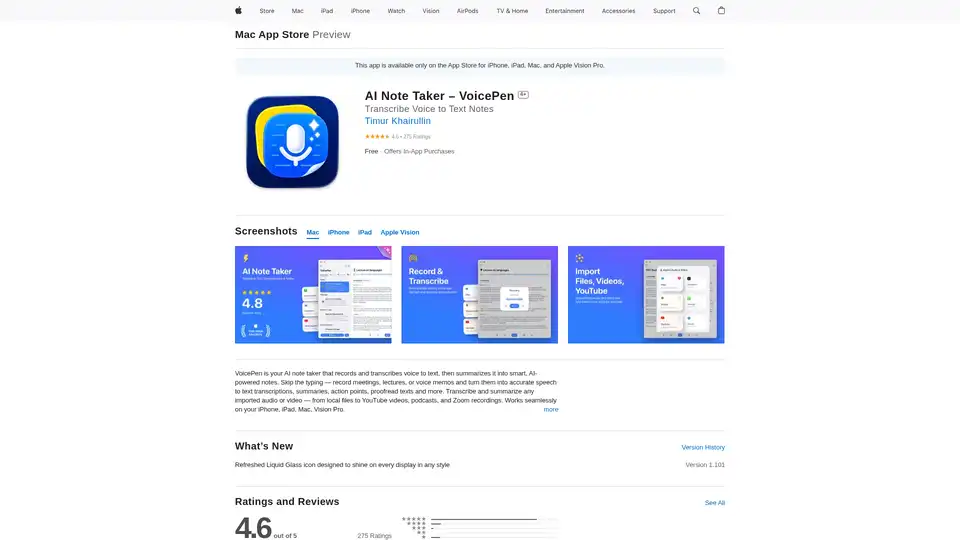
VoicePen is an AI-powered note taker that transcribes voice to text, summarizes meetings, lectures, and memos into smart notes. Record offline, export to PDF/DOC, and integrate with Notion for efficient productivity.
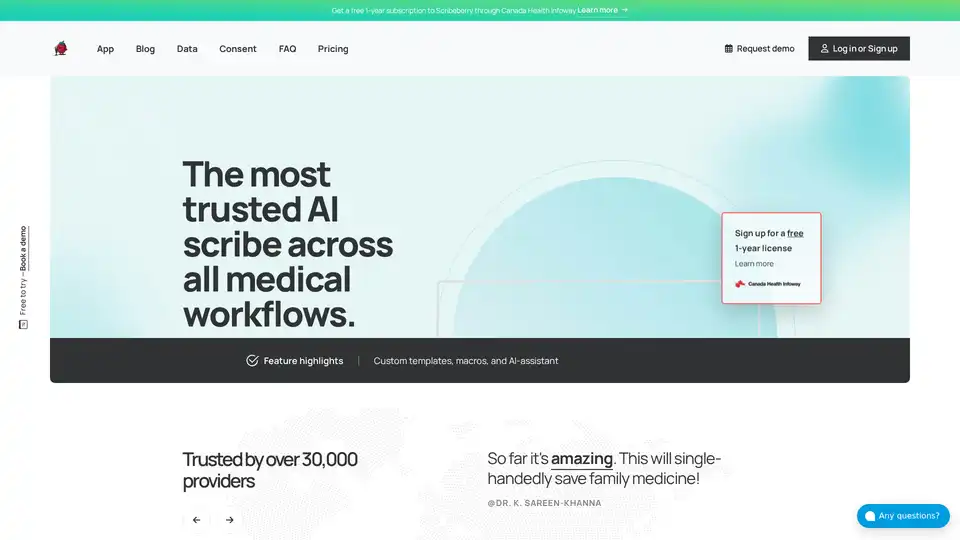
Scribeberry is an AI-powered medical scribe tool that automates charting, documentation, and patient intakes for healthcare professionals, saving over 2 hours daily with EMR integrations and HIPAA compliance.