
BuildForm
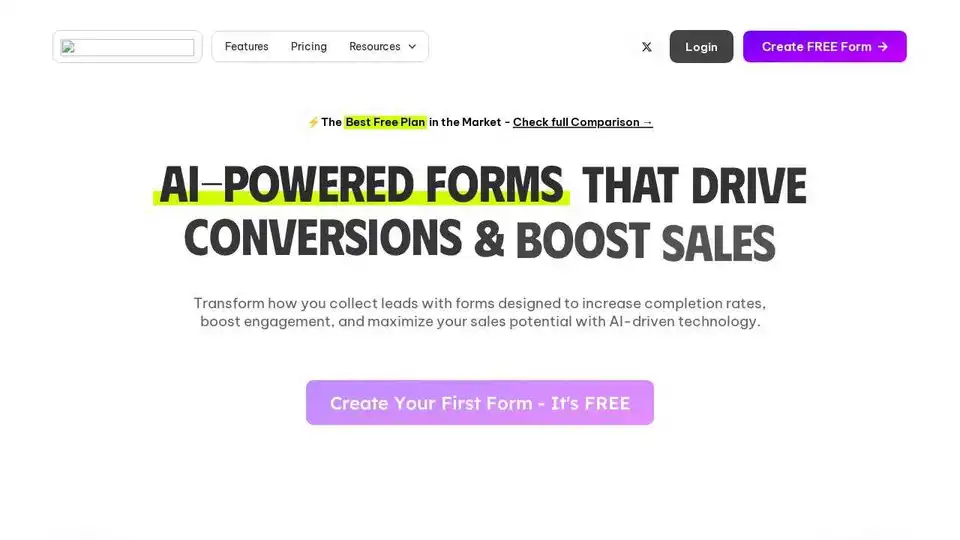
Overview of BuildForm
BuildForm: AI-Powered Forms to Boost Conversions
What is BuildForm?
BuildForm is an AI-powered form builder designed to help businesses create engaging forms that drive conversions. It provides an intuitive platform for creating various types of forms, including lead generation forms, contact forms, surveys, and more. By leveraging AI, BuildForm helps optimize forms for higher completion rates and better data collection.
How does BuildForm work?
BuildForm utilizes AI in several key areas:
- AI Lead Nurturing: Keeps customers engaged while they are in the buying mindset, nurturing them right on the form and after submission.
- AI-Powered Questions: Add intelligent questions that adapt based on user responses.
- Smart Analytics: Provides actionable insights and real-time analytics to understand user behavior and optimize forms.
- Conditional Logic: Creates dynamic forms that adapt in real time, showing or skipping questions based on user input.
Key Features:
- Easy-to-Use Form Builder: A drag-and-drop interface makes it simple to create custom forms.
- AI-Powered Features: Enhances forms with AI for better engagement and conversion rates.
- Seamless Integration: Connects with tools like Slack, Notion, and various CRMs.
- Real-Time Analytics: Tracks performance, identifies trends, and provides data-driven insights.
- Custom Branding: Allows you to tailor forms to match your brand.
- Unlimited Forms & Submissions: Offers unlimited forms and submissions (paid plans).
- File Uploads: Supports file uploads, making it versatile for various data collection needs.
How to use BuildForm?
- Create Your First Form: Sign up for free and start building a conversational form in under 5 minutes.
- Embed on Your Site: Embed the form on your website with a single line of code.
- Collect Responses Instantly: Start gathering data immediately.
Who is BuildForm for?
BuildForm is designed for a wide range of users, including:
- Marketing Teams: To generate leads and gather customer data.
- Sales Teams: To nurture leads and boost sales potential.
- Researchers: To collect thesis and research data.
- Businesses of All Sizes: To create contact forms, surveys, and registration forms.
Why is BuildForm important?
BuildForm addresses common issues with traditional forms, such as:
- Disconnected Tools: Integrates seamlessly with other applications.
- Wasted Time: Streamlines the form creation process.
- Complicated Workflows: Simplifies form management with an intuitive interface.
- Low Conversion Rates: Optimizes forms for higher completion rates.
Pricing:
BuildForm offers a flexible pricing model to suit different needs. Key benefits include:
- Affordable Solutions: Plans that empower teams to ship without friction.
- Free Plan: A comprehensive free plan available.
- Lifetime Deal: Exclusive limited-time offer to celebrate their birthday.
Benefits:
- Higher Conversion Rates: Achieve 2x higher completion rates compared to traditional forms.
- Reduced Drop-Off: Experience 50% less drop-off on mobile.
- Team Alignment: Shared templates and insights ensure team collaboration.
Unstoppable Forms, Designed for You:
Build forms with confidence, knowing they are designed to be both effective and reliable. The platform guarantees high uptime and global accessibility, making it a dependable choice for businesses worldwide.
BuildForm vs. Competitors:
BuildForm stands out from competitors like Typeform, Jotform, and Google Forms with its AI-powered features, unlimited forms and submissions (on paid plans), and custom branding options. It offers a balanced approach, providing powerful tools without the complexity, making it an accessible option for both small businesses and larger enterprises.
Best way to collect data?
BuildForm is an excellent solution for creating engaging forms that drive conversions. By using AI to optimize the form experience, BuildForm ensures higher completion rates and better data collection, making it a valuable tool for businesses looking to improve their data gathering and customer engagement strategies.
Whether you need to create a simple contact form or a complex survey, BuildForm provides the tools and features necessary to get the job done efficiently and effectively. It’s designed for everyone, allowing effortless creation and scalability as your business grows.
Best Alternative Tools to "BuildForm"
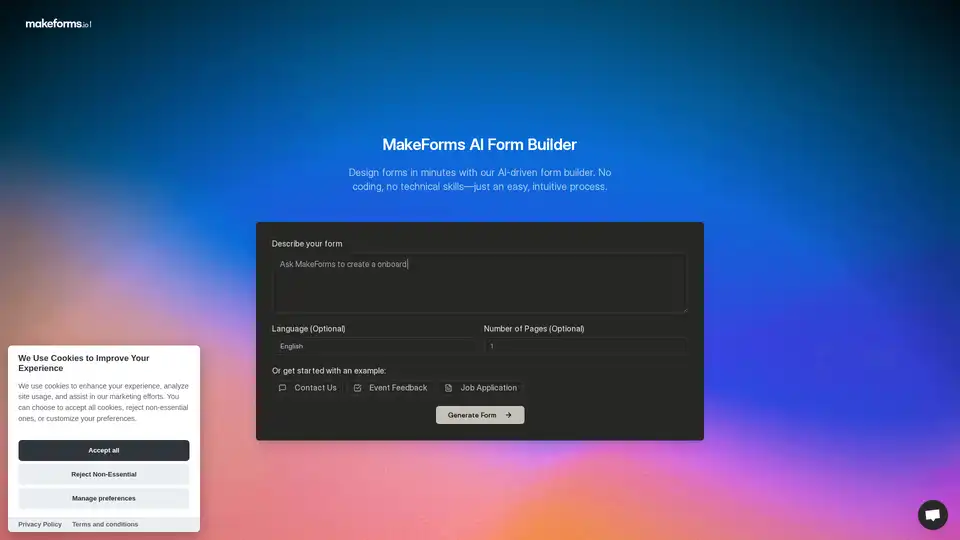
Just describe your needs and let the AI do the rest—no templates, no coding, no hassle. Build custom forms in 60 seconds with our free AI Form Builder.
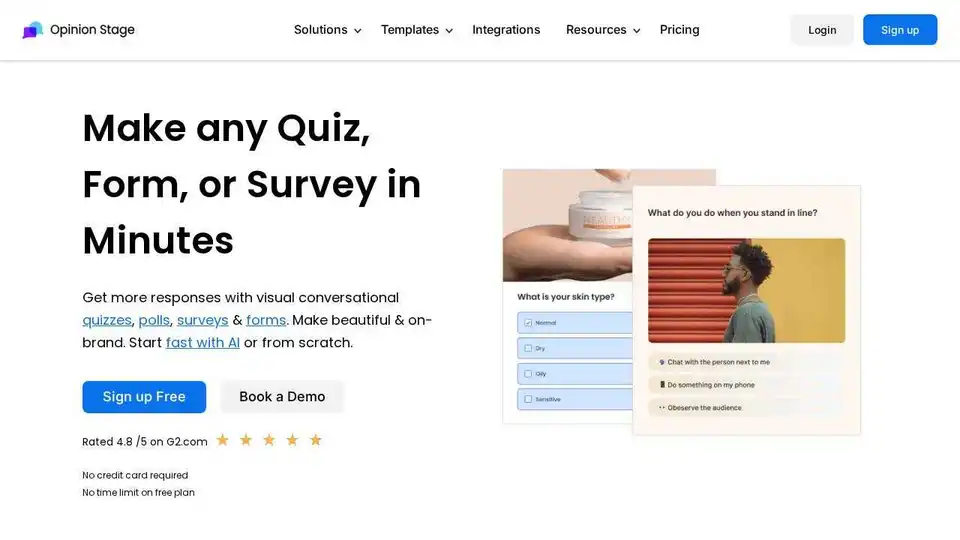
Opinion Stage is a versatile platform for creating engaging quizzes, surveys, forms, and polls. Boost engagement, generate leads, and gather feedback with ease. Trusted by 100,000+ brands.
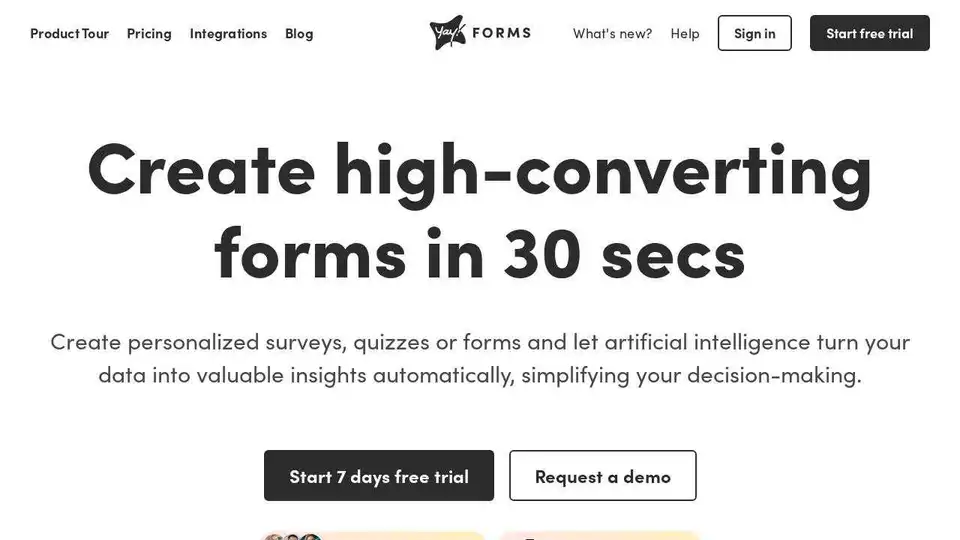
Create high-converting forms, surveys, and quizzes with Yay! Forms. Use AI to gain valuable insights from your data, simplifying decision-making and improving user engagement.
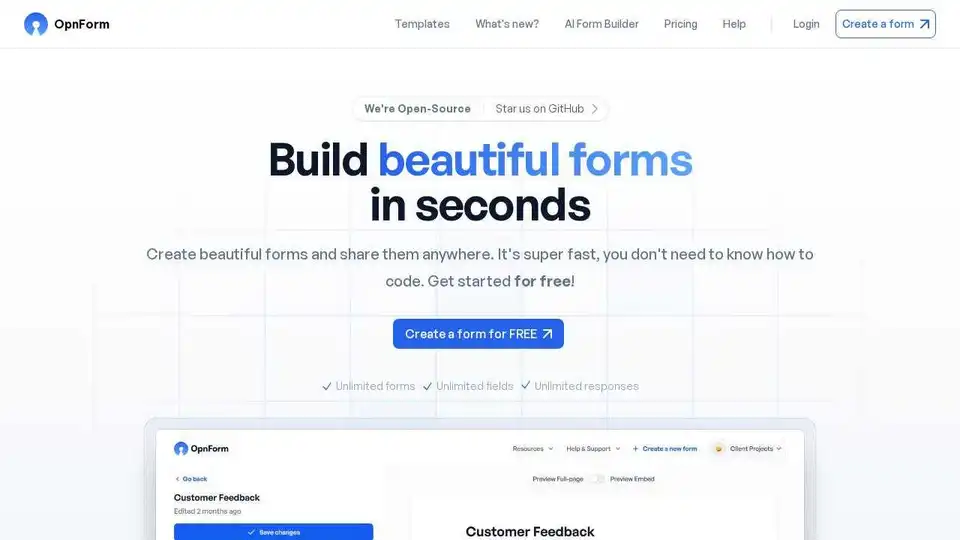
OpnForm is a free, open-source AI-powered form builder with unlimited submissions and rich features. Easily create and share forms anywhere without coding.