
Brushless AI
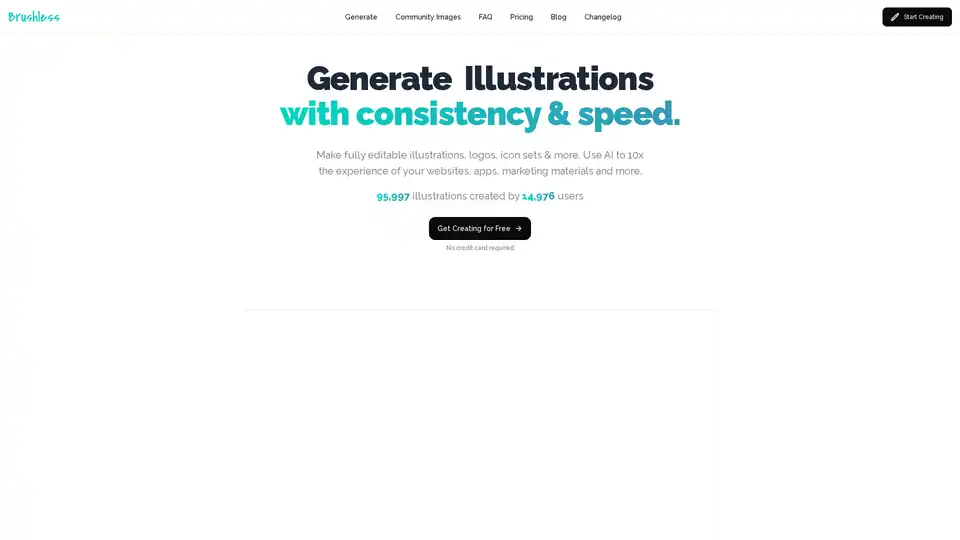
Overview of Brushless AI
Brushless AI: Generate Consistent and Editable Vector Graphics with AI
What is Brushless AI? Brushless AI is an innovative AI-powered tool designed to generate consistent and editable vector illustrations. It allows users to create custom visuals for websites, apps, marketing materials, and more, enhancing the design process with speed and efficiency.
How Does Brushless AI Work?
Brushless AI leverages artificial intelligence to transform text prompts, visual references, or a combination of both into high-quality vector illustrations. Here's a breakdown:
- Prompt Input: Users start by entering a text prompt describing the desired illustration. They can also upload reference images to guide the AI model.
- Style Selection: Choose from a variety of pre-defined styles like Notion, Structured, Humanist, Flat Icons, and more. Custom styles can also be created by uploading a few images to define a unique visual language.
- AI Generation: The AI model processes the prompt and style inputs to generate a vector illustration.
- Customization: Generations are fully customizable with editable layers and colors, ensuring the final product aligns perfectly with the user's vision.
Key Features of Brushless AI
- Consistent Illustrations: Maintain a consistent visual style across all your designs.
- Brand-Focused Graphics: Create illustrations that reflect your brand's personality and lingo.
- Customizable Vectors: Fully editable layers, colors, and styles provide complete control over the final output.
- Speed and Efficiency: Generate stunning illustrations in seconds, reducing design time from hours to mere moments.
Why Choose Brushless AI?
- Cost-Effective: Access high-quality vector designs at an affordable price, ideal for startups and growing brands.
- Time-Saving: Reduce the time spent hunting for the perfect SVG or hiring designers.
- User-Friendly: Easy to use, even for those who aren't design experts.
Who is Brushless AI for?
Brushless AI is ideal for:
- Designers: Enhance their workflow and create consistent designs faster.
- Marketers: Generate custom visuals for marketing materials and social media.
- Startups and Small Businesses: Access high-quality designs at an affordable price.
- Developers: Quickly create visuals for websites and applications without design expertise.
- E-learning Professionals: viable option for creating images for training.
Use Cases of Brushless AI
- Logo Design: Craft unique and memorable logos.
- Social Media: Create engaging visuals for social media posts.
- Marketing Materials: Design eye-catching marketing assets.
- Branding Projects: Develop a cohesive visual identity for your brand.
Testimonials
Users have praised Brushless AI for its ease of use, consistent results, and time-saving capabilities. Here are a few testimonials:
- UND3RC0D3: "I love you. For real, this is that one-app that I've waited forever to be created. Thanks! Context: I'm a dev who sucks at design and this tool will improve my workflow."
- YSL17: "This is superb work! I'll be adding this to my directory of free tools and resources that I'm curating for founders and creators."
- JAWANDA: "Really nicely done. The UI is super slick. Features like the color palette and preset styles are epic. Seems like one of the more useful implementations of AI image generation I've ever seen."
How to Use Brushless AI?
- Go to the Brushless AI website.
- Select a style.
- Enter a prompt describing your desired illustration.
- Generate and customize the illustration to your liking.
- Download your illustration in SVG or PNG format.
Pricing
Brushless AI offers a few images for free, and the paid plans are pretty affordable with plans starting from $5.
FAQs
Brushless AI addresses common questions:
- How to convert images to vector with AI?
- Is there a free vectorizer online?
- Can I create custom vector illustrations with AI?
- How can I generate vector art with AI?
- Can I create vector logos with AI?
- How does Brushless AI work for businesses?
- Is Brushless AI easy for beginners?
- Can I vectorize hand-drawn sketches with AI?
Final Thoughts
Brushless AI empowers users to generate consistent, brand-focused, and customizable vector graphics with AI. Whether you're a designer, marketer, or business owner, Brushless AI offers a user-friendly and cost-effective solution for creating stunning visuals in seconds. With its editable vectors and custom style options, it stands out as a valuable tool for enhancing your design process and visual communication.
AI Generated Art Image Enhancement and Repair Image Style Transfer AI Background Removal and Replacement AI Avatar and Cartoonization 3D Modeling and Rendering Logo and UI Design
Best Alternative Tools to "Brushless AI"
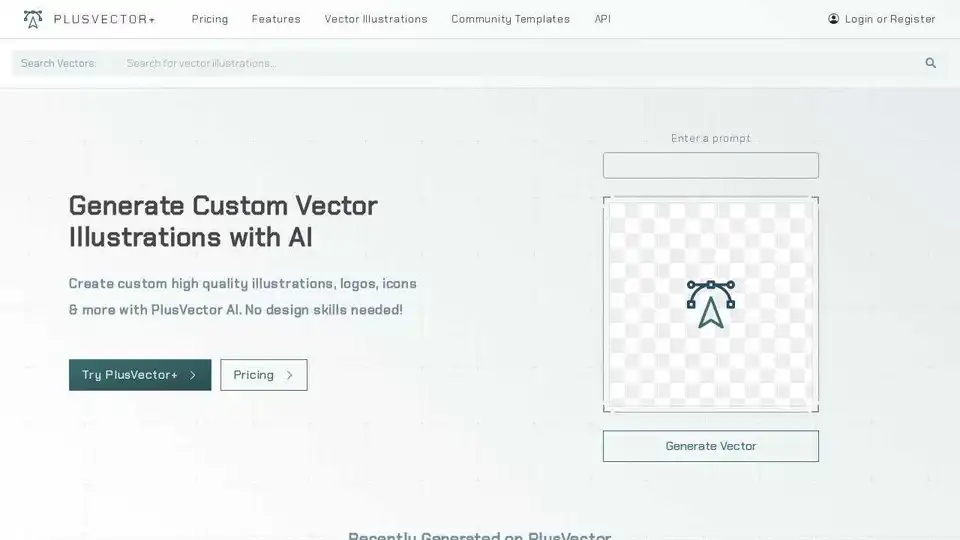
Generate custom SVGs and high-quality vector illustrations instantly with PlusVector AI. Create logos, icons & more. No design skills needed!
Premium image generation and editing tool. Store and share your own styles, create, fine-tune, upscale, and perfect your visuals.
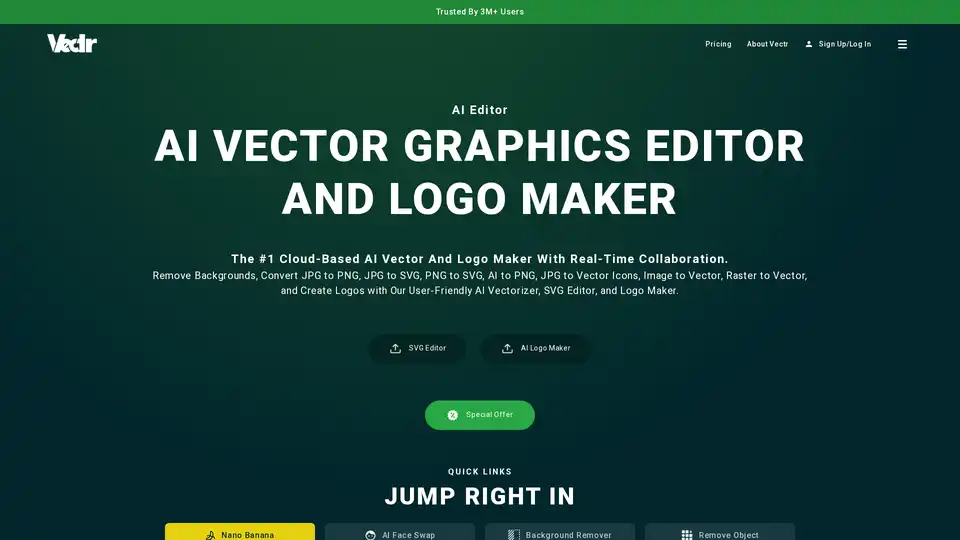
Vectr is a cloud-based AI vector graphics editor and logo maker. It allows users to remove backgrounds, convert images to vectors, and create logos with AI-powered tools. Ideal for both beginners and professionals.
PicassoPix: All-in-one AI image editing toolkit. Enhance, upscale, and transform photos with AI-driven models for any project or platform.