
BrowsingBee
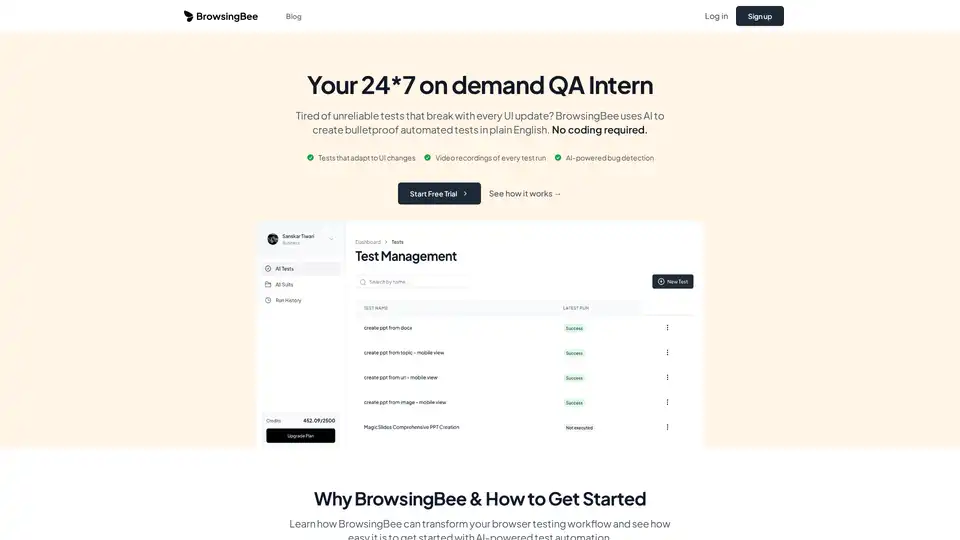
Overview of BrowsingBee
BrowsingBee: AI-Powered Test Automation for Headache-Free Browser Testing
Tired of flaky browser tests that break with every UI update? BrowsingBee uses AI to create bulletproof automated tests in plain English, no coding required. It helps engineering teams eliminate unreliable tests, reduce maintenance time, and catch bugs before they reach production.
What is BrowsingBee?
BrowsingBee is an AI-powered test automation platform designed to simplify browser testing. It allows users to write tests in plain English, which the AI then translates into robust, maintainable test scripts. This eliminates the need for complex coding and reduces the time spent on test setup and maintenance.
How Does BrowsingBee Work?
BrowsingBee leverages AI in several key areas to improve the browser testing process:
- AI-Powered Test Creation: Users write tests in plain English, and BrowsingBee's AI understands the intent and automatically creates the test scripts.
- Self-Healing Tests: When UI elements change, the AI automatically adapts the tests, preventing them from breaking after deployments.
- Video Recordings & Debugging: Every test run is recorded, providing a visual record of what happened, when it failed, and why. This makes debugging faster and easier.
- Proactive Bug Detection: The AI analyzes test results to identify patterns and potential issues before they affect users.
Key Features and Benefits
- No-Code Test Creation: Write tests in plain English without any programming knowledge.
- Self-Healing Tests: Reduce test maintenance time by 95% with AI-powered adaptation to UI changes.
- Video Recordings & Debugging: Debug test failures 5x faster with visual recordings of each test run.
- Proactive Bug Detection: Catch 80% more bugs before they reach production with AI-driven analysis.
- Regression Testing: Automatically test the entire application after every deployment to catch breaking changes.
- User Journey Testing: Test complete user workflows from signup to purchase to ensure critical paths function flawlessly.
- Cross-Browser Testing: Run tests across Chrome, Firefox, Safari, and Edge to ensure consistent experience across all platforms.
- Scheduled Monitoring: Set up tests to run automatically at specific times and receive instant notifications when something breaks.
Who is BrowsingBee For?
BrowsingBee is designed for:
- QA Teams: Overwhelmed with maintaining brittle test suites.
- Engineering Teams: Spending too much time debugging broken tests.
- Developers: Who hate maintaining test suites and want to focus on building features.
Why Choose BrowsingBee?
- Save Time and Money: Reduce test maintenance time by 95% and create tests 10x faster than traditional tools.
- Improve Test Coverage: Catch 80% more bugs before they reach production.
- Reduce Team Frustration: Eliminate the headaches associated with flaky tests and complex setups.
- Ensure Quality: Deliver a high-quality user experience across all browsers and devices.
How to Use BrowsingBee?
- Sign Up: Start a free trial on the BrowsingBee website.
- Create Tests: Write tests in plain English using the BrowsingBee interface.
- Run Tests: Execute the tests and view the video recordings and detailed reports.
- Analyze Results: Use the AI-powered bug detection to identify and fix issues.
Real-World Use Cases
BrowsingBee is used by various companies across industries:
- E-commerce: Ensuring smooth user journeys from signup to purchase.
- SaaS: Verifying critical workflows and integrations.
- Financial Services: Testing authentication flows and data validation for security and compliance.
- Healthcare: Monitoring application performance and security measures.
Pricing
BrowsingBee is currently updating its pricing plans. Contact their team for custom solutions and pricing information.
What Our Customers Say
- "BrowsingBee eliminated 90% of our test maintenance time. Our QA team can finally focus on what matters instead of fighting brittle test suites." - Sarah Chen, QA Lead, TechFlow Inc.
- "The AI-powered test creation is a game-changer. We went from 0 automated tests to 50+ in just 2 weeks. No coding required." - Marcus Rodriguez, Engineering Manager, CloudScale
- "Finally, a testing tool that actually works. The self-healing tests have saved us countless hours of debugging after deployments." - Emily Watson, Senior Developer, DataViz Pro
Is BrowsingBee SOC 2 Compliant?
Yes, BrowsingBee offers enterprise-grade security and compliance, including SOC 2 compliance.
Conclusion
BrowsingBee is revolutionizing browser testing with its AI-powered platform. By enabling users to write tests in plain English, automatically adapting to UI changes, and providing detailed video recordings, BrowsingBee is helping teams save time, reduce costs, and improve the quality of their applications. If you're tired of flaky tests and complex setups, BrowsingBee is the solution you've been waiting for.
AI Task and Project Management AI Document Summarization and Reading AI Smart Search AI Data Analysis Automated Workflow
Best Alternative Tools to "BrowsingBee"
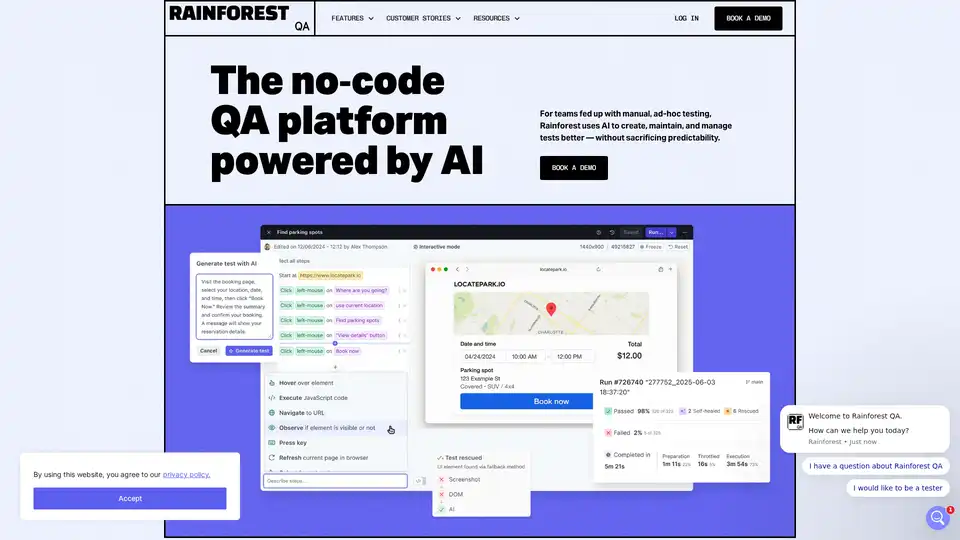
Rainforest QA is an AI-powered, no-code QA platform that automates end-to-end testing for SaaS companies, reducing test maintenance with self-healing AI.
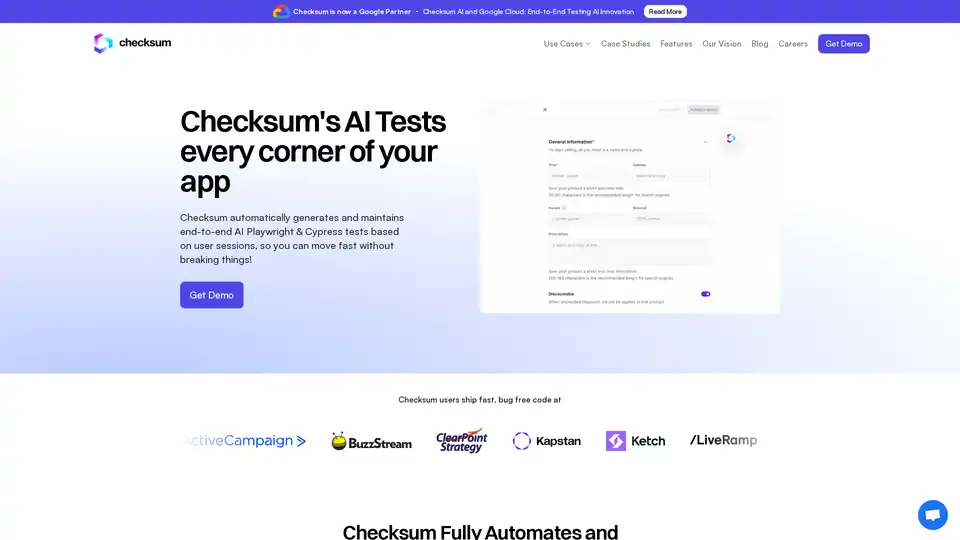
Checksum is an AI-powered E2E test automation platform for Playwright & Cypress, generating, running, and maintaining tests with self-healing capabilities.
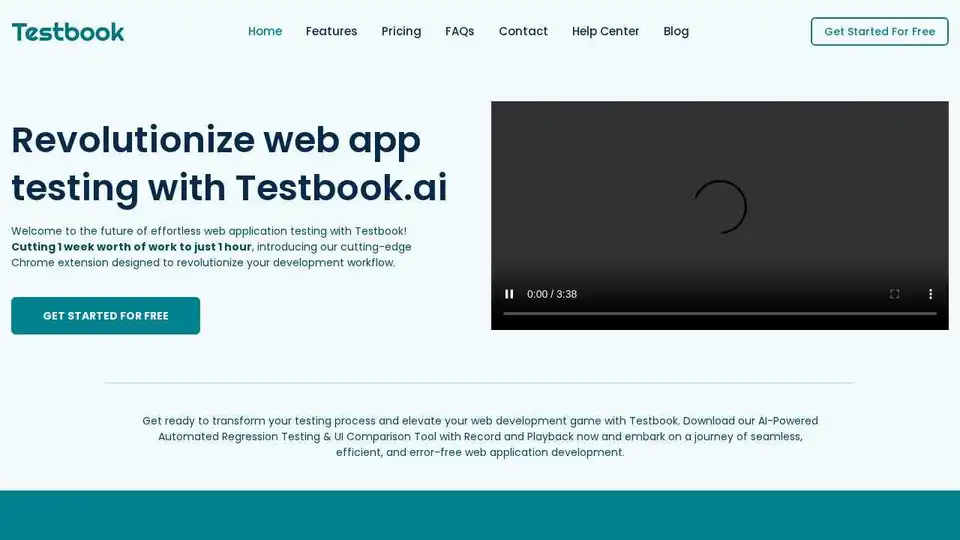
Testbook.ai is an AI-powered no-code testing platform for web app regression, UI testing, and hybrid testing. Automate tests, ensure cross-browser compatibility, and improve efficiency with detailed reports and Jira integration.
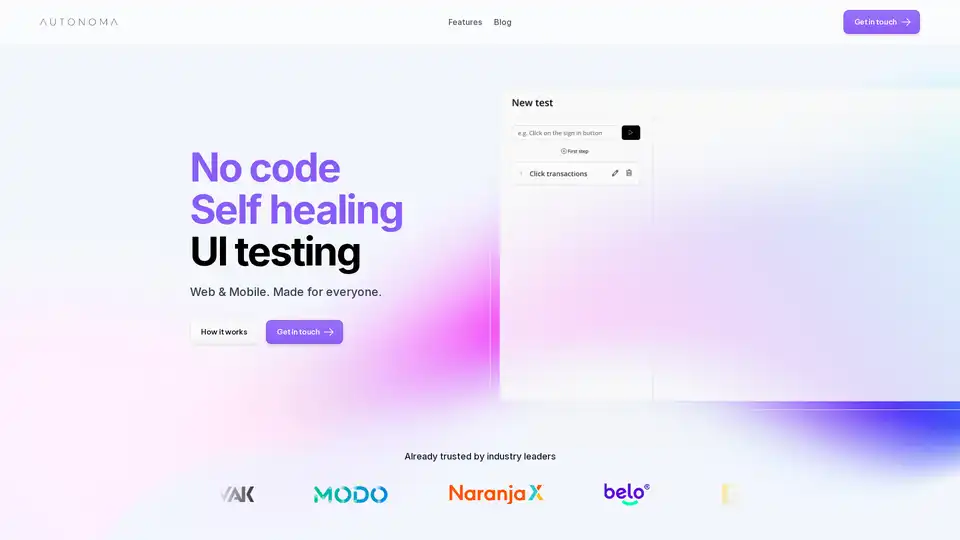
Autonoma AI is an AI-powered platform for no-code, self-healing end-to-end UI testing on web and mobile. Automate tests effortlessly, reduce maintenance, and ensure reliable app performance for teams of all sizes.