
Bookmarks Manager
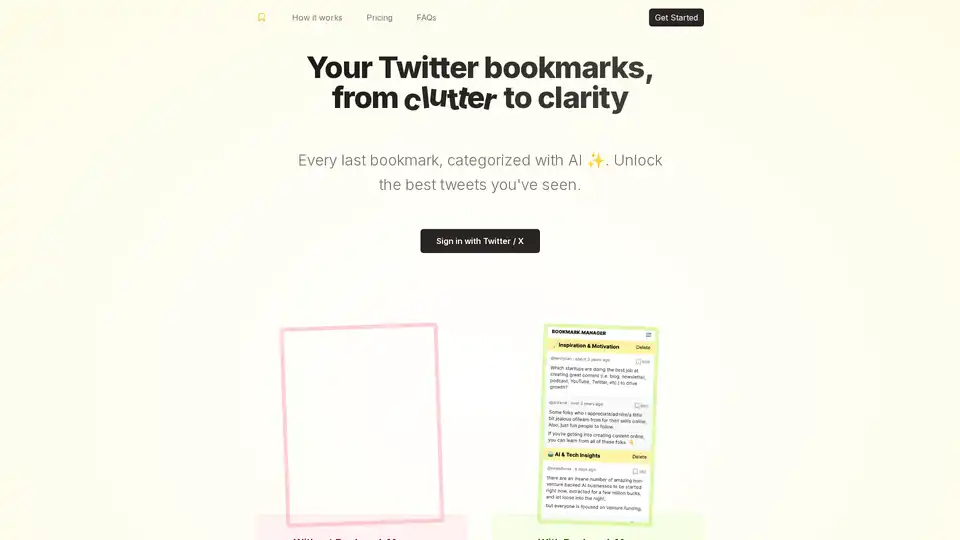
Overview of Bookmarks Manager
Bookmarks Manager: Transform Twitter Bookmark Clutter into Clarity
What is Bookmarks Manager?
Bookmarks Manager is a tool designed to help users organize, categorize, and search their Twitter/X bookmarks using the power of AI, specifically GPT-4. It aims to transform a cluttered collection of bookmarked tweets into an easily navigable and actionable resource.
How does Bookmarks Manager work?
- Import Bookmarks: Users sign in with their Twitter/X account, and Bookmarks Manager loads all their bookmarks.
- Auto-Categorization with GPT-4: The tool uses GPT-4 Turbo to automatically categorize bookmarks, providing users with clear categories for easy browsing.
- Custom Categories: Users can also create their own categories and have GPT-4 comb through their bookmarks to find relevant tweets.
Key Features:
- AI-Powered Categorization: Leverages GPT-4 to automatically sort and group bookmarks.
- Custom Categories: Allows users to create and manage their own categories.
- Bulk Export: Supports exporting bookmarks in CSV and JSON formats.
- User-Friendly Interface: Designed to be intuitive and easy to use.
Why is Bookmarks Manager important?
- Improved Organization: Helps users manage and organize their Twitter bookmarks effectively.
- Enhanced Discoverability: Makes it easier to find specific bookmarks when needed.
- Actionable Insights: Transforms saved tweets into a valuable resource for learning and inspiration.
- Time-Saving: Automates the process of categorizing and organizing bookmarks.
Where can I use Bookmarks Manager?
Bookmarks Manager is accessible as a website application. You can access it through any web browser.
Best way to manage Twitter bookmarks?
Bookmarks Manager provides a comprehensive solution to manage twitter bookmarks.
User Feedback:
- One user, @omarz9, described it as having Marie Kondo organize their bookmarks.
- @peteoliver mentioned finding gems in their collected bookmarks after using the tool.
Pricing:
The "All in one" plan is offered as a one-time purchase for unlimited access at $29 USD.
FAQ Highlights:
- Do I have to use Twitter / X? Yes, a Twitter/X account is required.
- How does auto-categorization work? GPT-4 Turbo model analyzes your bookmarks.
- Can I export my bookmarked tweets? Yes, in CSV and JSON formats.
- Is my Twitter data safe when I use this tool? Refer to privacy policy.
In conclusion, Bookmarks Manager appears to be a useful tool for anyone who actively uses Twitter/X's bookmarking feature. It leverages AI to provide a more organized, searchable, and actionable bookmarking experience. The tool is especially useful if you are looking for AI to categorize and sort content on social media, helping you to filter, find, and act on the best tweets you’ve seen.
AI Task and Project Management AI Document Summarization and Reading AI Smart Search AI Data Analysis Automated Workflow
Best Alternative Tools to "Bookmarks Manager"
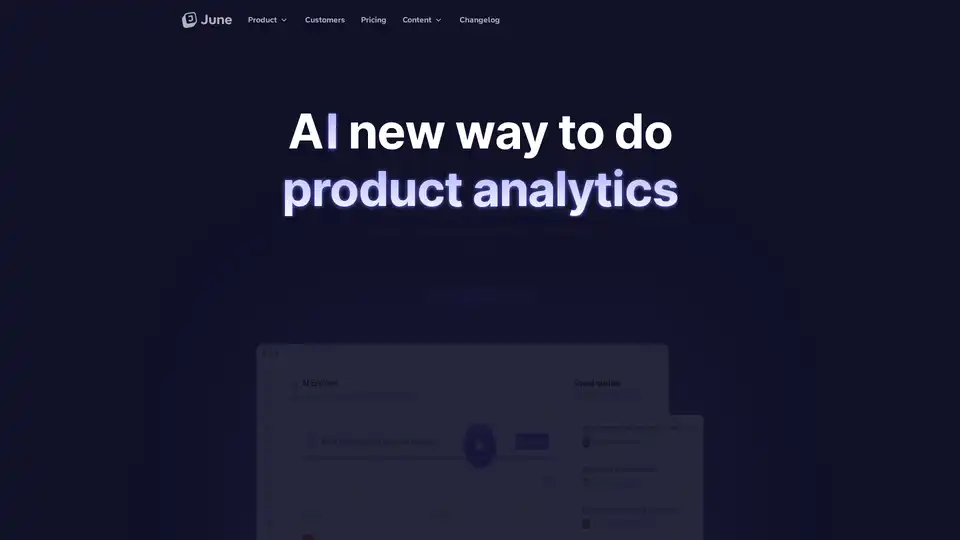
June is an AI-powered product analytics platform for B2B SaaS, enabling natural language queries with GPT-4 for deep insights into customer usage and auto-generated reports.
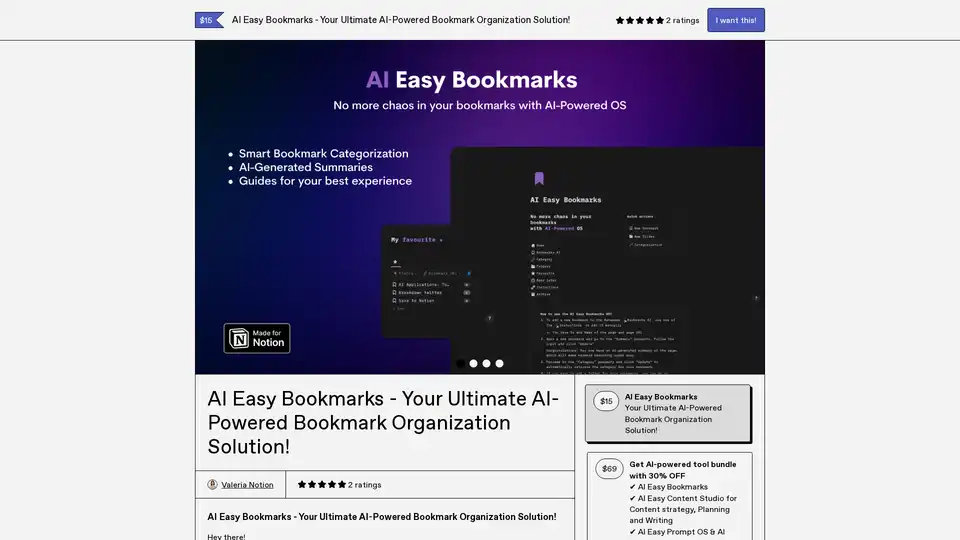
AI Easy Bookmarks revolutionizes bookmark management with AI-driven categorization, instant page summaries, and an intuitive dashboard for seamless organization and productivity.
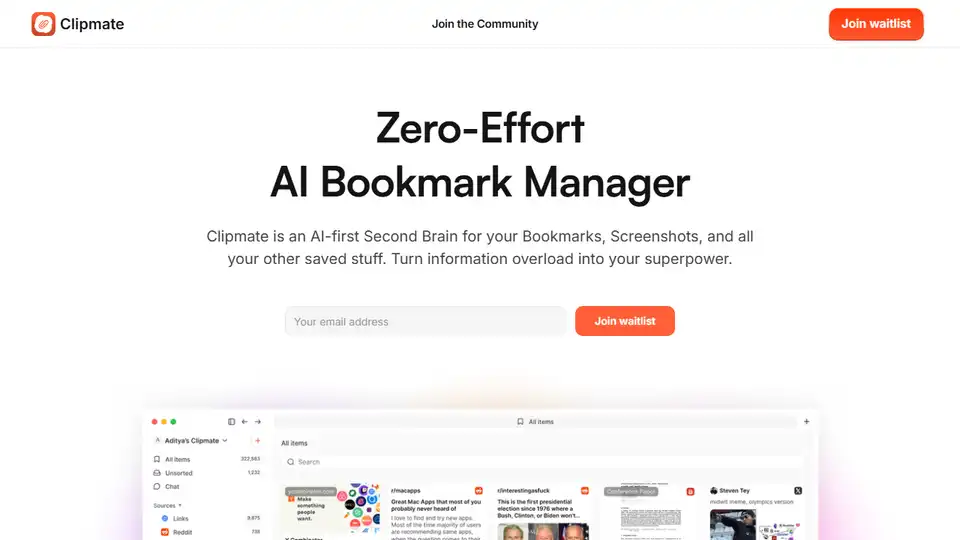
Clipmate AI is an AI-powered bookmark manager that automatically organizes bookmarks, screenshots, and saved links across platforms. Instantly searchable and effortless to use.
Template Prompts offers a dedicated library to save, organize, and reuse AI prompts across tools like ChatGPT and Midjourney. Tag, search, and create templates for efficient AI workflows.