
BLiiNK AI
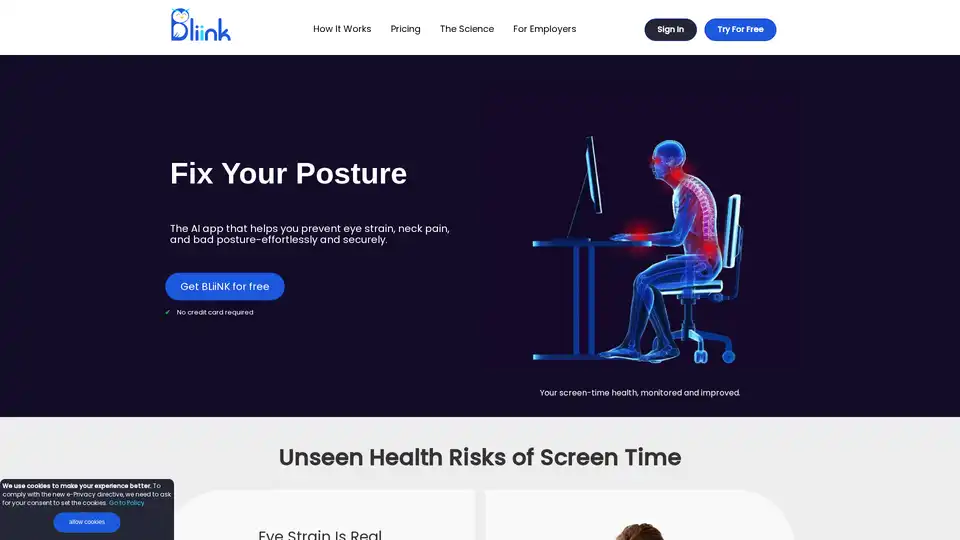
Overview of BLiiNK AI
What is BLiiNK AI?
BLiiNK AI is an AI-powered desktop application designed to help computer users mitigate the unhealthy impacts of digital screens by building healthy working habits. It focuses on improving posture, reducing eye strain, and preventing back pain through real-time monitoring and personalized interventions. BLiiNK is designed to be user-centric, allowing users to customize the frequency of checks and notifications, ensuring the experience is empowering rather than overwhelming.
How does BLiiNK AI work?
BLiiNK AI operates locally on your device, ensuring fast and secure performance without relying on a constant web connection. The AI algorithm checks your sitting posture, screen distance, and blinking rate periodically. When deviations from recommended practices are detected, BLiiNK provides smart notifications to encourage corrective actions.
Key Features:
- Posture Monitoring: BLiiNK checks your sitting posture and notifies you to take corrective action if you deviate from the recommended posture, promoting a healthy back and spine.
- Eye Strain Reduction: It helps maintain a safe distance from the screen, reducing eye strain and neck muscle burden.
- Blinking Rate Monitoring: BLiiNK monitors your blinking rate and notifies you to blink if it falls below the recommended level, reducing eye dryness and strain.
- Personalized Notifications: Smart notifications are tailored to user preferences, ensuring a customizable and user-friendly experience.
- Historical Performance Reports: BLiiNK provides historical performance records and reports to help you assess progress toward building healthy working habits.
- Office-Friendly Exercises: It provides exercises for the neck, back, hands, wrists, and eyes, plus reminders for hydration and short walks.
Why choose BLiiNK AI?
BLiiNK AI stands out from other apps with its focus on habit formation. Instead of requiring constant interaction, BLiiNK prompts simple actions like blinking or adjusting posture, which only take a second. The user-centric approach allows for customization of check frequency and notifications, avoiding any sense of overwhelm.
Who is BLiiNK AI for?
BLiiNK AI is ideal for:
- Remote Workers: Helps maintain healthy habits while working from home.
- Freelancers: Reduces the physical strain of long hours in front of a screen.
- Entrepreneurs: Promotes better posture and reduces backaches during long workdays.
- Data Analysts: Provides insights into workspace health, encouraging better ergonomic setups.
- Anyone who spends long hours in front of a computer: Helps develop healthy working habits to prevent eye strain, back pain, and poor posture.
Outcomes You Can Expect
Users report experiencing significant improvements after a few months of using BLiiNK AI:
- Neck and back pain reduction
- Sitting posture improvement
- Eye dryness and strain reduction
- Work performance increase
What are users saying about BLiiNK AI?
Here are some testimonials from BLiiNK users:
- Danilo Moruya: "The app works well and helps to improve my sitting position."
- Serhi: "It's so user-friendly and makes my daily routine much easier."
- Sarah: "BLiiNK stands out as my favorite. Its focus on health, combined with enhancing work habits, sets it apart."
- Maria: "After 3 months using Bliinki, I am getting better and it's helping me, especially with my back pain."
- Arman Szmit: "I came across BLiiNK when I started experiencing back pain every evening. Thank you, BLiiNK, for your tremendous help."
- Ewelina Piwek: "BLiiNK's habit-building feature has transformed my sitting habits, and now I feel more energized throughout the day!"
These testimonials highlight the effectiveness of BLiiNK in improving posture, reducing pain, and enhancing overall well-being.
How to get started with BLiiNK AI?
- Download: Download BLiiNK for free from the official website. No credit card is required.
- Install: Install the application on your desktop.
- Customize: Tailor the settings to your preferences, including check frequency and notification preferences.
- Use: Allow BLiiNK to monitor your posture, blinking rate, and screen distance, and follow the notifications to improve your habits.
BLiiNK AI offers a proactive approach to screen time health, helping you maintain a healthier and more productive workstyle.
AI Task and Project Management AI Document Summarization and Reading AI Smart Search AI Data Analysis Automated Workflow
Best Alternative Tools to "BLiiNK AI"
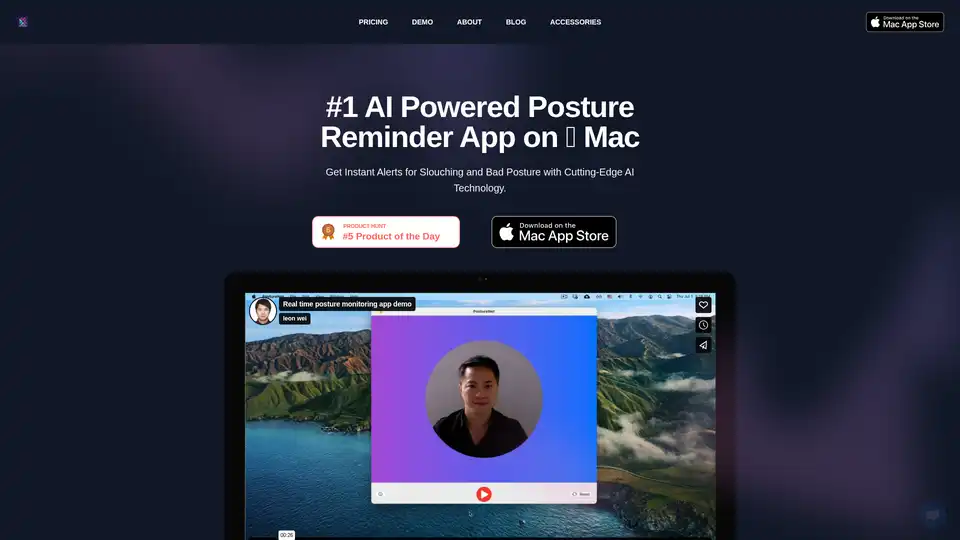
Enhance your workday with the AI Posture Reminder App on Mac. It tracks posture using advanced AI, sends real-time slouch alerts, and promotes better health—all while prioritizing privacy with on-device processing.
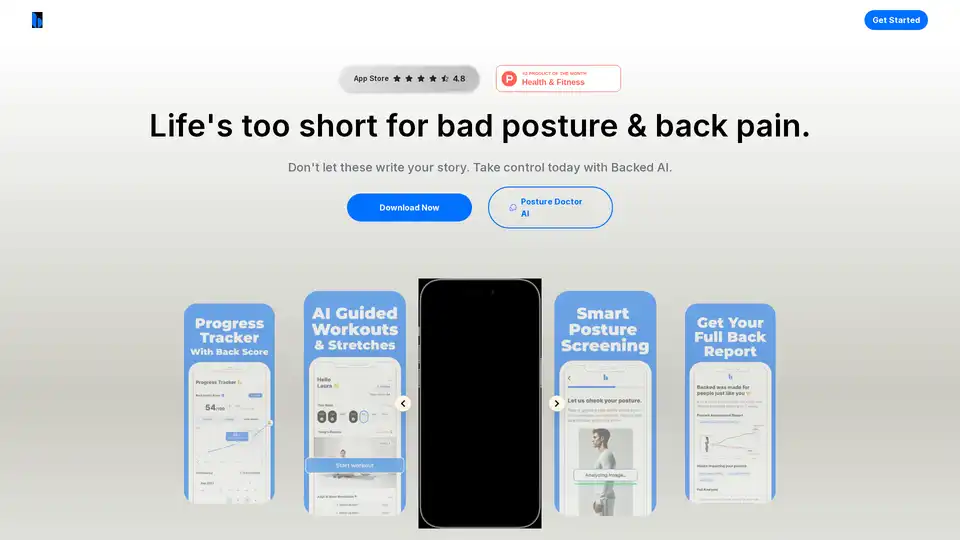
Backed AI is a mobile app designed to help users relieve back pain and improve posture through personalized, science-backed exercises and daily reminders.
Furl is an AI-powered security execution layer that automates vulnerability remediation, clearing backlogs and bridging the gap between finding and fixing security issues in enterprise environments.

Protect web apps & APIs with ZeroThreat's AI-powered scanning & automated pentesting. Ensure continuous security, compliance, and actionable remediation insights.