
Bing Image Creator
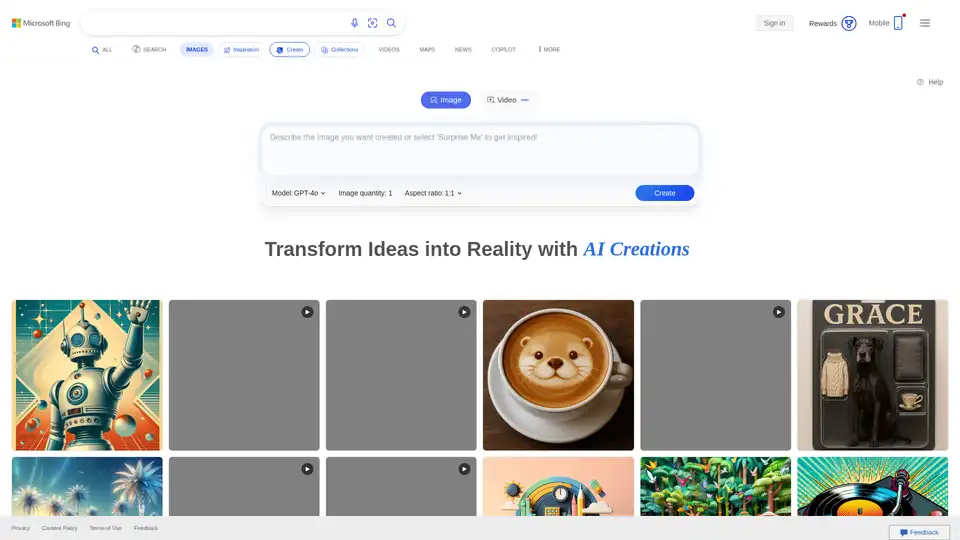
Overview of Bing Image Creator
Bing Image Creator: Free AI Image Generator
Bing Image Creator is a tool developed by Microsoft that allows users to generate AI images and videos from text prompts. Powered by DALL-E and Sora, it enables users to transform their ideas into stunning visuals and engaging videos in seconds. It is designed to be user-friendly and accessible, making it a great tool for both personal and professional use.
What is Bing Image Creator?
Bing Image Creator is a Bing product that helps you generate AI images. By providing a text prompt, the AI will generate images that match your description. It's available for free to anyone with a Microsoft Account (MSA).
How does Bing Image Creator work?
Bing Image Creator uses advanced AI models like DALL-E to interpret text prompts and generate corresponding images. Simply type in a description, and the AI will create images that match your prompt.
How to use Bing Image Creator?
- Sign Up/Sign In: You need a Microsoft Account (MSA) to use Bing Image Creator. You can sign up for a new account or sign in with your existing one.
- Access the Tool: Go to the Bing Image Creator website or open the Bing mobile app and navigate to the Bing Image Creator miniapp.
- Enter Your Prompt: Type in a detailed and imaginative text prompt describing the image you want to generate.
- Generate Images: Click the "Create" button, and the AI will generate images based on your prompt.
Key Features:
- AI Image Generation: Transforms text prompts into images.
- AI Video Generation: Transforms text prompts into short videos (Bing Video Creator).
- Two Creation Speeds: Offers both fast and standard creation speeds. Fast creation provides the best quality and shortest processing time.
- Microsoft Rewards Integration: Allows you to use Microsoft Rewards points to continue enjoying fast creation speeds after using up your free daily fast creations.
- Watermarks and Content Credentials: Adds watermarks and content credentials to generated images and videos to indicate they are AI-generated.
- Multilingual Support: Supports over 100 languages.
Who is Bing Image Creator for?
- Content Creators: Ideal for generating visuals for blogs, social media, and marketing campaigns.
- Educators: Useful for creating educational materials and visual aids.
- Businesses: Can be used to quickly generate images for advertising and branding purposes.
- Anyone with creative ideas: Perfect for bringing imaginative concepts to life.
Tips for Creating Better Prompts:
- Be Specific: Include as many relevant details as possible. Instead of just "astronaut," provide context and visual cues.
- Use Adjectives: Describe the subject's appearance, colors, and textures to help the AI understand your vision.
- Include Action: Specify what the subject is doing to add dynamism to your content.
- Set the Scene: Mention the environment or background to situate the subject within a particular setting.
- Style and Mood: Indicate the media style and mood you desire, like "vintage," "modern," "bright," or "dark."
- Lighting: For video prompts, include lighting styles, like "direct sunlight," "dusk," or "soft lighting."
- Camera: For video prompts, include camera angles you'd like to see, like "close up," "wide angle," or "overhead shot."
What is Bing Video Creator?
Bing Video Creator is a Bing product that helps you generate AI videos using Sora. Given a text prompt, Bing Video Creator's AI will generate a video to match the prompt.
How to use Bing Video Creator?
Bing Video Creator is currently only available in the Bing mobile app. To use Bing Video Creator, sign up for a new Microsoft Account (MSA) or sign into your existing Microsoft Account. You'll then be able to create engaging videos by redeeming your Microsoft Rewards points.
Responsible AI:
Microsoft is committed to responsible AI development. Bing Image Creator and Bing Video Creator are developed in accordance with Microsoft's AI principles to ensure AI systems are developed responsibly and in ways that warrant people's trust. Controls are in place to prevent the generation of harmful images and videos. The system automatically blocks prompts that could generate potentially harmful content and informs the user. Additionally, each image and video created using these tools includes a watermark and content credentials based on the C2PA standard to help users identify AI-generated content.
Why Choose Bing Image Creator?
- Free and Accessible: Available to anyone with a Microsoft Account.
- Powered by Advanced AI: Uses DALL-E and Sora for high-quality image and video generation.
- Easy to Use: User-friendly interface makes it simple to create images and videos from text prompts.
- Microsoft Rewards Integration: Offers additional fast creations through Microsoft Rewards points.
- Responsible AI Practices: Developed with a commitment to responsible AI, including measures to prevent the generation of harmful content.
Bing Image Creator and Bing Video Creator offer a powerful and accessible way to generate AI images and videos. With its user-friendly interface, advanced AI models, and commitment to responsible AI practices, it's a valuable tool for anyone looking to bring their creative ideas to life.
AI Generated Art Image Enhancement and Repair Image Style Transfer AI Background Removal and Replacement AI Avatar and Cartoonization 3D Modeling and Rendering Logo and UI Design
Best Alternative Tools to "Bing Image Creator"

Use Pollo AI, the free, ultimate, all-in-one AI image & video generator, to create images/videos with text prompts, images or videos. Turn your ideas to images and videos with high resolution and quality.
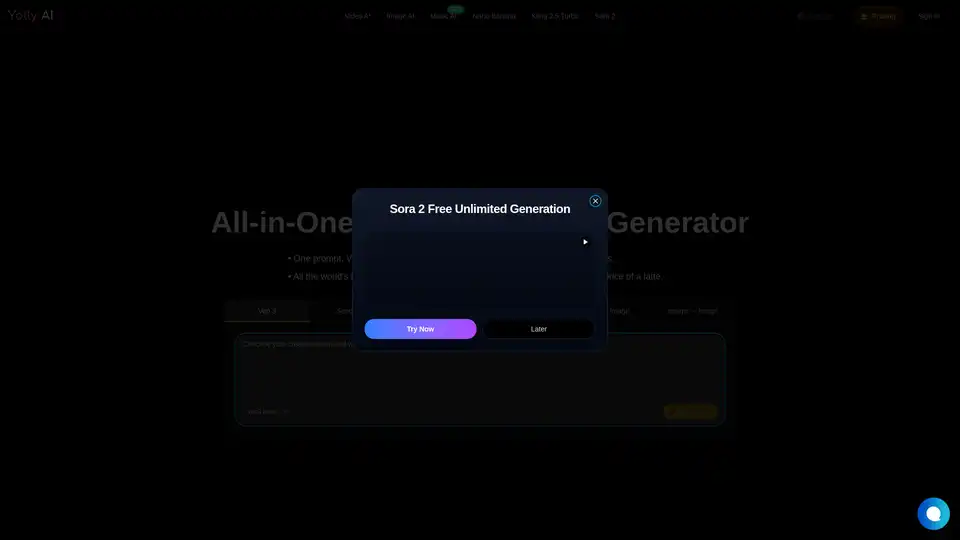
Yolly AI is an all-in-one AI video & photo generator that turns text prompts into cinema-grade 4K videos with realistic sound or high-resolution images in seconds, offering access to top AI models like Veo 3 and DALL-E.
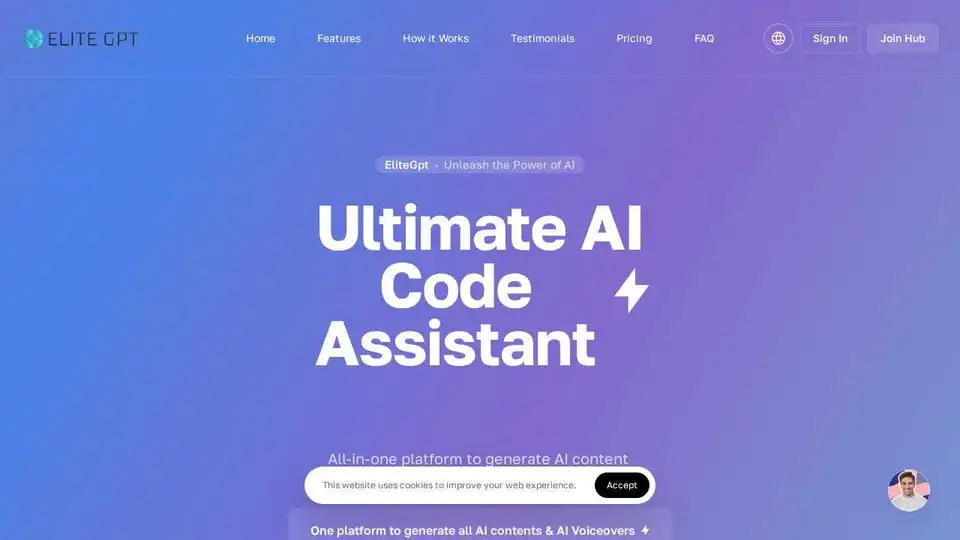
EliteGPT automates content creation using AI. Access multiple AI models like GPT-4 and Claude, compare responses, and generate images/videos all from one platform. Ideal for content creators and businesses.

BrainFever AI is a creative studio app that uses AI to generate images from text prompts and animate them. Available on iOS and Mac, it offers powerful image models, video animation, and a wide range of styles.