
Bing Image Creator
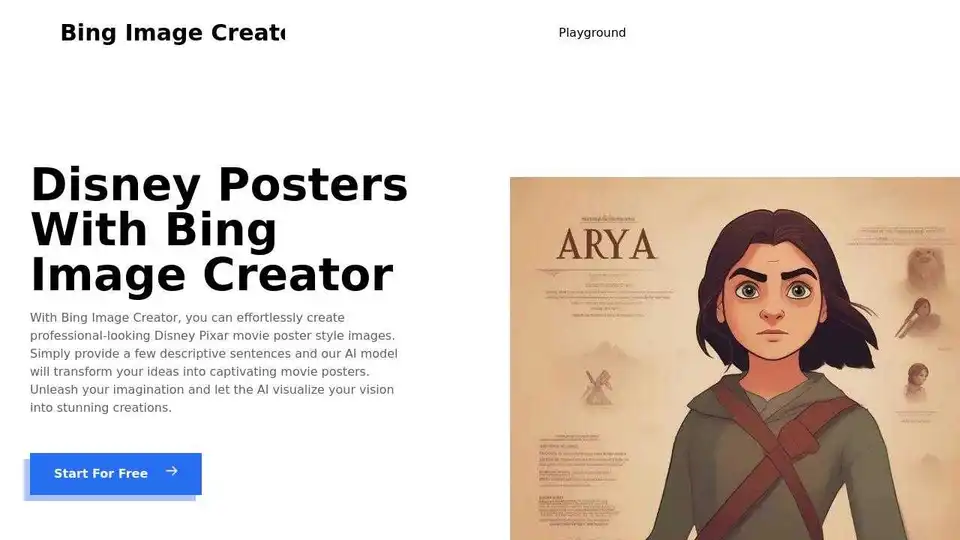
Overview of Bing Image Creator
Bing Image Creator: Unleash Your Creativity with AI Disney Pixar Posters
What is Bing Image Creator?
Bing Image Creator is a powerful AI image generator that allows you to create stunning Disney Pixar-style posters effortlessly. Transform your ideas into captivating movie posters with just a few descriptive sentences.
How to Use Bing Image Creator to Generate Disney Pixar Posters?
- Enter a Character Name: Start by typing the name of the character you want to create a poster for, like "Mickey Mouse."
- Provide a Detailed Description: Write a comprehensive description of your character. Include key features, clothing, and any other relevant details. For instance, "An anthropomorphic mouse who typically wears red shorts, large yellow shoes, and white gloves, Mickey is one of the world's most recognizable fictional characters."
- Submit Your Request and Wait: Click the "Generate" button. The AI will process your request and create a Disney-style poster based on your input.
- Download or Regenerate: After the image is generated, you can download it to your device or click "Generate Again" to create new variations.
Tips for Using Bing Image Creator
- Be Specific: The more detailed your description, the better the AI will understand your vision.
- Use Keywords: Include relevant keywords related to Disney style, such as "cartoony," "colorful," or "magical."
- Experiment with Different Prompts: Try different variations of your character description.
Why is Bing Image Creator important?
Bing Image Creator simplifies the creation of custom AI-generated images, and its ease of use democratizes AI art generation for a broad range of users. It is particularly valuable for individuals seeking to visualize their ideas or create unique marketing materials, social media content, and artistic projects without requiring advanced design skills.
Where can I use Bing Image Creator?
Bing Image Creator can be used in numerous creative scenarios, including:
- Designing unique posters for personal or promotional use.
- Creating custom social media content to engage your audience.
- Visualizing characters and scenes for storytelling and animation projects.
- Generating eye-catching visuals for marketing and advertising campaigns.
Is Bing Image Creator free to use?
Yes, Bing Image Creator is completely free to use. It allows users to create custom images using images provided by Bing and their own text, providing an accessible tool for creative expression and visual content generation.
FAQ
- What types of images can I create with Bing Image Creator? You can create a variety of images, including social media posts, greeting cards, flyers, and more.
- Can I add my own text on the images? Yes, you can add your own text to the images. Simply type in the text you want, and then adjust the font, color, and size.
- Can I save and download my images? Yes, you can save and download the images you create. Simply click the "Download" button, and then choose the format you want to save the image in.
AI Generated Art Image Enhancement and Repair Image Style Transfer AI Background Removal and Replacement AI Avatar and Cartoonization 3D Modeling and Rendering Logo and UI Design
Best Alternative Tools to "Bing Image Creator"
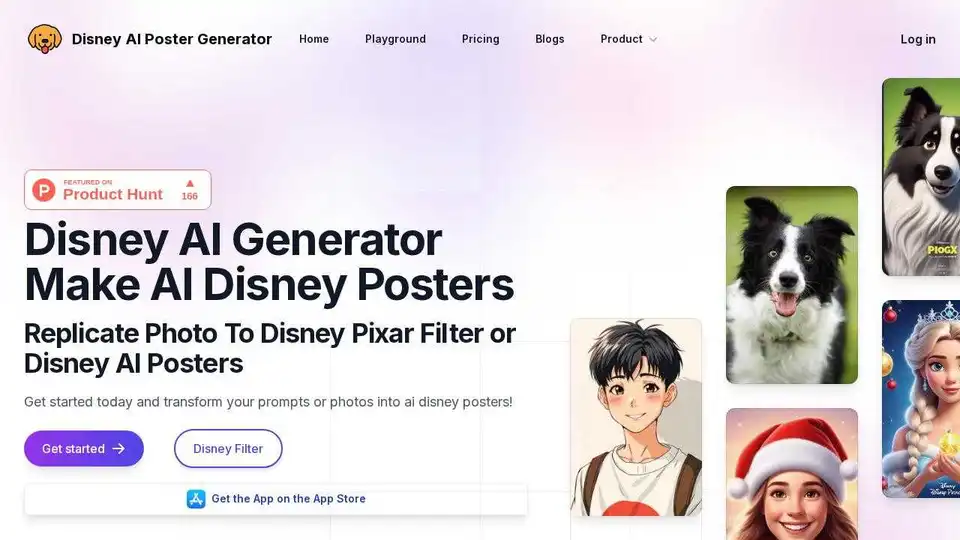
Disney AI Poster is an AI movie poster generator that lets you transform photos and prompts into stunning Disney-style artwork. Create unique Disney Pixar posters effortlessly.
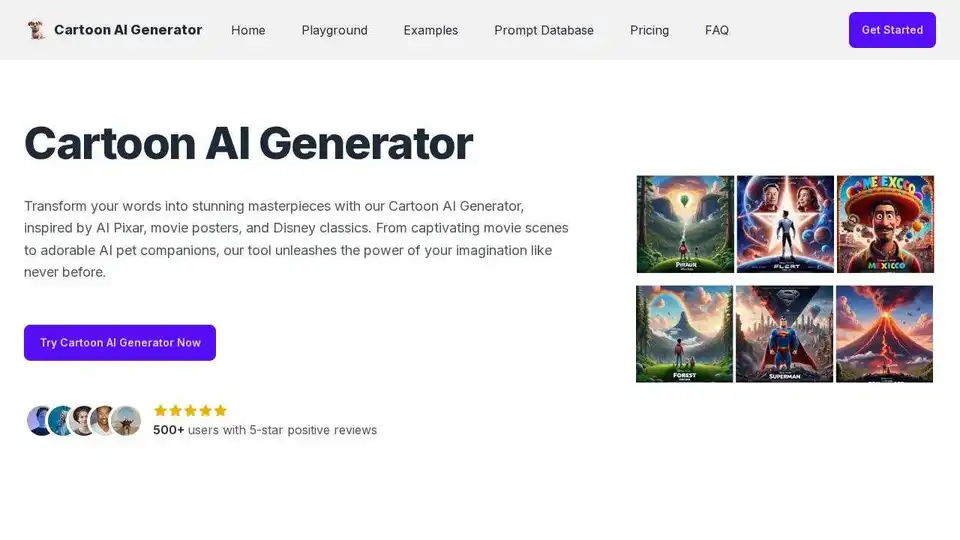
Turn text into vibrant cartoon images with Cartoon AI Generator. Effortlessly create unique cartoons for social media, art projects, and more! Inspired by Pixar and Disney.
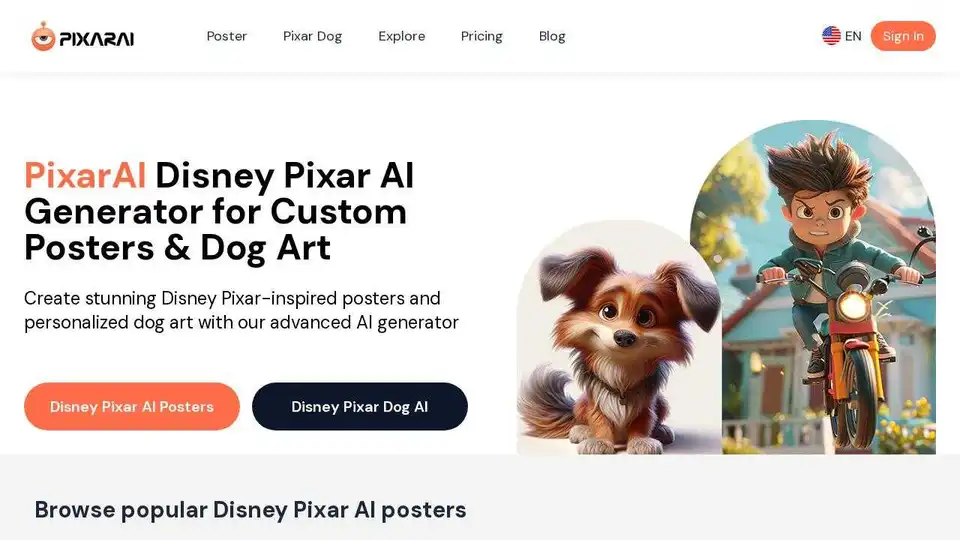
Discover PixarAI, the ultimate Disney Pixar AI generator. Create personalized posters, dog art, and memes. Perfect for fans and meme enthusiasts!

Generate unique AI images from a text prompt with Fotor free AI image generator. Input a prompt or upload an image, set the style, ratio and quantity, and get stunning images instantly.