
Beeble
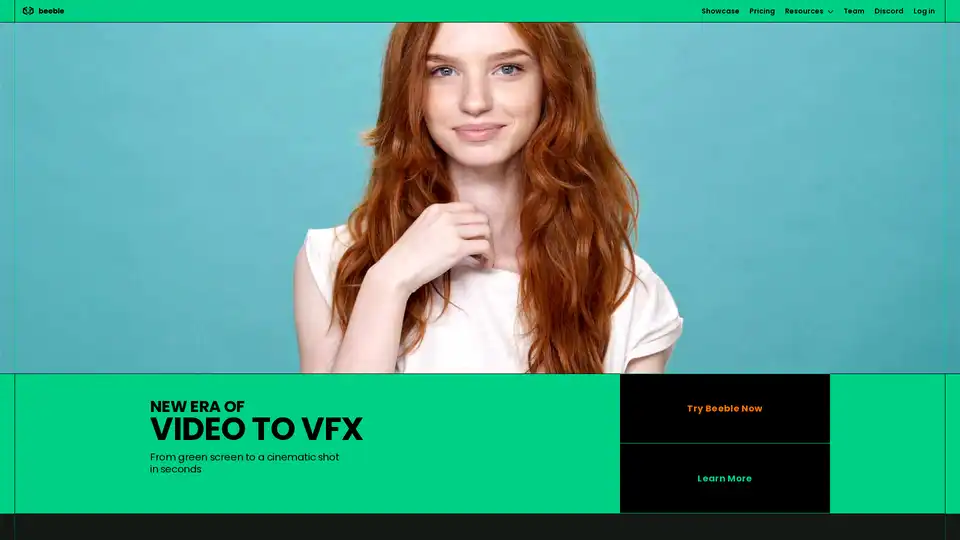
Overview of Beeble
Beeble: Next-Gen Compositing for Next-Gen Creators
What is Beeble? Beeble is an AI-powered video compositing tool designed to transform green screen footage into cinematic shots within seconds. It's aimed at video creators and VFX professionals looking for a faster, more efficient way to create high-quality visual effects.
Key Features
- AI-Powered Background Removal: Automatically removes backgrounds from green screen or raw footage without manual masking or keying.
- VFX Pass Generation: Generates pixel-accurate VFX passes, including normals, depth, base color, roughness, and specular maps for advanced compositing and relighting.
- Flexible Export Options: Allows users to download full renders or individual VFX passes, compatible with industry-standard software like Blender, Unreal Engine, After Effects, and Nuke.
- Direct Integration with Blender and UE5: Offers a Beeble add-on for seamless import of VFX passes into Blender and Unreal Engine 5, eliminating manual import processes.
- Real-Time Relighting: The Beeble Editor provides a real-time 3D environment for relighting scenes, allowing users to upload their own HDRIs or add point lights for instant visual feedback.
- AI-Generated Backdrops: Generates matching backdrops and HDRIs from simple text prompts, providing ready-to-use cinematic composites without the need for stock sites or complex 3D modeling.
How does Beeble work?
Beeble leverages AI and physically based rendering (PBR) to simulate real-world light interaction. Here's a breakdown of the process:
- Upload Footage: Upload your green screen or raw footage to Beeble.
- Background Removal (if needed): Beeble's AI automatically removes the background, creating a clean matte.
- VFX Pass Generation: The tool generates various VFX passes, including normal, depth, base color, roughness, specular, and metallic maps.
- Edit in Beeble Editor (optional): Use the Beeble Editor to relight the scene, replace the background, and fine-tune details.
- Export: Download individual passes or a fully rendered video for use in your preferred 3D or compositing software.
Who is Beeble for?
Beeble caters to two primary groups:
- VFX Professionals: Beeble provides mattes, PBR textures, and depth maps for seamless compositing, relighting, and 3D integration. It streamlines the VFX workflow, allowing professionals to focus on the creative aspects of their projects.
- Video Creators: Beeble empowers video creators to add cinematic power to their content without the need for a studio budget. It simplifies the process of creating visually stunning shots, making it accessible to creators of all levels.
Why choose Beeble?
- Efficiency: Beeble significantly reduces the time and effort required for video compositing and VFX creation.
- Accessibility: It makes advanced VFX techniques accessible to a wider audience, regardless of their budget or technical expertise.
- Flexibility: Beeble integrates seamlessly with industry-standard software, providing users with the flexibility to work in their preferred environment.
- AI-Powered Innovation: Beeble leverages AI to automate complex tasks, enabling creators to focus on their artistic vision.
How to use Beeble?
- Sign up for a Beeble account: Visit the Beeble website and create an account.
- Upload your footage: Upload your green screen or raw footage.
- Generate VFX passes: Let Beeble's AI generate the necessary VFX passes.
- Edit and relight (optional): Use the Beeble Editor to fine-tune your scene.
- Export your assets: Download the rendered video or individual passes.
Beeble offers a range of pricing plans to suit different needs and budgets. Visit the Beeble website for detailed pricing information.
AI Video Generation AI Video Editing AI Motion Capture and Animation AI Virtual Human and Digital Avatar 3D Video Generation
Best Alternative Tools to "Beeble"
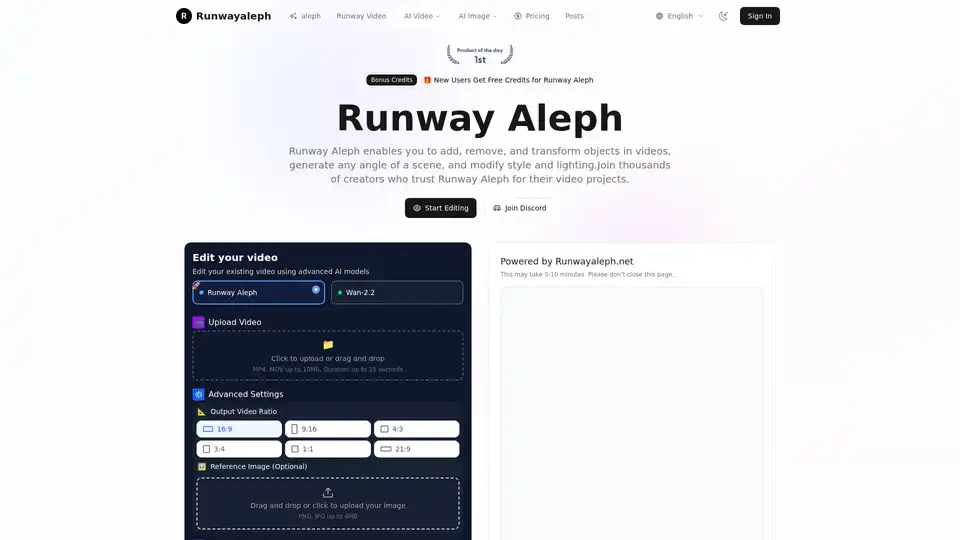
Transform videos with Runway Aleph AI technology. Add, remove objects, change backgrounds, generate camera angles with text prompts. Free credits available.
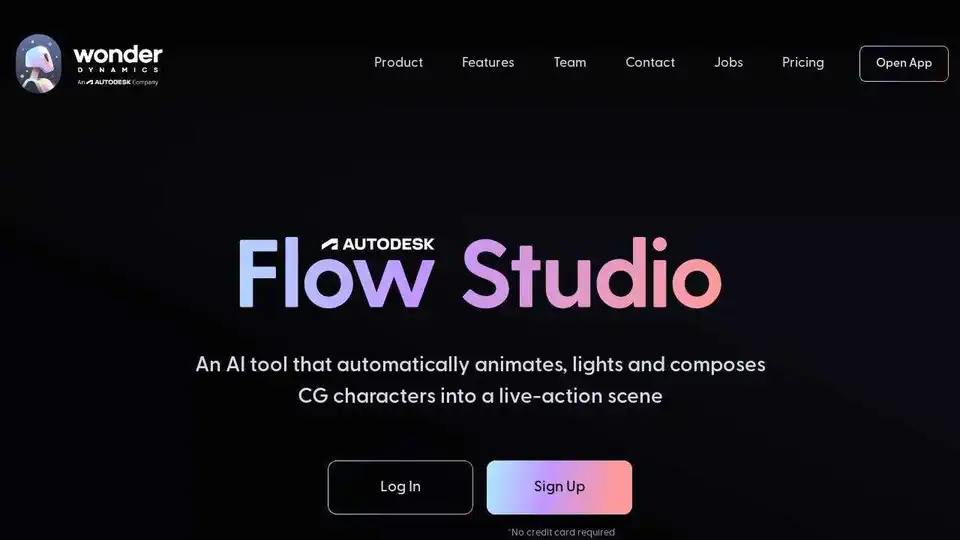
Autodesk Flow Studio (formerly Wonder Studio) is an AI tool that automatically animates, lights, and composes CG characters into live-action scenes. Revolutionize VFX workflow with AI!
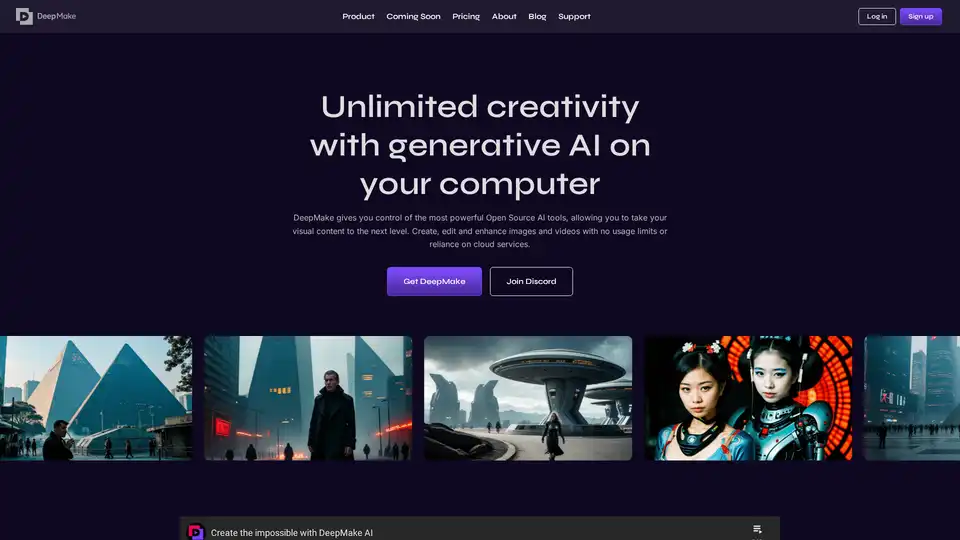
DeepMake leverages open-source generative AI to enable fast, local content creation. Generate images from text, refine visuals, mask objects in videos, and upscale media without cloud limits or fees.
Ray3 AI revolutionizes video creation with professional HDR output and multi-modal reasoning capabilities, delivering cinema-quality videos for filmmakers and creative professionals.