
AutoQA
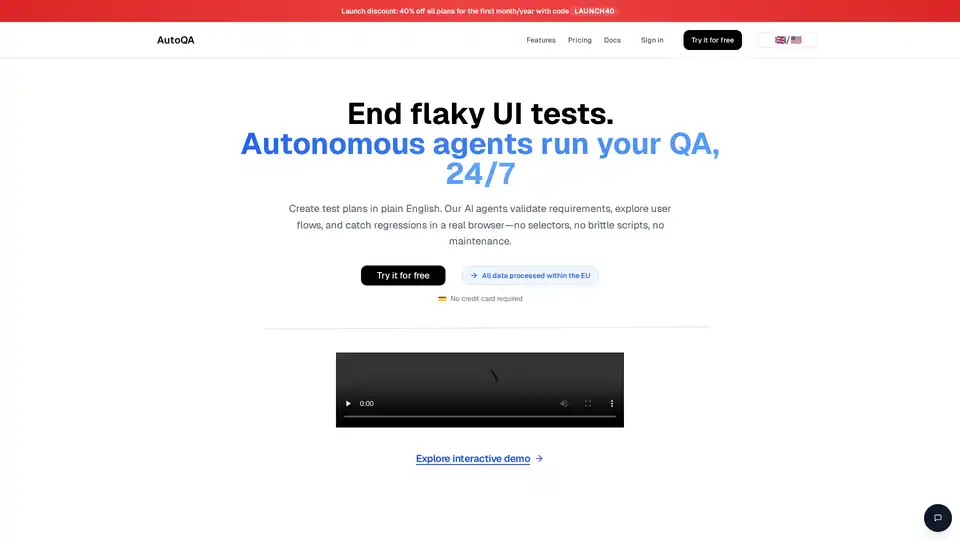
Overview of AutoQA
AutoQA: The AI-Powered Automated Testing Platform
What is AutoQA? AutoQA is an AI-powered automated testing platform designed to revolutionize software quality assurance. By leveraging autonomous AI agents, AutoQA automates the testing process, eliminating the need for brittle scripts and manual maintenance. It's engineered to validate requirements, explore user flows, and catch regressions in a real browser environment.
How does AutoQA work? AutoQA uses AI agents that interact visually with your application using a real browser, just like your users. This approach eliminates the need for DOM selectors, XPaths, and Playwright scripts. AutoQA understands natural language and translates your test descriptions into executable test plans. It supports complex websites with dynamic UIs, multi-step flows, and authenticated areas by feeding both the DOM and visual information to the LLM (Large Language Model).
Key Features of AutoQA
- Natural Language Test Plans: Define test plans using plain English, which AutoQA translates into executable test steps.
- Autonomous AI Agents: These agents validate requirements and explore user flows, ensuring comprehensive testing.
- Real Browser Interaction: Interacts visually with applications using a real browser, just like end-users.
- Bug Detection and Reporting: Provides detailed reports on revealed issues and integrates with Jira for automatic bug import.
- Comprehensive Testing: Capable of handling dynamic UIs, multi-step flows, and authenticated areas.
- Jira Integration: Automatically sync bug reports to Jira, facilitating efficient issue tracking and resolution.
Benefits of Using AutoQA
- Reduced Maintenance: Eliminates the need for maintaining brittle scripts and selectors.
- Faster Testing: Generates, runs, and triages tests in minutes, speeding up the QA process.
- Early Regression Detection: Catches regressions early and reports them automatically to Jira.
- Improved Collaboration: Enables PMs, QAs, and SWEs to work together more effectively.
- Cost-Effective: Offers flexible, seat-based pricing plans suitable for different team sizes.
Who is AutoQA for?
AutoQA is built for various roles within a software development team:
- Product Managers (PMs): Turn requirements on Jira tickets into robust tests and track quality risks.
- Quality Assurance (QA) Engineers: Generate and run high-signal tests in minutes using natural language test plans.
- Software Engineers (SWEs): Catch regressions early and automatically report them to Jira, reducing the need to manage fragile tests.
How to Use AutoQA
- Define Requirements: Input test descriptions in natural language.
- AutoQA Generates Test Steps: The AI translates the description into a detailed test plan.
- Run Tests: AutoQA interacts with the application using a real browser.
- Collect Bugs: Detailed reports are generated, and bugs can be automatically imported into Jira.
Pricing
AutoQA offers several pricing plans to suit different needs:
- Free: €0.00/month/seat, includes all core features, 5 test plans, and 10 test runs per month.
- Starter: €13.99/month/seat, includes all core features, 100 test plans, and 200 test runs per month.
- Advanced: €24.99/month/seat, includes all core features, unlimited test plans, and 500 test runs per month.
- Ultimate: €34.99/month/seat, includes all core features, unlimited test plans, and 1000 test runs per month.
Frequently Asked Questions
- What does AutoQA do? AutoQA automates quality assurance using AI agents that understand your application and perform various types of testing without code.
- Can AutoQA test complex web apps? Yes, it can handle dynamic UIs, multi-step flows, and authenticated areas reliably using a real browser.
- Where is my data processed? All customer data is processed within the EU, hosted on Microsoft Azure in Germany and France.
- Do you offer refunds? Yes, a no-questions-asked refund is available if you're not satisfied; just contact hello@auto-qa.io.
Why Choose AutoQA?
AutoQA provides an AI-driven approach to automated software testing. By using natural language to create test plans, leveraging AI agents to run tests, and integrating seamlessly with Jira, AutoQA streamlines the QA process, reduces maintenance, and enhances collaboration. It's the perfect solution for teams looking to ship faster with fewer bugs. Focus on the code, let AI handle the tests.
AI Programming Assistant Auto Code Completion AI Code Review and Optimization AI Low-Code and No-Code Development
Best Alternative Tools to "AutoQA"

Supercharge your testing with QAEverest.ai, an AI-powered platform for test automation, AI test case generation, and codeless testing, improving coverage and reducing testing efforts.
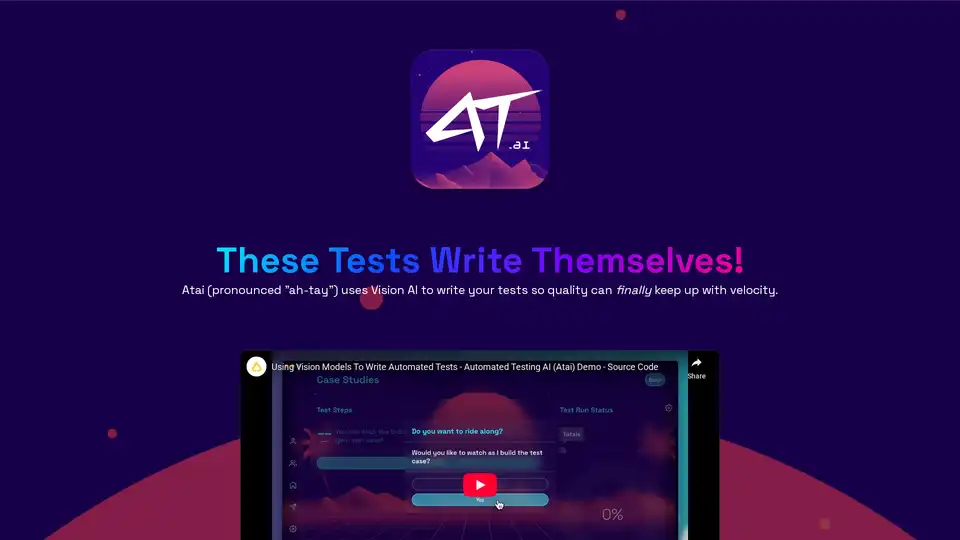
Atai is an AI-powered automated testing platform that uses Vision AI to write and maintain tests, saving time and reducing costs. Offers both lifetime license and cloud subscription options.
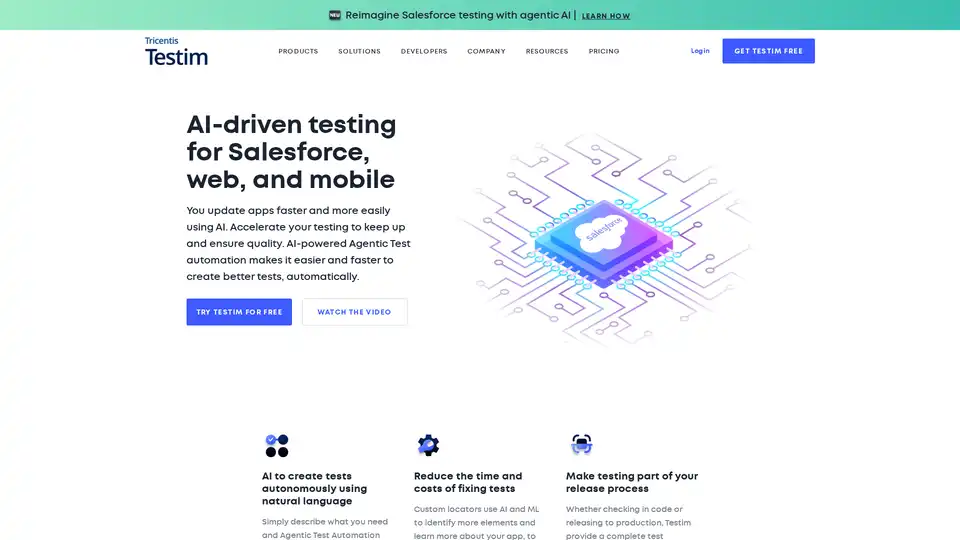
Testim is an AI-powered automated testing platform that accelerates testing for web, mobile, and Salesforce apps. It offers fast authoring, unmatched stability, and efficiency at scale, reducing time and costs while ensuring quality.
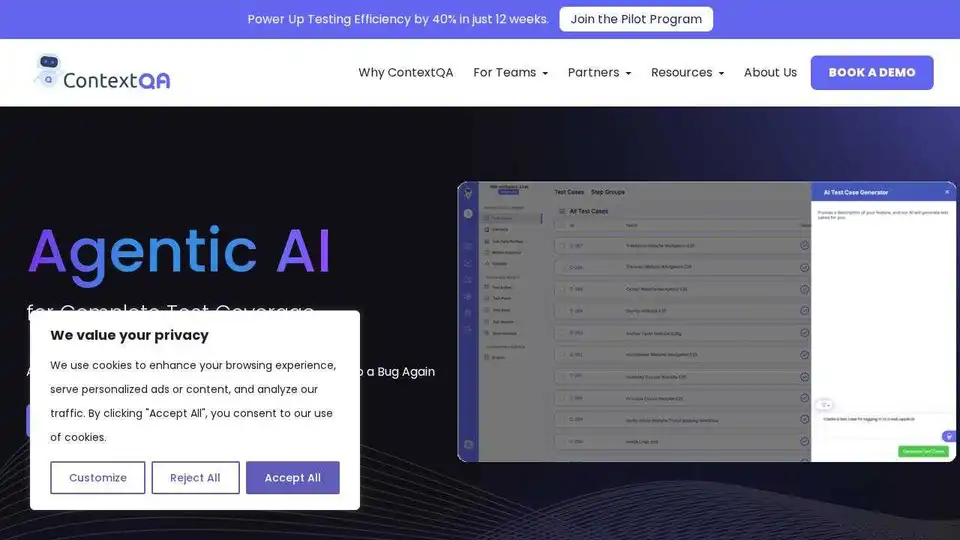
ContextQA provides AI-powered automated testing solutions to accelerate testing, reduce manual effort, and ensure quality with low-code automation and AI-driven insights.