
Ask Steve
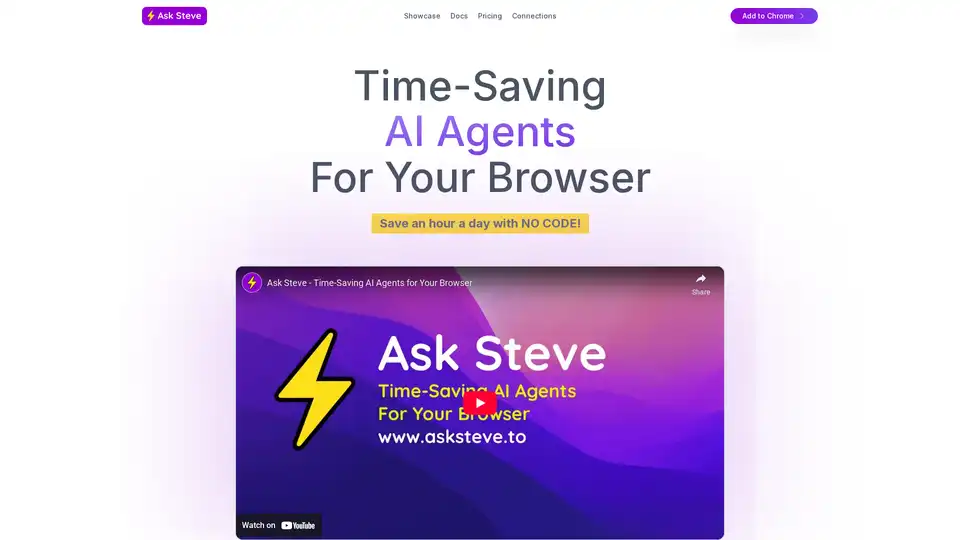
Overview of Ask Steve
Ask Steve: Time-Saving AI Agents for Your Browser
What is Ask Steve? Ask Steve is a browser extension designed to supercharge your productivity by providing AI agents directly within your browser. These agents work across any website or web application, eliminating the need to switch between multiple windows or applications.
How does Ask Steve work?
Ask Steve's AI Agents are designed to give you 1-click access to AI assistance on any web page. They work by:
- Contextual Understanding: Agents can read the current page or selected text, using it as context for your requests.
- Seamless Integration: Works on any website or web application, unlike chatbots that are in separate windows.
- Data Automation: Extracts information from web pages, PDFs, or spreadsheets and writes that data to other systems, such as Airtable or Salesforce.
- Customization: Customize the language and voice of your AI Agents.
- Voice Interaction: Talk to your Agents, and they can talk back, with voice assistant functionality on any web page.
Key Features and Benefits
- Time-Saving: Automates tedious tasks like copying and pasting, summarizing emails, and drafting replies.
- Versatile: Works across various applications, including Gmail, Google Sheets, and more.
- Connected: Integrates with other services such as Google, Microsoft, Salesforce, Make, n8n, Pipedream, Zapier and Activepieces.
- Customizable: Create new Agents and tailor them to specific tasks with no code.
- Interactive: Chat with any web page, PDF, YouTube video, or spreadsheet.
Use Cases
- Email Management: Draft replies, summarize threads, label and archive emails, and create calendar events.
- Data Extraction: Extract people information or other data from web pages and write it to databases.
- Content Creation: Clean up quick bullets in Gmail or generate hashtags.
- Workflow Automation: Connect to RPA and workflow automation systems via APIs or webhooks.
Who is Ask Steve for?
Ask Steve is designed for anyone looking to boost their productivity and automate repetitive tasks, including:
- Professionals: Streamline workflows and automate data entry.
- Students: Manage email, conduct research, and generate content.
- Businesses: Automate customer service, marketing, and data analysis tasks.
How to use Ask Steve?
- Installation: Add the Ask Steve extension to Chrome or Edge.
- Customization: Create custom AI Agents tailored to your specific needs.
- Integration: Connect Ask Steve to other services and tools for automated workflows.
- Voice Interaction: Interact with agents via voice commands for hands-free assistance.
Pricing
- BYO Account: Use your own developer LLM account for unlimited FREE use.
- Pay As You Go: Buy AI Credits as you need them, pay only for what you use.
- Enterprise: Custom solutions with team capabilities, extension customization, and on-premise deployment.
Why Choose Ask Steve?
Ask Steve distinguishes itself through its:
- Ubiquitous Availability: Operates on any website or web application.
- Contextual Understanding: Uses page context to deliver relevant AI assistance.
- Seamless Integration: Connects to a wide range of services and workflow automation tools.
- No-Code Customization: Create and share custom AI Agents without needing to write code.
The future of AI with Ask Steve
According to the original text, the future of AI is "ubiquitous, contextual, connected, out loud, inbox zero, interactive, no-code, automated". Ask Steve embodies this vision by providing AI agents that are easily accessible, context-aware, and capable of automating tasks across various platforms and applications. By leveraging Ask Steve, users can save time, boost productivity, and unlock new possibilities with AI.
AI Programming Assistant Auto Code Completion AI Code Review and Optimization AI Low-Code and No-Code Development
Best Alternative Tools to "Ask Steve"
Discover iMean AI Builder, a browser extension that records and automates your online tasks into personalized AI workflows. Effortlessly create, customize, and optimize intelligent assistants for daily efficiency.
Amurex is a free, open-source AI invisible companion that silently boosts productivity by enabling instant knowledge search across Notion, Google Drive, Obsidian; automating meeting recordings, transcriptions, summaries, and action items; and categorizing emails. Works as a browser layer without extra apps.
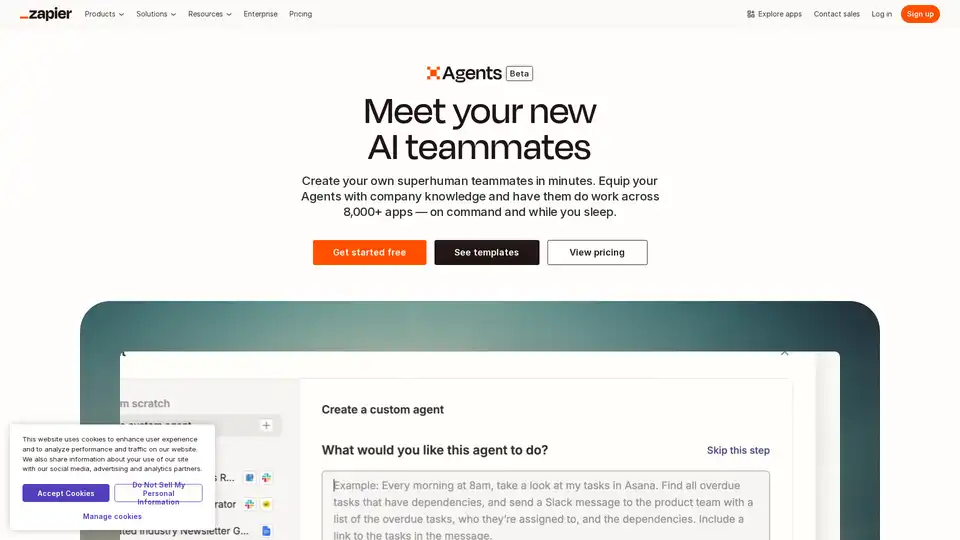
Create your custom AI agent in minutes. Equip your agents with live business data and have them do work across 8,000+ apps — on command and while you sleep.
JoyAI supercharges your team's work with AI co-pilots for various departments. Automate tasks, generate documents, and optimize workflows with integrated AI models and browser extensions.