
Ask Gene
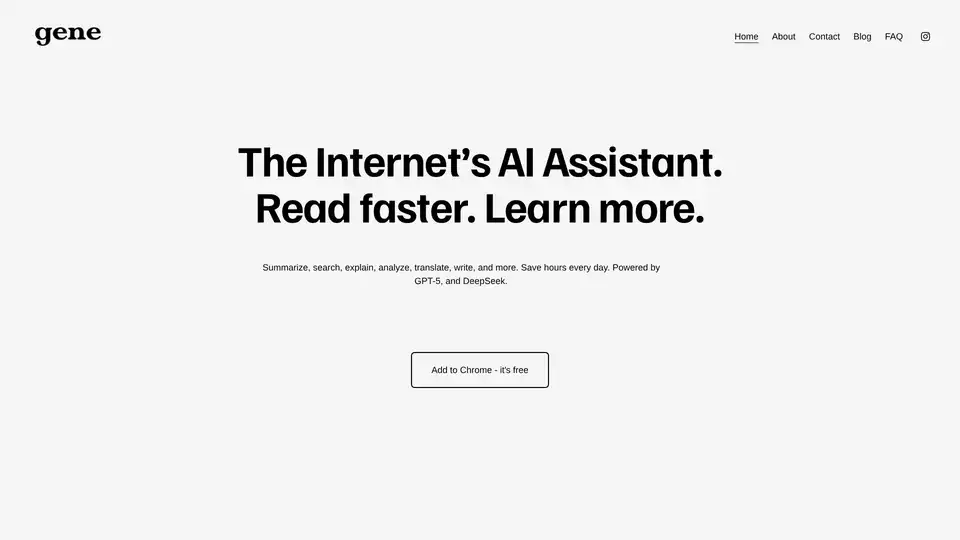
Overview of Ask Gene
Ask Gene: Your All-in-One AI Assistant
What is Ask Gene?
Ask Gene is an AI-powered Chrome extension designed to enhance your online experience by providing quick access to various AI functionalities. Powered by GPT-4 and DeepSeek, Gene acts as your internet AI assistant, helping you read faster and learn more efficiently.
How does Ask Gene work?
Gene integrates directly into your Chrome browser. By pressing Ctrl + Q, you can activate Gene and access its features without leaving your current tab. It allows you to:
- Chat with AI: Access GPT-4o directly from any tab.
- Summarize Webpages: Quickly summarize any webpage to save time.
- Understand Highlighted Text: Highlight text on any webpage and ask Gene to explain it.
- Chat with PDFs: Open any PDF, whether online or from your computer, and gain AI insights.
- Get Quick Insights: Click the question mark next to any paragraph for instant explanations.
Key Features of Ask Gene
- Instant Access: Activate Gene with
Ctrl + Qfor immediate assistance. - AI-Powered Chat: Chat with GPT-4o without navigating away from your current page.
- Text Summarization: Summarize webpages and PDFs quickly.
- Contextual Understanding: Highlight text and ask Gene to explain it.
- PDF Support: Analyze and chat with PDFs from your computer or online.
Use Cases
- Research: Quickly summarize research papers or articles to grasp the main points efficiently.
- Language Learning: Translate and understand foreign language content instantly.
- Content Creation: Generate ideas, outlines, and drafts for your writing projects.
- Problem Solving: Get quick explanations and insights on complex topics.
- Everyday Tasks: Simplify daily tasks such as summarizing news articles or understanding lengthy documents.
Why Choose Ask Gene?
- Time-Saving: Save hours each day by quickly summarizing and understanding content.
- Enhanced Productivity: Access AI tools without interrupting your workflow.
- Versatile Functionality: Use Gene for a wide range of tasks, from research to writing.
- User-Friendly: Easy to install and use, with a simple and intuitive interface.
Add Ask Gene to Chrome for free and stop wasting time on tedious tasks. Gene helps you unlock the internet’s full potential by providing AI assistance at your fingertips.
AI Article Generation AI Text Polishing AI Writing Assistance Paper and Report Generation News and Blog Generation Email and Business Writing
Best Alternative Tools to "Ask Gene"
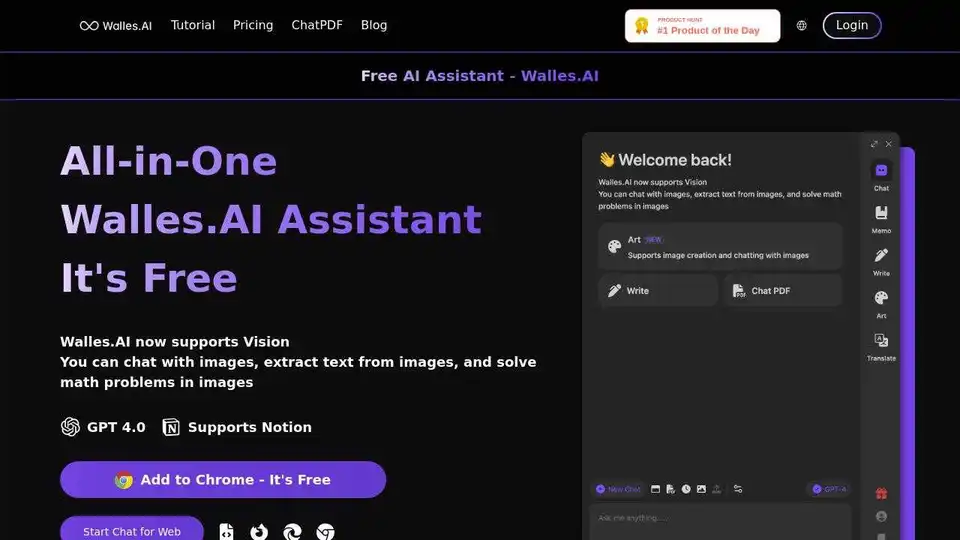
Walles.AI is a free GPT-4 AI assistant and ChatGPT plugin that answers complex questions, comprehends long texts, and exports to Notion. Available on all websites.
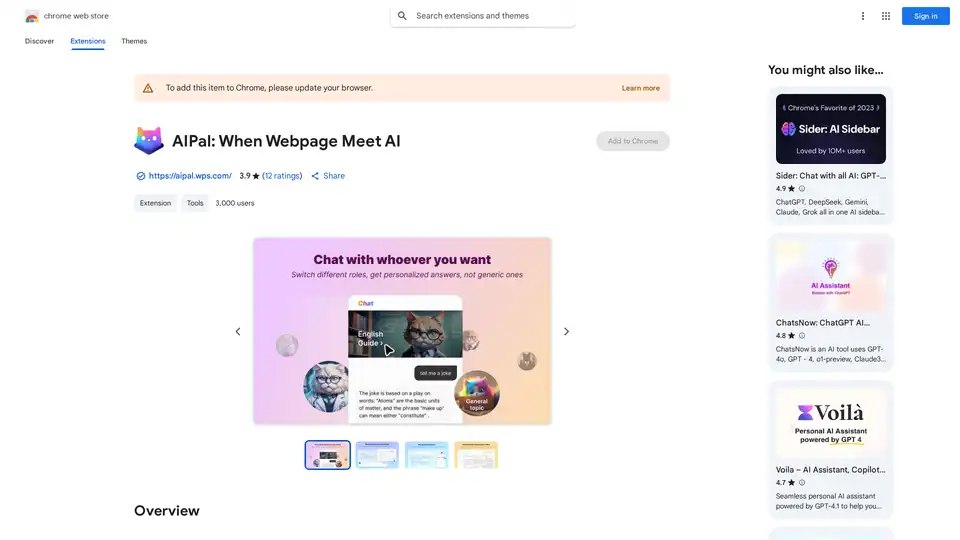
AIPal is a powerful Chrome extension that integrates AI models like GPT-4 and Claude 3 for chatting, writing, translating, and summarizing content directly on any webpage, boosting your browsing productivity.
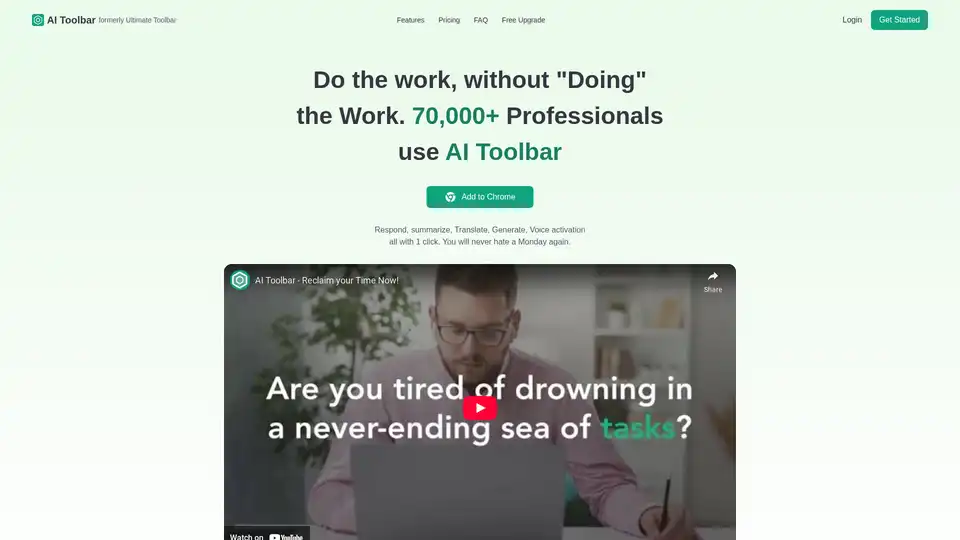
AI Toolbar is a free Chrome extension offering AI-powered virtual assistance. Effortlessly draft emails, summarize texts, translate content, and integrate with ChatGPT—all with one click to boost productivity.
NativeMind is an open-source Chrome extension that runs local LLMs like Ollama for a fully offline, private ChatGPT alternative. Features include context-aware chat, agent mode, PDF analysis, writing tools, and translation—all 100% on-device with no cloud dependency.