
Ashdeck
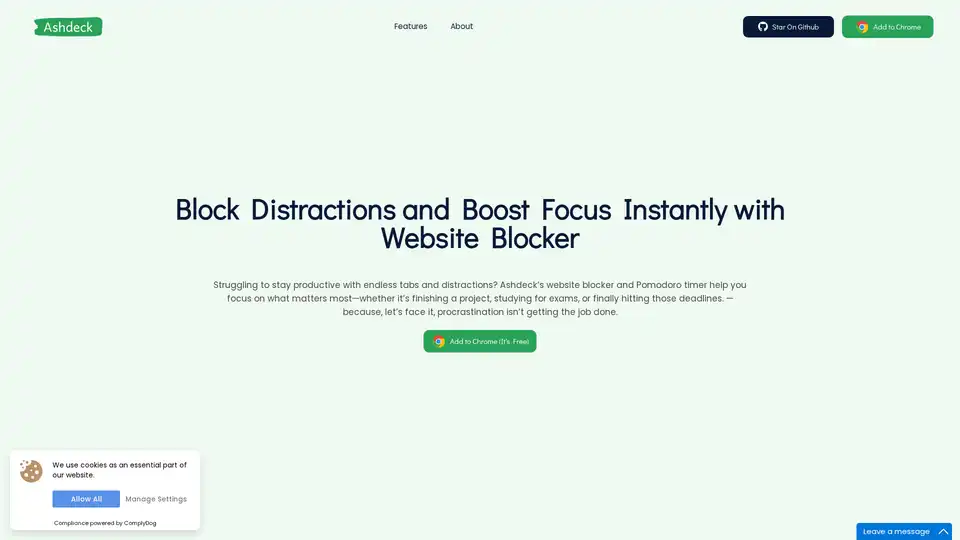
Overview of Ashdeck
What is Ashdeck?
Ashdeck is a powerful Chrome extension designed to help users overcome digital distractions and enhance productivity. By combining a robust website blocker with an integrated Pomodoro timer, Ashdeck provides a comprehensive solution for maintaining focus during work or study sessions.
How Does Ashdeck Work?
Ashdeck operates as a browser-based productivity tool that helps users:
- Block distracting websites: Prevent access to time-wasting sites like social media, news, and shopping platforms
- Implement Pomodoro technique: Use built-in timer for structured work-break intervals
- Create customized focus sessions: Set specific blocking schedules based on individual needs
Key Features and Functionality
🛑 Advanced Website Blocker
Ashdeck's website blocking feature allows users to create custom block lists of distracting websites. When activated, these sites become inaccessible during designated focus periods, eliminating the temptation to stray from important tasks.
⏱️ Integrated Pomodoro Timer
The extension includes a Pomodoro timer that follows the classic 25-minute work/5-minute break cycle, helping users maintain rhythm and prevent burnout while working on demanding tasks.
🎯 Customizable Focus Sessions
Users can tailor their focus sessions by:
- Setting specific time blocks for website blocking
- Creating different blocking profiles for various activities
- Scheduling recurring focus periods
Who is Ashdeck For?
Ashdeck serves a wide range of professionals and students who struggle with digital distractions:
Students
Perfect for maintaining focus during study sessions and completing academic assignments without social media interruptions.
Developers
Ideal for coding sessions that require deep concentration without the distraction of checking emails or browsing technical forums.
Writers and Creatives
Excellent for maintaining creative flow by eliminating distractions that can disrupt the writing or design process.
Professionals
Suitable for office workers, marketers, entrepreneurs, and freelancers who need to stay focused on client work and business tasks.
Individuals with ADHD
Provides structure and helps manage attention challenges by creating a distraction-free digital environment.
Privacy and Security
Ashdeck prioritizes user privacy with the following assurances:
- Local data storage: All blocking preferences and settings remain on your device
- No tracking: The extension doesn't monitor or share your browsing activity
- User control: Only you decide which websites to block and when
- Team administration: Even team administrators cannot access your blocking preferences
Installation and Usage
Installing Ashdeck is simple:
- Visit the Chrome Web Store
- Search for "Ashdeck" or use the direct installation link
- Click "Add to Chrome" to install the extension
- Configure your blocking preferences and timer settings
- Start your first focus session
Why Choose Ashdeck?
Free Access
Ashdeck offers complete functionality without any cost, making it accessible to everyone.
Easy to Use
The intuitive interface requires minimal setup, allowing users to start blocking distractions immediately.
Effective Results
Users report significant improvements in productivity and focus after implementing Ashdeck into their workflow.
Privacy-Focused
Unlike some productivity tools, Ashdeck doesn't collect or sell user data, ensuring complete privacy.
Practical Applications
Ashdeck proves valuable in various scenarios:
- Exam preparation: Block distractions during intensive study periods
- Project deadlines: Maintain focus during critical work phases
- Creative work: Preserve uninterrupted creative flow
- Remote work: Create structure in home office environments
- Habit building: Develop better digital habits over time
Getting Started with Ashdeck
To begin using Ashdeck:
- Identify your distractions: Make a list of websites that typically distract you
- Set realistic goals: Start with short focus sessions and gradually increase duration
- Customize your blocks: Create different blocking profiles for various tasks
- Use the Pomodoro timer: Follow the work-break cycle to maintain sustainable productivity
- Review and adjust: Regularly assess what's working and modify your settings accordingly
Ashdeck represents more than just a website blocker—it's a comprehensive productivity system that helps users reclaim their time, build better digital habits, and achieve their goals with greater efficiency and satisfaction.
AI Task and Project Management AI Document Summarization and Reading AI Smart Search AI Data Analysis Automated Workflow
Best Alternative Tools to "Ashdeck"

Clean Inbox for Gmail™ is a browser extension addon powered by GPT (ChatGPT) that filters spam, labels email categories, creates custom filters, and manages unwanted senders without reading email contents. Privacy-first, rated 4.8/5 by 150+ reviews and 20k+ users.
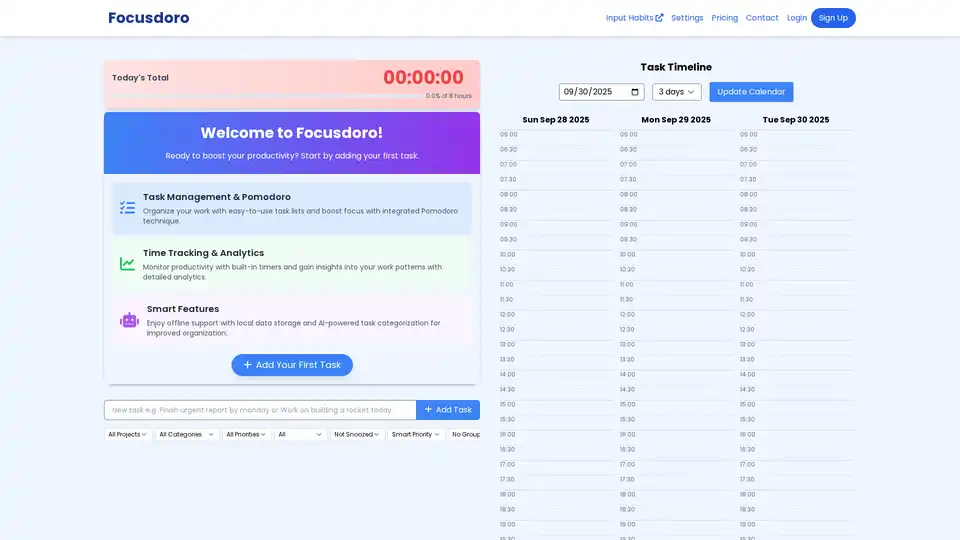
Focusdoro combines Pomodoro timers with AI task categorization to help users organize work, track time, and boost productivity through intuitive task lists and analytics.
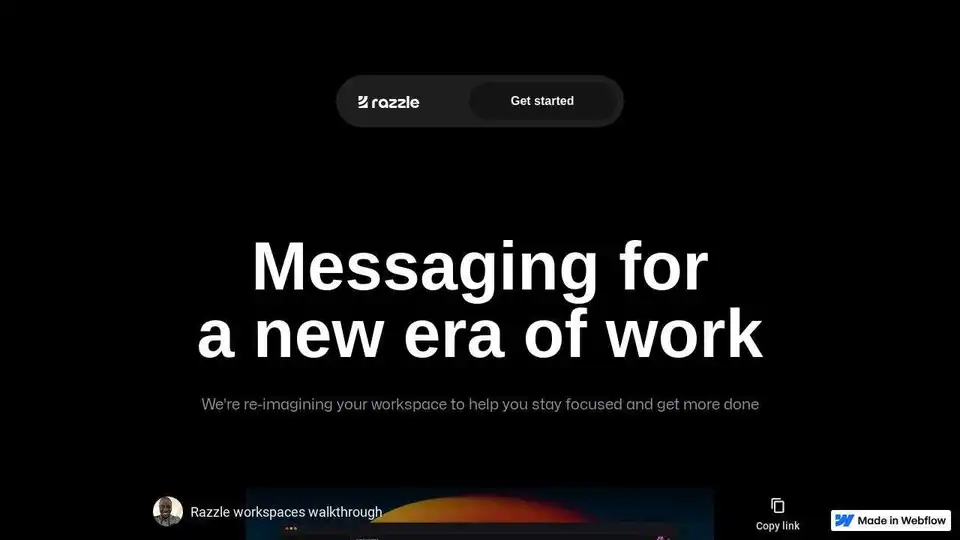
Razzle is an AI-powered messaging platform designed to minimize distractions and enhance team productivity. Features include focus mode, quick search, and embedded AI models for writing and data extraction.

Effie is an AI-powered writing tool that combines mind mapping, outlining, and an AI assistant to boost writing productivity for creative thinkers. Record ideas, create distraction-free writing, and organize logic easily.