
Artguru AI Photo Editor
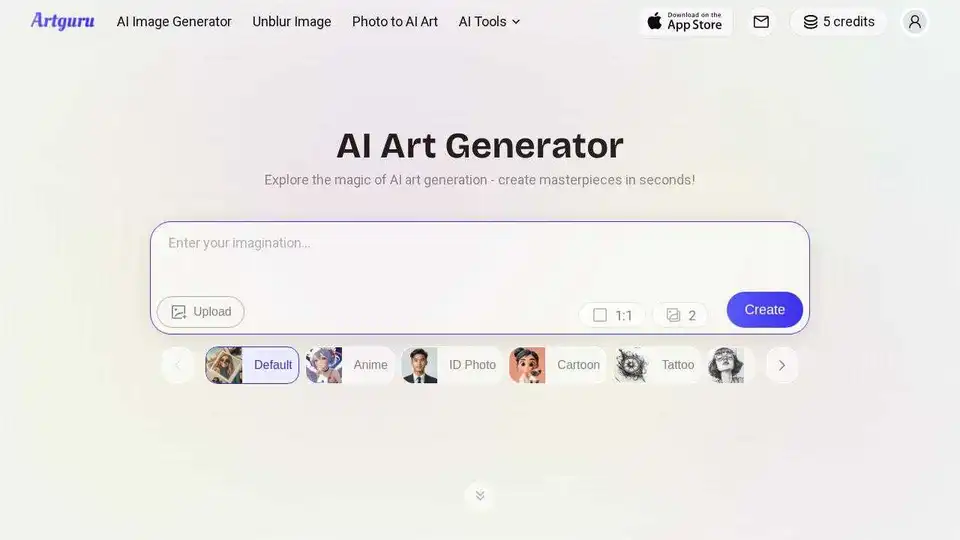
Overview of Artguru AI Photo Editor
What is Artguru AI Photo Editor?
Artguru AI Photo Editor is an advanced online tool designed to enhance, retouch, and generate images using artificial intelligence. It provides a comprehensive suite of features that cater to both amateur and professional photographers, making photo editing accessible and efficient.
Key Features of Artguru AI Photo Editor
Photo Enhancement
- Photo Enhancer: Instantly improve the quality of your photos by sharpening details and enhancing clarity.
- Unblur Image: Remove blur from photos to make them crisp and clear.
- Restore Old Photo: Bring old, damaged photos back to life with AI-powered restoration.
- Image Sharpener: Enhance the sharpness of your images for better detail.
- Denoise Image: Reduce noise in photos for a cleaner look.
- Unpixelate Image: Improve the resolution of pixelated images.
- Deblur Text: Make text in images clearer and more readable.
- Face Enhancer: Enhance facial features for better portrait photos.
- Document Enhancer: Improve the quality of scanned documents.
AI Video Enhancement
- Video Enhancer: Enhance the quality of videos with AI.
AI Image Enlargement
- Image Upscaler: Scale images up to 8K resolution without losing quality.
- HD Photo Converter: Convert photos to high definition.
- 4K Image Converter: Convert images to 4K resolution.
- Logo Enhancer: Improve the quality of logos.
AI Image Editor
- Background Remover: Instantly remove or change backgrounds with AI.
- Object Remover: Erase unwanted objects from photos with a simple brushstroke.
AI Image Generation
- AI Image Generator: Generate unique, high-quality images from text prompts.
- Photo to AI Art: Transform your photos into various artistic styles like painting, anime, and 3D.
How Does Artguru AI Photo Editor Work?
Artguru AI Photo Editor leverages advanced AI algorithms to analyze and enhance images. The process involves:
- Uploading: Users upload their photos or videos to the platform.
- Processing: The AI algorithms process the images to enhance quality, remove backgrounds, erase objects, or generate new images.
- Downloading: Users can download the enhanced or generated images for their use.
How to Use Artguru AI Photo Editor?
- Visit the Website: Go to the Artguru AI Photo Editor website.
- Upload Your Photo: Click on the upload button and select the photo you want to edit.
- Choose a Feature: Select the feature you want to use, such as Photo Enhancer, Background Remover, or AI Image Generator.
- Edit Your Photo: Use the tools to enhance, retouch, or generate images.
- Download Your Photo: Once you are satisfied with the results, download the edited photo.
Why Choose Artguru AI Photo Editor?
- Ease of Use: The platform is designed to be user-friendly, making it accessible to everyone, regardless of their technical skills.
- Comprehensive Features: Artguru offers a wide range of features that cover all aspects of photo editing.
- High-Quality Results: The AI algorithms ensure that the enhanced and generated images are of high quality.
- Time-Saving: The tools are designed to be efficient, saving users time and effort.
- Versatility: Artguru can be used for various purposes, including personal photo editing, professional photography, and social media content creation.
Who is Artguru AI Photo Editor For?
Artguru AI Photo Editor is ideal for:
- Photographers: Professional photographers who need to enhance and retouch their photos.
- Social Media Influencers: Individuals who want to create high-quality content for their social media platforms.
- Business Owners: Entrepreneurs who need to improve the quality of their product photos for marketing purposes.
- Students and Teachers: Educators and students who need to enhance images for presentations and projects.
- General Users: Anyone who wants to improve the quality of their personal photos.
Best Way to Enhance Photos with Artguru AI Photo Editor
- Identify Your Needs: Determine what aspects of your photo need enhancement, such as sharpness, background, or objects.
- Select the Right Tool: Choose the appropriate tool from Artguru's suite of features.
- Apply the Enhancements: Use the tool to enhance your photo.
- Review and Download: Review the enhanced photo and download it for your use.
Customer Testimonials
- Professional Quality Images: "My customers often send low-quality phone photos for custom mugs and t-shirts. Artguru's Photo Enhancer is a lifesaver because it's so easy to use. It cleans up and sharpens these images beautifully, so my products always look high-quality. It's become a daily tool for my business."
- High-Resolution Made Simple: "I often find great images online that are too small and pixelated to use on a large screen. The Image Upscaler is a fantastic tool. It's incredibly intuitive and lets me enlarge any image for my presentations without losing quality. It's become essential for my lesson planning."
- Flawless Product Photos: "I love using the Background Remover for a clean white background, and the Object Remover is amazing for quickly erasing tiny dust spots or reflections. My product photos look so much more professional now, and it's incredibly easy to use."
- Simplifies Social Media Workflow: "Artguru handles all the heavy lifting in my editing process. I'll take a photo, use the Enhancer to fix the lighting, then the Background Remover to cut out my subject for a new post. Having all these powerful tools in one place is a huge time-saver for my social media work."
- User-Friendly Design: "I love how user-friendly the design is on both my phone and desktop. It's so convenient to switch between them. I can make a quick edit on my phone right after taking a picture, and the seamless sync lets me finish it up on my computer's larger screen later."
- Professional Editing for Everyone: "I'm not a professional editor, but Artguru gives me the power to make my photos look like they were. Whether it's clearing up a blurry photo or removing a distracting background, the tools are so simple but the results look amazing. It's fantastic for anyone who wants better photos without learning complex software."
Conclusion
Artguru AI Photo Editor is a versatile and powerful tool that leverages AI to enhance, retouch, and generate images. Its comprehensive suite of features, ease of use, and high-quality results make it an essential tool for anyone looking to improve their photos. Whether you are a professional photographer, a social media influencer, or a general user, Artguru AI Photo Editor has something to offer.
AI Generated Art Image Enhancement and Repair Image Style Transfer AI Background Removal and Replacement AI Avatar and Cartoonization 3D Modeling and Rendering Logo and UI Design
Best Alternative Tools to "Artguru AI Photo Editor"
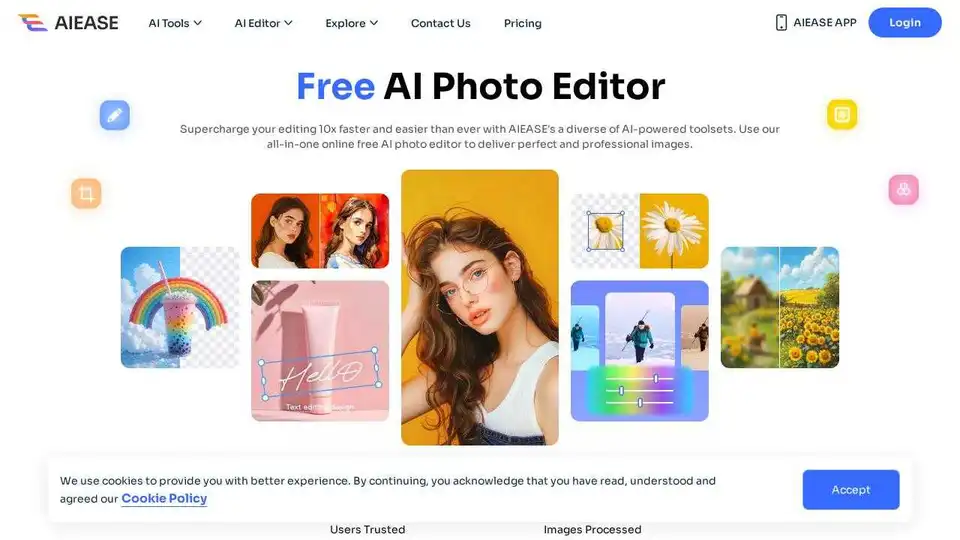
Simplify and automate your photo editing with AI Ease. Experience a wide range of AI photo editing tools to enhance every aspect of your images for free.
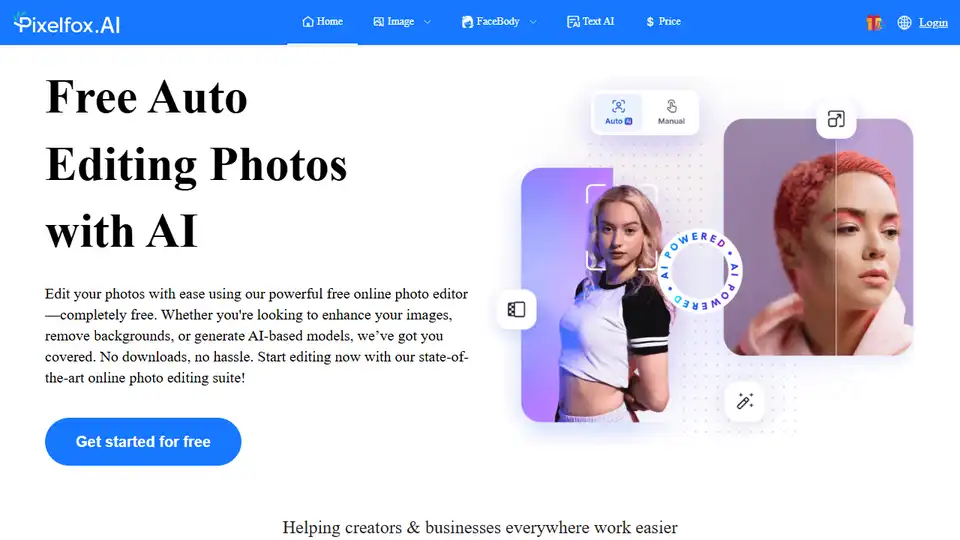
Pixelfox AI is a free AI photo and video editor, providing tools for photo retouching, background removal, image enhancement, and more. Edit photos and videos online without downloads.
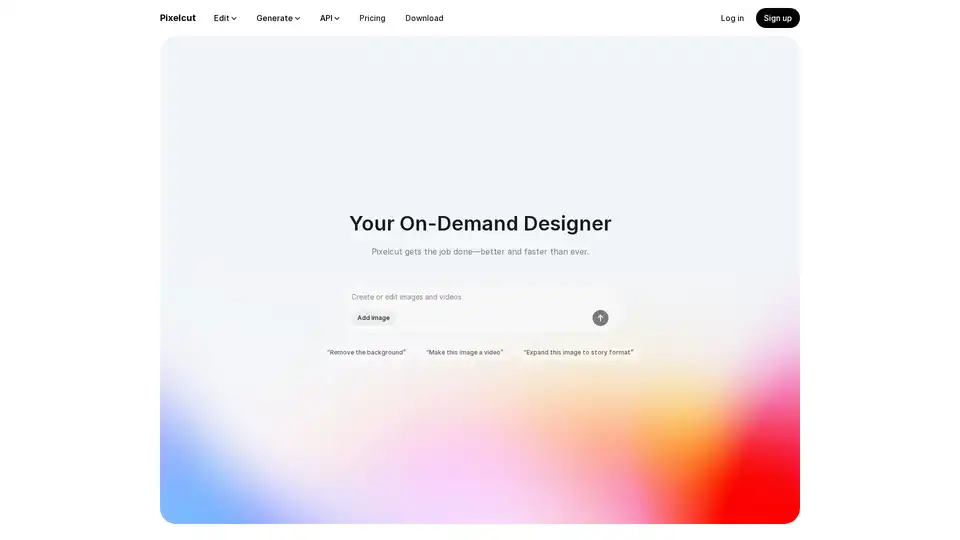
Pixelcut is a free AI photo editor that simplifies image editing, background removal, upscaling, and video generation. Trusted by over 50 million creators, it offers powerful tools for professional results in minutes.
CrafteAI is a free all-in-one AI image platform offering generation, editing, and enhancement tools. Perfect for creators and professionals seeking high-quality visual content without design skills.