
Alter
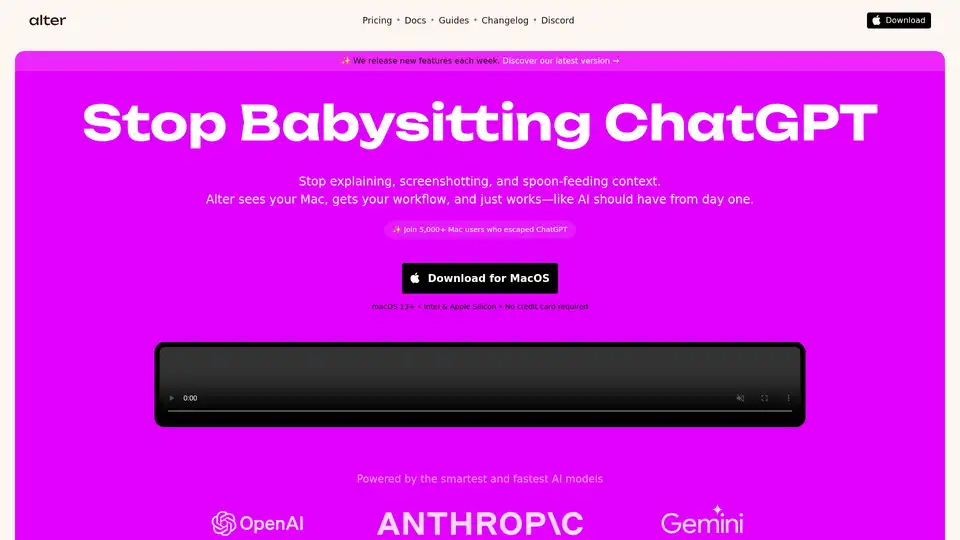
Overview of Alter
Alter: The AI Assistant for Your Entire Workday
What is Alter? Alter is an AI-powered assistant designed exclusively for macOS, aiming to enhance productivity by seamlessly integrating with your existing workflow. It moves beyond the traditional chatbot interface by understanding your Mac's context, applications, and screens, enabling it to perform actions directly within your environment.
How does Alter work? Alter operates by understanding your Mac's context. It recognizes the applications you're using, the content on your screen, and even your voice commands. This allows it to:
- Understand Your Mac: It sees your screen and app context, allowing for more informed actions.
- Native macOS Actions: Automatically insert responses and control apps directly.
- Voice-First Workflows: Supports speech-to-action for faster task completion.
- Meeting Intelligence: Record meetings, identify speakers, and generate summaries (even offline).
- Offline Functionality: Works offline with local models for enhanced privacy.
- Automation with 2,000+ Apps: Connects to various services via webhooks and shortcuts.
- Access to 50+ AI Models: Chooses the best model for each task.
Key Features and Benefits
- Universal App Integration: Alter works with a wide range of applications, from Slack to Notion, Linear to Gmail, eliminating the need to learn different interfaces.
- Faster Than ChatGPT: Optimized routing delivers AI responses 2-3x faster than ChatGPT and Claude.
- Auto-Insert AI Anywhere: Integrates directly with your workflow, allowing you to automatically insert AI-generated responses into any app.
- Chat With Any Website: Turn any webpage into an AI conversation for quick insights from documentation and reports.
- Native macOS Integration: Access iMessage, Maps, and Calendar directly through AI.
- AI Model Selection: Automatically chooses the best AI model for each task (Claude for writing, Gemini for search, etc.).
- Meetings for Good: It can record meetings anywhere and create summaries.
Privacy by Design
Alter prioritizes user privacy. All chats stay encrypted and local, and your data isn't used for training AI models. You can even run models offline for complete data control.
Who is Alter for?
Alter is ideal for:
- Mac Power Users: Those who want to maximize their productivity on macOS.
- Professionals: Individuals who need to automate tasks, summarize information quickly, and communicate efficiently.
- Anyone Seeking Enhanced Privacy: Users who want to keep their data secure and under their control.
How to Use Alter
- Download and Install: Get Alter from the official website.
- Grant Permissions: Allow Alter to access the necessary macOS features.
- Start Using: Invoke Alter with a keyboard shortcut or voice command.
- Explore Actions: Use built-in actions or create custom ones.
Real User Testimonials
Users praise Alter for its seamless integration, productivity gains, and privacy features:
- "What Apple Intelligence should have been on MacOS — and more!" - Nic Touron
- "The only Mac app I allow to launch on startup and use hourly. Makes me more productive." - Lucas Braunschvig
- "Promising app in beta — devs addressed most issues within a week and shipped new features every Friday, which convinced me to buy… highly recommend!" - Eric Louw
- "I've been using Alter since v1 — it's leveled up my productivity. Recording meetings and auto reports are a game changer." - Frantz Nelson
These testimonials highlight Alter's ability to enhance productivity and provide a native AI experience on macOS.
Frequently Asked Questions
- What Makes Alter Different from other tools? Alter is a native macOS AI assistant that understands your current work context. It seamlessly integrates with all your apps, helping you accomplish more with less effort.
- What are the system requirements? Alter is compatible with macOS Ventura 13 and newer versions. As a universal app, it supports both Apple Silicon and Intel processors.
- Can I use Alter offline or with models running locally? Alter seamlessly connects with Ollama and LM Studio for completely local AI processing. This keeps your data on your device and allows you to work offline.
Pricing and Availability
Alter offers a 7-day free trial with full access to all models. After the trial, you can continue using it with your own API keys or choose a paid plan for seamless access.
Why Choose Alter? Alter is a well-thought-out app that integrates seamlessly into your workflow and saves you hours each month with features like meeting transcription, speaker ID, workspace context, and fast Keynote from PDF generation. It's the AI-first, friction-free, and context-aware solution that users have been waiting for.
AI Programming Assistant Auto Code Completion AI Code Review and Optimization AI Low-Code and No-Code Development
Best Alternative Tools to "Alter"
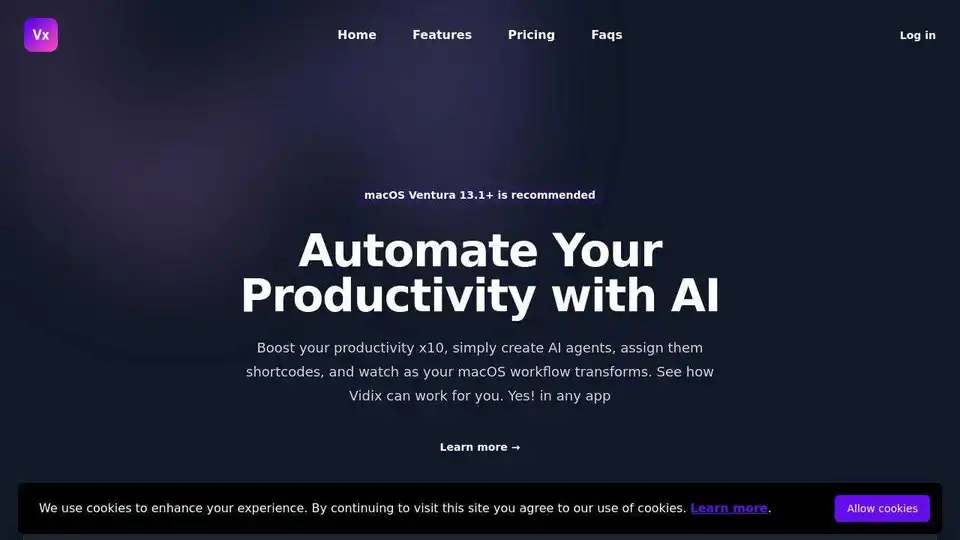
Vidix is an AI-powered macOS assistant that automates tasks using customizable AI agents and shortcodes, boosting productivity and creativity in any app. Free trial available.
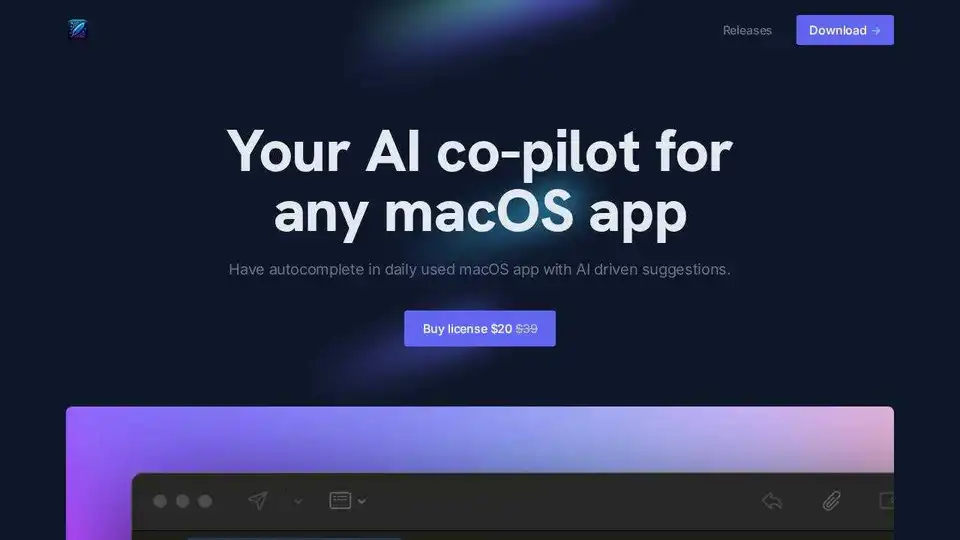
InfinipilotAI is an AI co-pilot for macOS apps, offering autocomplete, translation, and AI-powered writing assistance to boost productivity. Privacy-focused with local language models.
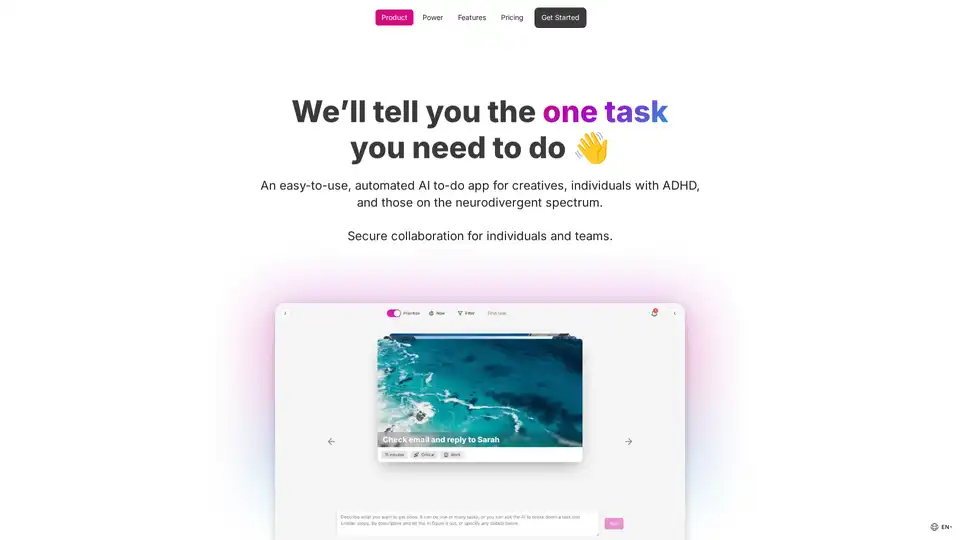
OneTask is an AI to-do app designed for creatives and individuals with ADHD, offering auto-prioritization, AI task analysis, and multiple views to enhance focus and streamline workflow.
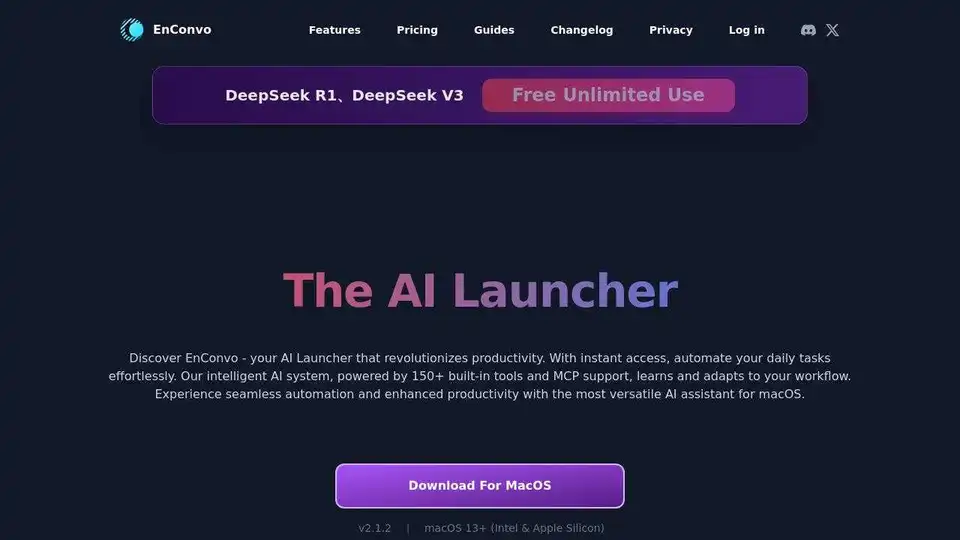
EnConvo is an AI Agent Launcher for macOS, revolutionizing productivity with instant access and workflow automation. Features 150+ built-in tools, MCP support, and AI Agent mode.