
AIUI.me
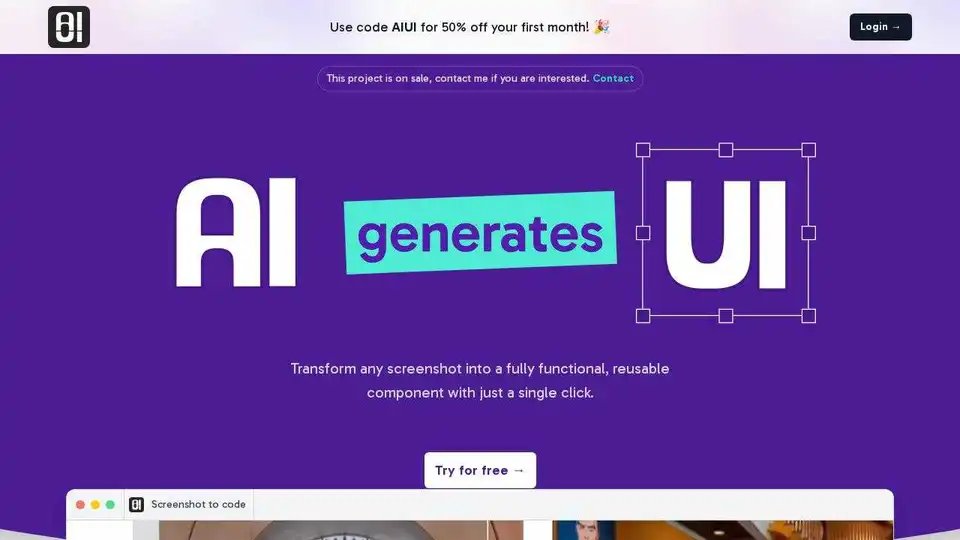
Overview of AIUI.me
AIUI.me: Screenshot to Code - Transform Designs into Functional Components
What is AIUI.me?
AIUI.me is an AI-powered tool designed to convert screenshots of user interfaces into clean, reusable React.js and TailwindCSS components. It enables UI/UX designers, developers, freelancers, and startups to streamline their workflow, save time, and launch projects swiftly.
How does AIUI.me work?
The process is simple and efficient:
- Screenshot: Take a screenshot of the UI element you want to create.
- Upload: Drag and drop the screenshot onto AIUI.me.
- Get Components: AIUI.me instantly generates reusable React.js and TailwindCSS components ready for your project.
Key Features
- Instant Conversion: Transforms any screenshot into clean, reusable React.js and TailwindCSS components in seconds.
- Customizable: Allows users to modify the color, size, or any other property of the component using AI.
- Export: Enables users to copy the code or download it for immediate use in their projects.
Who can benefit from AIUI.me?
- UI/UX Designers: Convert design prototypes into functional code quickly, allowing for rapid testing and iteration.
- Developers: Streamline workflow by transforming design elements from screenshots into optimized React.js and TailwindCSS components, saving coding time.
- Freelancers and Agencies: Efficiently manage multiple projects and deliver impressive results to clients.
- Startups and Small Teams: Maximize productivity with an affordable way to convert screenshots into reusable UI components.
User Testimonials
- John D. (SaaS Founder): "Sometimes it struggles with complex designs, but when you start telling it what to do, it works like magic."
- Leila Z. (Freelance Designer): "It converts my designs to code in 10 seconds and saves me tons of time. Highly recommend giving it a try."
- Nina S. (Frontend Developer): "Honestly, It's amazing. It takes the hassle out of coding UI elements from scratch."
- Sri G. (Freelance Developer): "It takes a screenshot and turns it into clean, usable code. Perfect for busy developers like me."
- James H. (UI/UX Designer): "It has been a huge time-saver for me. I snap a screenshot and it handles the rest. Super handy tool."
- Rey M. (Frontend Developer): "Works as advertised. Just upload a design and get the code you need. It’s that simple."
Pricing
AIUI.me offers different pricing plans:
- Free: $0/month, 5 Credits, Up to 2 components, No credit card required.
- Premium: $4.99/month, 500 Credits/month, Up to 100 components/month, Fine-tune components, Support via email.
Frequently Asked Questions
- What is AIUI.me? It's a tool that transforms screenshots into fully functional, reusable React components with a single click.
- How does AIUI.me work? You upload a screenshot, and the AI generates React.js and TailwindCSS components.
- Can I upload a screenshot of complex designs? While it may struggle with complex designs initially, providing feedback and instructions to the AI improves results.
- How long does it take to convert a screenshot to code? Conversion happens in seconds.
Why is AIUI.me Important?
AIUI.me is an important tool because it significantly reduces the time and effort required to convert UI designs into functional code. This allows designers and developers to focus on more critical aspects of their projects, such as user experience and application logic. By automating the process of UI component creation, AIUI.me empowers users to launch projects faster and more efficiently.
Where can I use AIUI.me?
AIUI.me can be used in a variety of scenarios, including:
- Rapid prototyping of UI designs
- Generating UI components for web applications
- Creating reusable UI elements for design systems
- Streamlining the workflow for UI/UX designers and developers
Best way to convert screenshot to code
AIUI.me is one of the best ways to convert screenshots to code due to its ease of use, speed, and accuracy. By leveraging AI, it automates the process of UI component creation, saving users time and effort. However, it's essential to provide feedback and instructions to the AI to optimize the results, especially when working with complex designs.
Conclusion
AIUI.me simplifies the conversion of screenshots to code, offering a valuable solution for developers and designers. With its user-friendly interface and AI-powered capabilities, it accelerates UI development and boosts productivity. Whether you're a freelancer, startup, or large enterprise, AIUI.me can help you bring your design ideas to life faster than ever.
AI Task and Project Management AI Document Summarization and Reading AI Smart Search AI Data Analysis Automated Workflow
Best Alternative Tools to "AIUI.me"
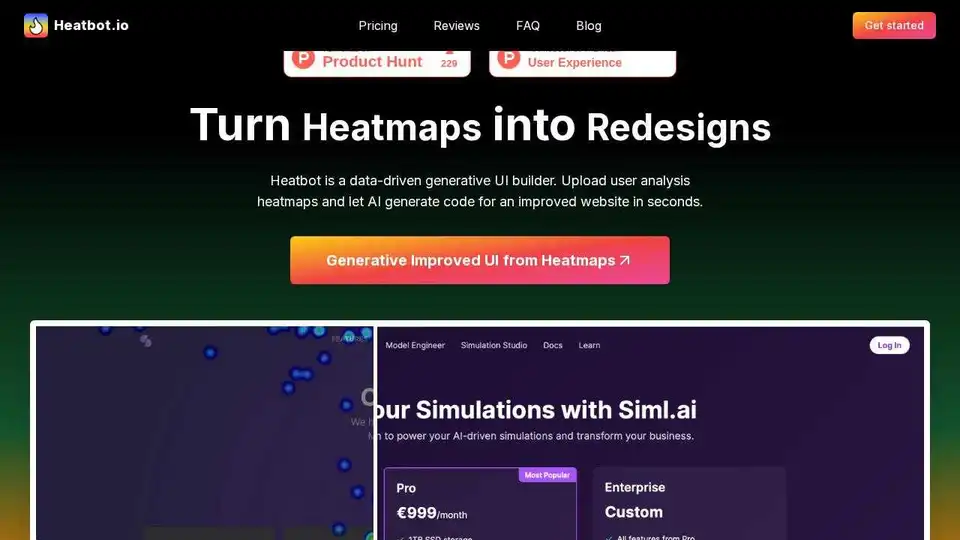
Heatbot.io uses AI to generate improved website UIs from heatmap data. Upload heatmaps and let AI create code for better user experiences and conversion rates.
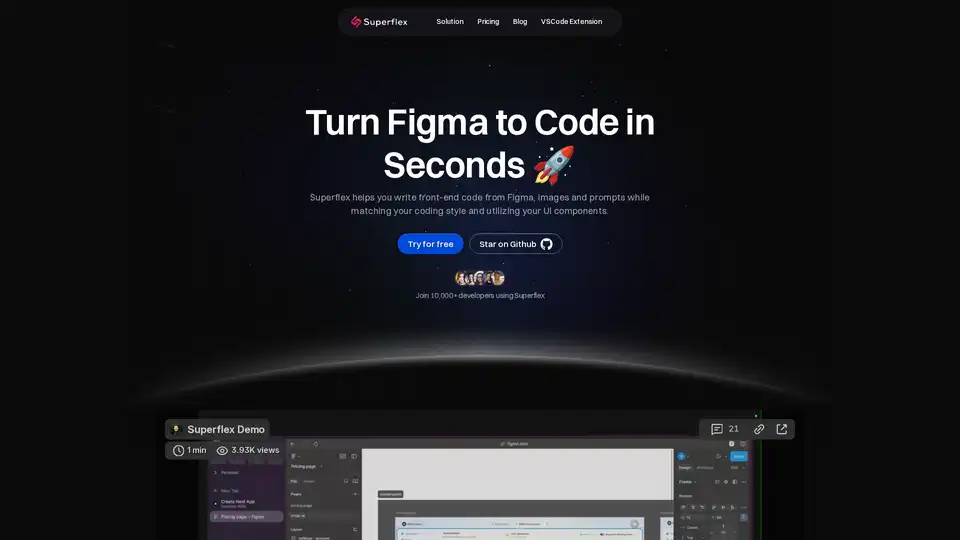
Elevate your workflow with Superflex, the ultimate Figma-to-code solution. Our AI instantly converts Figma and Image designs into pixel-perfect, production-ready code that meets your standards and boosts team efficiency.
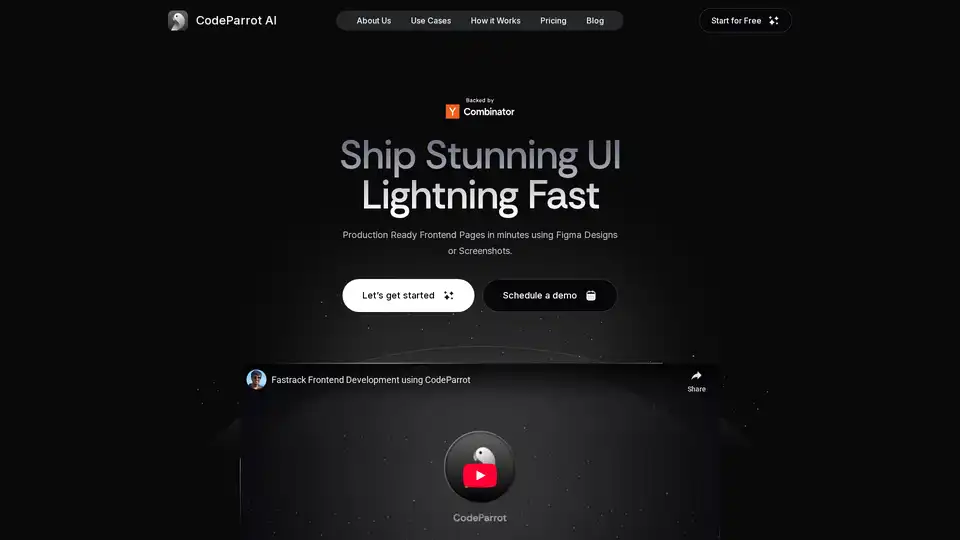
CodeParrot is an AI-powered tool that generates production-ready frontend components from Figma designs or screenshots, enabling rapid UI development and integration with existing codebases and workflows. It supports various frameworks and coding standards.
Codia AI speeds up design and development with AI-powered tools. Convert screenshots, PDFs, and webpages to Figma designs and code effortlessly. Boost creativity and efficiency.