
AISignatureGenerator
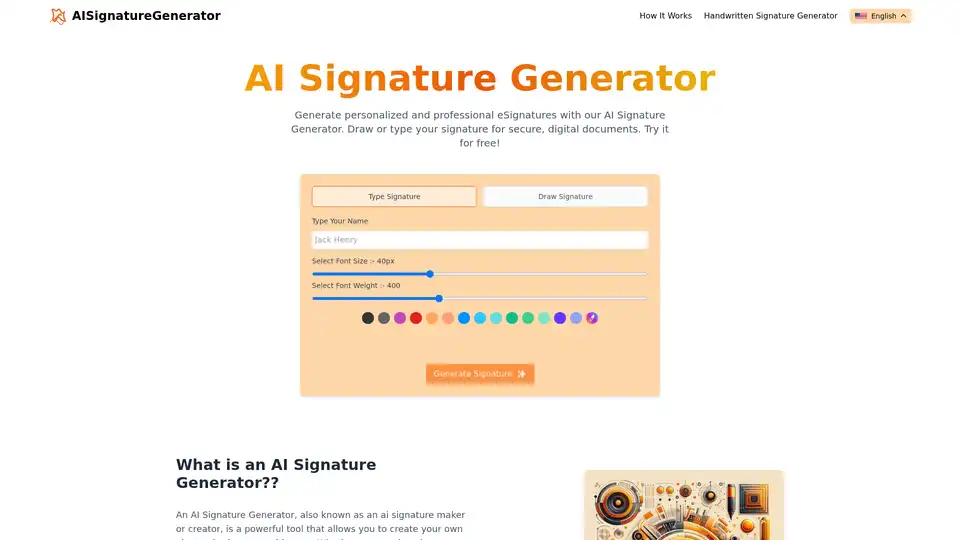
Overview of AISignatureGenerator
AI Signature Generator: Create Professional eSignatures Online for Free
What is AI Signature Generator?
The AI Signature Generator is a tool that empowers you to create your own electronic signature. Whether you need to digitally sign documents, download your signature for PDFs and Word documents, or add it to your email, this tool simplifies the process.
How Does It Work?
The AI Signature Generator offers two convenient methods for creating your signature:
- Type Signature: Type your name and select a font and size, then generate your signature.
- Draw Signature: Draw your signature using your mouse or a touchscreen device.
Key Features:
- Completely Free: The AI Signature Generator is free to use.
- Unlimited Downloads: Download your signature as many times as you need.
- Rapid Rendering: Your signature is generated quickly.
- User-Friendly Interface: The tool is easy to use.
Why Use an AI Signature Generator?
- Cost-Effective: Eliminate the need for paper and pen.
- Quick and Convenient: Sign documents digitally and share them via email.
- Reliable and Secure: Digital signatures are protected by encryption technology.
- Eco-Friendly: Reduce paper waste and your carbon footprint.
Who is AI Signature Generator For?
The AI Signature Generator is for anyone who needs to create an electronic signature, including:
- Professionals
- Entrepreneurs
- Students
- Anyone who needs to sign documents digitally
How to use AI Signature Generator?
- Go to the AI Signature Generator website.
- Choose either the "Type Signature" or "Draw Signature" option.
- If you choose "Type Signature," type your name and select a font and size.
- If you choose "Draw Signature," draw your signature using your mouse or a touchscreen device.
- Click the "Generate Signature" button.
- Download your signature.
Frequently Asked Questions
Can I create a free e-signature with AI?
Yes, the AI Signature Generator is completely free to use.
How do I generate a signature with AI?
Simply type or draw your signature using the tool.
How accurate is the AI handwritten signature generator?
The accuracy depends on the user's input. The tool provides a digital representation of your drawn signature.
What is a digital signature?
A digital signature is an electronic signature that can be used to sign documents digitally.
Can I type my electronic signature?
Yes, the AI Signature Generator allows you to type your signature.
What sets AI signature generators apart from traditional methods?
AI signature generators are faster, more convenient, and more cost-effective than traditional methods.
Is my signature saved on your system?
No, your signature is not saved on our system.
Are AI signature generators user-friendly?
Yes, the AI Signature Generator is designed to be user-friendly.
Can I sign PDFs digitally?
Yes, you can download your signature and add it to PDFs.
Best Alternative Tools to "AISignatureGenerator"
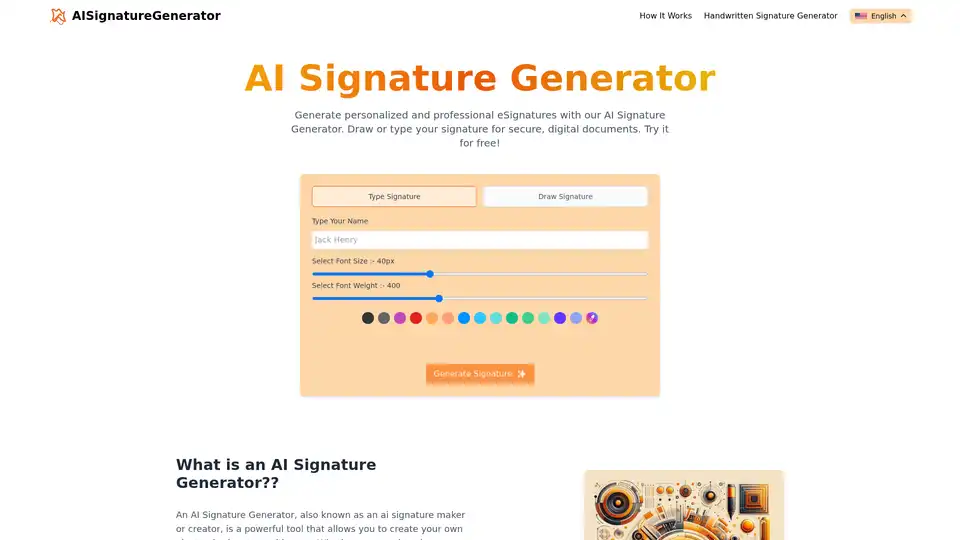
Generate personalized and professional eSignatures with AI Signature Generator. Create digital signatures effortlessly for secure documents, emails, and more. Try it for free!
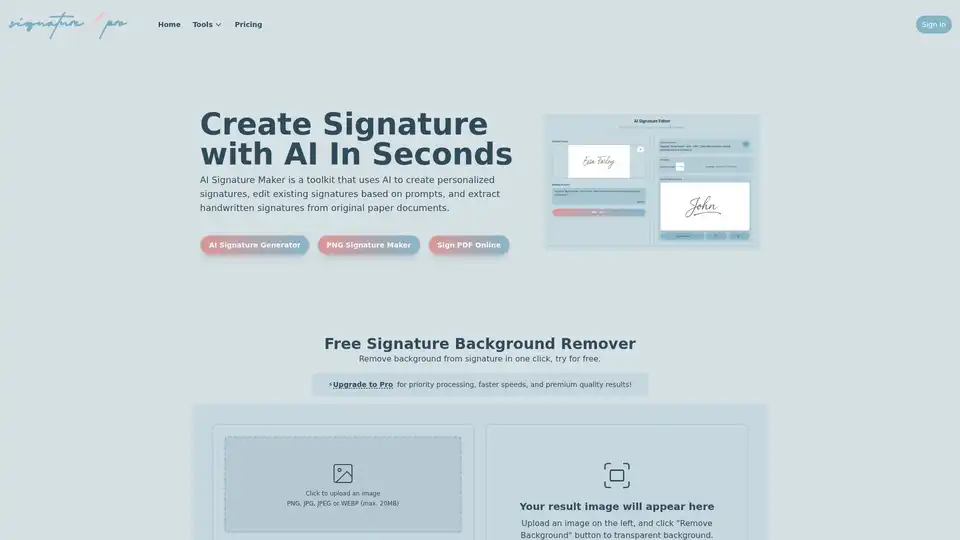
AI Signature Maker: Create, edit, and extract signatures using AI. Generate unique signatures, modify existing ones with text prompts, and digitize handwritten signatures. Free background remover included.
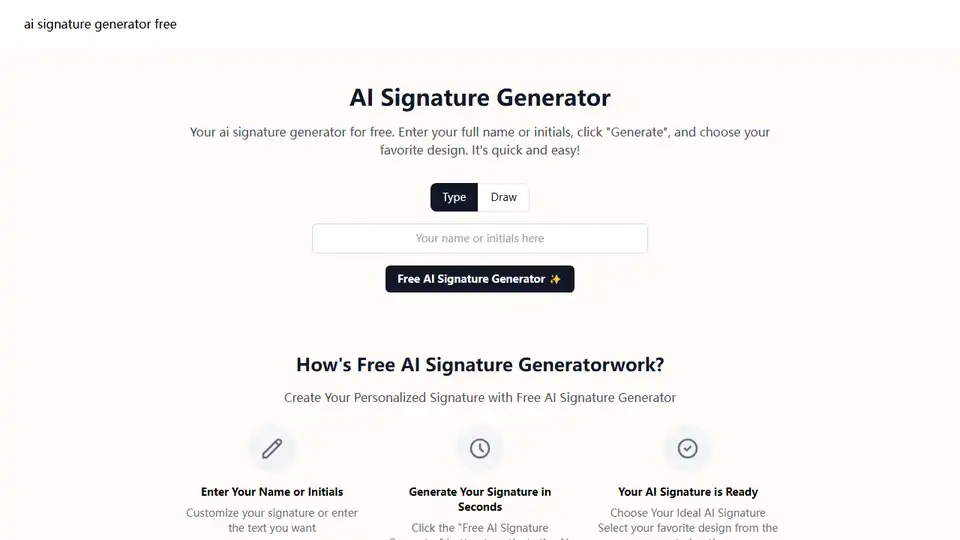
Easily generate a handwritten or calligraphy signature with our free AI Signature Generator. Transform your name into art online.
Songminds offers independent tests and comparisons of AI applications for speech synthesis, digital signatures, and image editing. Find the best AI solution!