
Rewording Tool
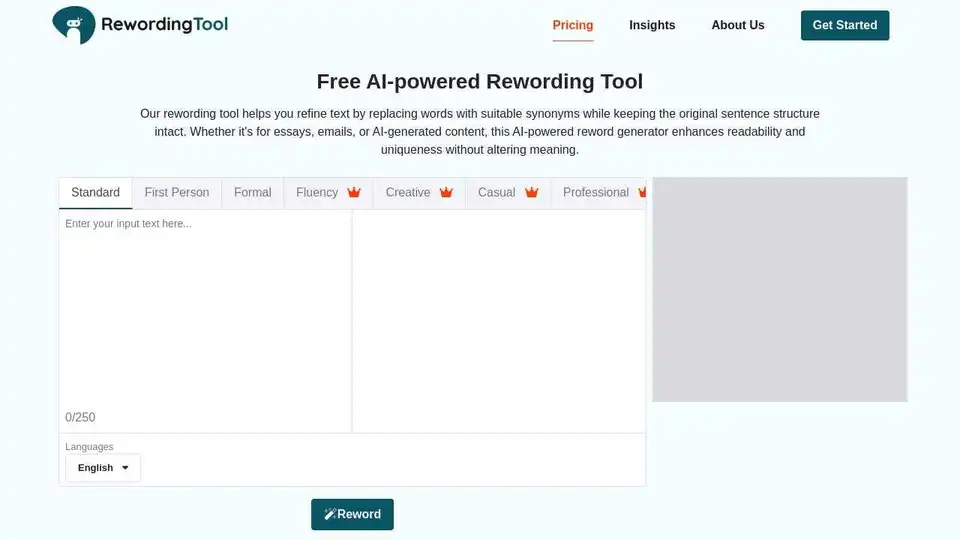
Overview of Rewording Tool
Rewording Tool: The AI-Powered Solution for Enhanced Writing
What is Rewording Tool? It's an online AI-powered tool designed to help you rewrite content more easily. Whether you're a student, blogger, or professional writer, this tool can enhance your productivity by generating clearer, plagiarism-free text.
How does Rewording Tool work?
Backed by extensive work from our machine learning engineers, this writing assistant delivers results that closely mirror human writing. It doesn't just spin text; it intelligently refines your content with precision and style. The tool uses advanced natural language processing to analyze your content and recreate it in a fresh way. It evaluates your writing style and meaning, then uses context-aware synonym replacement to keep the message intact while rewriting the structure.
Key Features:
- Unique Content Generation: Turns ordinary words or sentences into unique, well-crafted content.
- Grammar and Spelling Correction: Instantly corrects grammar errors and spelling mistakes.
- Tone Adjustment: Fine-tunes your tone to make it understood for different audiences.
- Writing Style Enhancement: Polishes your writing style for better clarity and understanding.
- Paraphrasing for Originality: Paraphrases content to ensure originality and freedom from AI similarity.
- Duplicate Content Elimination: Helps eliminate duplicate content and increase readability.
- SEO Optimization: Optimize your content for SEO to rank on SERPs.
Top Features Explained:
- Authentic Rewriting: Rephrases your words while preserving the original meaning, making your text clearer, fresher, more readable, and unique without sounding robotic.
- Easy File Handling: Supports major formats like .doc, .docx, .pdf, and .txt. Connects with Dropbox and Google Drive.
- Customizable Text Length: Lets you rewrite up to 250 words at once, perfect for social media captions, blog posts, or reports.
- User-Friendly Interface: Simple to use, even for first-time users.
- Fast and Reliable: Provides paraphrased output in real-time, keeping you focused on your message.
Who is Rewording Tool for?
Rewording Tool supports a wide range of users, from students to marketers:
- Students: Helps rewrite essays and assignments without changing the meaning, ensuring unique and plagiarism-free work.
- Digital Marketers: Fine-tunes copy, improves tone, and sharpens language for more professional and persuasive content.
- Copywriters: Refines sentence structure and replaces bland phrases with sharper, more persuasive alternatives.
- Bloggers: Simplifies complex sentences and adjusts tone to improve readability.
- Business Professionals: Communicates ideas more clearly, whether for reports, presentations, or client communication.
- Researchers: Rephrases study findings or summarizes sources while maintaining uniqueness.
- Email Marketers: Fixes grammar mistakes and polishes campaigns to avoid repetition and connect better with the audience.
How to use Rewording Tool?
- Paste your content: Copy and paste your text into the editor or upload a file directly from your device.
- Choose a rewriting mode: Select a rewriting mode based on your preferred writing style or the tone you want.
- Reword: Hit the “Reword” button to get well-paraphrased content.
- Review and Refine: Review the rewritten content to ensure it fits your message and voice.
- Copy or Download: Copy or download the final version.
Why is Rewording Tool important?
Rewording Tool saves time and effort, improves content readability, reduces grammar mistakes, enhances sentence structure, and avoids unintentional plagiarism. It offers multiple rewriting modes, ensures a consistent writing tone, and helps increase SEO quality for SERPs.
Even when you use Rewording Tool, it's essential to double-check the final result to ensure your writing stays clear, accurate, and aligned with your intended tone and meaning.
Best way to use Rewording Tool?
Utilize the tool to generate a first draft, then meticulously review and refine the output to ensure it aligns perfectly with your intended message and tone. Always prioritize proofreading for accuracy and clarity.
Best Alternative Tools to "Rewording Tool"
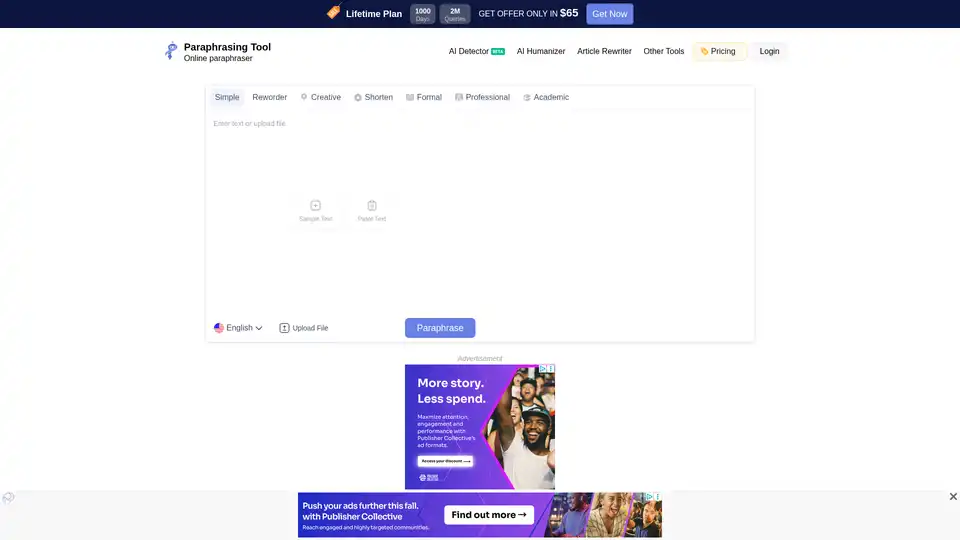
Paraphrasing Tool is an AI-powered online tool that helps you rephrase content while preserving the original meaning. It offers multiple paraphrasing modes to match your specific needs and supports 17 different languages.
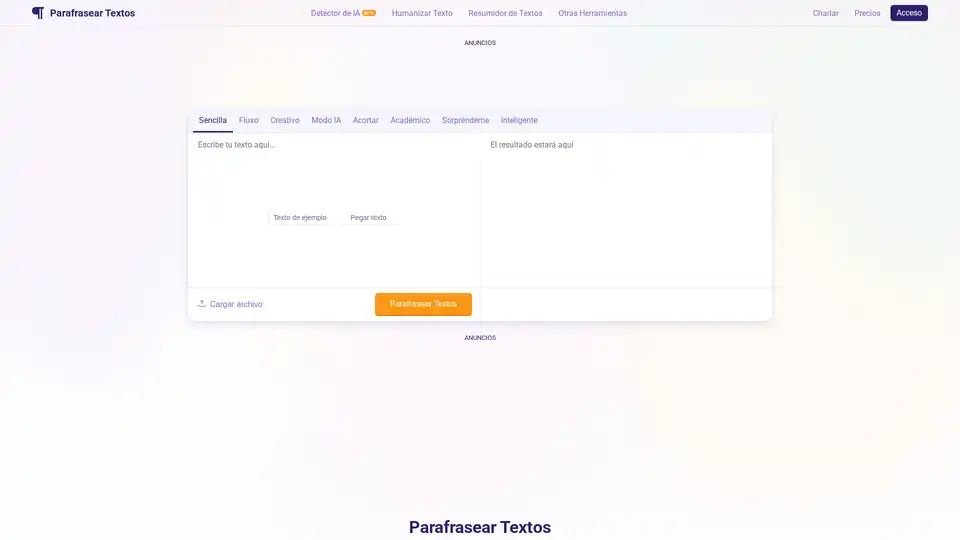
Parafrasear Textos is an AI-powered paraphrasing tool designed to help students and writers rephrase text online, eliminate plagiarism, and improve content clarity. It offers multiple modes and advanced NLP models for accurate and human-like paraphrasing.
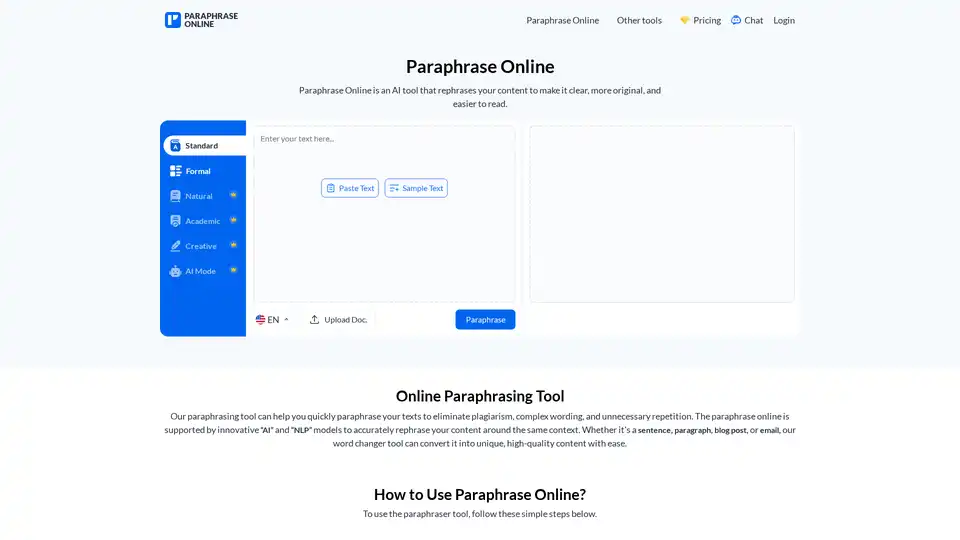
Paraphrase Online is an AI-powered tool that rephrases content to make it clear, original, and easy to read. It offers multiple modes to refine text for various needs, including standard, formal, and creative.
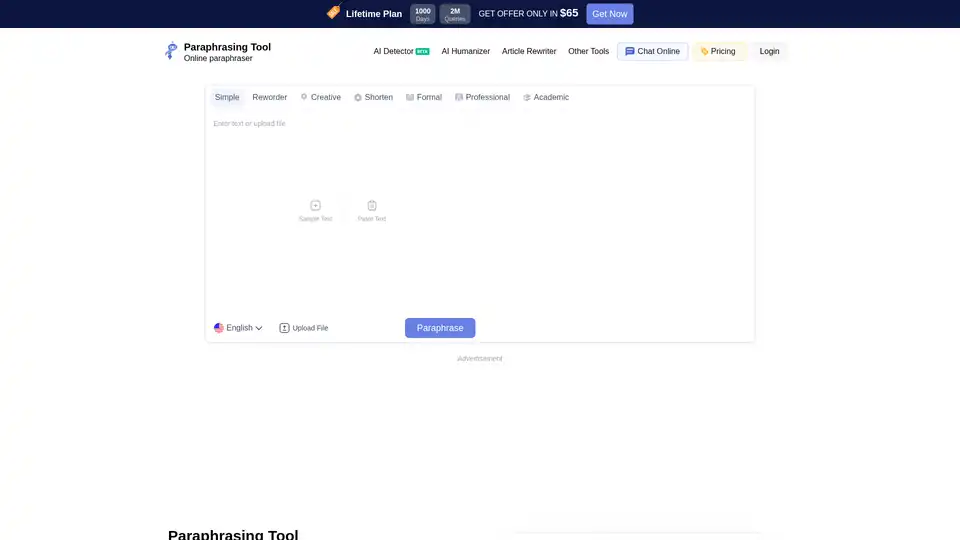
Paraphrasing Tool is a free AI paraphraser that helps you rephrase essays, emails, sentences, and paragraphs to smartly write text in your own words. Rephrase accurately while enhancing clarity.