
AI-Flow
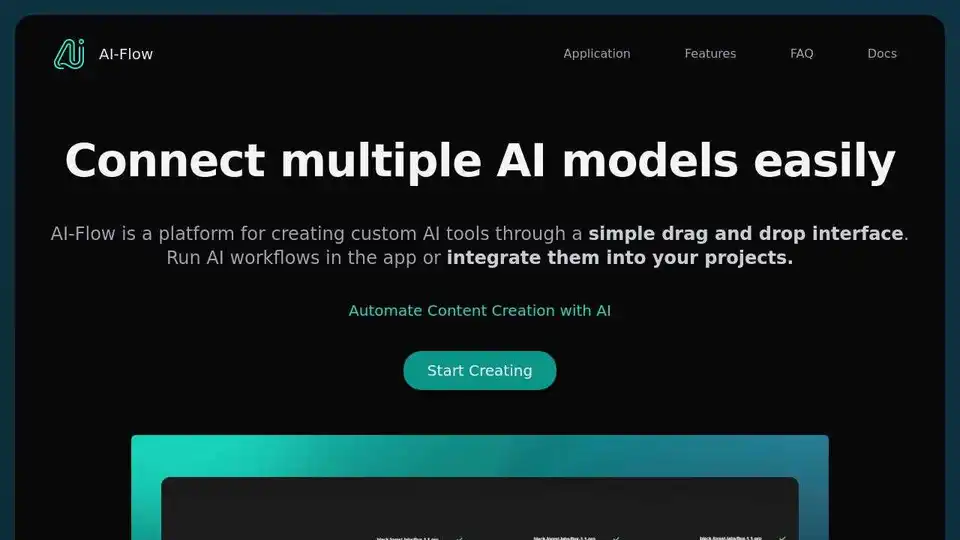
Overview of AI-Flow
AI-Flow: Connect Multiple AI Models Easily
What is AI-Flow? AI-Flow is a platform designed to connect multiple AI models easily through a simple drag-and-drop interface. It enables users to create custom AI tools and automate content creation without coding.
How does AI-Flow work?
AI-Flow allows users to integrate various AI models from providers like OpenAI, StabilityAI, Anthropic, and Replicate. The platform supports a range of models, including GPT-4o, DALL-E 3, Stable Diffusion 3, and others. By using a drag-and-drop interface, users can quickly build custom AI tools and APIs.
Key Features:
- No-Code Interface: Create AI tools in minutes without coding. Use the drag-and-drop interface to connect AI models.
- Model Integration: Combine AI models from OpenAI, StabilityAI, Anthropic and Replicate for innovative outcomes.
- API Builder: Easily build and customize APIs for your AI workflows. Automate inputs and retrieve outputs via API requests or webhooks.
- Versatile Applications: Automate AI-powered story creation, generate batches of images, summarize YouTube content using AI, and more.
- Cloud Version: Automatic updates, access to exclusive features such as the API Builder, and a default access to all functionalities.
Use Cases:
- Automate Content Creation: Scale Your Workflow, Write & Illustrate Stories, Analyze & Summarize Web Content.
- Create Marketing Images & Copy: Tailored AI Solutions for Your Needs.
How to Get Started:
To get started with AI-Flow, you can try the Cloud Version, which offers automatic updates and new features. If you prefer to run it locally, you can download the executables for Windows from the AI-Flow GitHub repository. Alternatively, you can use Docker-compose to set it up.
Benefits of Using AI-Flow:
- Save Time: Build AI tools quickly without coding.
- Cost-Effective: Integrate your API keys with AI-Flow Cloud Version and use nodes at no extra cost (small fee for platform resource usage).
- Flexibility: Save flow data locally as a JSON file or in the cloud.
- Versatility: Supports image generation, text summarization, and more.
FAQ:
- How do I get started with AI-Flow? Try the Cloud Version for automatic updates and new features, or download the executables for Windows from the AI-Flow GitHub repository. Alternatively, use Docker-compose to set it up.
- What are the advantages of using the Cloud Version of AI-Flow? Automatic updates, access to exclusive features such as the API Builder, and default access to all functionalities. Flexible pricing, allowing optional API key integration.
- Can I use my API keys from AI providers like OpenAI, Replicate, and others on the Cloud Version without additional cost? Yes, integrate your API keys with AI-Flow Cloud Version and use nodes at no extra cost. Pay a small fee for platform resource usage.
- Where is my data stored when using AI-Flow? By default, flow data is stored locally on your computer within the browser session. For long-term storage, save data as a JSON file. If you're using the Cloud Version, you can choose to save flow in the cloud.
- Can AI-Flow generate images? Yes, AI-Flow supports image generation using models like DALL-E 3, Stable Diffusion 3, and other AI models available on Replicate such as FLUX.1.
- Is AI-Flow free to use? AI-Flow can be used for free if self-hosted with your own API keys.
- Can I run AI-Flow locally? Yes, AI-Flow can be run locally on your computer. However, you will need an internet connection to communicate with the AI APIs.
Supported AI Models:
AI-Flow supports a wide array of AI models, including:
- GPT-4o
- GPT-4.1
- GPT Image 1
- Flux.1 Kontext
- OpenAI o3
- OpenAI o3-pro
- Gemini
- FLUX.1.1 Pro
- FLUX Pro
- DALL-E 3
- Stable Diffusion 3
- LLaMa 3
- Claude 4
- Mistral
- Veo 3
- Lyria 2
- Stable Video Diffusion
- Face Swap
- GPT Vision
Summary:
AI-Flow is an innovative AI platform that simplifies the process of creating custom AI tools. By integrating multiple AI models through a drag-and-drop interface, users can automate content creation, generate images, and streamline workflows efficiently. The platform is available in both cloud and self-hosted versions, offering flexibility and scalability to suit various user needs. Whether you're looking to automate marketing tasks, generate batches of images, or summarize content, AI-Flow provides the tools and integrations necessary to achieve your goals.
AI Article Generation AI Text Polishing AI Writing Assistance Paper and Report Generation News and Blog Generation Email and Business Writing
Best Alternative Tools to "AI-Flow"
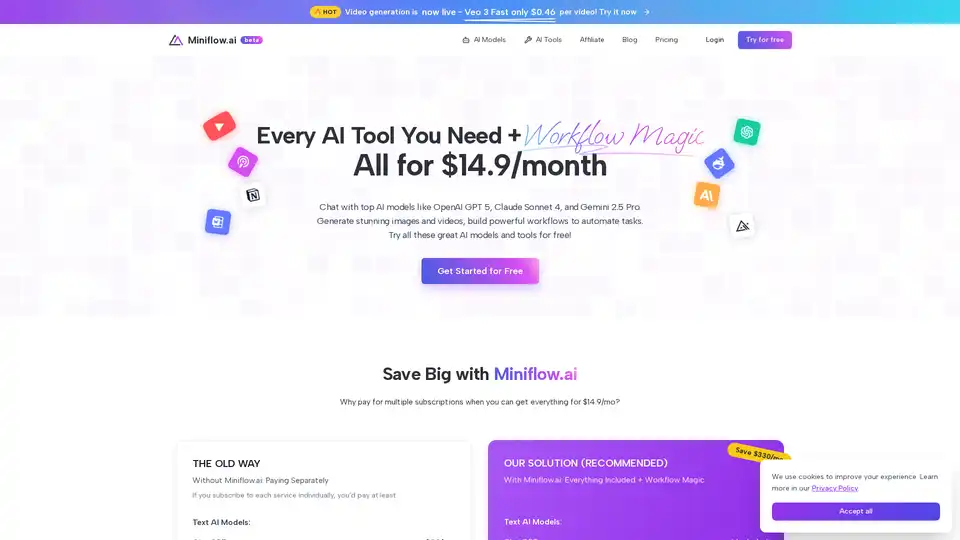
Miniflow.ai offers 200+ AI tools including text, image, & video generation with workflow automation for just $14.9/month. Save time & money with this all-in-one AI platform!
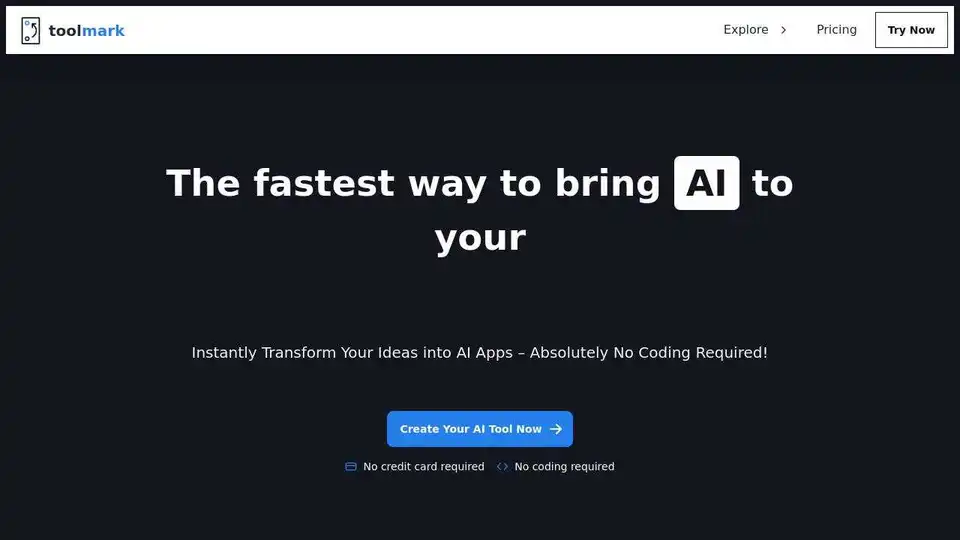
Toolmark AI is a no-code platform to build custom AI tools using GPT-4o and other models. Create text, image, and voice AI apps without coding. Ideal for automating workflows and enhancing websites with AI.
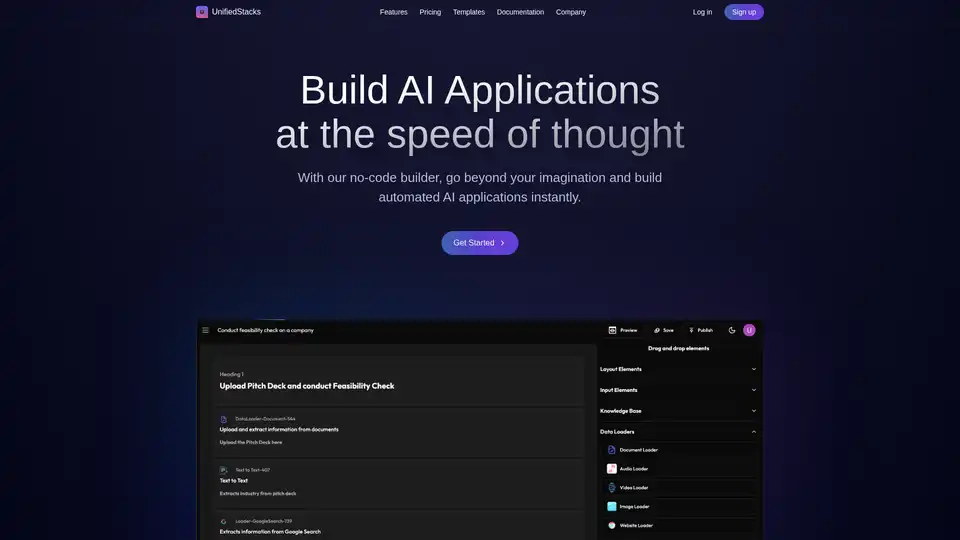
UnifiedStacks is a no-code AI platform for building automated AI applications. Drag, drop, and deploy production-ready AI solutions instantly, integrating with internal & external data sources.

Ideaify AI empowers businesses to maximize AI adoption with content creation tools, AI chatbots, and automation workflows. Access the latest AI models and streamline your content creation process today!