
ai-cli
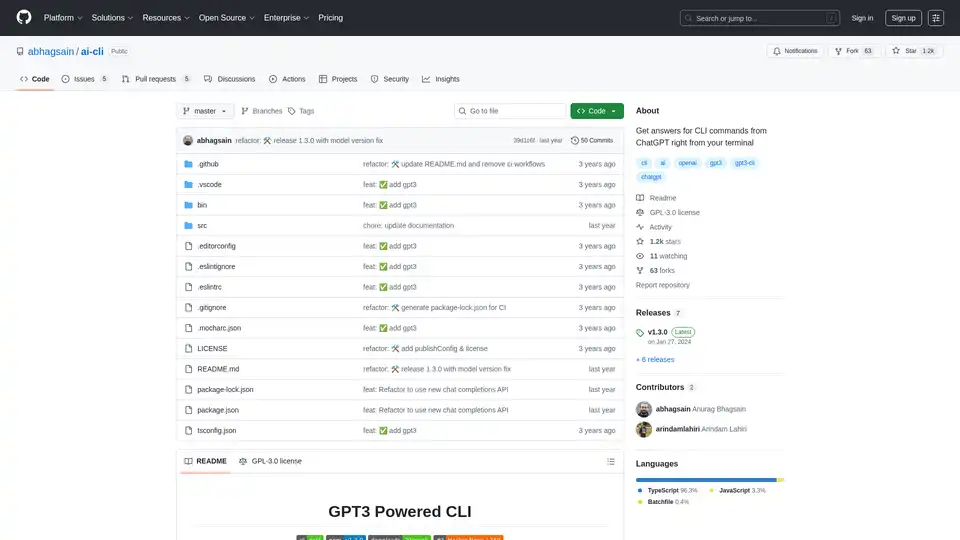
Overview of ai-cli
What is AI CLI?
AI CLI is an innovative open-source command-line interface tool that brings the power of ChatGPT directly to your terminal. Developed by Anurag Bhagsain, this tool allows developers to get instant answers and solutions for CLI commands without leaving their development environment.
How Does AI CLI Work?
AI CLI leverages OpenAI's GPT-3.5-turbo model to process natural language queries about command-line operations. When you ask a question like "Check process running on port 3000," the tool sends your query to OpenAI's API and returns the most appropriate command-line solution directly in your terminal.
Key Features
- Seamless Terminal Integration: Works directly within your existing terminal environment
- GPT-3.5-turbo Powered: Utilizes OpenAI's advanced language model for accurate command suggestions
- Easy Authentication: Simple setup process with
ai authcommand for API key configuration - Model Flexibility: Ability to switch between different GPT models using
ai modelcommand - Auto-completion Support: Includes shell auto-completion features for enhanced productivity
- Cost-Effective: Approximately $0.0009 per command based on current token usage
Installation and Setup
To install AI CLI globally:
npm i @abhagsain/ai-cli -g
After installation, you need to:
- Obtain an OpenAI API key from https://beta.openai.com/account/api-keys
- Run
ai authand enter your API key - Start asking questions with
ai ask "your question"
Usage Examples
## Ask about process management
ai ask "Check running process on port 3000"

## Get file system commands
ai ask "How to find large files in Linux"

## Network troubleshooting
ai ask "Diagnose network connectivity issues"
Pricing Structure
The tool uses approximately 800 input tokens and 40 output tokens per command. With GPT-3.5-turbo pricing at $0.001 per 1K input tokens and $0.002 per 1K output tokens, each command costs approximately $0.0009.
Technical Specifications
- Built with: TypeScript (96.3%), JavaScript (3.3%), Batchfile (0.4%)
- License: GPL-3.0
- Version: 1.3.0 (latest release)
- Node Version: Compatible with node-v18.0.0+
Who is AI CLI For?
- Software Developers who frequently work with command-line interfaces
- System Administrators needing quick command solutions
- DevOps Engineers looking to streamline their workflow
- Students learning command-line operations
- Technical Support professionals assisting with CLI issues
Why Choose AI CLI?
AI CLI eliminates the need to switch between terminal and browser when searching for command solutions. It provides instant, context-aware answers while maintaining your development flow. The open-source nature ensures transparency and community-driven improvements.
Advanced Features
- Model Selection: Change between different GPT models with
ai modelcommand - Auto-completion Setup: Configure shell auto-completion for faster command entry
- Update Management: Easy updates through
ai updatecommand - Cross-Platform: Works on macOS, Linux, and Windows systems
Community and Support
With 1.2k stars and 63 forks on GitHub, AI CLI has an active community of developers contributing to its development. The project welcomes contributions and issues through its GitHub repository.
Best Practices for Using AI CLI
- Be Specific: Provide clear, specific questions for better results
- Review Commands: Always review generated commands before execution
- Security Awareness: Be cautious with commands affecting system security
- Cost Management: Monitor your API usage to control costs
AI CLI represents a significant step forward in developer productivity tools, bringing AI-powered assistance directly to where developers work most—the command line.
AI Programming Assistant Auto Code Completion AI Code Review and Optimization AI Low-Code and No-Code Development
Best Alternative Tools to "ai-cli"
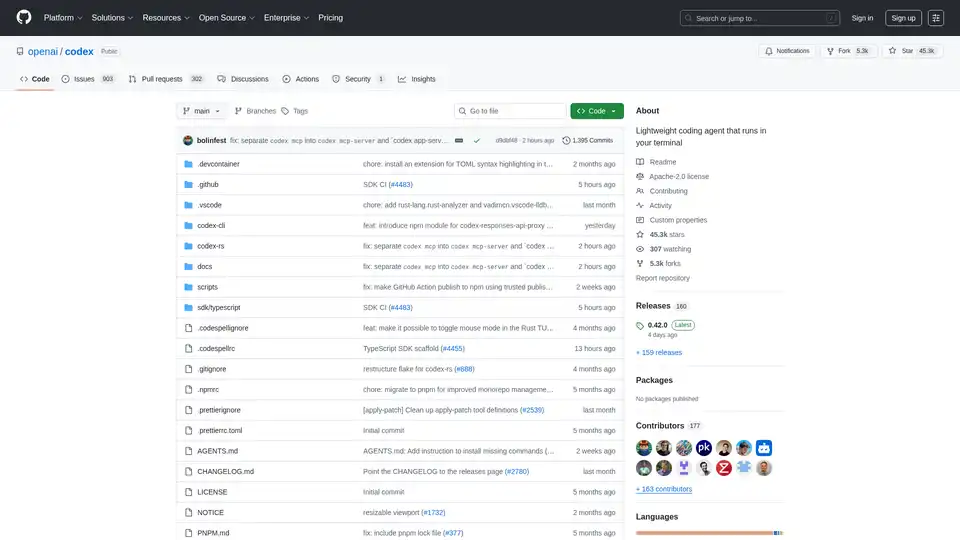
Codex CLI is OpenAI's open-source coding agent that runs in your terminal, offering AI-powered assistance for programming tasks. Install via npm or Homebrew for seamless integration into your workflow.
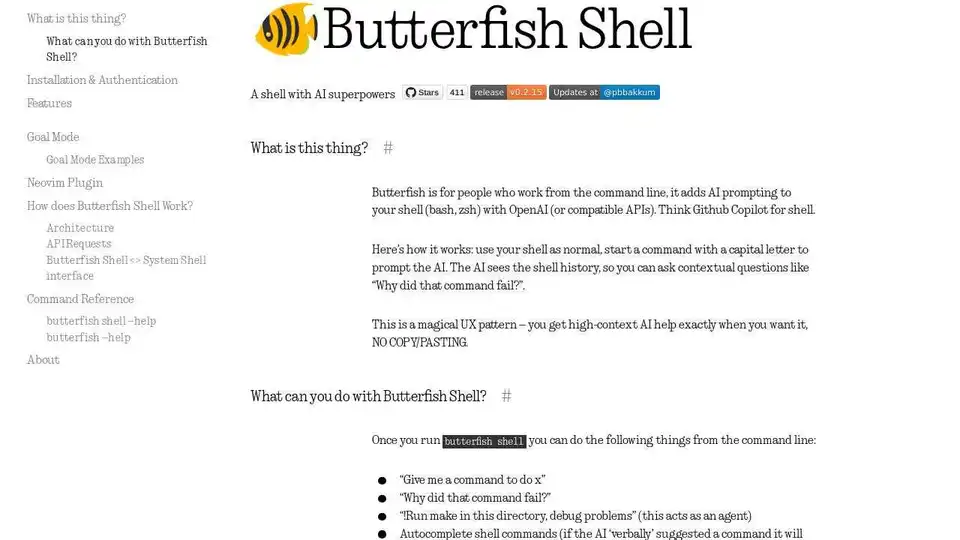
Butterfish is an AI-powered CLI tool that enhances your shell with OpenAI, offering GPT autosuggest, goal mode, and more for efficient command-line workflows.
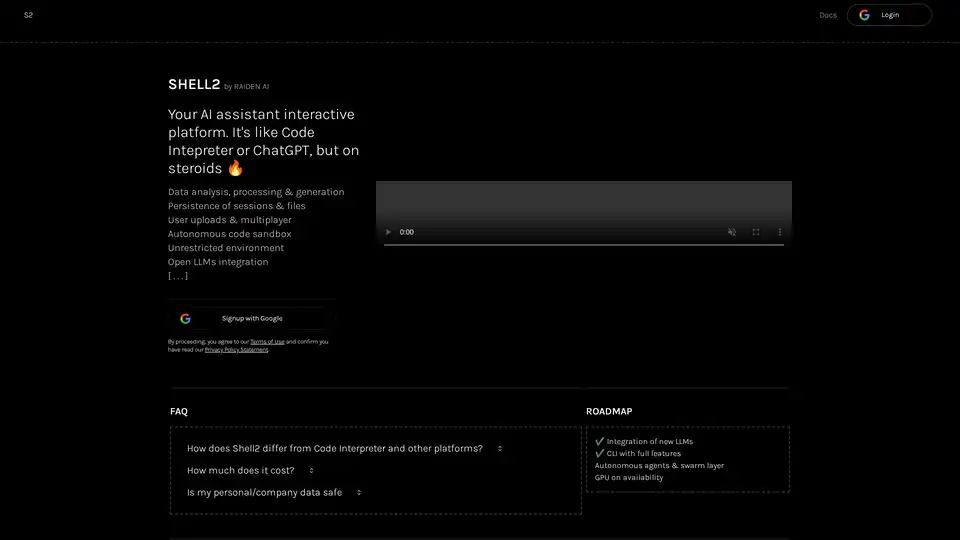
Shell2 is an AI assistant interactive platform by Raiden AI, offering data analysis, processing, and generation capabilities. It features session persistence, user uploads, multiplayer collaboration, and an unrestricted environment.
Continue is an open-source continuous AI platform that helps developers build and run custom AI code agents across their IDE, terminal, and CI for faster software development.