
Aftershoot
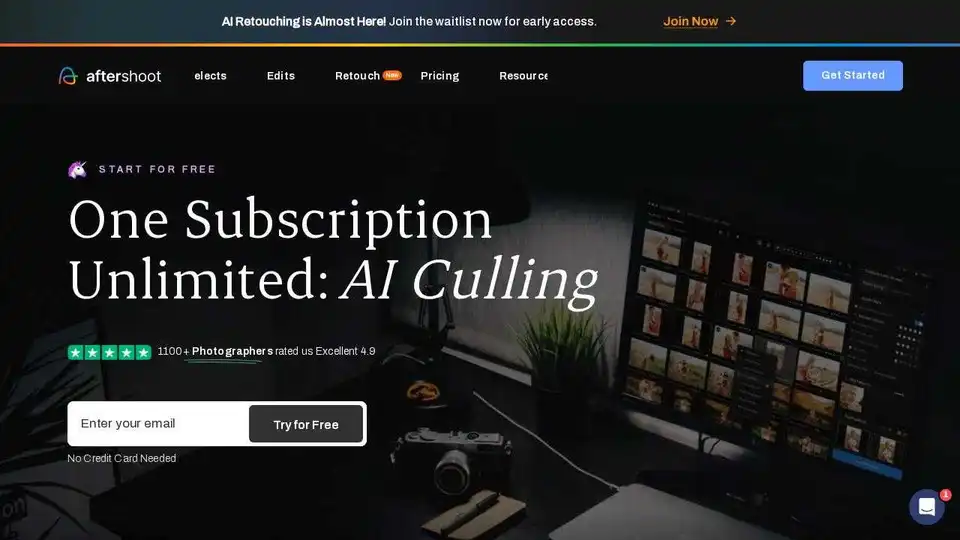
Overview of Aftershoot
Aftershoot: AI-Powered Photo Culling, Editing, and Retouching Software
What is Aftershoot?
Aftershoot is an AI-driven software designed to revolutionize the photography workflow. It offers a comprehensive solution for culling, editing, and retouching photos, enabling photographers to deliver faster results without compromising their unique style. By automating time-consuming tasks, Aftershoot helps photographers save 18+ hours every month, allowing them to focus on capturing stunning images and growing their business.
Key Features:
- AI Automated Culling: Automatically selects top shots based on sharpness, composition, and expressions, learning your unique style over time.
- AI Assisted Culling: Groups duplicates and highlights the best expressions for clear, memorable portraits.
- AI Editing Profile: Train the AI on your edits to create a personalized assistant that mirrors your signature style, ensuring consistency across your portfolio.
- AI Retouching: Remove objects, perfect portraits, and remove glare from glasses with advanced AI.
How to Use Aftershoot:
- Download and Install: Download the Aftershoot app for Windows or MacOS.
- Import Images: Import your RAW or JPEG images into Aftershoot.
- AI Culling: Let Aftershoot's AI automatically select the best shots.
- Fine-Tune Selections: Review and fine-tune the AI's selections.
- AI Editing: Apply your AI Editing Profile or choose from pre-built AI Styles.
- AI Retouching: Use AI Retouching tools to enhance portraits and remove distractions.
- Export: Export your edited and retouched images to your platform of choice.
Why is Aftershoot Important?
- Saves Time: Automates tedious tasks, freeing up time for shooting and growing your business.
- Ensures Consistency: Maintains your style and aesthetic across shoots, lighting, and gear.
- Cost-Effective: Offers a flat fee for unlimited use, eliminating per-image charges.
- Works Offline: Operates locally on your computer, so you can cull and edit your photos anytime, anywhere.
Customer Success Stories:
Many professional portrait photographers trust Aftershoot, with 94% recommending it to a friend. Users report significant time savings and improved work-life balance.
FAQ:
- What's new at Aftershoot? Aftershoot now offers AI Retouching, using advanced AI to apply natural, professional-looking portrait enhancements.
- What are the suggested system requirements for running Aftershoot? Aftershoot runs smoothly on any Windows or MacOS computer or laptop with 8GB of RAM and a relatively newer CPU.
- How does Aftershoot work and how to get started? Download the app, install it, and import your images. No complicated setup or internet connection is required.
Conclusion:
Aftershoot is a valuable tool for photographers looking to streamline their workflow, save time, and maintain consistency in their editing style. With its AI-powered features and user-friendly interface, Aftershoot can help photographers focus on their passion and grow their business.
Find out more at Aftershoot's Website.
AI Generated Art Image Enhancement and Repair Image Style Transfer AI Background Removal and Replacement AI Avatar and Cartoonization 3D Modeling and Rendering Logo and UI Design
Best Alternative Tools to "Aftershoot"
Polarr Next is an AI photo editor that learns your editing style and automates photo culling and editing. It offers fast RAW processing, AI-powered face detection, and style training for efficient workflows.

FilterPixel Photo Culling Software saves time by culling your photos automatically. Trusted by 5000+ photographers worldwide. Free 14 days trial available.

Generate unique AI images from a text prompt with Fotor free AI image generator. Input a prompt or upload an image, set the style, ratio and quantity, and get stunning images instantly.
Create an outstanding resume effortlessly using Resumonk's AI. Get personalized AI rewrites and suggestions for a standout application.