
Adobe Podcast

Overview of Adobe Podcast
Adobe Podcast: AI-Powered Audio Recording and Editing for Professional Sound
What is Adobe Podcast? Adobe Podcast is a web-based suite of AI-powered audio tools designed to help creators record, edit, and enhance their voice recordings for professional-quality podcasts and voiceovers. It eliminates the need for expensive equipment or complex software, making high-quality audio production accessible to everyone.
Key Features:
- Enhance Speech: Uses AI to remove background noise and echo, making recordings sound like they were made in a professional studio. This feature is incredibly useful for improving the clarity and quality of any spoken audio.
- Record a Podcast: Allows users to record solo or with remote guests directly in the browser. This streamlines the recording process and eliminates the need for separate recording software.
- Transcribe Audio & Video: Automatically transcribes audio and video files, which can then be downloaded as text or PDF. This is essential for creating accessible content and for repurposing audio into written formats.
- Edit Audio & Video: Provides tools to cut and compose audio, similar to editing a text document. This intuitive editing process makes it easy to refine recordings and create a polished final product.
- Convert Audio to Video: Creates audiograms – visual representations of audio – making it easy to share audio content on social media platforms.
- Mic Check: An AI tool that analyzes your recording setup to help you achieve the best possible sound quality from your microphone and recording environment.
How does Adobe Podcast work?
Adobe Podcast leverages the power of AI to simplify the audio production process. Its core functionalities include:
- AI-Powered Noise Reduction: The "Enhance Speech" feature uses advanced algorithms to identify and remove unwanted background noise and echo from audio recordings. This dramatically improves the clarity of the audio, making it sound more professional.
- Automatic Transcription: The tool automatically transcribes spoken words in audio and video files. This transcription is highly accurate and can be used for creating subtitles, transcripts, or repurposing content.
- Intuitive Editing Interface: Adobe Podcast provides an easy-to-use interface that allows users to edit audio as easily as editing text. You can cut, copy, and paste sections of audio to refine your recording.
- Remote Recording: The platform supports remote recording, allowing you to record with guests from different locations. Each person's audio is captured as an individual track, ensuring high-quality sound even if someone has a poor internet connection.
Who is Adobe Podcast for?
Adobe Podcast is designed for a wide range of users, including:
- Podcasters: Anyone looking to create high-quality podcasts without the need for expensive equipment or complex software.
- Voiceover Artists: Professionals and amateurs who need to record clear and professional voiceovers for various projects.
- Educators: Teachers and instructors who want to record lectures and create accessible learning materials.
- Content Creators: Individuals and businesses that want to create engaging audio and video content for social media and other platforms.
- Journalists and Reporters: Professionals needing to quickly transcribe and edit audio interviews.
Why is Adobe Podcast important?
In today's digital landscape, high-quality audio is essential for effective communication and content creation. Adobe Podcast addresses the challenges faced by many creators by providing accessible and powerful tools to:
- Improve Audio Quality: Ensure that all recordings sound professional, regardless of the recording environment.
- Streamline the Production Process: Simplify the recording, editing, and transcription workflows.
- Enhance Accessibility: Create content that is accessible to a wider audience through automatic transcription.
- Boost Engagement: Create engaging audio and video content that captures and retains audience attention.
How to use Adobe Podcast?
Using Adobe Podcast is straightforward:
- Visit the Adobe Podcast website.
- Sign up for an account or sign in with your Adobe ID.
- Choose the desired tool:
- Enhance Speech: Upload an audio file to remove noise and echo.
- Record a Podcast: Start a new recording session.
- Transcribe Audio & Video: Upload a file for transcription.
- Edit Audio & Video: Import a file to begin editing.
- Follow the on-screen instructions to complete the desired task.
Use Cases
Adobe Podcast provides solutions for common audio tasks, like:
- Transcribing a File: Quickly convert audio or video files to text.
- Recording a Podcast: Capture high-quality audio for your podcast episodes.
- Editing an Audio or Video File: Refine and polish your recordings.
- Converting Audio to Video: Create engaging audiograms for social media.
In conclusion, Adobe Podcast is an accessible and powerful suite of AI-powered audio tools that empowers creators to produce professional-quality audio content with ease. It’s a valuable resource for anyone looking to elevate their voice and create engaging audio experiences.
AI Voice Synthesis AI Voice Changer AI Music Creation Speech to Text AI Voice Customer Service and Assistant Podcast and Video Dubbing
Best Alternative Tools to "Adobe Podcast"
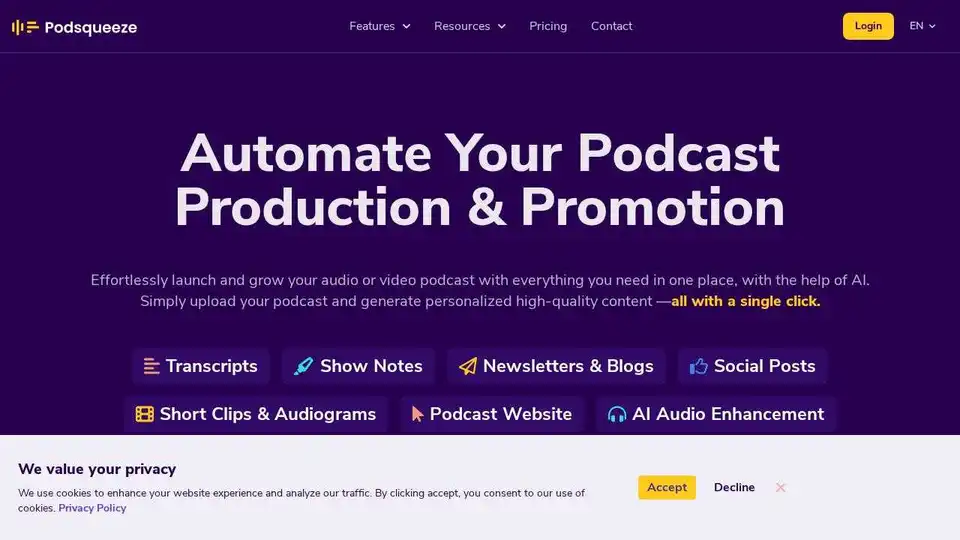
Podsqueeze is an AI-powered tool for podcast transcription, summarization, clip creation, and audio enhancement. Grow your podcast and save hours of effort. Free to sign up.
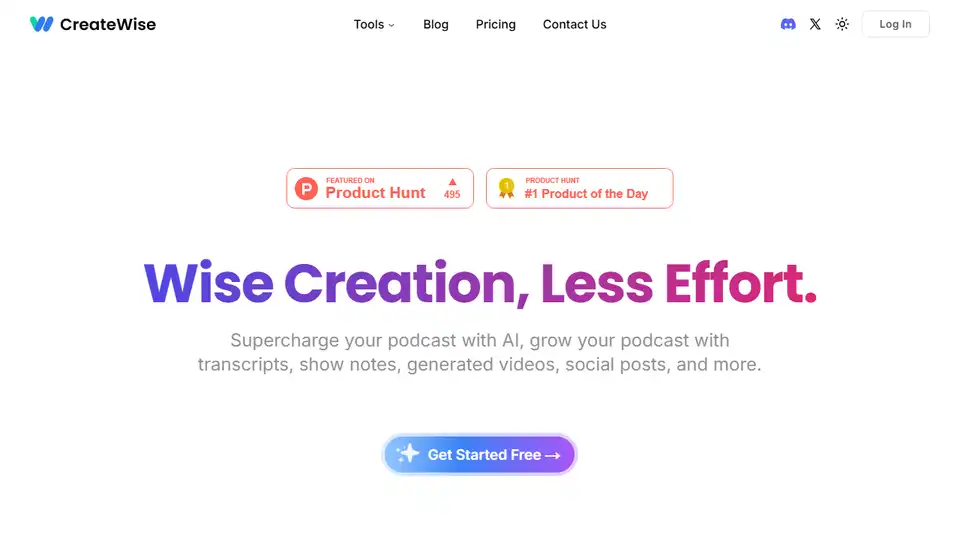
CreateWise AI supercharges your podcast with AI! Generate show notes, summaries, social posts, and engaging clips instantly. Try it free and save hours on editing!

NoteVocal is an AI-powered tool that instantly transcribes audio to text. Ideal for meetings, content creation, and journaling, it supports multiple languages and file uploads. Start capturing your ideas effortlessly!
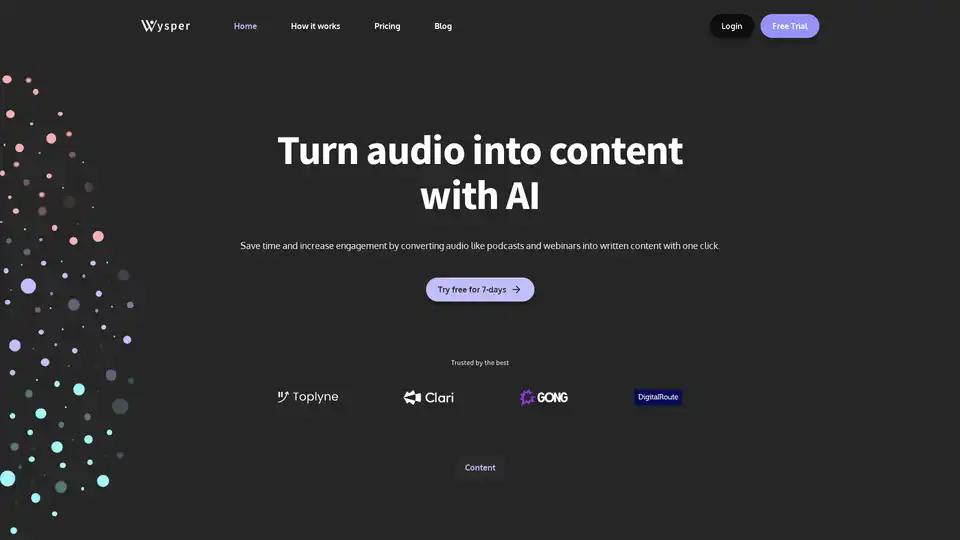
Wysper is an AI-powered podcast content engine that instantly converts audio from podcasts, webinars, and videos into transcripts, summaries, SEO blogs, social posts, and more. Save time, automate workflows, and expand your audience across platforms.