
Wavve AI
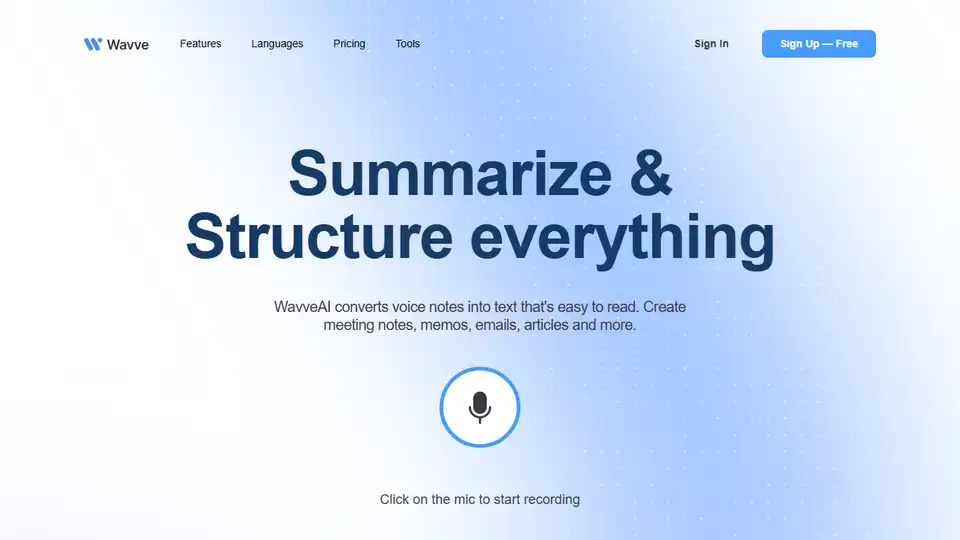
Overview of Wavve AI
Wavve AI: The All-in-One Audio to Text Solution
What is Wavve AI? Wavve AI is a versatile platform designed to streamline your audio recording, transcription, summarization, and content creation processes. It transforms spoken words into written text, making it easy to create meeting notes, emails, articles, journal entries, and more.
Key Features:
- Effortless Transcription: Converts voice notes, uploaded audio files, or written content into high-quality text summaries.
- Content Generation: Helps generate up to 50% of your content by setting the context and choosing the appropriate mood, reducing the need for extensive editing.
- Versatile Applications: Ideal for journaling, email drafting, summarizing meetings, writing articles, creating to-do lists, and brainstorming ideas.
- Seamless Integration: Integrates easily with other apps for content creation from anywhere.
- Multi-Language Support: Supports transcription in 141 languages, broadening accessibility.
- Social Sharing: Easily share your notes publicly with friends via shareable URLs.
How Does Wavve AI Work?
Wavve AI uses cutting-edge AI technology, including OpenAI's Whisper and other advanced audio models, to accurately transcribe, summarize, and process your recordings. The process is simple:
- Record, Upload, or Write: Capture audio notes directly, upload existing audio files, or even write content within the app.
- Convert to Text: Wavve AI automatically converts the audio or text into high-quality text summaries.
- Set the Tone: Choose from hundreds of moods to set the intonation of your summary.
- Share Anywhere: Share your notes via social media or public URLs.
Use Cases:
- Journaling: Speak your thoughts and Wavve AI structures them into a well-organized journal entry.
- Email Buddy: Dictate emails and Wavve AI creates the email template.
- Summarize Meetings: Quickly generate summaries of meeting discussions.
- Writing: Record ideas and use the summaries later for articles or other writing projects.
- Todo & Task Lists: Easily create and manage to-do lists by speaking them into the app.
- Brainstorm Ideas: Capture brainstorming sessions and convert them into structured notes.
Pricing:
Wavve AI offers both monthly and lifetime pricing options. Current options are an Individual plan at $9/month, a Pro plan at $19/month, a lifetime deal priced at $169 for the Individual plan and $199 for the Pro plan. There is also a Combo Plan with Listnr TTS + Wavve STT for $10/month billed annually.
FAQ:
- What if the record button doesn't work? Ensure Wavve AI has microphone access in your browser or device settings.
- What if Wavve AI is slow to summarize? Try refreshing the page or retrying the transcription from your account settings.
- Can I record audio from multiple sources at once? Currently, Wavve AI only supports recording directly through your device’s microphone.
- What are the limits on audio length? Recording limits vary by subscription plan: Free (5 minutes), Basic (15 minutes), and Premium (60 minutes).
Why is Wavve AI Important?
Wavve AI is important because it significantly reduces the time and effort required to convert audio into usable text. It is a valuable tool for professionals, students, and anyone who needs to quickly capture, transcribe, and summarize audio content.
Where can I use Wavve AI?
Wavve AI can be used in a variety of settings, including:
- Meetings
- Interviews
- Lectures
- Brainstorming sessions
- Personal journaling
- Content creation
Best Way to Maximize Wavve AI?
To maximize Wavve AI, take advantage of its versatile features by:
- Experimenting with different moods to generate unique content.
- Integrating Wavve AI with other apps for seamless content creation.
- Utilizing the multi-language support for global accessibility.
- Sharing notes and summaries with colleagues and friends for collaborative projects.
By leveraging these functionalities, Wavve AI becomes an indispensable tool for enhancing productivity and creativity.
In conclusion, Wavve AI provides a comprehensive and efficient solution for recording, transcribing, summarizing, and generating content from audio. Its AI-powered features, versatile applications, and user-friendly interface make it an essential tool for anyone looking to streamline their workflow and enhance productivity. If you want to transform voice notes into text effortlessly, Wavve AI is the go-to app.
AI Article Generation AI Text Polishing AI Writing Assistance Paper and Report Generation News and Blog Generation Email and Business Writing
Best Alternative Tools to "Wavve AI"
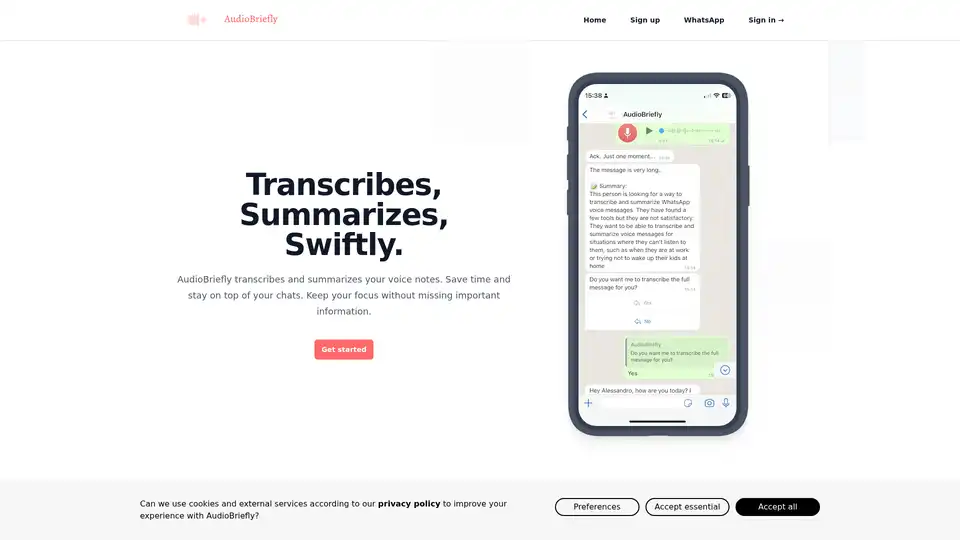
AudioBriefly offers a practical tool for quickly transcribing and summarizing voice messages, including WhatsApp voicemails. Ideal for those seeking to save time and streamline communication. Experience the convenience of AudioBriefly for efficient and effective message management.

AI note taking app that transforms voice recordings, text, images, audio files and videos into clear, summarized notes for meetings, lectures, journals, and more.
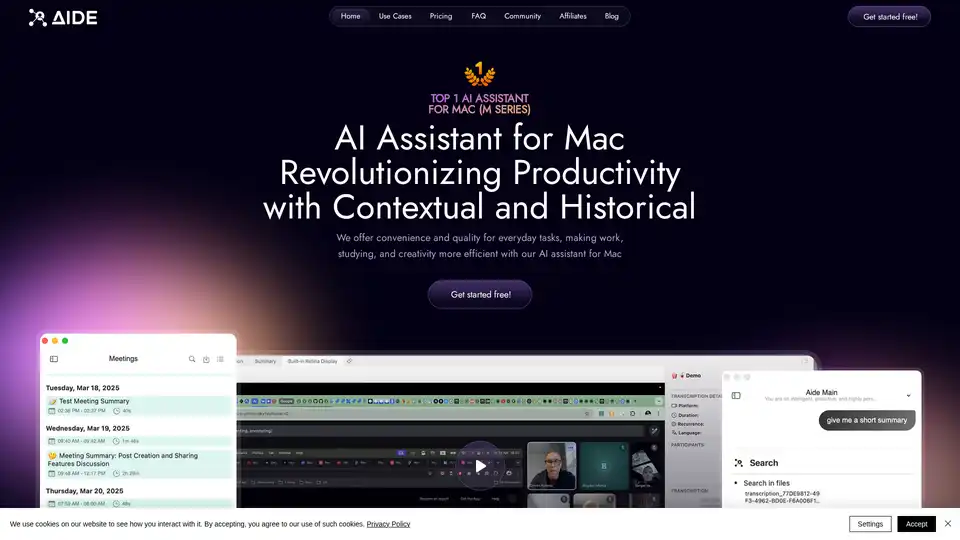
AIDE AI Assistant for Mac captures, processes, and organizes meetings into structured, searchable knowledge. It integrates with platforms like Zoom, Teams, and Google Meets, offering fast transcription and intelligent summarization.
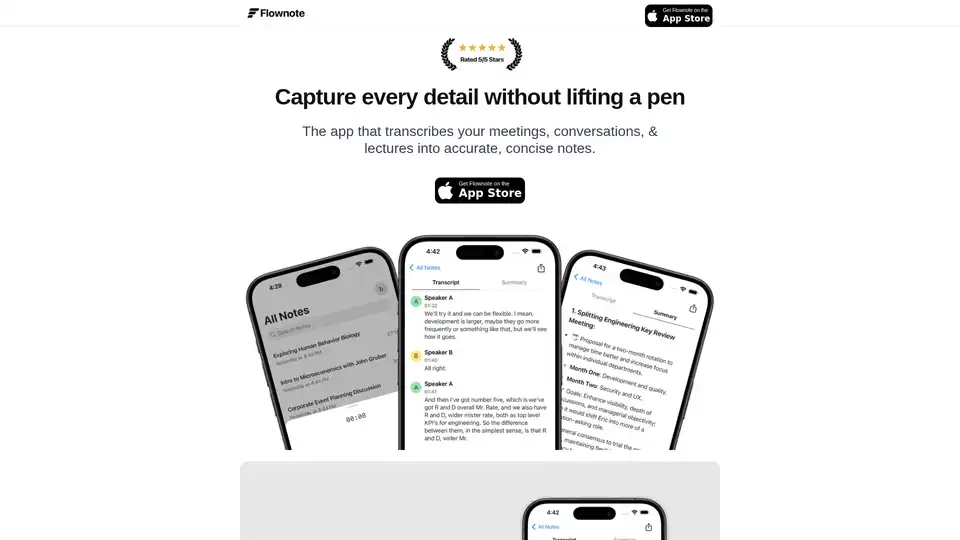
Flownote is an AI-powered note-taking app that automatically transcribes and summarizes your meetings, saving you time and enhancing productivity, so you can focus on the meeting, not the notes.