
TinyStudio
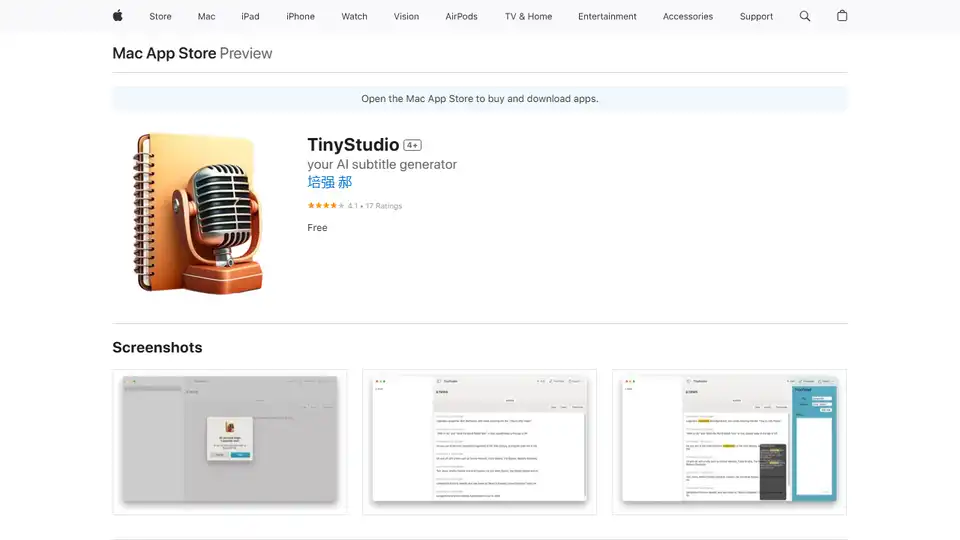
Overview of TinyStudio
TinyStudio: Your AI-Powered Subtitle Generator for Mac
What is TinyStudio? TinyStudio is a free Mac application designed to simplify the process of creating subtitles for video and audio files. Leveraging the power of Apple's M1 and M2 chips, it delivers fast and efficient performance, making it ideal for vloggers, marketers, and social media enthusiasts looking to enhance their content.
How does TinyStudio Work? TinyStudio uses OpenAI's Whisper technology for local processing of video and audio files, eliminating the need for an internet connection. The app offers a one-click solution to generate subtitles. Key features include:
- Hardware Acceleration: Utilizes M1/M2 chips for fast performance.
- Offline Processing: Employs OpenAI's Whisper for local subtitle generation.
- Subtitle Import/Export: Supports various subtitle formats.
- Rule-Based Correction: Features a system to ensure subtitle accuracy.
- User-Friendly Interface: Designed for ease of use.
- Dark Mode: Offers a visually comfortable experience.
Key Features and Benefits:
- Free to Use: TinyStudio is available as a free download from the Mac App Store.
- Efficiency: Generate subtitles with a single click.
- Accuracy: Rule-based correction system improves reliability.
How to Use TinyStudio:
- Download TinyStudio from the Mac App Store.
- Launch the application.
- Import your video or audio file.
- Click the generate subtitles button.
- Review and correct subtitles as needed.
- Export the subtitles in your desired format.
User Feedback:
Users have praised TinyStudio for its accuracy and ease of use. One user, Randgreg, noted the impressive accuracy but highlighted an issue with subtitle display during gaps in dialog. Another user, yzd2023, reported a crashing issue on an M1 Mac mini, which the developer suggested could be due to system or storage issues. Another user said the app is slow compared to other apps and the time measurements are inaccurate.
Why is TinyStudio Important?
Subtitles are crucial for:
- Accessibility: Making content accessible to viewers who are deaf or hard of hearing.
- Engagement: Improving viewer engagement, especially on social media where users often watch videos on mute.
- SEO: Enhancing video search engine optimization by providing text-based content that can be indexed.
Who is TinyStudio For?
- Vloggers: Create engaging content with accurate subtitles.
- Marketers: Improve the reach and impact of video campaigns.
- Social Media Enthusiasts: Enhance video performance on platforms like TikTok and Instagram.
What's New in the Latest Version?
The latest version (1.08) includes fixes for model download issues and automatic renaming of the model during transcoding.
Where Can I Use TinyStudio?
You can use TinyStudio on any Mac computer running macOS 13.0 or later. It's available exclusively through the Mac App Store. Download now and start creating subtitles effortlessly!
TinyStudio is a user-friendly tool for both novice and experienced video editors. Its intuitive interface and efficient performance make it a valuable asset for anyone looking to add subtitles to their video and audio content.
AI Voice Synthesis AI Voice Changer AI Music Creation Speech to Text AI Voice Customer Service and Assistant Podcast and Video Dubbing
Best Alternative Tools to "TinyStudio"
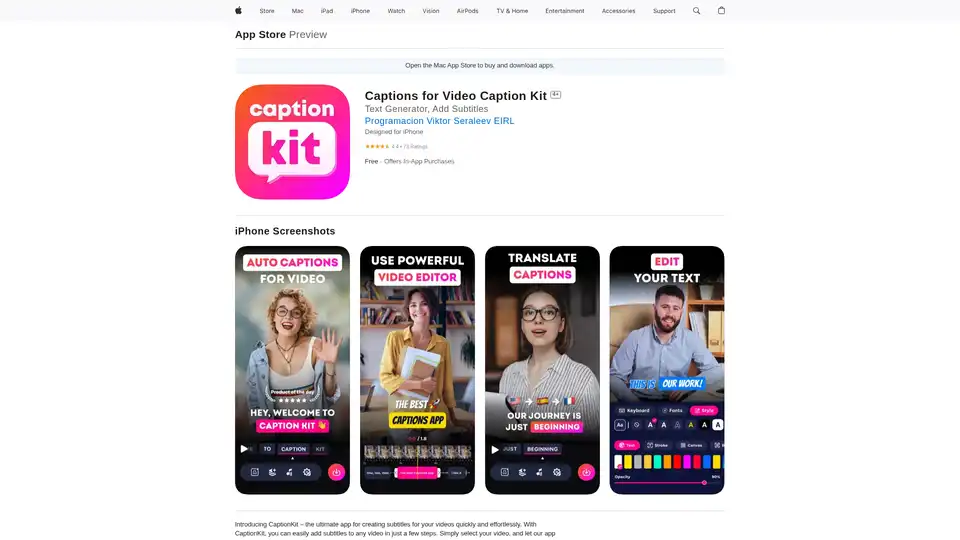
CaptionKit is an AI-powered iOS app that simplifies adding accurate subtitles to videos. Supporting over 100 languages, it uses proprietary AI for text recognition, offers customizable templates, translations, and social media previews for creators.
EaseUS Multimedia offers a range of video and audio tools, including video downloader, editor, converter, AI voice changer, and online utilities for various multimedia tasks.

VidChapter is an AI-powered tool that generates timestamped chapters, descriptions, tags, and titles for YouTube and Vimeo videos to boost rankings, engagement, and viewer retention effortlessly.
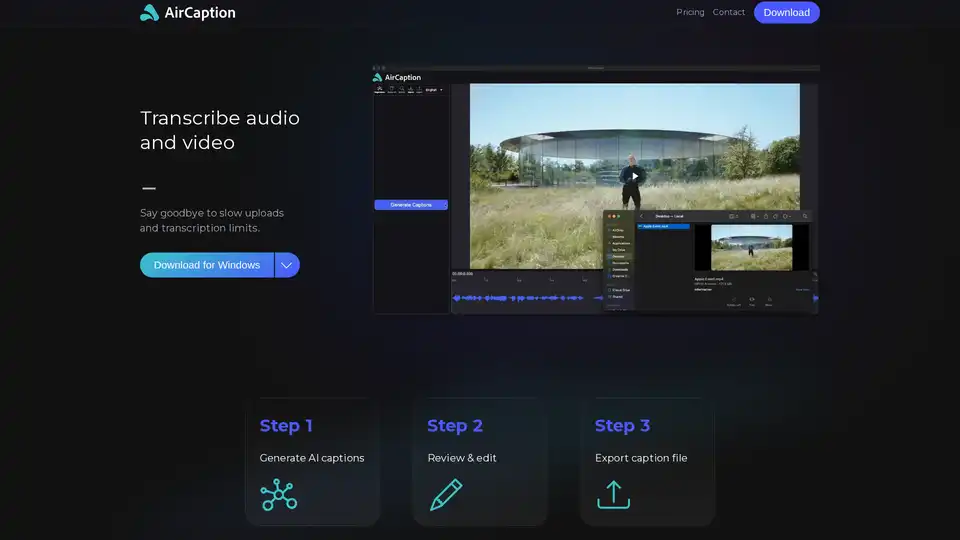
AirCaption is an AI-powered speech-to-text transcription software for Mac and Windows that generates accurate captions, transcripts, and subtitles entirely offline with privacy-focused processing.