
Remaker AI
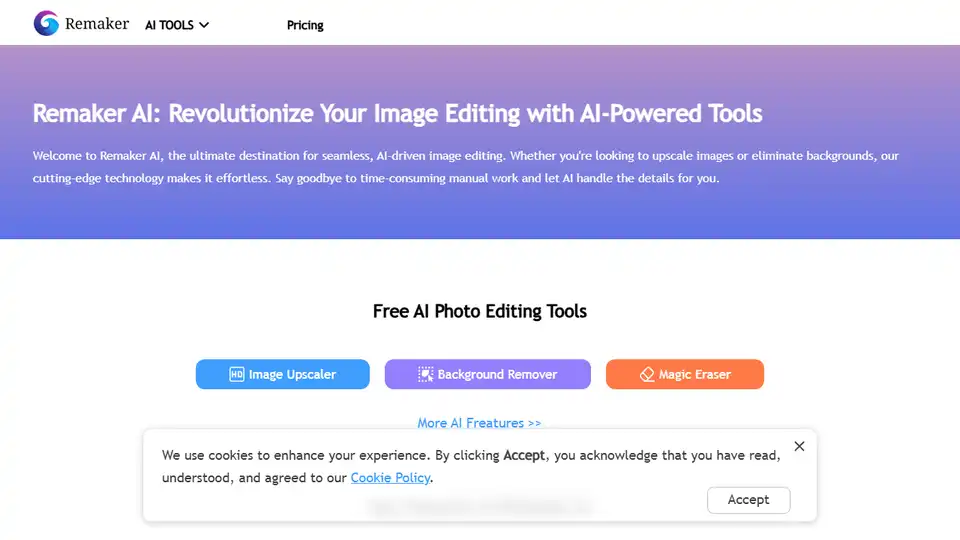
Overview of Remaker AI
Remaker AI: Revolutionize Your Image Editing with AI-Powered Tools
What is Remaker AI? Remaker AI is an AI-powered platform designed to simplify and enhance image editing processes. It offers a suite of tools that leverage artificial intelligence to perform tasks such as image upscaling, background removal, and video enhancement, all with ease and efficiency.
How does Remaker AI work? Remaker AI uses advanced AI models to analyze and modify images and videos. For example, the AI Image Upscaler employs sophisticated algorithms to increase the resolution of images without sacrificing quality. The AI Background Remover intelligently detects and removes backgrounds with a single click, providing clean, transparent images. Similarly, the AI Video Enhancer uses AI algorithms to fix blurry images in videos and upscale them to 4K resolution. These tools automate complex editing tasks, saving users time and effort.
Key Features
- Image Upscaler: Enhance and enlarge images for free with advanced AI technology. Convert images into high-definition masterpieces.
- Background Remover: Intelligently detect and remove backgrounds from images with a single click, creating clean, transparent results.
- AI Anime Generator: Transform your creativity into stunning anime images using cutting-edge AI model technology.
- Studio Ghibli AI Generator: Transform images into the Studio Ghibli style with a free online filter.
- AI Headshot Generator: Quickly create professional headshots, saving time and money while ensuring high-quality results.
- AI Video Enhancer: Improve video quality by transforming low-quality videos to stunning 4K resolution.
- Image to Video: Generate desired video based on an image, with a large number of templates to choose from.
Core Advantages of Remaker AI
- Advanced AI Models: Remaker uses cutting-edge AI models to produce top-tier, versatile content with precision.
- Data Privacy: Remaker is committed to safeguarding user data with stringent security protocols, guaranteeing confidentiality and zero data breach risks.
- Reliable Stability: Remaker ensures a dependable user experience through rigorous testing, meticulous quality control, and seamless updates.
User Reviews
- Jessica Brown (E-commerce Store Owner): "Remaker AI has been a game-changer for my online store. I use it to remove backgrounds from all my product photos. The results are flawless, and it saves me hours of editing every week!"
- Lisa Martin (Freelance Designer): "I've tried many tools for image upscaling, but Remaker AI is the best by far. The AI is accurate, and the images remain in perfect quality. I couldn't ask for more!"
- Chris Evans (Social Media Manager): "I love how easy it is to use Remaker AI. Whether I need to upscale images without loss or prepare them for a campaign, it only takes a few seconds. Highly recommend!"
Pricing
Remaker AI offers a flexible and user-friendly pricing model:
- No Subscription Required: Credits purchases are one-time, and users are not charged automatically on a recurring basis.
- Permanent Validity: Credits purchased are valid indefinitely, allowing users to utilize them at their convenience without time constraints.
- Diverse Payment Options: The platform accepts a wide range of payment methods including credit cards, debit cards, Google Pay, Apple Pay.
Frequently Asked Questions (FAQs)
Are Remaker's online AI tools free to use?
Yes, Remaker offers free credits that let users generate and export edited images without watermarks. Users can upgrade to VIP to unlock advanced features, with credits available via one-time payment, and no monthly subscription.
How to use Remaker AI?
- Visit the Remaker AI website.
- Select the tool you want to use (e.g., Image Upscaler, Background Remover).
- Upload your image or video.
- Let AI process the file.
- Download the enhanced or edited result.
Why is Remaker AI important?
Remaker AI simplifies complex image and video editing tasks, making them accessible to users of all skill levels. It saves time and effort, while delivering high-quality results, empowering e-commerce store owners, freelance designers, social media managers, and anyone who needs professional-grade editing capabilities.
Conclusion
Remaker AI is a powerful platform that leverages AI to streamline image and video editing. With its user-friendly interface, advanced features, and flexible pricing, it's an excellent solution for anyone looking to enhance their visual content quickly and efficiently.
AI Generated Art Image Enhancement and Repair Image Style Transfer AI Background Removal and Replacement AI Avatar and Cartoonization 3D Modeling and Rendering Logo and UI Design
Best Alternative Tools to "Remaker AI"

Perfectly Clear: AI-powered automatic photo corrections & video enhancement for businesses. Boost image quality and customer satisfaction.
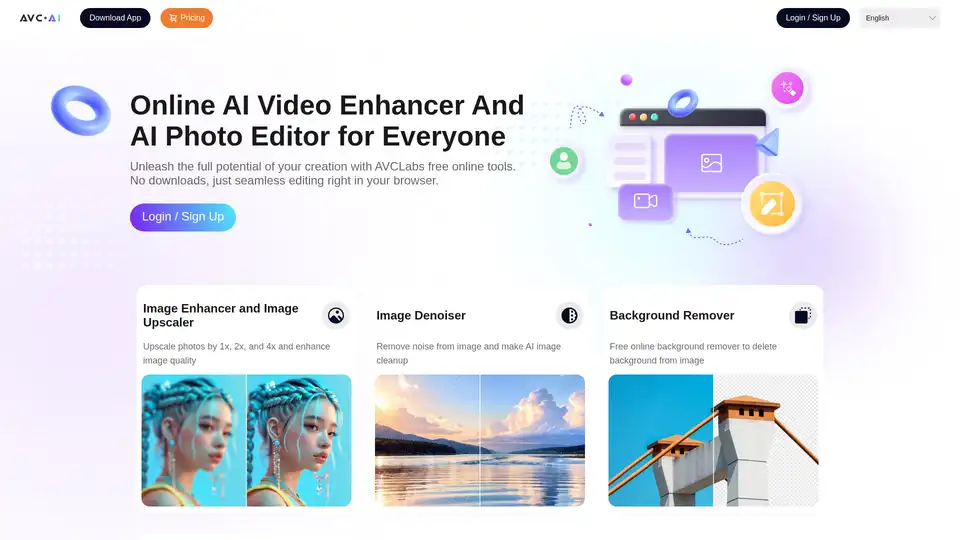
AVCLabs offers free online AI tools to enhance images and videos effortlessly in your browser. Upscale photos up to 4x, denoise, remove backgrounds and objects, stabilize videos, and colorize black-and-white photos for professional results without downloads.
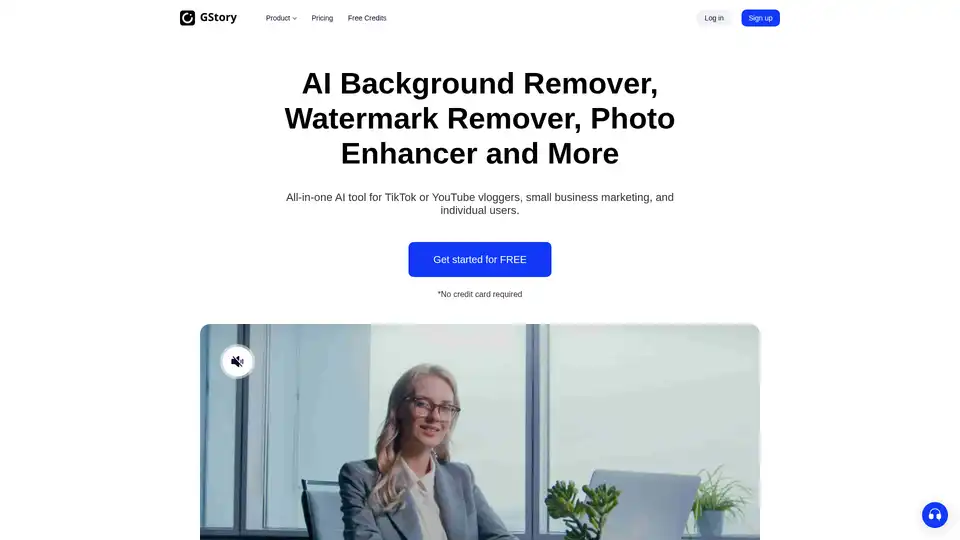
Edit videos and photos smartly with GStory's free AI tools. AI photo enhancer, background & watermark remover, auto-generate subtitles and more!
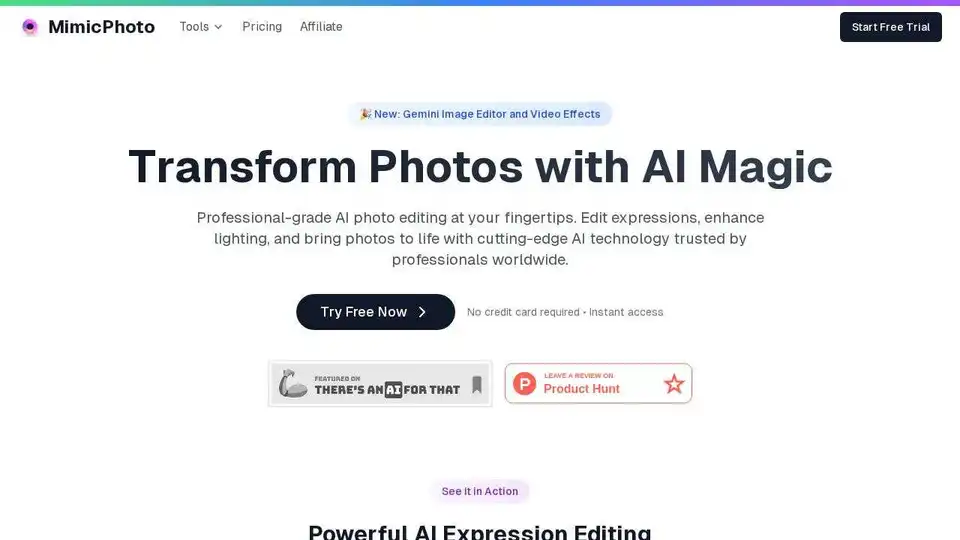
Transform your photos with MimicPhoto's AI tools. Edit expressions, enhance lighting, create AI videos. Try it free now!