
Playroom
Overview of Playroom
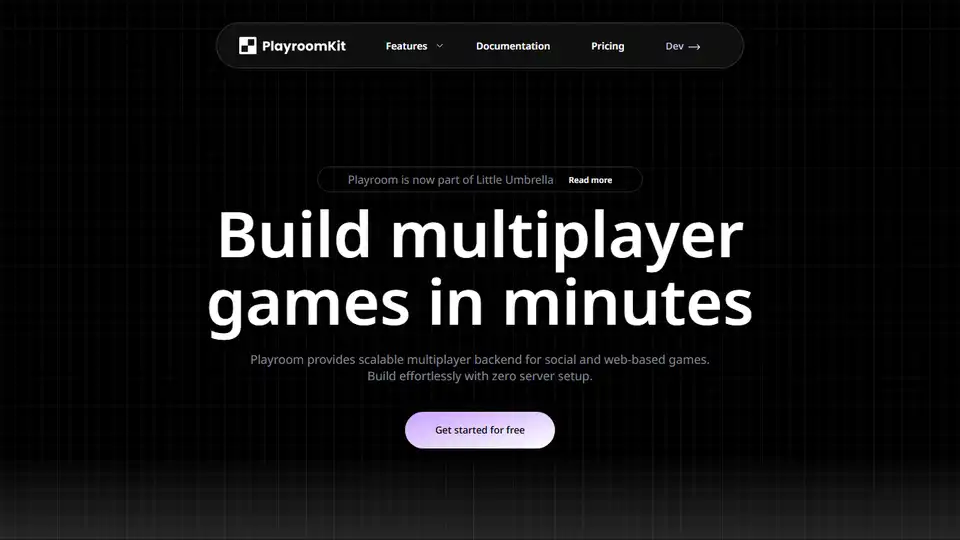
Playroom: Build Multiplayer Games in Minutes
What is Playroom?
Playroom is a modern multiplayer backend designed specifically for web-based games. It allows developers to build and scale games effortlessly without the complexities of server setup. This makes it an ideal solution for creating a wide range of multiplayer experiences, from casual games to AI-powered worlds.
How does Playroom work?
Playroom simplifies multiplayer game development by providing a scalable backend that handles real-time synchronization and communication between players. Instead of managing WebSockets, TCP, or WebRTC protocols, developers can focus on game logic and user experience. Playroom automatically manages the underlying infrastructure, ensuring low latency and seamless connectivity. The core of Playroom lies in its simple API, which enables developers to easily set and get the state of a game room. This state is then automatically synced between all players and screens.
Key Features and Benefits:
- Zero Backend Setup: Eliminate the need for server-side coding and management.
- Scalable Multiplayer Backend: Designed for social and web-based games.
- Low Latency: Automatically switches between WebRTC and WebSockets for optimal performance.
- Simple API: Easy to use API for setting and syncing game states.
- Easy Integrations: Seamlessly integrate multiplayer modules into any game engine.
- AI Integration: Build games with limitless content powered by AI.
- Cross-Platform Resources: Access an ever-expanding library of open-source game templates.
Playroom's Core Functionalities:
- Real-Time Mobile and Web Games: Create engaging experiences for a wide audience.
- Social Worlds with Avatars: Build immersive worlds with in-game communication.
- Stream Games: Develop games that take multi-user and multi-device inputs.
- AI-Powered Games: Unlock limitless content generation with AI integration.
- Embedded Games: Connect hundreds of players from across the globe.
How to use Playroom:
To get started with Playroom, you can install the necessary packages using npm:
npm install --save playroomkit react react-dom
Playroom supports various game engines and frameworks, including:
- React
- Unity
- Threejs
- Godot
- Cocos
- Phaser
- PixiJs
- WebXR
- Playcanvas
- ReactPhaser
Here's a basic example of using Playroom with React:
import { insertCoin, myPlayer, usePlayersList } from 'playroomkit';
import ReactNipple from 'react-nipple';

function Game(){
  // Hook that returns an array of players in the room.
  const players = usePlayersList();

  // We render all players and a joystick for current player.
  return (
    <Physics gravity={{y: 1600}}>
      {players.map((playerState) => (
        <Player key={playerState.id} player={playerState} />
      ))}

      <ReactNipple
          onEnd={()=> myPlayer().setState("dir", undefined)}
          onPlain={(e, data)=>
            myPlayer().setState("dir", data.direction)} />
    </Physics>
  )
}

function Player({player}){
  // Playroom hooks to get and set a player's state.
  // Setting state here will automatically sync value
  // with other players.
  const [pos, setPos] = usePlayerState(player, "position", {x: 0, y: 0});
  const [dir] = usePlayerState(player, "dir")

  const [bodyRef, setBodyRef] = useRef(null);

  useState(()=>{
    // One player acts as a host, host checks the joystick state for
    // each player, applies forces to the player and updates their pos.
    if (!isHost() || !dir) return;
    if (dir.x === "left"){
      bodyRef.current.applyForce({x: -100, y: 0});
    }
    if (dir.x === "right"){
      bodyRef.current.applyForce({x: 100, y: 0});
    }
    if (dir.y === "up"){
      bodyRef.current.applyForce({x: 0, y: -100});
    }
  }, [dir]);

  return (
    <Sprite
      ref={setBodyRef}
      x={pos.x}
      y={pos.y}
      onPositionChange={(pos)=> setPos(pos)}
      color={player.getProfile().color.hex}
    />
  )
}

// Initiates the lobby UI and resolves promise
// when the players have all connected in the same room.
insertCoin().then(()=>{
  ReactDOM.render(<Game />, document.getElementById("root"));
})
Why is Playroom important?
Playroom addresses the challenges of building multiplayer games by providing a comprehensive backend solution that simplifies development, reduces maintenance, and enables rapid scaling. This empowers developers to focus on creating innovative and engaging game experiences without being bogged down by infrastructure complexities. Playroom saves development and maintenance time by managing WebSocket, TCP, and webRTC protocols, along with server monitoring, allowing developers to focus on the game itself.Playroom’s serverless architecture and low-code SDK make multiplayer game development accessible to a wider range of developers, from indie creators to large-scale teams.
Where can I use Playroom?
Playroom is ideal for developing various types of multiplayer games, including:
- Casual Games: Quick and easy multiplayer experiences.
- Social Games: Worlds with avatars and in-game communication.
- Streaming Games: Games that take multi-user and multi-device inputs.
- AI-Powered Games: Games with limitless content generated by AI.
- Embedded Games: Games that connect hundreds of players from around the world.
Playroom is a powerful tool for developers looking to create engaging and scalable multiplayer games. Its zero-backend setup, simple API, and support for various game engines make it an excellent choice for both beginners and experienced game developers.
AI Programming Assistant Auto Code Completion AI Code Review and Optimization AI Low-Code and No-Code Development
Best Alternative Tools to "Playroom"
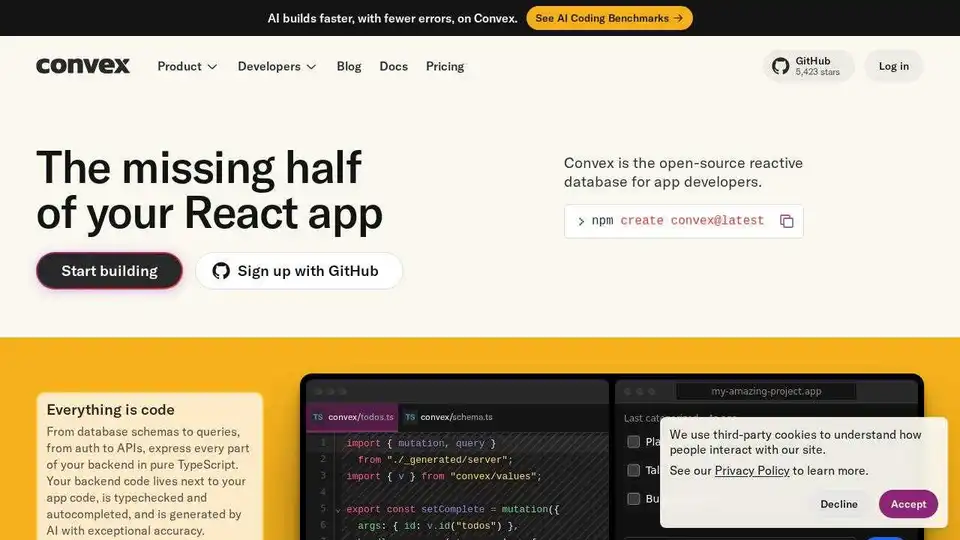
Convex is an open-source reactive database for web and mobile app developers. Build full-stack projects with real-time updates, AI coding, and TypeScript support.

Morphic revolutionizes storytelling with AI, enabling users to generate cinematic videos from prompts, sketches, or ideas using machine learning for images, 3D assets, and motion effects.
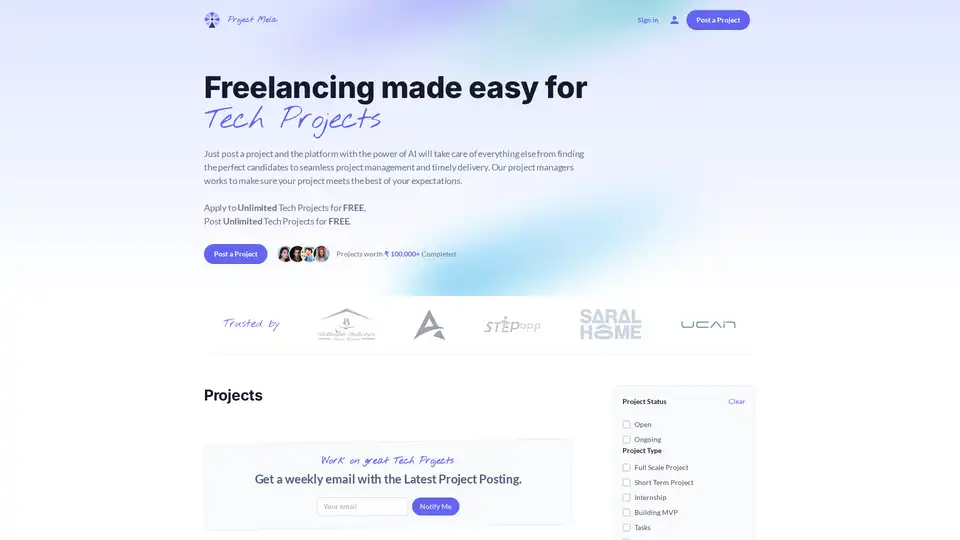
Project Mela is an AI-driven platform streamlining tech project management. Find candidates, coordinate tasks, and ensure timely delivery effortlessly. Post projects & apply for free!
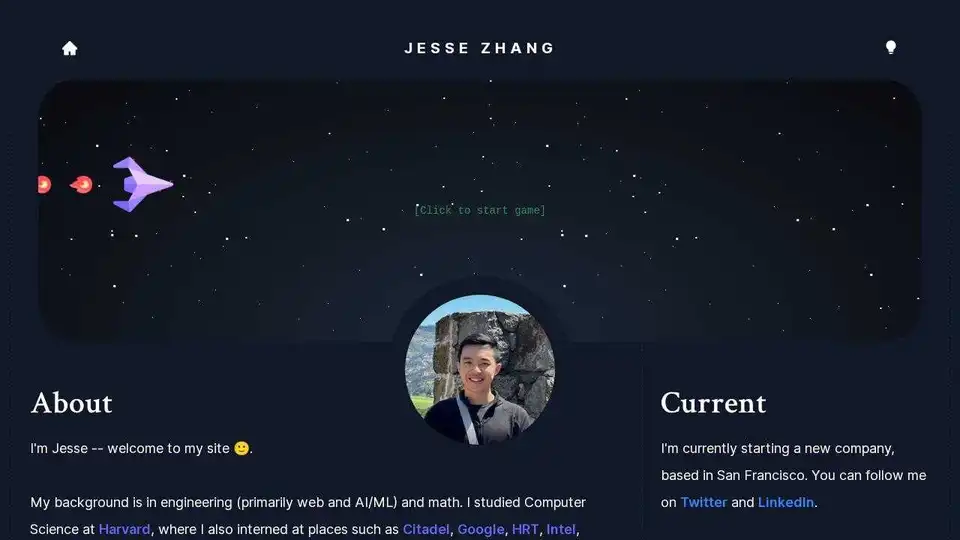
Personal website of Jesse Zhang, featuring AI/ML projects, web development experience, and angel investment portfolio. Explore diverse projects and his background in computer science.