Lifestack
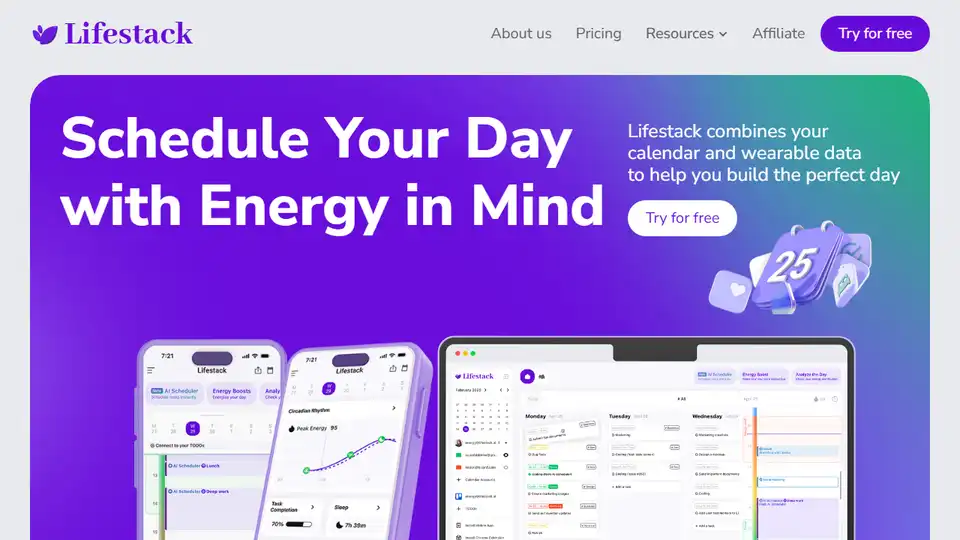
Overview of Lifestack
Lifestack: The Smart Calendar that Optimizes Your Schedule with Energy Levels
What is Lifestack?
Lifestack is an innovative calendar application designed to enhance your productivity and well-being by aligning your daily schedule with your personal energy levels. It combines your calendar, health data from wearable devices, and to-do lists to help you plan the perfect day.
How does Lifestack work?
Lifestack works by analyzing your energy levels based on data from wearable devices, circadian rhythm insights, and subjective feelings. Here's a step-by-step guide:
- Connect Your Data: Connect your wearable device (like a Fitbit or Apple Watch) and calendar to see your health data and schedule in one place.
- Understand Your Energy Levels: Get personalized insights into your energy levels throughout the day based on sleep data, circadian rhythm, and how you feel.
- Schedule Tasks with Energy in Mind: Integrate your to-do list and schedule tasks for when you have the most energy for demanding activities and vice versa.
- Reflect on Your Day: Review your day's energy and productivity to see which events energize you and which tire you out.
Why is Lifestack important?
Lifestack is crucial for better time management and overall well-being. It helps you avoid burnout by creating a balanced schedule that respects your natural energy fluctuations.
Key Features:
- Energy Level Analysis: Analyzes your energy levels based on your circadian rhythm, sleep data, and subjective feelings.
- Integration with Wearable Devices: Connects with various wearable devices to track health data.
- Task Scheduling: Allows you to schedule tasks according to your energy levels.
- Mobile App, Web App, and Chrome Extension: Access Lifestack on multiple platforms.
Benefits of Using Lifestack:
- Improved Productivity: By aligning tasks with energy levels, you can accomplish more with less effort.
- Reduced Burnout: A balanced schedule ensures you avoid overexertion and maintain your well-being.
- Better Time Management: Helps you plan your day more effectively by considering your energy levels.
- Enhanced Health and Wellness: Promotes a healthy lifestyle by integrating health data into your schedule.
User Reviews:
Users have praised Lifestack for its ability to improve productivity and reduce burnout. Many users have noted that scheduling demanding tasks during their high-energy periods has significantly increased their efficiency.
Where can I use Lifestack?
Lifestack is available as a mobile app, web app, and Chrome extension, making it accessible across various devices and platforms.
Best way to use Lifestack:
The best way to use Lifestack is to integrate it into your daily routine. Start by connecting your wearable device and calendar, then use the app to schedule tasks according to your energy levels. Reflect on your day's productivity to identify patterns and adjust your schedule accordingly.
AI Task and Project Management AI Document Summarization and Reading AI Smart Search AI Data Analysis Automated Workflow
Best Alternative Tools to "Lifestack"
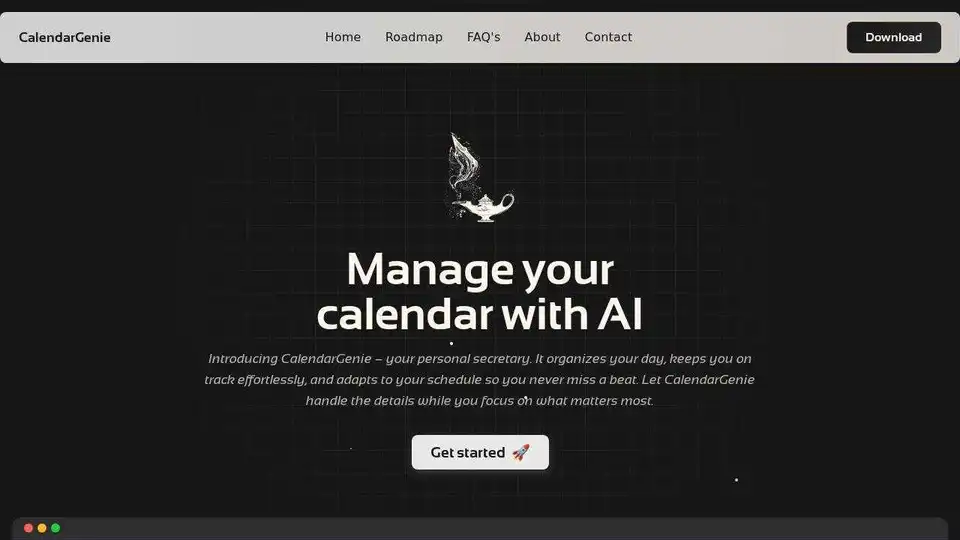
CalendarGenie: Your AI-powered calendar assistant. Effortlessly manage schedules, automate meeting planning, and optimize your time with intelligent calendar management. The smart way to organize your day.
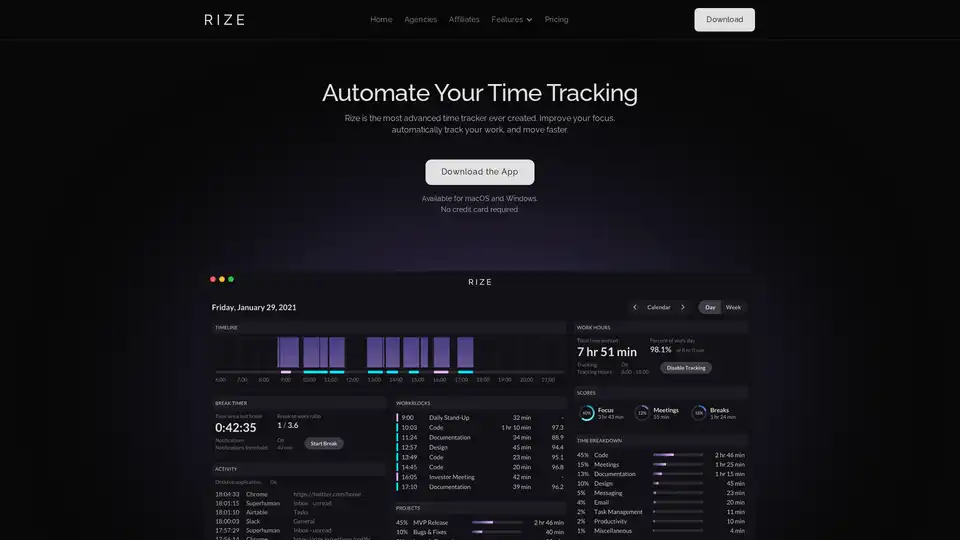
Rize is an AI-powered time tracker that automatically tracks work activities, improves focus, and helps build better work habits. It provides real-time productivity insights and tools like app blocking, focus music, and personalized metrics.
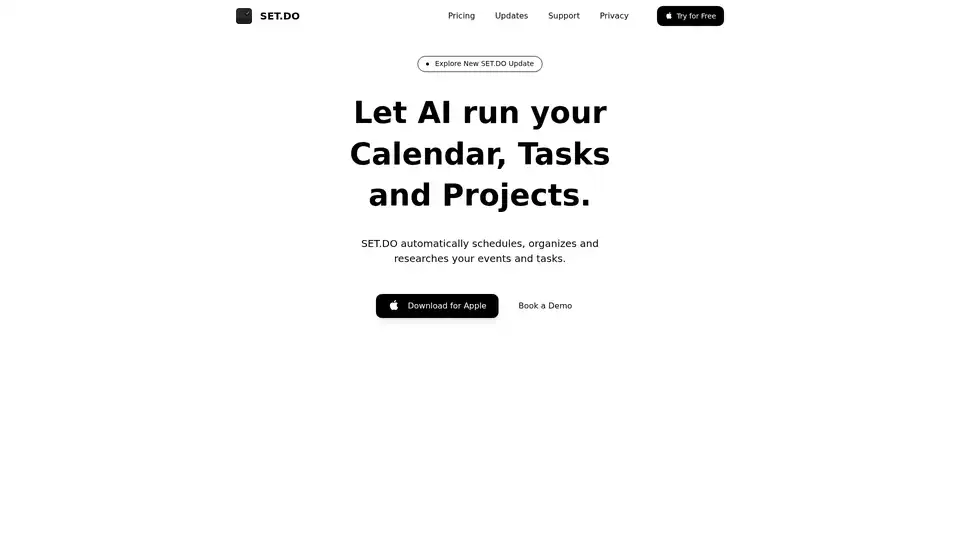
SET.DO is an AI-powered tool that automates scheduling, organization, and research for your events and tasks, integrating with Google, Apple, and Outlook calendars for seamless productivity.
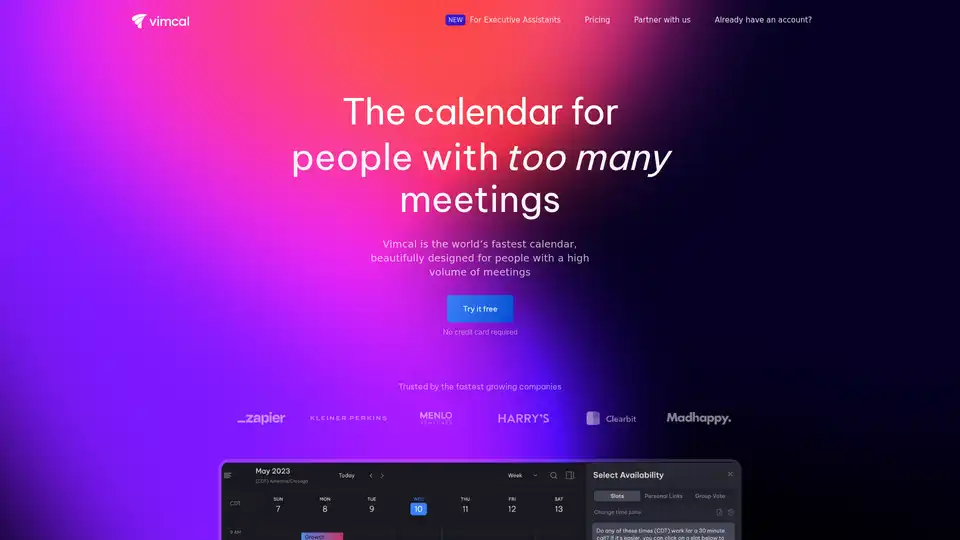
Vimcal is a fast, beautifully designed calendar app for people with many meetings, offering features like booking links, keyboard shortcuts, time zone conversions, and NLP event creation to enhance productivity.