
Lexica
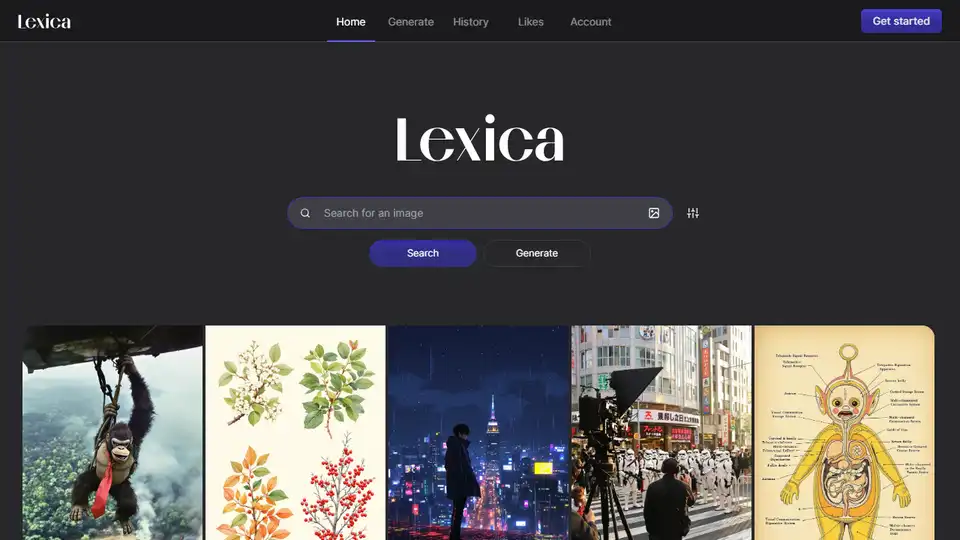
Overview of Lexica
Lexica: Unleash Your Creativity with AI Image Generation
Lexica is a cutting-edge AI image generation engine that empowers users to create stunning and unique visuals using simple text prompts. Whether you're an artist, designer, marketer, or simply someone looking to explore the possibilities of AI-generated art, Lexica offers a powerful and intuitive platform to bring your ideas to life.
What is Lexica?
Lexica is an AI-powered tool that transforms text descriptions into high-quality images. It leverages advanced machine learning models to understand the nuances of language and translate them into visually compelling art. With Lexica, you can generate images of virtually anything you can imagine, from realistic portraits to abstract landscapes, and everything in between.
How does Lexica work?
Lexica's AI engine works by analyzing the text prompt you provide and identifying the key elements and relationships within the description. It then uses this information to generate an image that accurately reflects your vision. The process involves several steps:
- Text Input: You start by entering a text prompt that describes the image you want to create. The more detailed and specific your prompt, the better the results will be.
- AI Analysis: Lexica's AI engine analyzes your prompt, identifying keywords, objects, styles, and relationships.
- Image Generation: Based on the analysis, the AI generates an image that matches your description. The process may involve multiple iterations to refine the image and ensure it meets your expectations.
- Refinement and Customization: After the initial image is generated, you can further refine and customize it using various tools and options. You can adjust the style, composition, colors, and other aspects of the image to achieve the desired result.
Key Features of Lexica
- Text-to-Image Generation: Transforms text descriptions into high-quality images.
- Vast Image Library: Explore a vast library of AI-generated art for inspiration.
- Customization Options: Refine and customize images to achieve the desired result.
- User-Friendly Interface: Intuitive and easy-to-use platform for all skill levels.
- High-Resolution Output: Generate images in high resolution for various applications.
How to use Lexica?
Using Lexica is simple and straightforward. Here's a step-by-step guide:
- Visit the Lexica Website: Go to the Lexica website.
- Enter a Text Prompt: In the search bar, enter a detailed description of the image you want to create.
- Generate Image: Click the "Generate" button to start the AI image generation process.
- Review and Refine: Review the generated images and refine them using the available customization options.
- Download Image: Once you're satisfied with the result, download the image in high resolution.
Use Cases for Lexica
Lexica can be used in a variety of creative and professional contexts:
- Art and Design: Create unique and original artwork for personal or commercial use.
- Marketing and Advertising: Generate eye-catching visuals for marketing campaigns and advertisements.
- Content Creation: Enhance blog posts, articles, and social media content with stunning AI-generated images.
- Education: Use Lexica to illustrate concepts and ideas in educational materials.
- Personal Projects: Bring your imagination to life and create visuals for personal projects and hobbies.
Why is Lexica important?
Lexica is important because it democratizes access to image creation. It empowers anyone, regardless of their artistic skills, to create stunning visuals with simple text prompts. This opens up new possibilities for creativity, innovation, and communication in various fields.
Where can I use Lexica?
You can use Lexica on its website. Simply visit the website, create an account, and start generating images.
Example Prompts
Here are a few example prompts to get you started:
- "A futuristic cityscape with flying cars and neon lights."
- "A portrait of a wise old wizard with a long beard and a magical staff."
- "An abstract landscape with vibrant colors and swirling patterns."
- "A photorealistic image of a red rose with dew drops on its petals."
By providing detailed and specific prompts, you can guide Lexica's AI engine to generate images that closely match your vision.
Conclusion
Lexica is a powerful and versatile AI image generation engine that empowers users to create stunning visuals with simple text prompts. Whether you're an artist, designer, marketer, or simply someone looking to explore the possibilities of AI-generated art, Lexica offers a user-friendly platform to bring your ideas to life. Unlock your creative potential with Lexica and start generating amazing images today!
AI Generated Art Image Enhancement and Repair Image Style Transfer AI Background Removal and Replacement AI Avatar and Cartoonization 3D Modeling and Rendering Logo and UI Design
Best Alternative Tools to "Lexica"
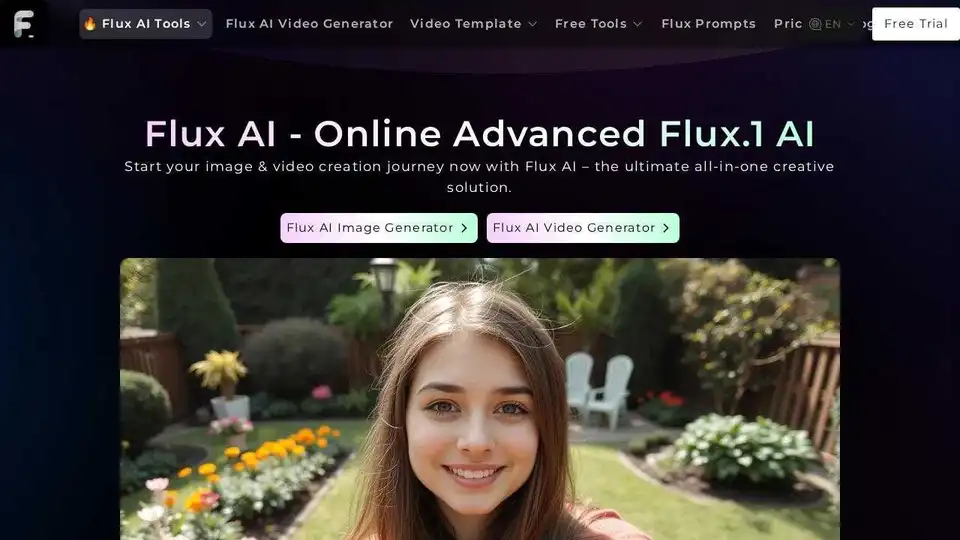
Flux AI offers advanced AI image and video generation tools. Create stunning visuals with text-to-image and image-to-video technology. Try Flux Kontext AI and Flux.1 AI models for free.
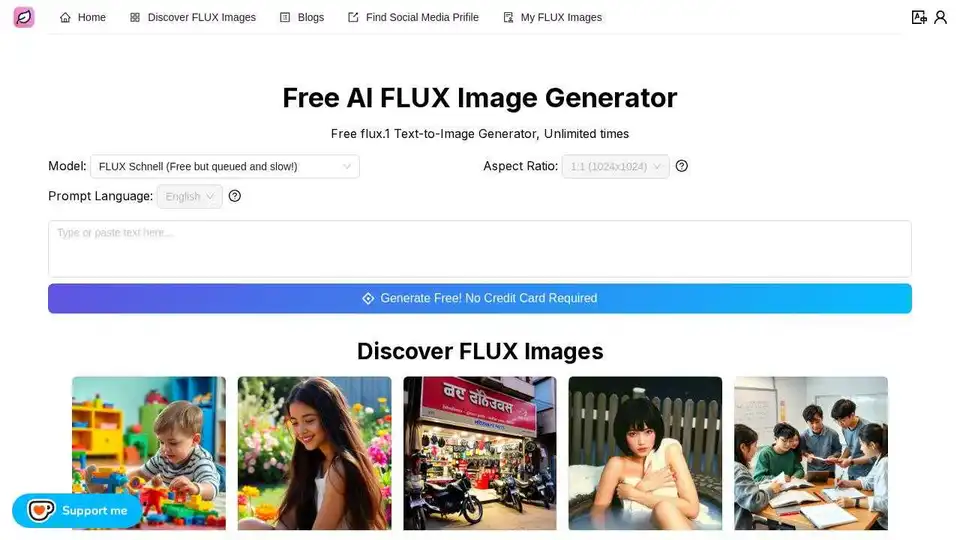
Free FLUX Image Generator. Generate images from text prompts with the FLUX Schnell model, unlimited times.
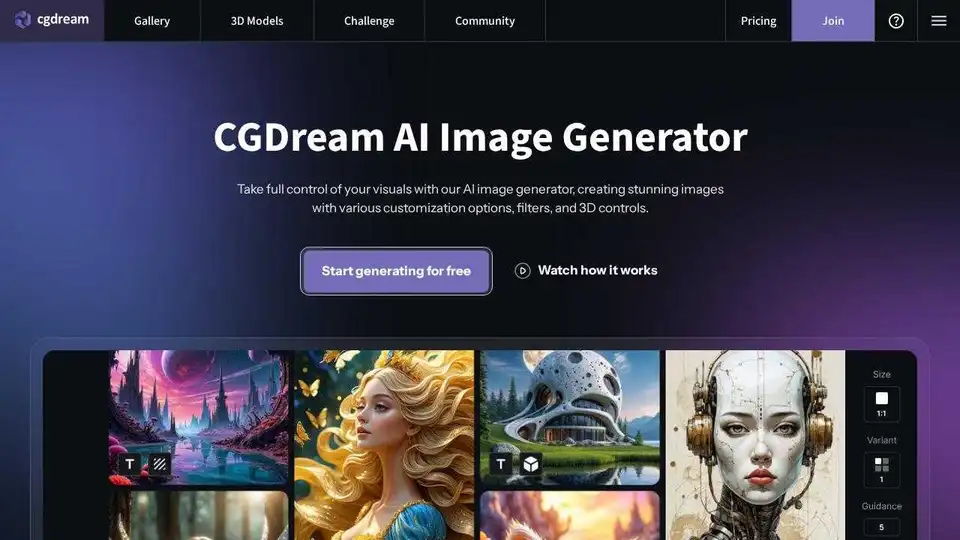
CGDream AI Image Generator: Free AI image generation from text, photos, or 3D models. Enhance with Lora styles, inpaint, upscale, and more for stunning visuals.
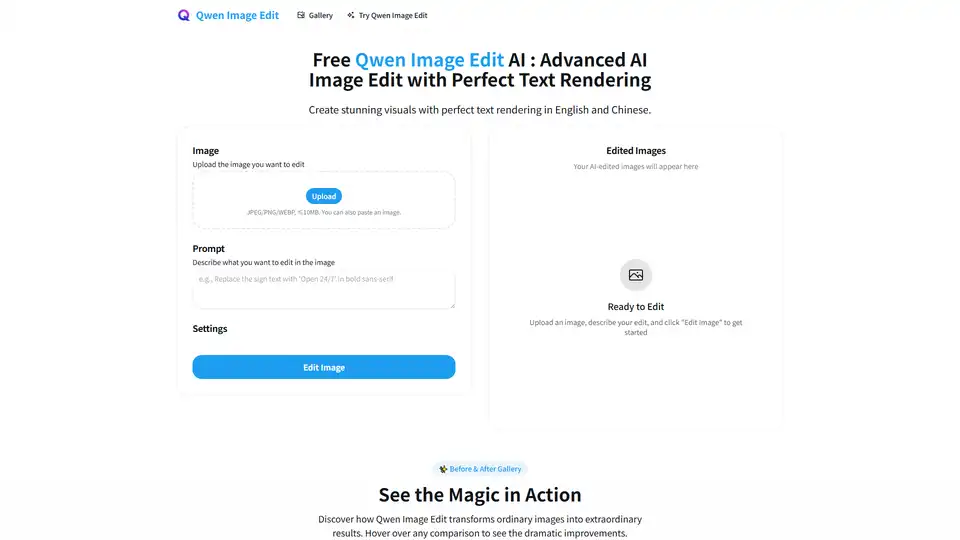
Qwen Image AI is a cutting-edge AI model for high-fidelity image generation with exceptional text rendering in English and Chinese. Edit your images with AI precision.