
ID Photo Editor
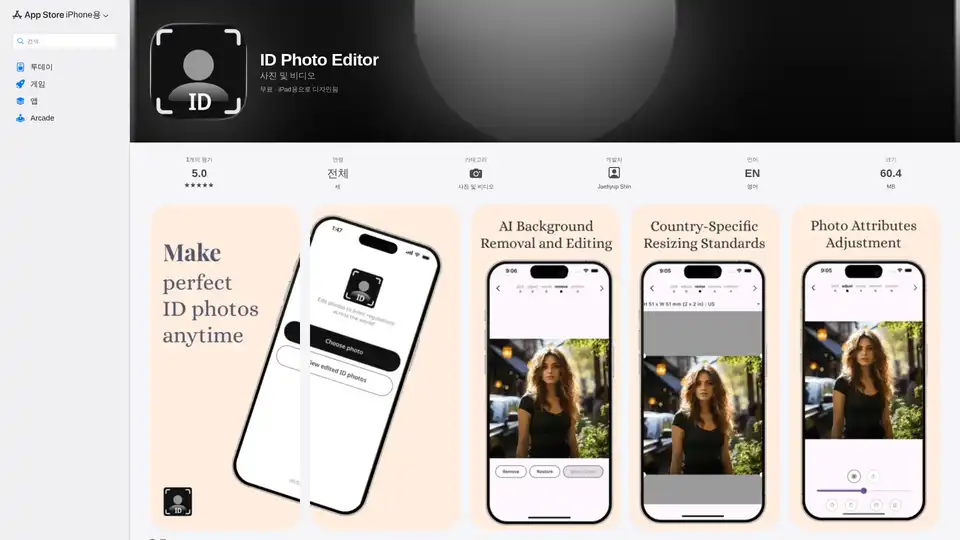
Overview of ID Photo Editor
ID Photo Editor: Your AI-Powered Solution for Perfect ID Photos
What is ID Photo Editor?
ID Photo Editor is an innovative app available on the App Store, designed to help you create professional-quality ID photos right from your iPhone or iPad. Leveraging the power of AI, this app simplifies the often tedious process of getting your photos just right for passports, visas, and other official documents.
Key Features:
- Photo Attributes Adjustment: Easily fine-tune brightness, contrast, and saturation for your perfect ID photo.
- Country-Specific Resizing Standards: Get your ID photo sized perfectly with presets for each country’s requirements.
- AI Background Removal and Editing: Effortlessly remove backgrounds and customize colors with AI-powered precision.
How to Use ID Photo Editor:
- Download and install the app from the App Store.
- Select a photo from your device or take a new one using the app.
- Use the AI tools to remove or customize the background.
- Adjust the photo attributes (brightness, contrast, saturation) to your liking.
- Select the country-specific resizing preset for your document.
- Save your perfectly sized and edited ID photo.
Why is ID Photo Editor Important?
ID Photo Editor streamlines the process of creating compliant ID photos, saving you time and money. Whether you need a passport photo or a visa photo, this app ensures your photos meet the required standards with ease.
Where Can I Use ID Photo Editor?
You can use ID Photo Editor anytime, anywhere, directly from your iOS device. It’s perfect for:
- Creating passport photos
- Generating visa photos
- Preparing photos for other official documents
- Quickly editing and resizing photos on the go
Best Way to Get Compliant ID Photos:
Use ID Photo Editor for its user-friendly interface, AI-powered tools, and country-specific presets to ensure your ID photos are always perfect and compliant with official requirements.
AI Generated Art Image Enhancement and Repair Image Style Transfer AI Background Removal and Replacement AI Avatar and Cartoonization 3D Modeling and Rendering Logo and UI Design
Best Alternative Tools to "ID Photo Editor"
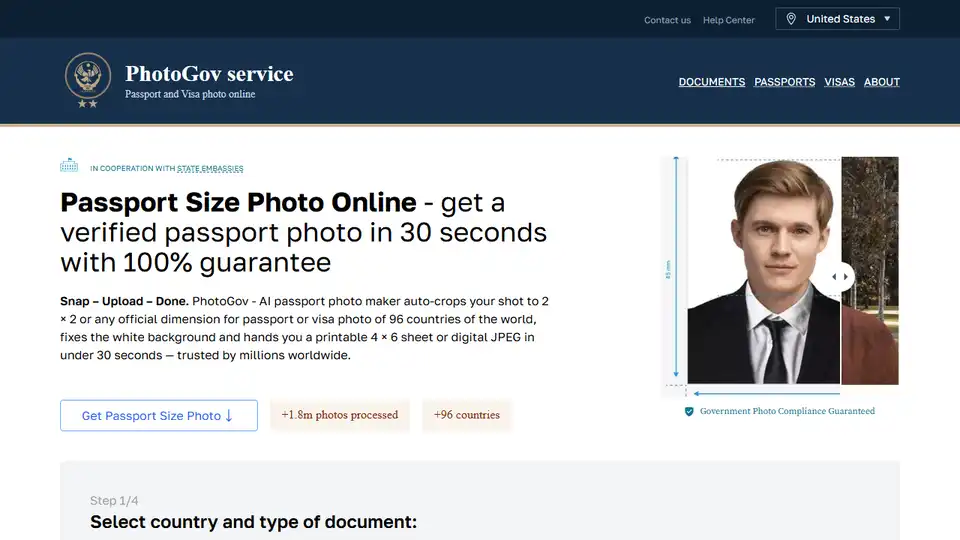
Create government-compliant passport photos in seconds with PhotoGov's AI passport photo maker. Upload, crop, and download printable sheets for passports, visas, and IDs.
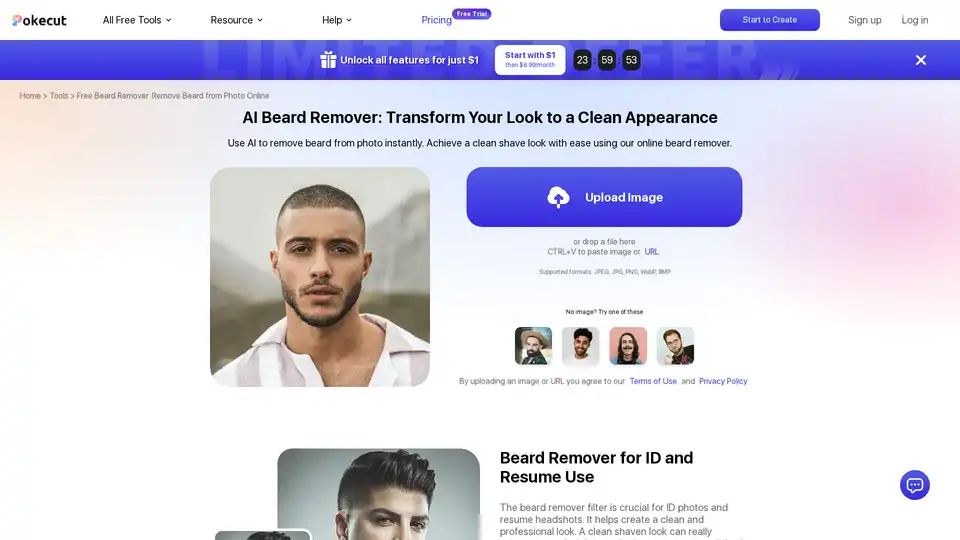
Discover Pokecut's free AI beard remover to instantly remove beards and mustaches from photos online. Achieve a professional clean-shaven look without sign-up, perfect for ID photos and resumes.
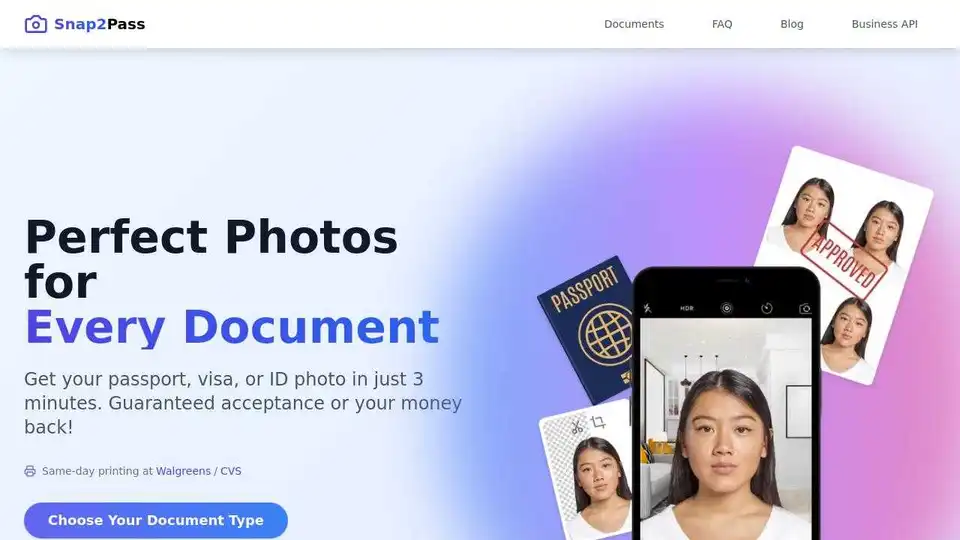
Create compliant visa and passport photos online with Snap2Pass. Guaranteed acceptance or your money back. Fast, easy, and convenient for all your document photo needs.
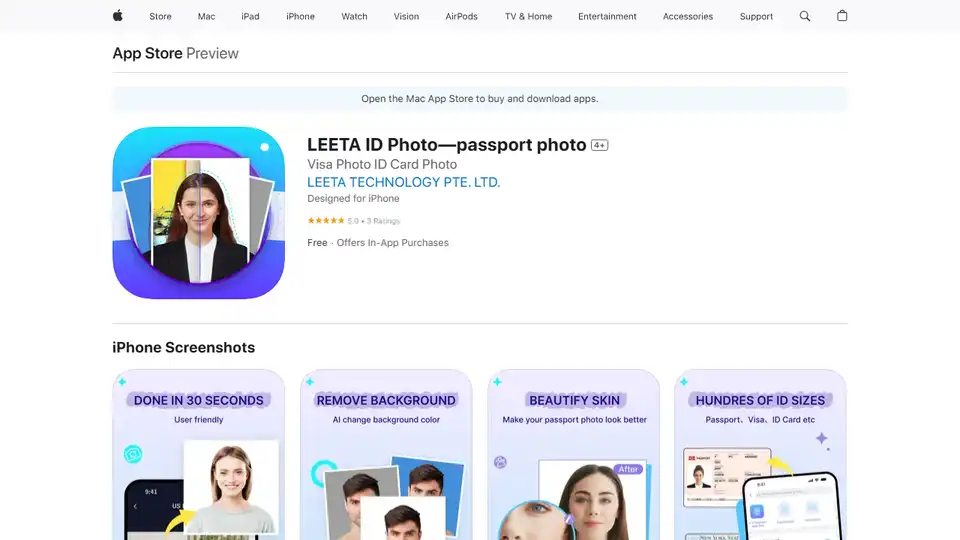
LEETA ID Photo is an AI-powered app to create passport and ID photos in seconds. Resize, background change, and print-ready layouts, all free!