![[Official] Wondershare Filmora – AI Video Editor & App](/assets/logo/filmora-wondershare-com-3a7f7.png)
Filmora
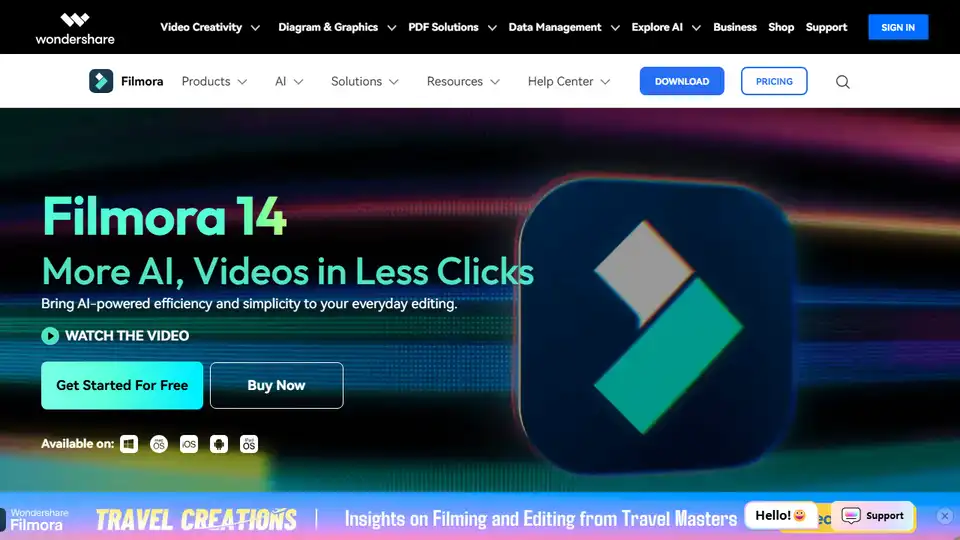
Overview of Filmora
Wondershare Filmora: The AI Video Editor for Everyone
What is Wondershare Filmora?
Wondershare Filmora is an AI-powered video editing software designed for both beginners and professionals. It simplifies the video editing process with its intuitive interface and powerful AI features, making it easy to create stunning videos.
Key Features of Filmora:
AI-Powered Editing:
- Smart Short Clips: Automatically clip long videos into social media-ready short clips.
- AI Video Enhancer: Enhance video quality with one click.
- AI Portrait Cutout: Remove or replace video backgrounds easily.
- AI Audio Enhancer: Improve audio quality by reducing noise.
- AI Text Based Editing: Edit video content using text transcriptions for easy content manipulation and creation.
- AI Audio to Video: Transform audio files into engaging video clips with smooth transitions and synchronized visuals.
Simplified Editing:
- Magnetic Timeline: Edit faster with auto-snapping clips.
- Auto Reframe: Adapt videos for any platform.
- Advanced Compression: Shrink file sizes without sacrificing quality.
Creative Assets:
- 2.3M+ Creative Assets: Access a vast library of video effects, templates, and more.
- Customizable Templates: Create personalized assets with Filmora AI.
How to Use Filmora:
- Import: Import your video clips into Filmora.
- Edit: Use the intuitive interface to trim, add effects, and enhance your video.
- Enhance: Utilize AI tools to improve video and audio quality.
- Export: Export your video in various formats and resolutions.
Why is Filmora Important?
Filmora is important because it democratizes video editing, making it accessible to everyone. Its AI features simplify complex tasks, saving time and effort while ensuring high-quality results.
Where Can I Use Filmora?
You can use Filmora for:
- Social Media: Create engaging content for TikTok, Instagram, and YouTube.
- Business: Produce product videos, presentations, and marketing materials.
- Education: Develop explainer videos and tutorials.
Best Way to Edit Videos with Filmora:
- Start with a Plan: Outline your video content and objectives.
- Utilize Templates: Use Filmora's templates for quick and professional-looking results.
- Experiment with AI Features: Explore AI tools to enhance video and audio quality.
- Optimize for Your Platform: Use Auto Reframe to adapt your video for different social media platforms.
User Reviews:
- Cameron Mayhill: Appreciates the ability to merge multiple short videos.
- Kriti Agarwal: Highlights the software's reliability and ease of use.
- Michael Espiritu: Praises the built-in screen recording feature.
Filmora simplifies complex video editing tasks, making it easier for users to create professional-quality videos. Start your video editing journey today with Filmora!
AI Article Generation AI Text Polishing AI Writing Assistance Paper and Report Generation News and Blog Generation Email and Business Writing
Best Alternative Tools to "Filmora"
Create stunning videos with Wondershare Filmora AI video editing software! Features include AI smart long video to short video, AI portrait matting, dynamic subtitles, multi-camera editing and more. Easy and fun for beginners and professionals!
Wondershare Filmora is a comprehensive AI video editor with smart features like AI-powered cutouts, auto subtitles, multicam editing, and a vast library of effects, making video creation easy and fun.
Wondershare Filmora is an AI-powered video editor with smart features like auto subtitles, AI portrait cutout, and a vast library of effects, making video creation easy and fun.
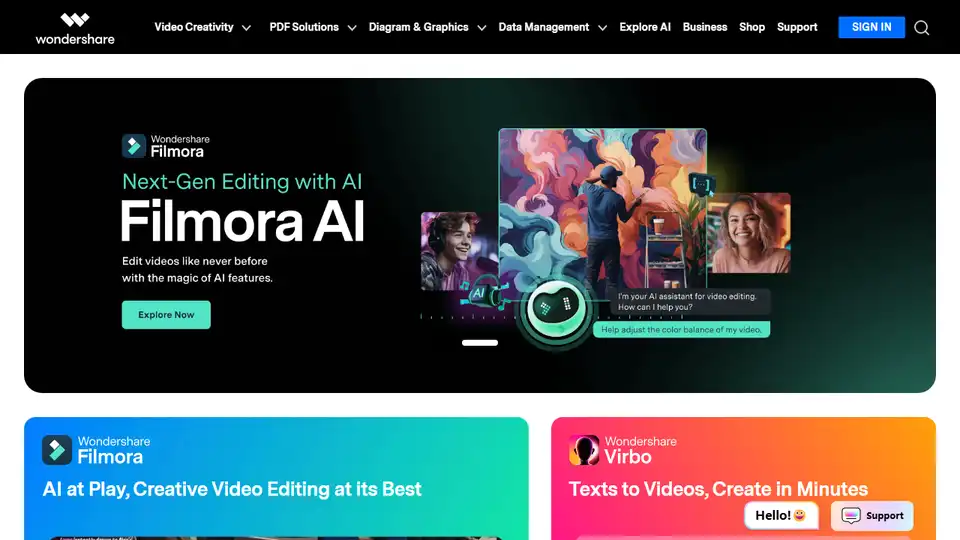
Wondershare provides AI-powered creativity, productivity, and utility solutions, including Filmora, PDFelement, Recoverit, and Virbo, to revolutionize content creation across video, audio, image, and text.